AI tool
AC Bridge
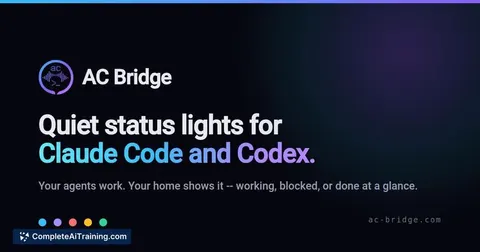
AC Bridge turns your existing smart lights into status indicators for Claude Code and Codex agents. It listens for agent hooks and changes light colors so you know when an agent is working, needs permission, or has finished. This tool is for devel...
About AC Bridge
AC Bridge is a desktop application for Windows, macOS, and Linux that connects local smart lights and plugs to Claude Code and Codex CLI agents. It reads agent hook events to display ambient status through devices you already own, and also lets agents control those devices as a step in a task. The tool works directly with 16 lighting brands on the local network, plus Home Assistant and SmartThings integrations.
Review
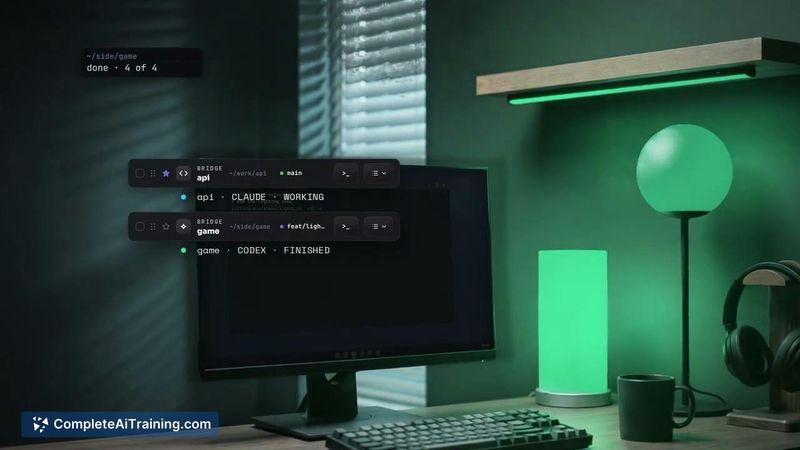
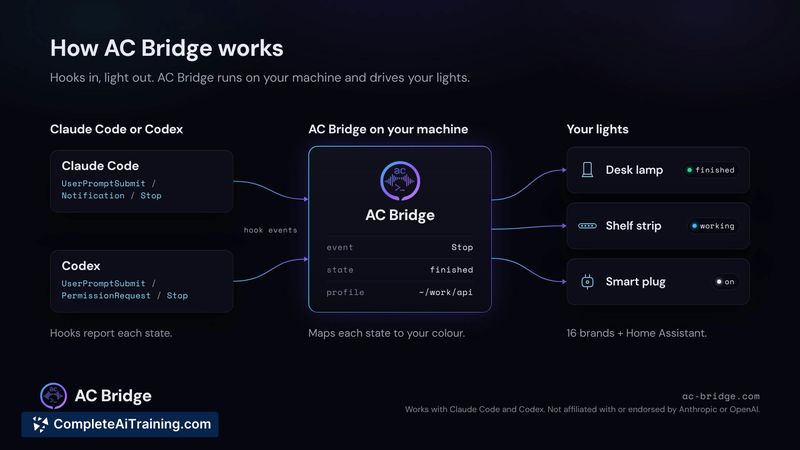
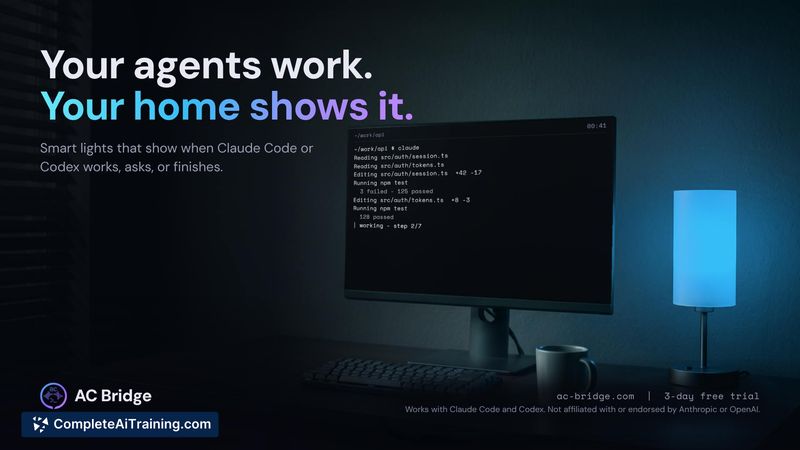
AC Bridge addresses a specific friction point with CLI-based AI agents: you have to actively check the terminal to know what they're doing. Instead of another notification sound or a glance at a screen, the tool repurposes smart lights you already have in the room. It's a narrow utility, but the implementation covers the practical edges-restoring lights to their previous state when a session ends, handling two agents on one light, and refusing commands for locks, garage doors, valves, and cameras.
Key Features
- Maps up to 29 agent states to user-chosen colours and effects, including flash, pulse, strobe, and colour fade
- Runs Claude Code and Codex side by side, each with its own profile, sharing a single light if both are active
- Returns lights to their pre-session state when the agent session ends
- Lets agents switch or adjust connected devices as a task step, with safety restrictions on locks, garage doors, valves, and cameras
- Works locally with 16 lighting brands (Hue, Govee, WLED, LIFX, Nanoleaf, Kasa, and others) and integrates with Home Assistant and SmartThings
Pricing and Value
AC Bridge offers a 7-day free trial that does not require a credit card. After the trial, the subscription costs £2.99 per month. There is no mention of annual pricing, lifetime licenses, or tiered plans in the available information.
Pros
- Uses hardware you already own-no additional hubs or dedicated status lights needed
- Restores original light settings automatically, so the room isn't left in an odd state after a session
- Agent-driven device control includes explicit safety refusals for high-risk items
- One light can represent two agents simultaneously, following whichever session changed most recently
- Effects and colours are configurable per state, with custom timing and return behaviour
Cons
- Limited to two CLI agents currently-Claude Code and Codex-with no support for other coding agents or general automation triggers
- Requires smart lights or plugs from supported ecosystems; users without compatible hardware get no utility from the tool
- Not well suited for users who work primarily through IDEs or GUI-based tools and rarely interact with terminal agents
AC Bridge fits best for developers who spend significant time with Claude Code or Codex in the terminal and already have compatible smart lights in their workspace. The "needs-input" state mapping is the most immediately practical use-it's the one that actually demands attention-while the working and done states provide ambient awareness without requiring a screen check. The agent device-control feature adds a layer of task automation that goes beyond status display, though it's worth testing the safety boundaries with your own setup.