AI tool
Gesso
Gesso is a Mac canvas where AI agents design using real HTML and CSS, producing editable layers instead of static code. It is for designers and developers who want AI-generated layouts they can drag, restyle, and export by hand.
About Gesso
Gesso is a Mac application that connects to AI agents like ChatGPT, Claude, or Cursor to generate designs directly on a live canvas. Rather than returning static code or images, it produces real HTML and CSS layers that users can drag, restyle, and export. The tool is currently in beta and free to try, with the founding member tier priced at $60 for the first year.
Review
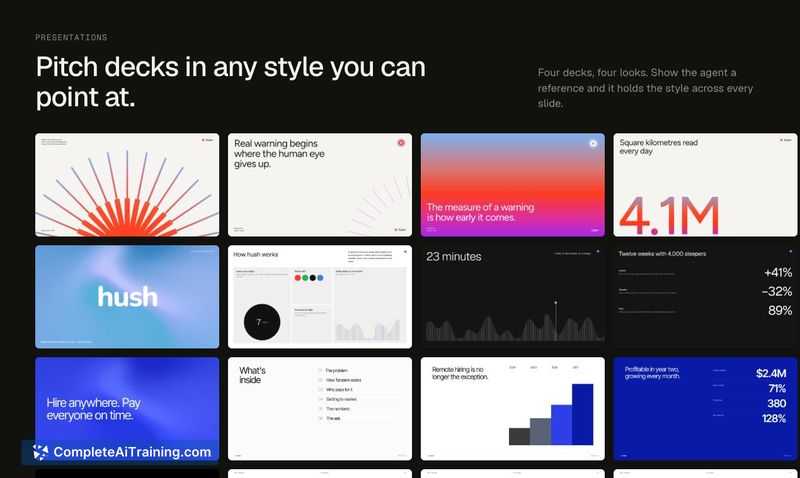
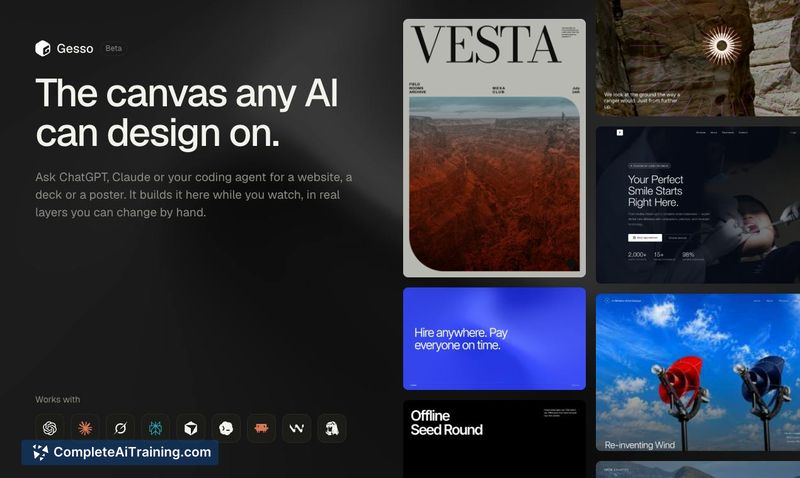
Gesso addresses a specific friction point in AI-assisted design: the gap between generating a layout and actually manipulating it. Most AI design tools output code or a flat image, leaving you to interpret and rebuild the result elsewhere. Gesso keeps the output live and editable on a canvas, which changes the workflow from one-shot generation to iterative refinement.
Key Features
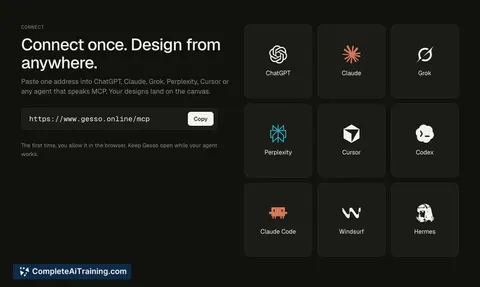
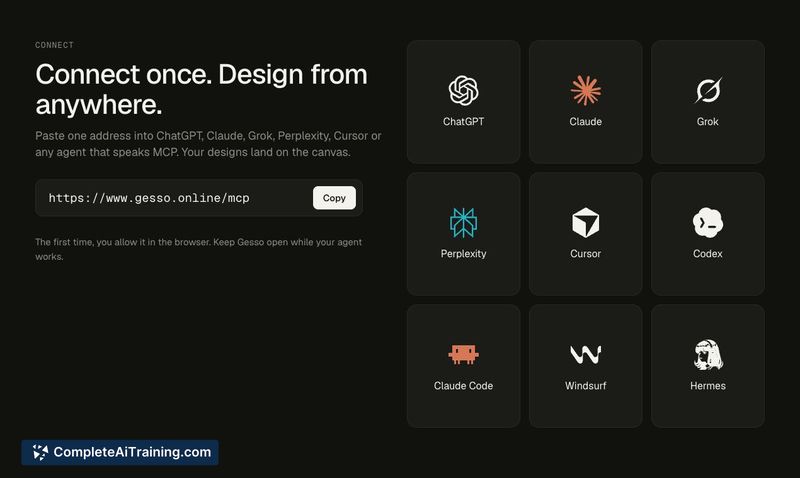
- MCP integration lets you paste a single address into ChatGPT, Claude, Cursor, or any MCP-compatible agent to start designing.
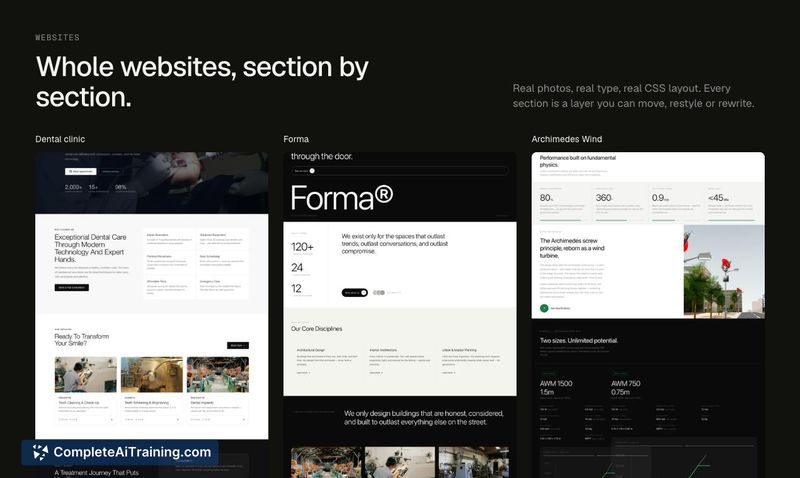
- Real HTML and CSS layers appear on the canvas as the agent builds, and each layer can be dragged, restyled, and repositioned by hand.
- Built-in style guide instructs agents before they design, with presets like minimal, Swiss, editorial, dark tech, bold, brutalist, and playful.
- Export supports HTML and CSS output for handoff to other workflows.
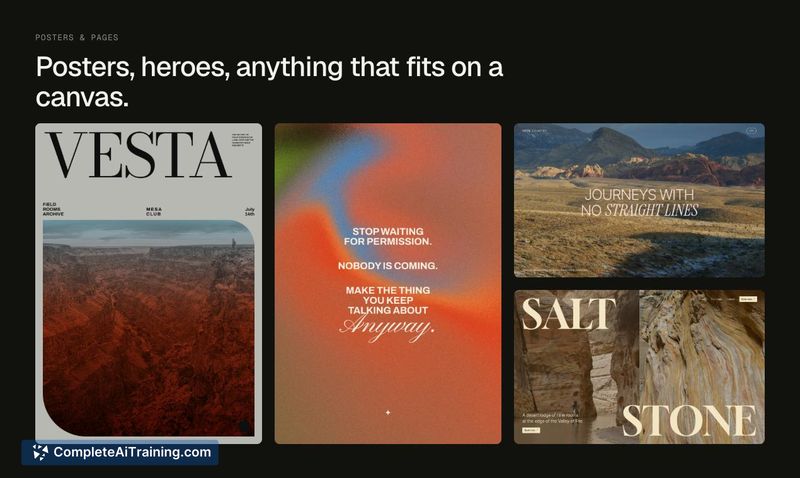
- Gallery of example outputs shows what agents have produced on the canvas using the tool's own pipeline.
Pricing and Value
Gesso is in beta and free to try with 150 agent calls included. The first 100 founding members can purchase a year of access for $60. Pricing beyond the founding member tier has not been defined yet. The free tier gives enough calls to test multiple project types before committing.
Pros
- Layers remain editable as real HTML and CSS after AI generation, so you aren't locked into the initial output.
- Style guide presets give agents a design direction, reducing the generic look common in AI-generated layouts.
- Works with multiple AI agents rather than tying you to a single model or platform.
- Live canvas feedback shows the agent building in real time, which helps catch issues early.
- Export path keeps the output in web-standard formats.
Cons
- Mac-only availability excludes Windows and Linux users from the current beta.
- The 150-call free limit may run out quickly during experimentation, especially with complex multi-layer projects.
- Gesso is not well suited for teams that need direct Figma handoff, as export appears limited to HTML and CSS rather than design file formats.
Gesso fits designers and developers who want AI to produce a starting point they can immediately adjust, rather than a finished asset they have to decode. It's most practical for quick website mockups, decks, and posters where direct manipulation of generated HTML and CSS saves time. Teams dependent on Figma-based handoff pipelines will likely find the export format a constraint.