
AI tool
Afterparty
Afterparty turns meeting transcripts into ready-to-review drafts of follow-up emails, Slack messages, CRM notes, and calendar invites. It is for anyone who wants to save time by having action items drafted and routed to the right tool for approval.
About Afterparty
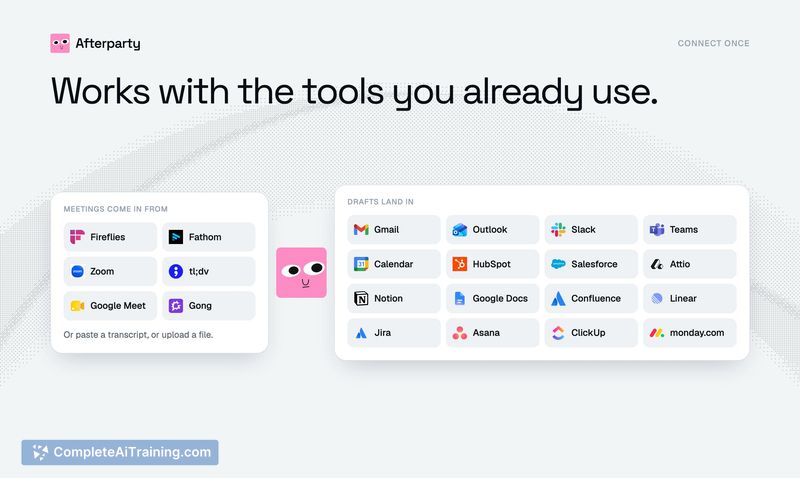
Afterparty is an AI tool that processes meeting transcripts to identify action items and then drafts the corresponding deliverables. It connects to note-taking apps like Fireflies, Fathom, and Zoom, or accepts a pasted transcript. The system generates ready-to-send emails, Slack messages, calendar invites, CRM notes, and Notion docs, but nothing is dispatched without manual approval.
Review
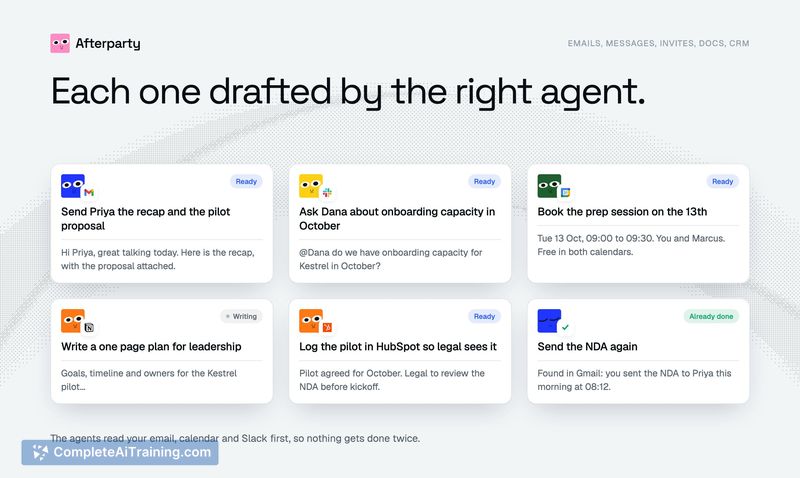
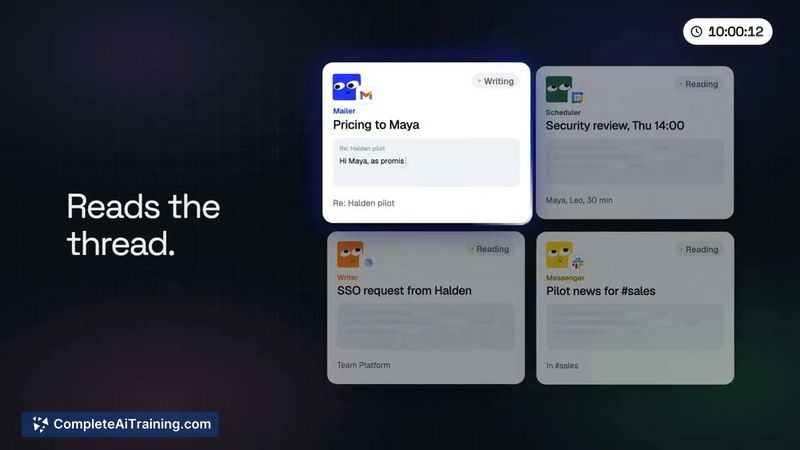
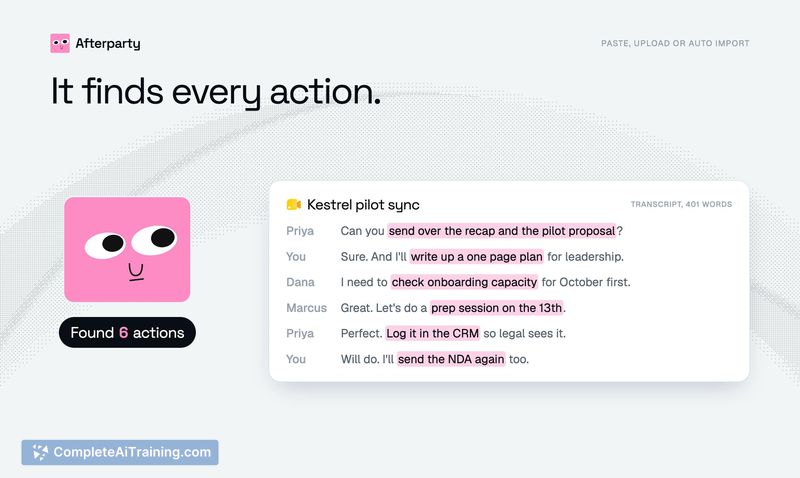
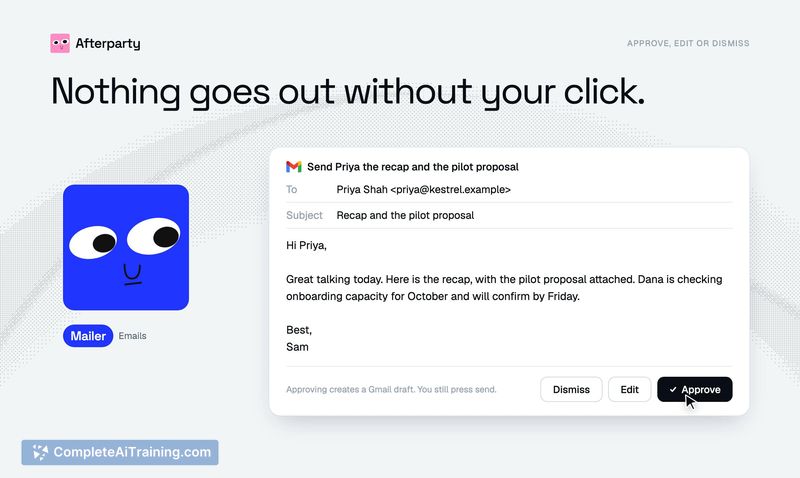
Afterparty targets the gap between a meeting's conclusion and the completion of its follow-up tasks. Instead of producing a static list of action items, the tool reads the transcript, checks your existing email, calendar, and Slack activity to avoid duplication, and then drafts the actual messages and records in their respective apps. The core constraint is that agents cannot send, post, or alter anything-every draft waits for a user click, and emails land as drafts for you to press send.
Key Features
- Transcript ingestion via direct paste or connection to Fireflies, Fathom, Zoom, tl;dv, Google Meet, or Gong.
- Context-aware drafting that scans your sent folder, Slack, and Teams to skip actions you've already completed.
- Multi-channel draft generation directly inside Gmail, Outlook, Slack, Teams, calendar, HubSpot, Salesforce, and Notion.
- Approval workflow where each draft is reviewed, edited, or dismissed individually before any external communication occurs.
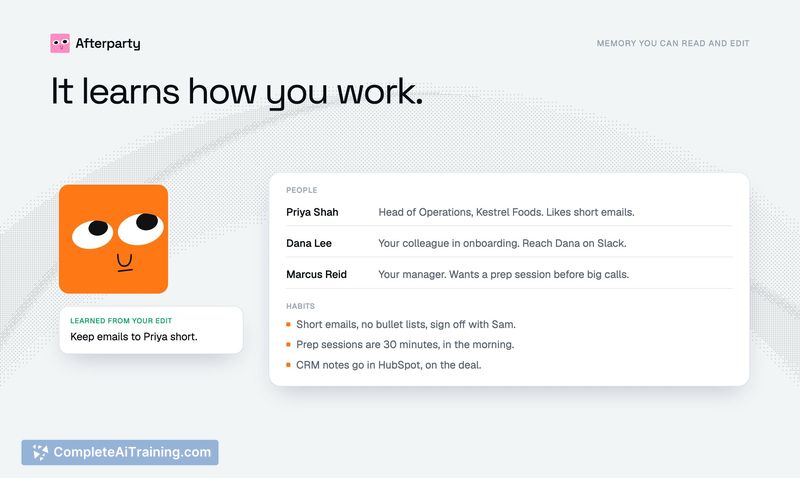
- Language matching that writes in the meeting's language and adapts to your style over time based on edits.
Pricing and Value
A free trial is available with no credit card required. The reference content does not define pricing tiers or ongoing subscription costs, so the post-trial pricing model is not yet clear.
Pros
- Drafts appear inside the actual apps you use, reducing the need to copy-paste between tools.
- Checks sent items and chat history to prevent duplicate recaps or messages.
- Supports a range of task management integrations including ClickUp, Asana, Linear, and Jira.
- Approval step keeps full human control over outgoing communications.
- Learns from user edits to gradually match individual writing style.
Cons
- Granola integration is not yet available (listed as "on the way"), which limits users of that note-taking tool.
- Task assignment to platforms like monday.com is still on the roadmap, not a current feature.
- Teams that prefer fully autonomous, no-approval workflows won't find the manual review step suitable.
Afterparty fits teams and professionals who accumulate a high volume of meeting-driven promises and need those actions turned into drafts without switching between multiple apps. It's less suited for those who want a zero-touch automation where follow-ups fire without review. The tool's current strength lies in catching what was said in passing and surfacing a ready draft in the right place, while keeping the final send decision with the user.



