AI tool
agentbrowse
Agentbrowse helps AI coding agents interact with websites using the accessibility tree instead of brittle CSS selectors. It auto-detects agents and writes native configuration files for tools like Claude Code, Cursor, and Gemini.
About agentbrowse
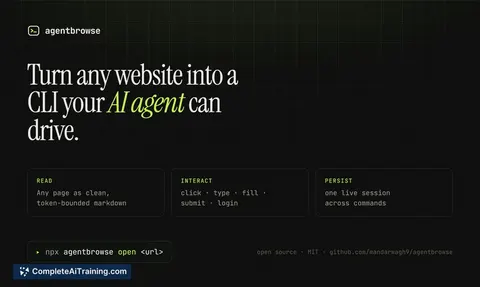
agentbrowse gives AI coding agents a command-line interface to the web. It lets agents open pages, take snapshots, click elements, fill forms, read content as clean markdown, and handle logins. The tool launched this week and is free to use.
Review
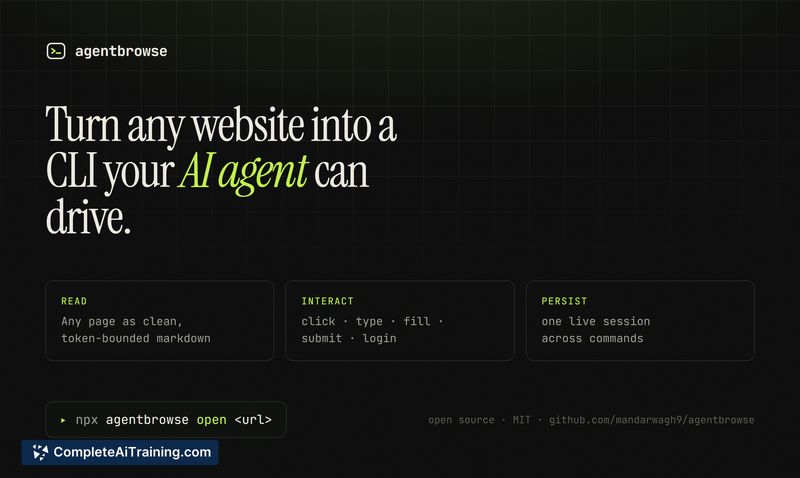
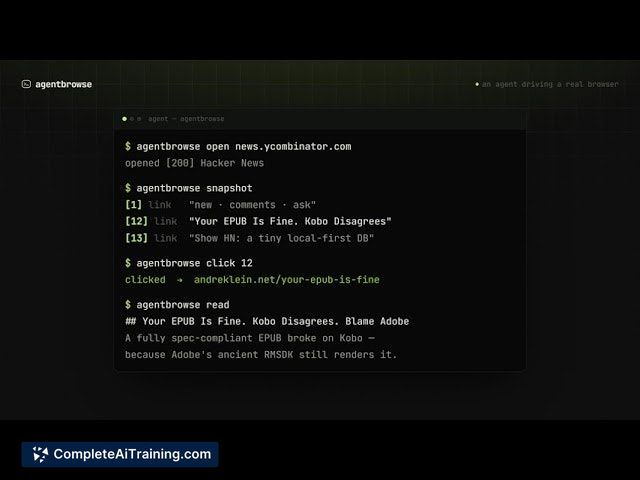
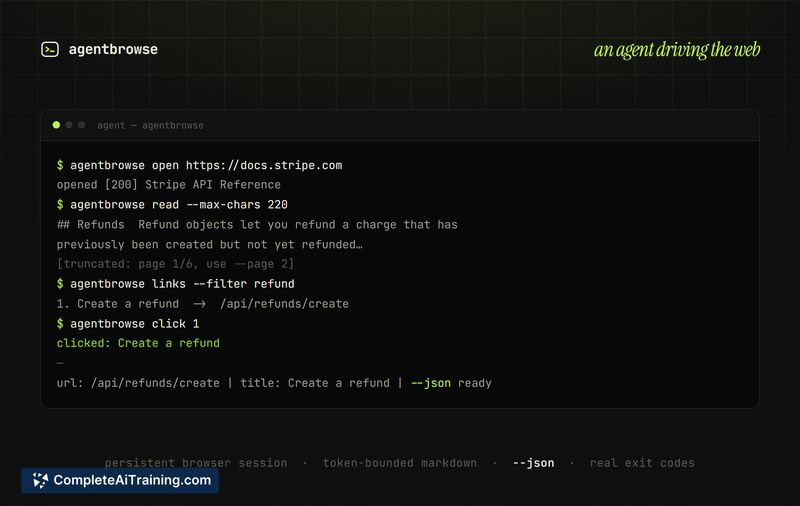
Most AI coding agents operate smoothly inside a terminal but stumble when asked to interact with websites - raw HTML dumps, broken selectors, and wasted tokens are common. agentbrowse addresses that mismatch by making the browser controllable through a set of CLI-like commands. It's built specifically for developers who already run coding agents like Claude Code, Codex, Cursor, Gemini, or Windsurf.
Key Features
- Accessibility tree targeting. Instead of relying on CSS selectors, agentbrowse resolves elements by their ARIA role and accessible name. Actions survive DOM changes, and if a reference goes stale, the tool automatically returns a fresh snapshot.
- One-command agent setup. Running
npx agentbrowse skillauto-detects the coding agents in a project and writes each one's native configuration file. Claude Code users can also install it via/plugin install. - Markdown extraction. Pages are converted to clean markdown before being sent to the agent, reducing context window bloat compared to raw HTML.
- Core browser actions. The tool supports opening URLs, capturing snapshots, clicking, filling inputs, and authenticating against sites that require login.
Pricing and Value
agentbrowse is currently free. No pricing tiers or paid plans have been announced. For developers already using AI coding agents, the time saved by avoiding flaky web interactions and token-heavy HTML can lower iteration overhead directly.
Pros
- Uses the accessibility tree, so interactions are less brittle than selector-based approaches.
- Stale element references are handled automatically - the tool sends back a fresh snapshot without manual intervention.
- Adoption is a single command that detects and configures multiple coding agents at once.
- Outputting pages as markdown keeps token usage lower and makes content easier for agents to parse.
Cons
- The authentication model and session handling (e.g., reusing an existing logged-in browser state) are not yet documented. This limits autonomous workflows behind logins.
- As a tool released this week, there is no established community, plugin ecosystem, or third-party support yet.
- Not well suited for developers who don't rely on AI coding agents or who need a general-purpose browser automation framework outside of a coding agent context.
agentbrowse fits neatly into a workflow where a coding agent already handles the logic and just needs a reliable way to drive web pages. Developers who frequently ask their agents to scrape documentation, fill forms, or test web UIs from the terminal will get the most out of it. Teams that require transparent, auditable browser sessions or complex cross-domain authentication may need to wait for clearer documentation on those aspects.
Jobs agentbrowse suits
We checked agentbrowse against 500+ jobs; these get the most out of it.