
AI tool
Agibot
Agibot is an always-on personal AI agent that runs in the background on your computer, handles web tasks, and sends scheduled updates. It is for people who want a persistent assistant that checks in via app, Telegram, or Slack.
About Agibot
Agibot is an always-on personal AI agent that runs locally on a Mac. It continues working in the background after the application window is closed, handling scheduled tasks and monitoring for changes. The tool can be accessed through its native app, Telegram, or Slack, and it stores conversations and memories on the user's own computer.
Review
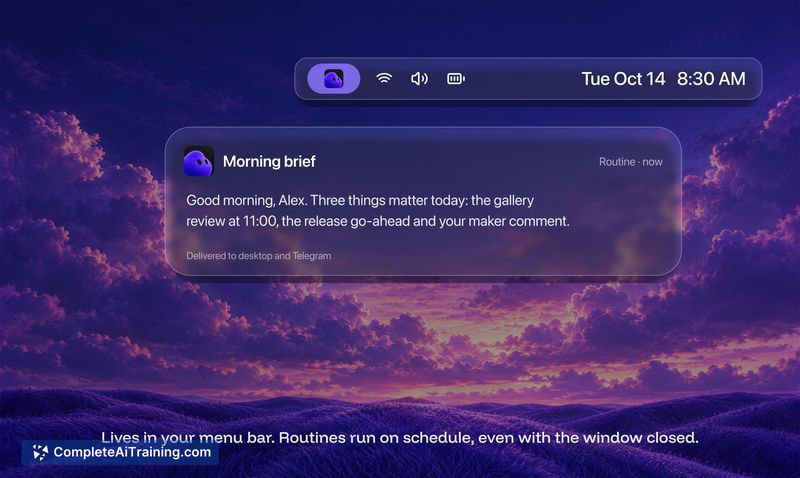
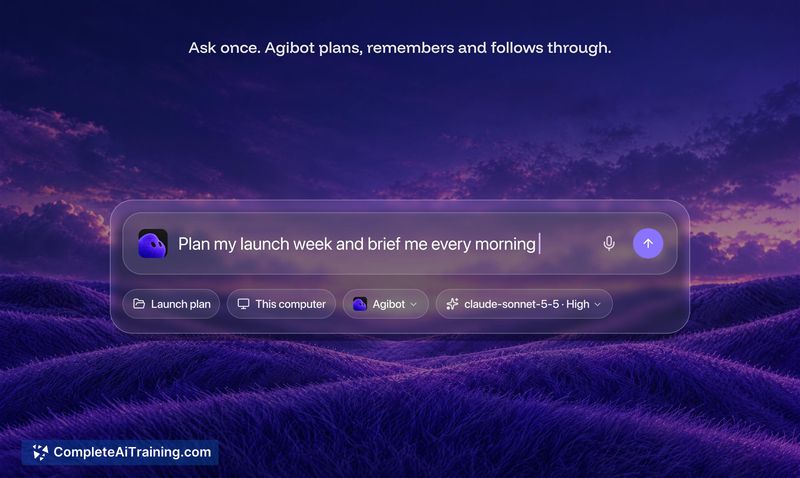
Agibot takes a different approach from cloud-based agents by running everything on the user's machine. It doesn't stop when you close the window - it keeps working, sends updates on a schedule, and waits for changes worth notifying you about. The free pricing model and local-first data storage address two common friction points for people who want an AI agent but hesitate at recurring subscriptions or cloud privacy concerns.
Key Features
- Background operation that continues after the app window closes, with one-click stop
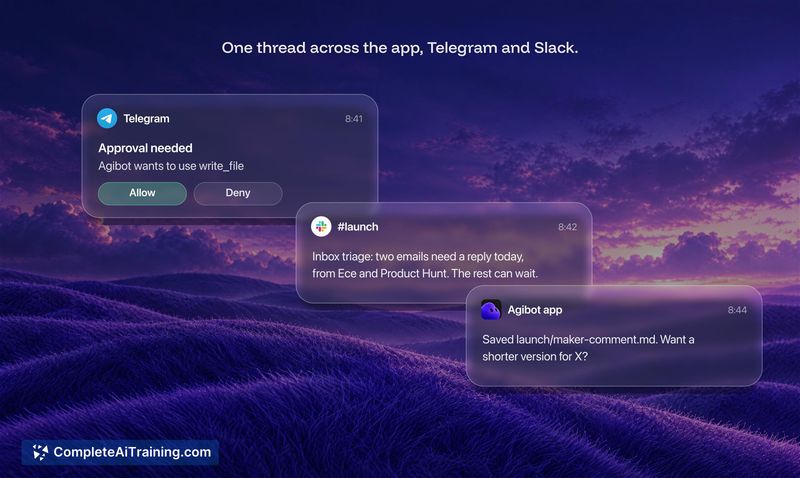
- Multi-channel access through the native Mac app, Telegram, and Slack in a single shared conversation
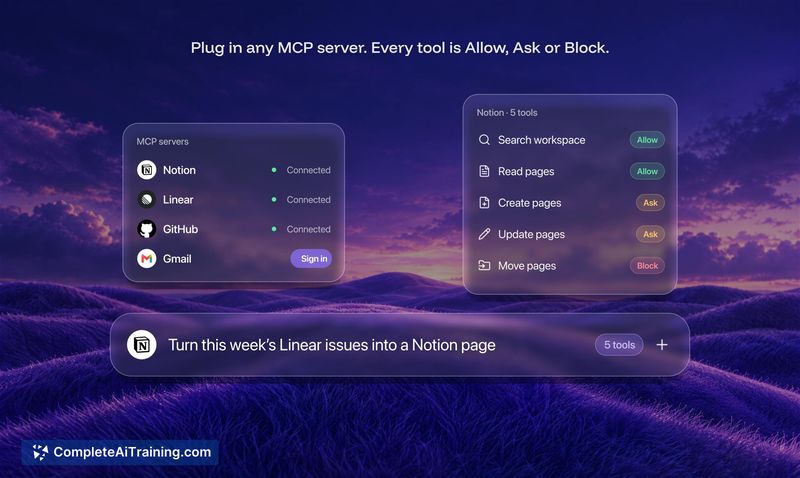
- A fixed tool permission system where every action is set to allow, ask, or block, enforced outside the model
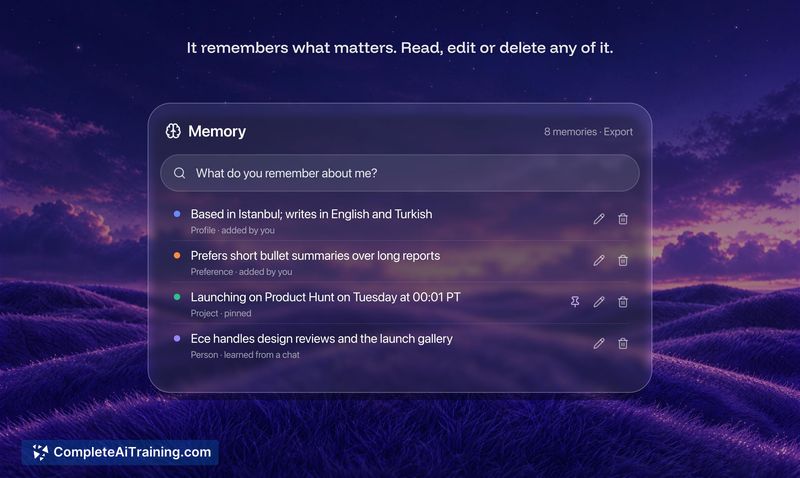
- Persistent memory that follows the agent across all channels, with user-editable entries stored locally
- Model flexibility via OpenRouter, Anthropic's API, local models through Ollama, and other providers
Pricing and Value
Agibot itself is free. Users bring their own API key from OpenAI, Anthropic, Gemini, OpenRouter, or other providers and pay those services directly. Running a local model through Ollama incurs no API costs at all. The tool does not add any markup or fees on top of provider charges. A daily spending cap can be set during setup, and the app checks estimated cost before each API call. The maker has stated plans to connect the cap to live provider pricing, but currently it relies on a price table within the app.
Pros
- Runs locally, so chats and memory stay on your computer rather than a company server
- Works with multiple model providers and allows switching or setting backup models
- Permission defaults err toward safety: shell access is off, new MCP tools start at "ask," and unanswered approval requests default to no
- Memory edits carry across all chat channels without per-app configuration
- Activity log records everything the agent does, with a daily spending cap and provider-level limits available
Cons
- Only runs while the host computer is powered on, so it cannot operate when the machine is off or asleep
- Spending cap currently depends on a static price table and may not catch provider price changes until the app is updated
- Not well suited for users who need an agent that runs on a cloud instance independent of their local hardware
Agibot fits users who want an AI agent that runs on their own Mac, works across Telegram and Slack, and doesn't add a subscription fee. The local storage and fixed permission system give it a specific safety profile that some alternatives with cloud-only architectures don't match. People who need 24/7 operation regardless of their computer's power state, or who prefer a fully managed cloud agent, will find that limitation worth considering.



