AI tool
Argos
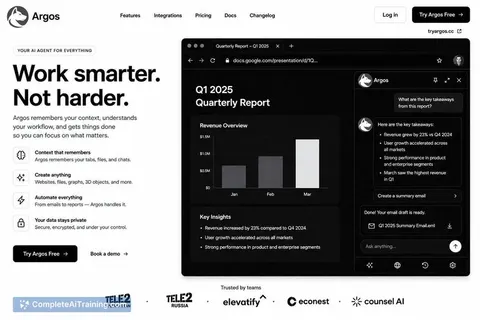
Argos is a browser-based AI agent that completes tasks in your logged-in accounts by clicking, typing, and filling forms on your behalf. It runs locally so your data stays on your device, and it pauses to ask permission before any destructive acti...
About Argos
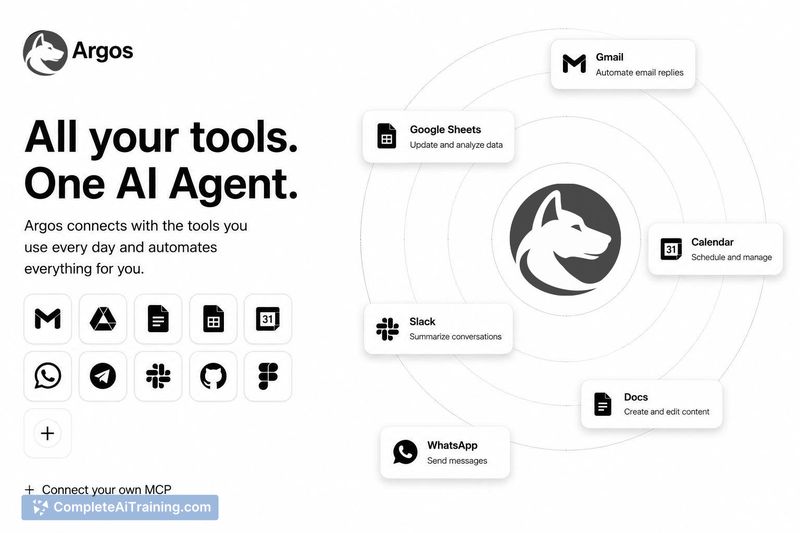
Argos is a browser-based AI agent that performs tasks inside your own logged-in accounts. It clicks, types, fills forms, and completes workflows in Gmail, Docs, and Sheets, with connectors for GitHub, Slack, and Notion. The tool launched this week and is free to start.
Review
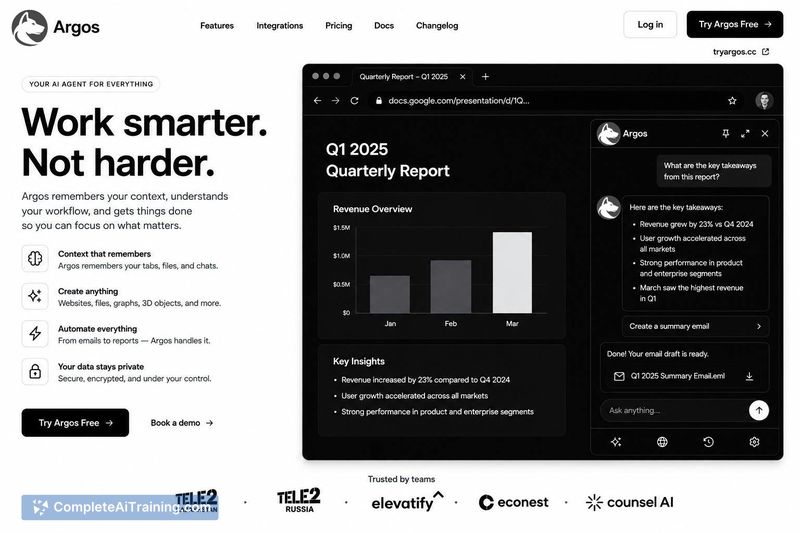
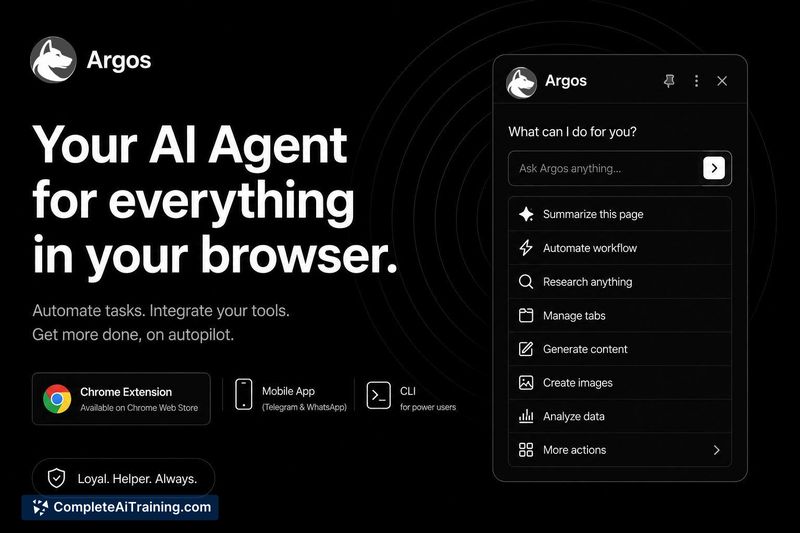
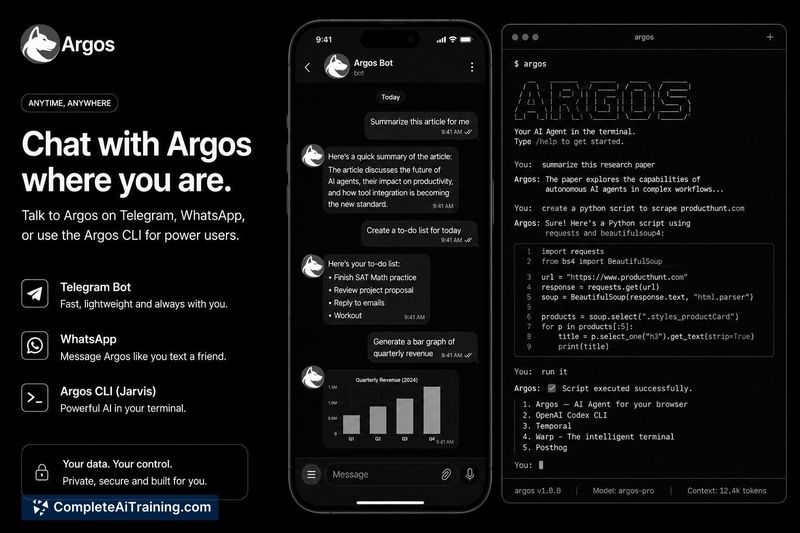
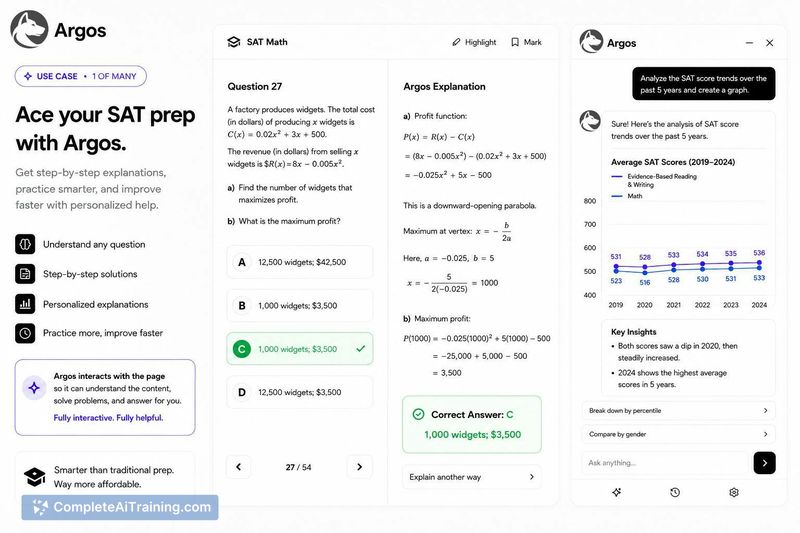
Argos positions itself differently from chat-based AI assistants. Instead of giving instructions, it executes actions directly in the browser. The tool is built on Claude by Anthropic and runs locally, which means your data stays on your device.
Key Features
- Browser-native execution using your existing logged-in accounts
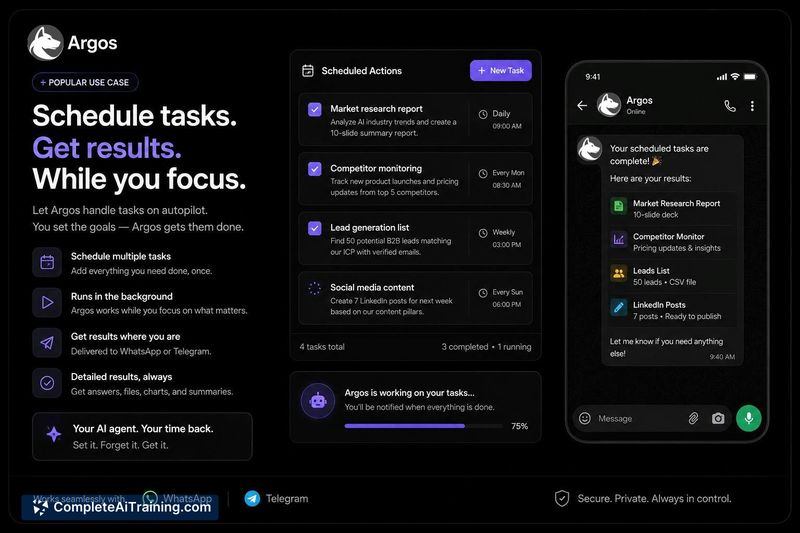
- Interaction via sidebar, Telegram, or WhatsApp, with live or background task runs
- Native integration with Gmail, Docs, and Sheets
- Connectors for GitHub, Slack, and Notion
- Local data processing with confirmation prompts before destructive actions
Pricing and Value
Argos is free to start, though specific pricing tiers beyond that are not yet defined. Payments are handled through Polar, an open source monetization platform. The Chrome Web Store listing still shows the previous name "Lyto" while the rebrand is being completed.
Pros
- Re-locates target elements right before acting, avoiding stale references from earlier in a task
- Verifies actions by checking consequences like field values, network requests, or DOM changes rather than just event firing
- Waits for the DOM to settle instead of using fixed timeouts before interacting
- Runs locally, keeping user data on the device
Cons
- Google has not yet verified the app for sensitive Gmail/Docs/Sheets access, showing a warning until that review completes
- The rebrand from Lyto to Argos is incomplete, with the old name still appearing in some places like the Chrome Web Store
- Not well suited for users who need a fully verified, mature product with a long track record, as it just launched this week
Argos works best for individuals who want to offload repetitive browser tasks and are comfortable with an agent acting on their logged-in accounts. The verification process with Google is pending, so users who require formal third-party approval before granting account access may want to wait. For those willing to test a newly launched tool, it offers a concrete alternative to assistants that only provide instructions.
Jobs Argos suits
We checked Argos against 500+ jobs; these get the most out of it.
Alternatives to Argos
Other tools that do the same main job. Our AI compared Argos with similar tools and kept the ones you could use instead.