
AI tool
Atticus
Atticus is a Mac assistant activated by holding Control-Option-Space that executes spoken commands like opening apps, filling forms, or completing purchases. It reads your screen to answer questions about open documents and emails, asking permissi...
About Atticus
Atticus is a free, open-source Mac assistant that executes voice commands when you hold a keyboard shortcut, speak, and release. It handles tasks like opening apps, shopping online, filling out forms, and answering questions about on-screen content. The tool uses your own Claude plan for AI-dependent requests while running simple commands locally with no AI involvement.
Review
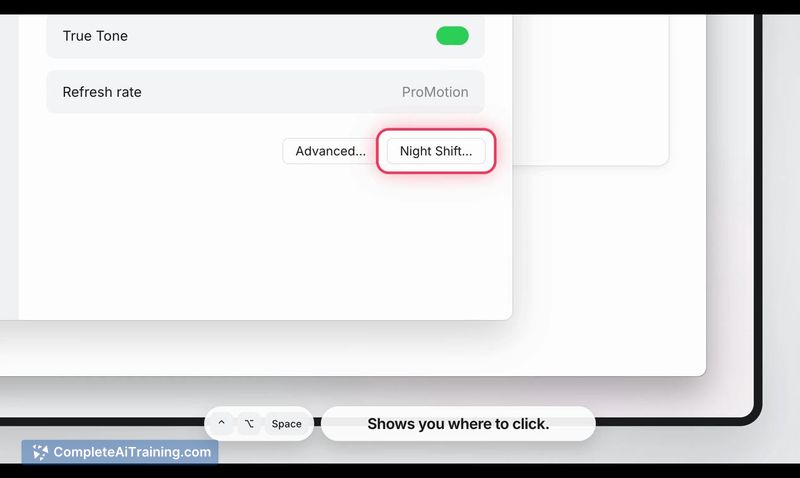
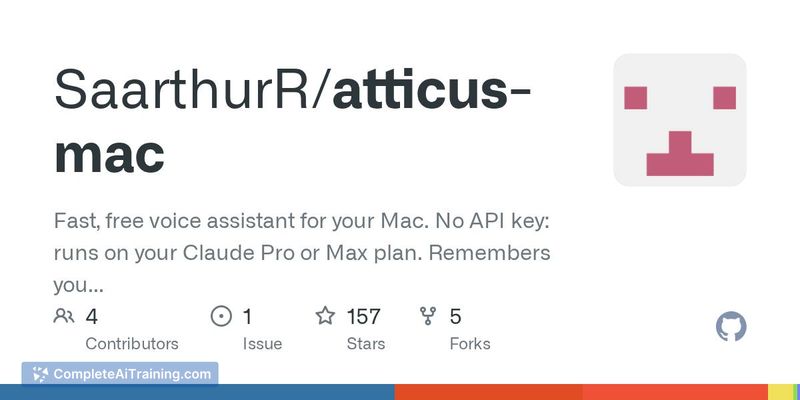
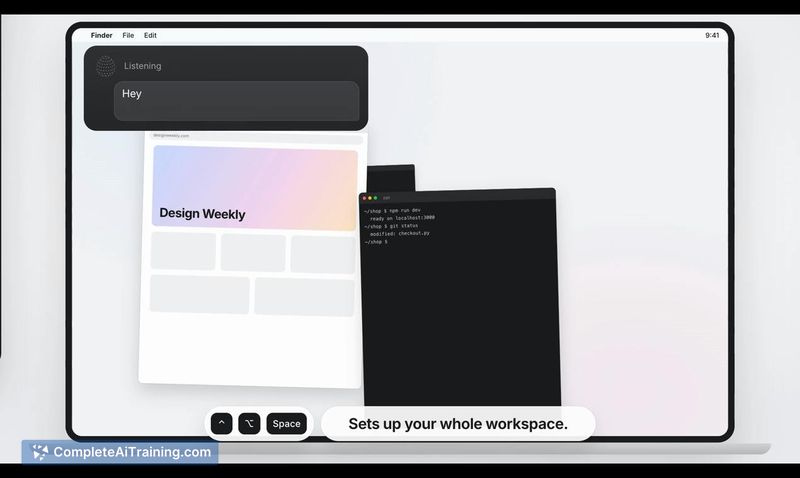
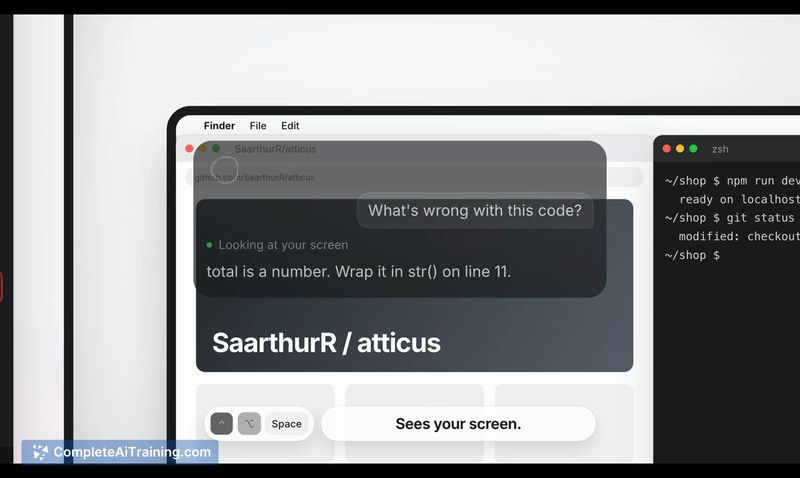
Atticus takes a direct approach to desktop voice control. Instead of a chatbot that only generates text, it performs actions on your Mac-opening Spotify, adding items to an Amazon cart, or replying to an email you have open. The developer, a high school student, released it this week as free and open-source software.
Key Features
- Hold-to-talk voice commands. Press Control-Option-Space, say what you want, and release. Simple tasks like launching an app execute in under a tenth of a second without touching an AI model.
- Screen-aware assistance. Atticus reads what's on your screen to answer questions about a PDF, draft email replies, or fill out visible forms with your saved information.
- Shortcut learning. When you ask for the same thing twice, Atticus creates a shortcut that cuts execution time nearly in half on subsequent requests. You can view, add, remove, or edit these shortcuts in settings.
- Meeting Copilot. Atticus listens during calls and surfaces answers to questions people ask you.
- Configurable AI backend. While it defaults to Claude, you can configure it to use other providers including OpenAI, Ollama, and Devin.
Pricing and Value
Atticus itself is free and open source. There is no separate subscription for the tool. For tasks that require AI processing, it uses your existing Claude plan-so those requests incur no additional cost beyond what you already pay. Simple commands that don't need AI run entirely on your Mac.
Pros
- Runs locally for basic commands, which keeps response times under a tenth of a second.
- Asks for confirmation before completing purchases, sending messages, or deleting anything.
- Works with multiple AI providers, not locked to a single service.
- Open-source codebase lets you inspect or modify how it operates.
- Learns from repeated requests and stores configurable shortcuts you can manage manually.
Cons
- Requires a paid Claude plan for any AI-dependent task; there is no free AI fallback included.
- Meeting Copilot and screen-reading features depend on what's visible, so they may miss context outside the active window.
- Not well suited for users who prefer typing over voice input or who work in environments where speaking commands aloud isn't practical.
Atticus fits users who already subscribe to Claude and want a voice-driven way to control their Mac without adding another paid tool. The shortcut-learning system and configurable AI backend give it flexibility, though it won't replace keyboard-and-mouse workflows for people who rarely use voice commands. It's a new release, so expect the feature set to evolve based on what the developer builds next.



