
AI tool
Audimate
Audimate is an AI assistant that works directly inside your existing apps. Point at elements on your screen and describe what you want it to do, so it can guide you through tasks or run them automatically. It is built for professionals who want to...
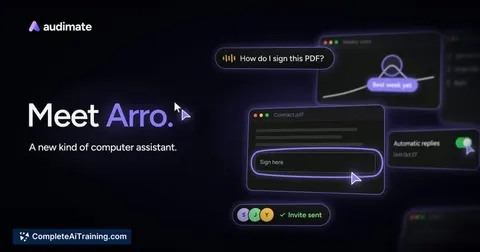
About Audimate
Audimate is a newly launched AI assistant called Arro that operates directly within the desktop applications a user already has installed. Instead of working inside a separate chat window, Arro can point at on-screen elements, follow multi-step instructions, and execute repetitive tasks across different programs. The tool is available now for Windows and Mac, with a free tier and planned paid plans for higher usage and scheduled automation.
Review
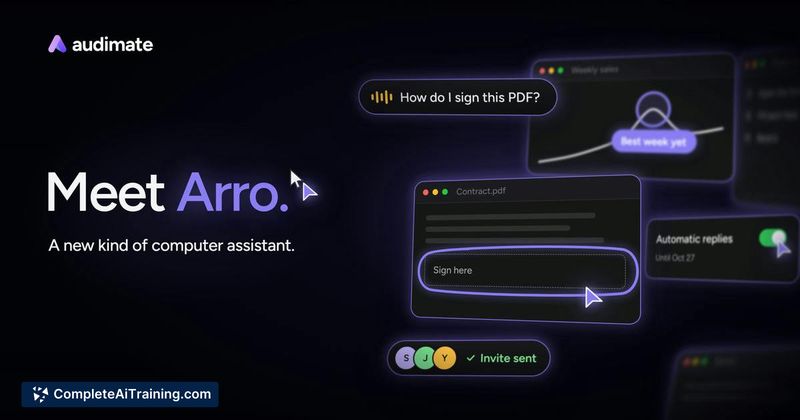
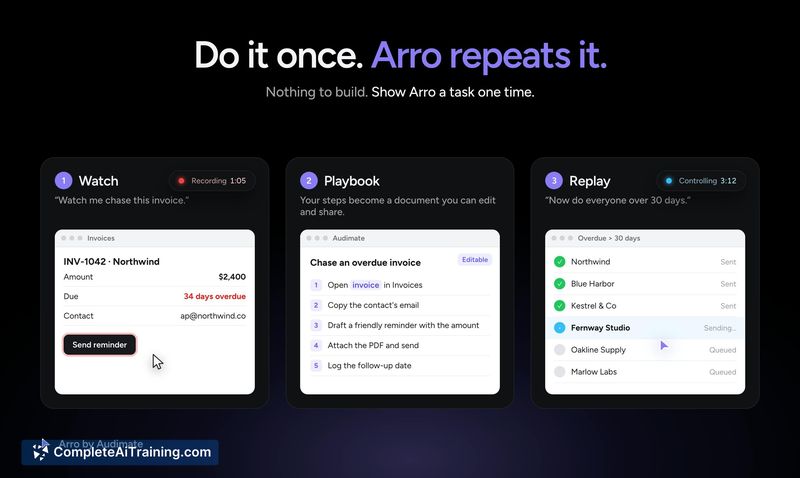
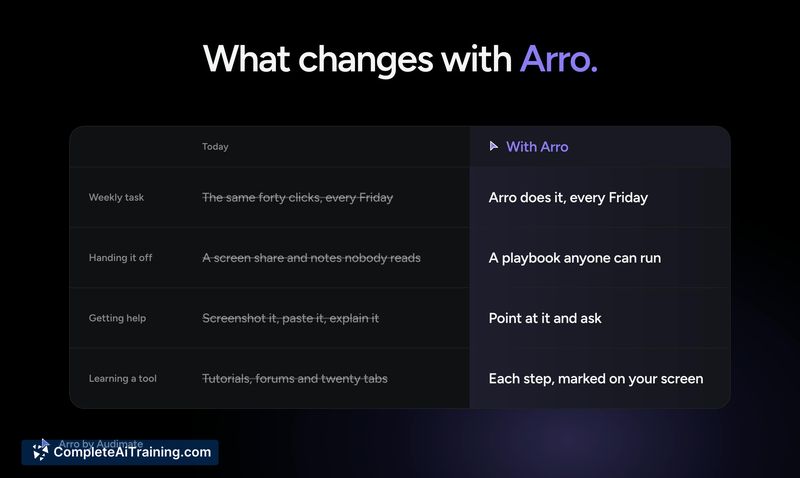
Audimate takes a different approach to desktop automation by embedding an assistant that watches and interacts with your actual screen. Rather than requiring users to build integrations or write scripts, Arro observes a task once and converts those actions into an editable playbook. The makers position this as a way to skip technical setup, though the long-term reliability of screen-based automation across app updates remains a practical question.
Key Features
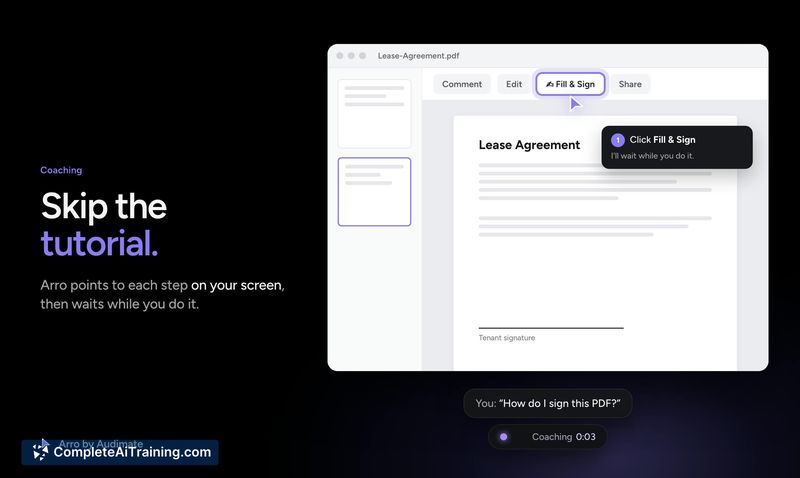
- On-screen guidance: Arro marks each step on the screen and waits for the user to complete it, functioning as a live tutorial overlay.
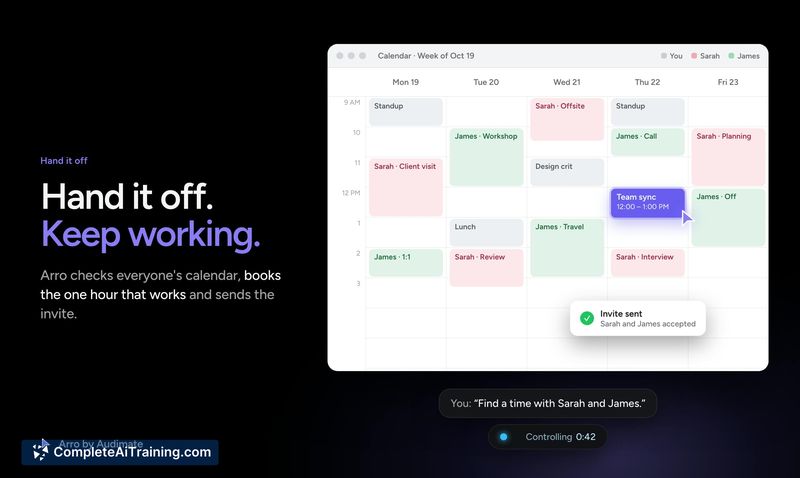
- Task handoff: A user can ask Arro to perform a multi-app task-such as finding a meeting time and sending a calendar invite-while continuing other work.
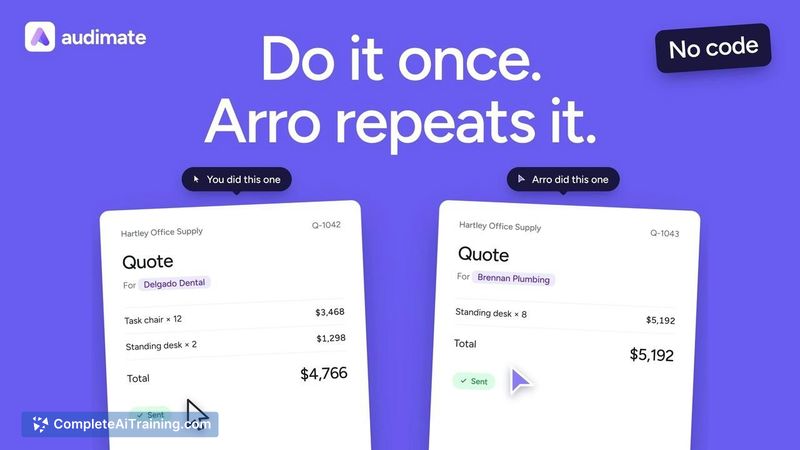
- Playbook creation: After watching a task once, Arro writes a human-readable, editable playbook that it can repeat on demand or on a schedule.
- Self-updating steps: When an app's layout changes, Arro locates the relocated button or menu item and updates the playbook accordingly, notifying the user of the specific change before applying it.
- Background task queue: Multiple tasks can run in the background, organized through a task board where items move from an inbox to a work queue.
Pricing and Value
Audimate is free to start on Windows and Mac. The makers have stated that paid plans will add more usage and automated workflow runs, but specific pricing tiers or limits are not yet defined. The free tier includes the core assistant, playbook recording, and task execution features as described at launch.
Pros
- Works within existing desktop apps without requiring API integrations or connector setups.
- Playbooks adapt when an application's interface changes, reducing maintenance work on recorded workflows.
- Background execution lets users queue tasks and continue using their computer while Arro works.
- Playbooks remain in a readable, editable format that teams can share and review.
- Push-to-talk voice input uses fast transcription, keeping the interaction loop short.
Cons
- Screen-based automation can be fragile with complex or heavily animated interfaces, where visual cues may shift unpredictably.
- Paid plan details remain unspecified, making it difficult to assess long-term cost for teams that rely on scheduled workflows.
- The tool is not well suited for users who need to automate backend processes or API-level tasks that have no visible on-screen interface.
Audimate fits professionals who spend significant time on repetitive, cross-application tasks and want to capture those workflows without building formal integrations. It's less applicable for headless or server-side automation where no graphical interface exists to interact with. The self-correcting playbook feature addresses a common pain point with documentation and recorded macros, though the product's maturity will become clearer as more users test it across diverse app environments.



