About Battery Autopilot
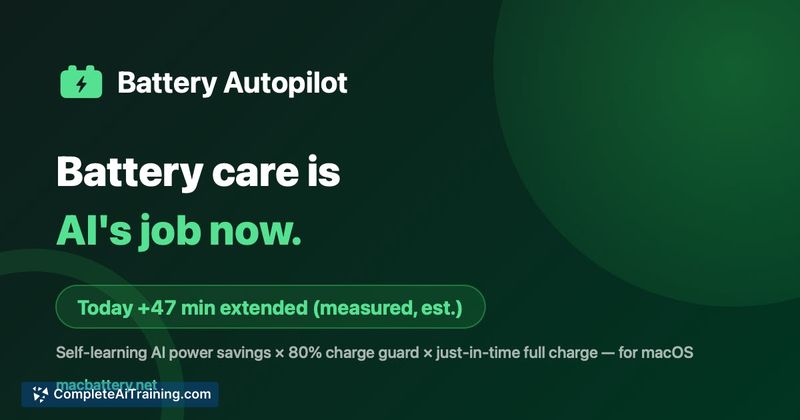
Battery Autopilot is a Mac utility that hands battery care over to an AI system. It learns your daily charging and usage habits, then automates power-saving measures - holding charge at 80%, testing background adjustments, and timing a full top-up before you typically unplug. The tool runs a 3-day free trial with no card required.
Review
Instead of relying on manual rules or one-size-fits-all settings, Battery Autopilot builds a personalized strategy per Mac. The tool measures the actual wattage effect of each action and only keeps what works, while local guardrails prevent unwanted changes. A menu bar readout makes the day's added runtime visible at a glance.
Key Features
- Holds charge at 80% to reduce wear, with a self-healing guard that reapplies the limit if macOS overrides it.
- Tests power-saving tweaks in the background and applies only those that measurably cut consumption on your specific machine - foreground apps are never touched.
- Predicts when you normally unplug and times a full charge to finish right before that departure point.
- Displays the cumulative benefit in the menu bar, e.g., "+47 min extended today."
- All learning happens on-device; decisions pass local safety guardrails before they take effect.
Pricing and Value
A 3-day free trial is available without entering payment details. Stripe handles subscription billing, which points to a paid model after the trial, but exact pricing tiers or renewal costs are not yet publicly defined. The trial length lets you verify whether the tool's estimates match your actual usage before committing.
Pros
- On-device learning means personal patterns stay local and aren't shared with cloud servers to apply actions.
- The 80% charge guard self-heals, so a single macOS override doesn't permanently disable the limit.
- Menu bar feedback translates power savings into a concrete number you can check without opening a dashboard.
- Foreground app behavior is never altered - only background processes and system settings are tested.
- The pre-departure top-up is timed to your unplug routine, reducing time spent sitting at 100% charge.
Cons
- The tool is Mac-only, leaving Windows and Linux users without an equivalent.
- A 3-day trial may not be enough to assess long-term battery health effects, which unfold over weeks or months.
- It is not well suited for users who need their battery at 100% at all times, since the charge limit caps at 80% until a top-up is scheduled.
Battery Autopilot fits Mac users who keep their laptop plugged in for long stretches and want automated, evidence-based battery care without micromanaging settings. The charge limit and departure timing make it practical for people with predictable daily unplug routines. It won't work for those who require a full battery immediately at any moment or who prefer to control every power setting themselves.
Open 'Battery Autopilot' Website
Your membership also unlocks: