AI tool
Beam.win
Beam.win lets you open individual windows from another Mac directly on your current desktop, with full keyboard, audio, and file drag-and-drop support. It is for users running headless or remote Apple silicon Macs who need to interact with apps an...
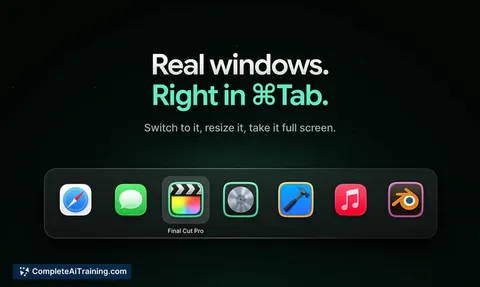
About Beam.win
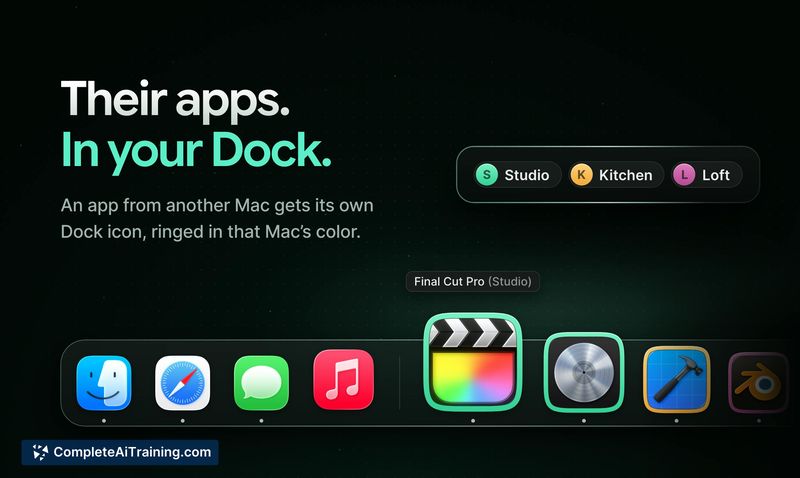
Beam.win is a macOS utility that lets you run applications on one Apple silicon Mac and interact with their windows on another Mac as if they were local. Each remote window gets its own Dock icon and ⌘Tab presence, with support for keyboard input, file transfers, and audio. Connections between Macs are encrypted and work over a local network or through Tailscale.
Review
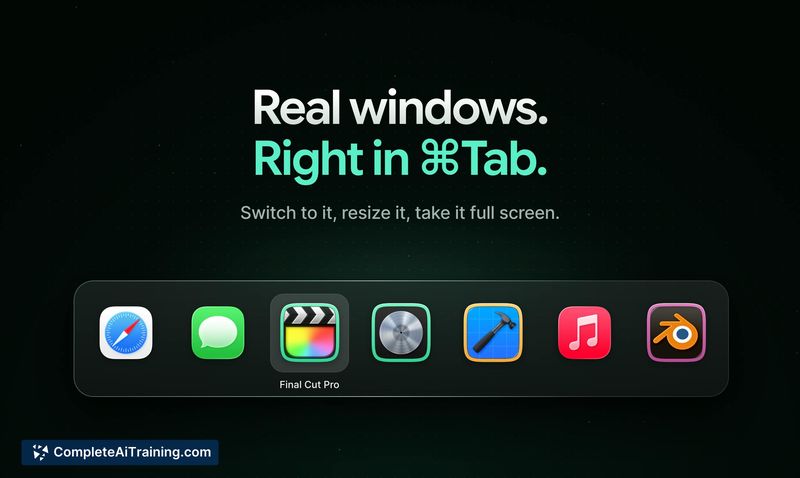
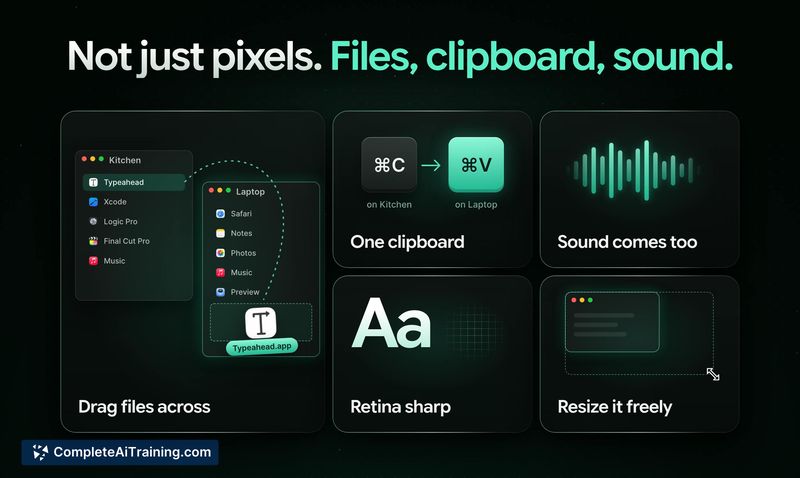
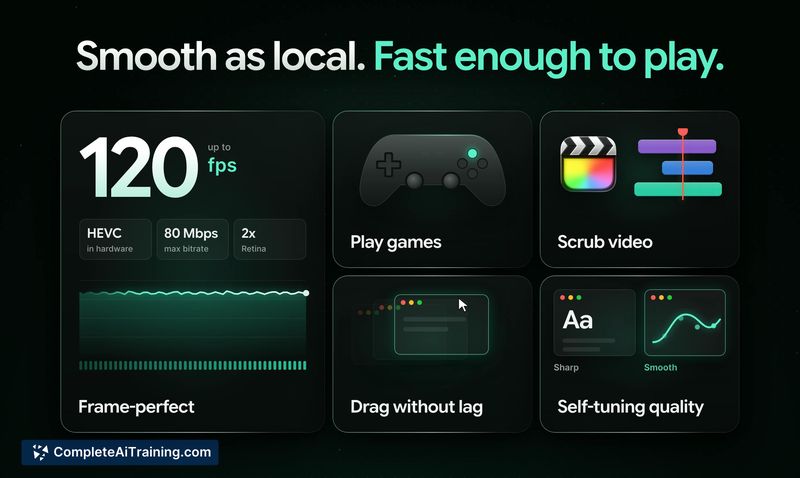
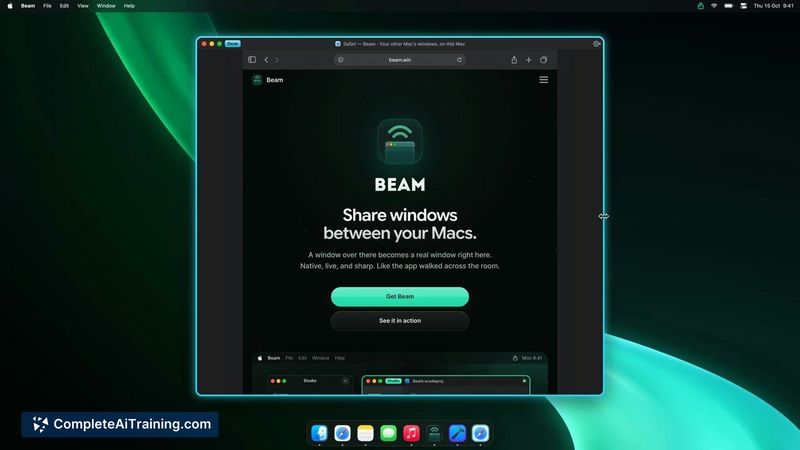
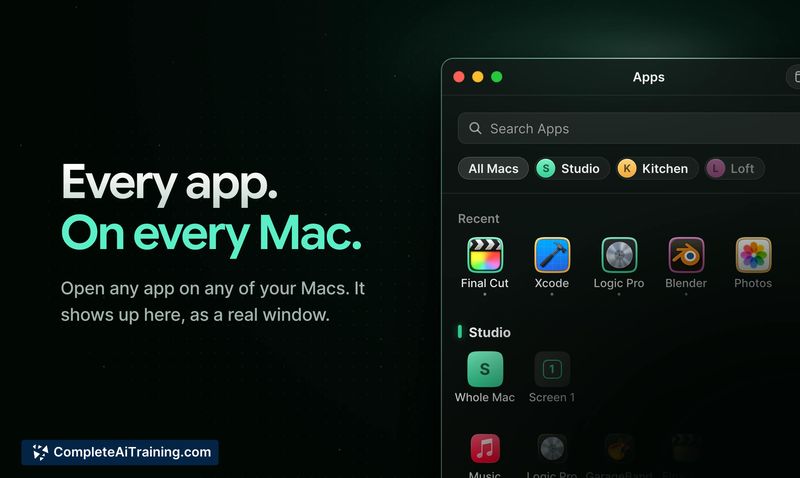
Beam.win addresses a specific friction point for people who keep a second Mac running agents, builds, or local models. Instead of opening Screen Sharing and dealing with a full remote desktop, Beam.win pulls individual app windows onto your primary machine. The tool launched this week and is free to try with a 20-minute daily session limit.
Key Features
- Open individual app windows from a remote Mac, each appearing as a separate window with its own Dock icon and ⌘Tab entry on the local machine.
- Move files between the two Macs and hear audio from the remote app through the local machine's speakers.
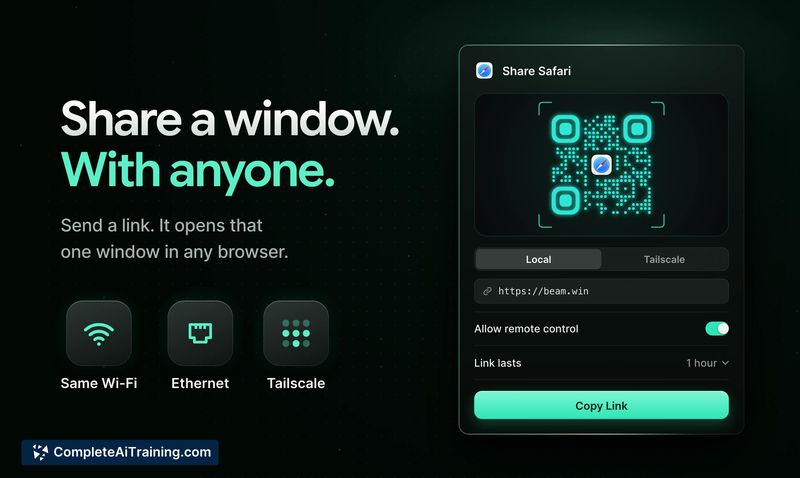
- Create share links to view and control a Mac's windows from a phone browser with touch support, with the window resizing to fit the device screen.
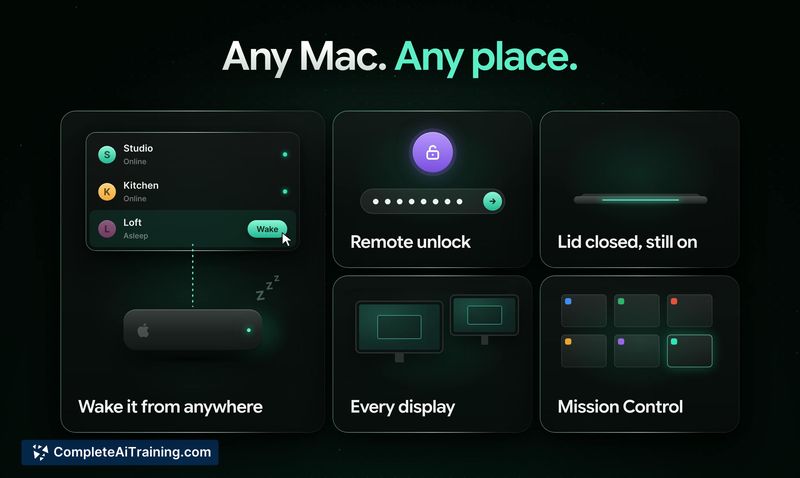
- Beam keeps the remote Mac awake during active sessions and reconnects automatically if the connection drops due to Wi-Fi blips or network changes.
- Adjustable frame rate and resolution caps in Settings for managing bandwidth over constrained connections.
Pricing and Value
Beam.win is available as a free download. The free tier includes 20 minutes of usage per day. The makers have not published pricing for a paid tier beyond the free daily limit; longer-term pricing remains undefined at this stage. The product's creator has a history of offering lifetime deals on other tools, but no such model has been confirmed for Beam.win.
Pros
- Treats remote windows as first-class local windows rather than forcing users through a full remote desktop session.
- Connections are encrypted end-to-end and work over Tailscale without port forwarding, making remote access across cities practical.
- Works with headless Mac minis and Studios, including with the lid closed on a MacBook.
- Phone-based access via share links resizes windows to fit the device screen, with native iOS and Android apps on the roadmap.
- Auto-reconnect and wake-keeping behaviors mean sessions survive network interruptions without losing state.
Cons
- The free tier's 20-minute daily cap limits extended evaluation before committing to whatever paid plan eventually emerges.
- Requires Apple silicon Macs running Sonoma or later on both ends, which excludes Intel Macs and older macOS versions.
- Not well suited for users who only occasionally need remote access and don't run persistent workloads on a secondary Mac-the setup overhead outweighs the benefit for one-off checks.
Beam.win fits neatly into workflows where a dedicated Mac runs agents, local models, or long builds that need occasional GUI interaction from another machine. Developers and AI practitioners with headless Mac minis or Studios will find the individual window model more practical than full-screen remote desktop tools. For anyone who only sporadically peeks at a second Mac, the daily time cap and requirement for two Apple silicon machines may make it less useful.