AI tool
BOSS Console
BOSS Console is an open-source operating environment that gives always-on AI agents a shared browser, terminal, and editor to work in. It is for developers who want to run agents like Claude Code or Codex and inspect or control their activity acro...
About BOSS Console
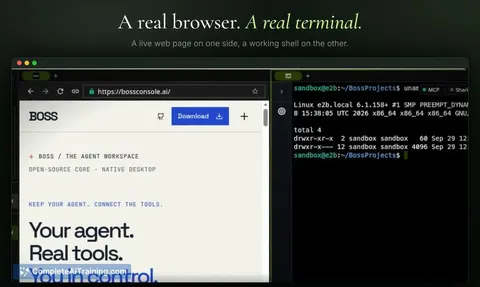
BOSS Console is a workspace environment described by its makers as a "tiny OS for your always-on agents." It gives AI agents access to a shared browser, terminal, and editor, and lets users observe and step in during an agent's session. The tool runs on macOS, Windows, and Linux, and its source code is available on GitHub.
Review
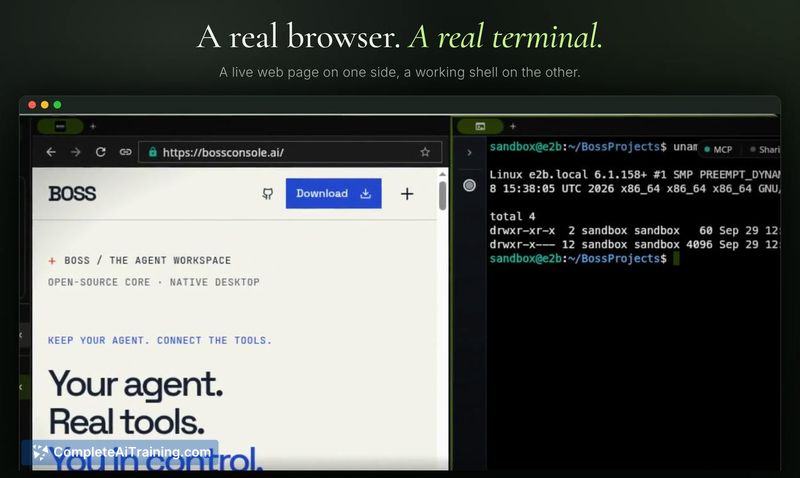
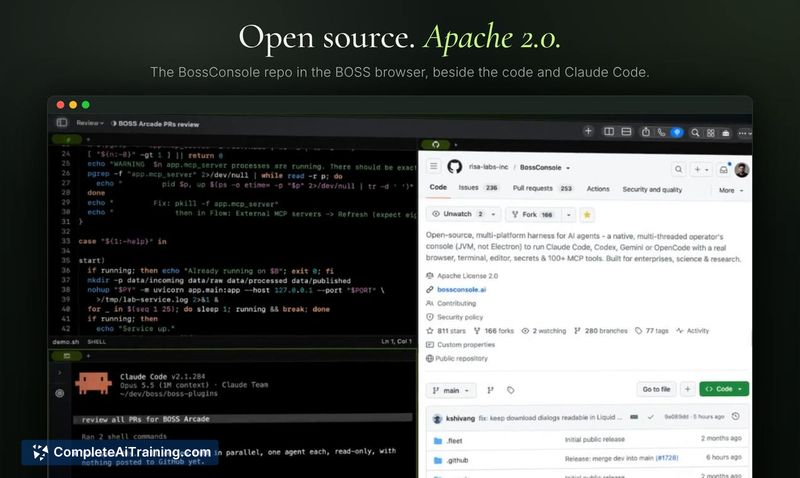
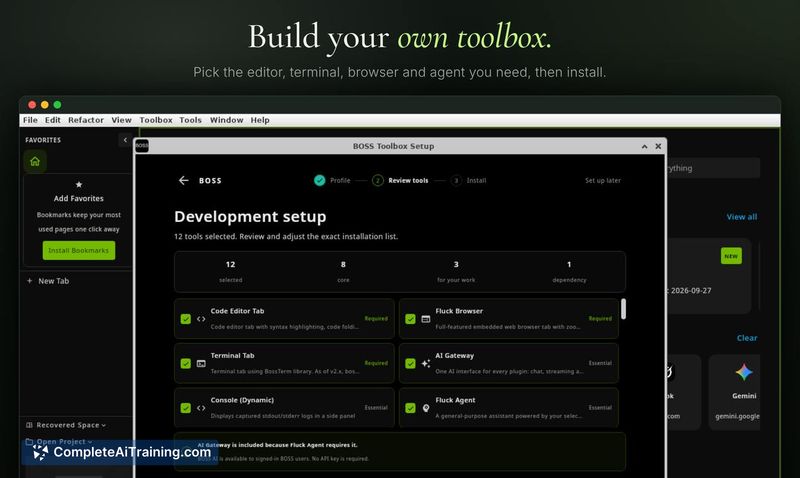
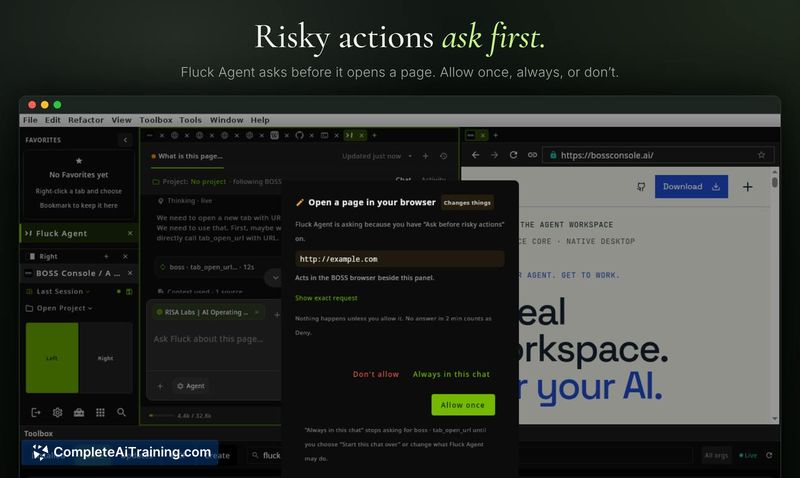
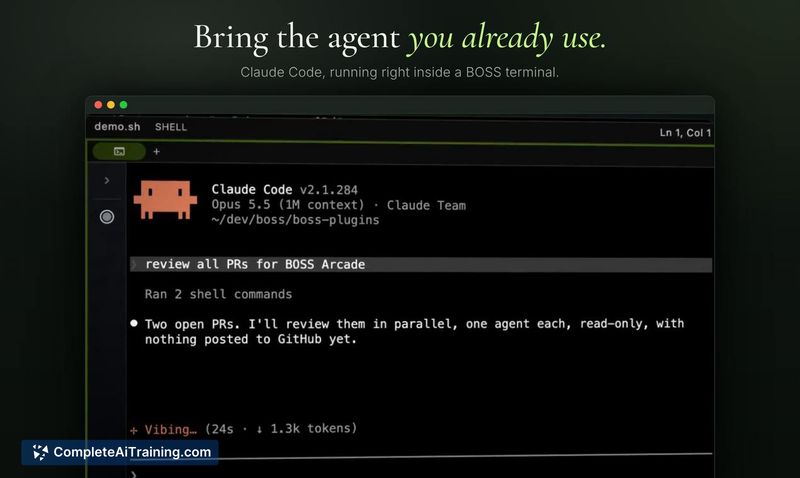
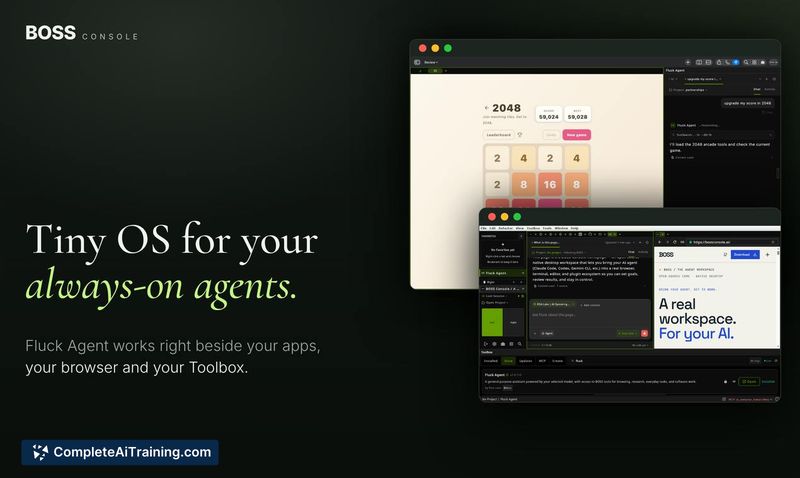
BOSS Console addresses a specific coordination problem: when an AI agent works across a browser, terminal, and file editor, the context usually gets scattered. BOSS bundles those tools into one persistent workspace that stays online. You can reconnect to it from another device, pause an agent mid-task, and interact with the same browser page the agent was using.
Key Features
- Persistent agent workspace. Keep BOSS running on a machine that stays online, then reconnect to your Fluck agents or access shared sessions from another device.
- Shared real tools. A browser, terminal, and editor live in the same workspace. You can inspect pages, commands, files, and results the agent is working with.
- Agent handoff. Pause an agent and take direct control of the same browser page it was using, then let the agent resume.
- Extensible toolbox. Add plugins and expose their capabilities to agents through MCP. You choose which BOSS tools each agent can access.
- Multi-agent support. Create an always-on agent with the built-in Fluck Agent, or bring Claude Code, Codex, Gemini CLI, or OpenCode.
Pricing and Value
BOSS Console is currently listed as free. The makers have not published a pricing page or described any future pricing model, so the long-term cost structure is not yet defined.
Pros
- The shared browser lets you interact with the exact page an agent is on, which helps with debugging and guided workflows.
- Open-source codebase means you can inspect how sessions, tool access, and agent communication are handled.
- Cross-platform support covers macOS, Windows, and Linux from launch.
- MCP-based plugin system allows tool capabilities to be added without modifying the core agent setup.
- Session persistence means you can close your laptop and return to an agent's workspace later from a different device.
Cons
- The product launched this week, so there is no track record for stability under heavy or long-running agent workloads.
- Documentation and community plugins are sparse right now; most integrations will require building things from scratch.
- BOSS Console is not well suited for users who only need a single-shot agent task. The always-on, persistent workspace design adds overhead for one-off prompts that don't need shared context.
BOSS Console fits teams or solo developers who run long-lived agent tasks and want to inspect or interrupt them in real time. It's most relevant when the agent's work spans multiple tools and you need to hand off control between human and agent on the same page or terminal session. If your workflow is built around single-prompt completions with no need for a persistent environment, the tool's always-on design adds complexity you likely won't use.