AI tool
Branda
Branda turns a name and idea into a strategy-first brand - logo, palette, fonts, mockups and export-ready assets, delivered in hours for founders, designers and studios.
About Branda
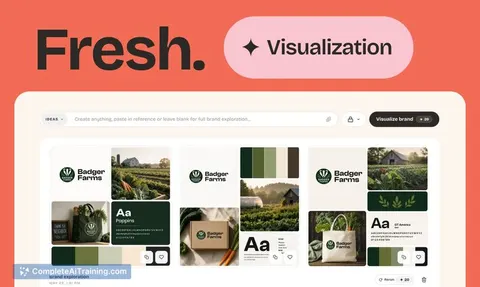
Branda is an AI-assisted tool that converts a name and idea into a full brand identity in minutes, including strategy, logos, color palettes, typography, and a downloadable brand kit. You can start from scratch or import existing assets, and new users receive a free credit allocation to experiment.
Review
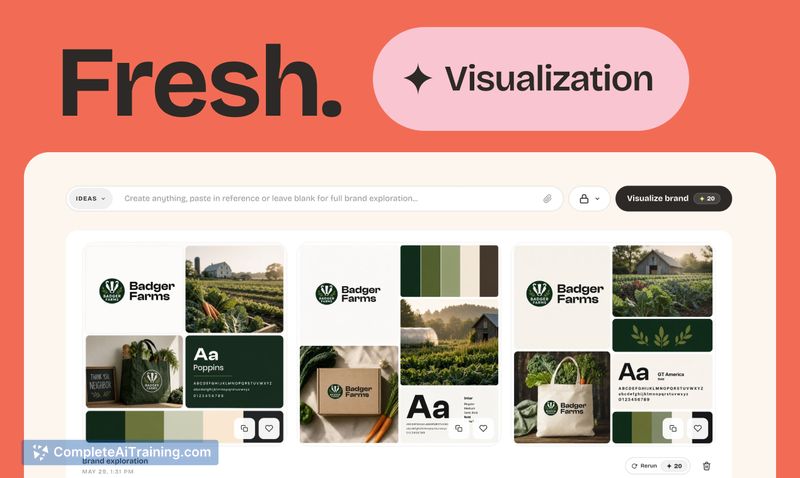
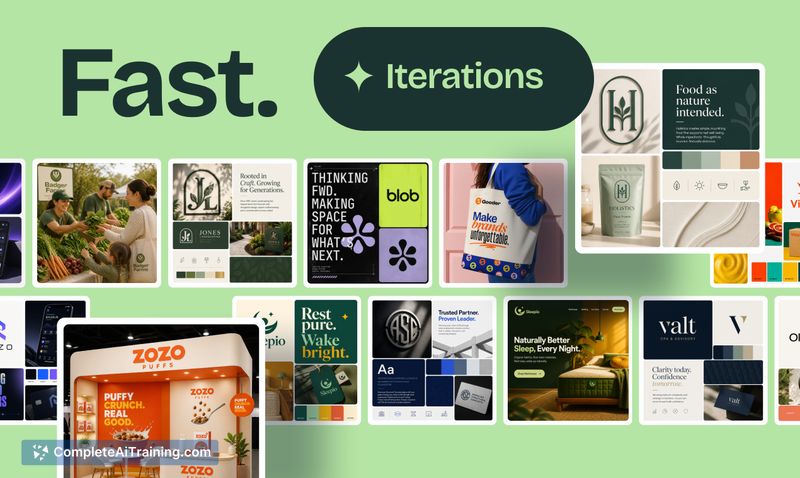
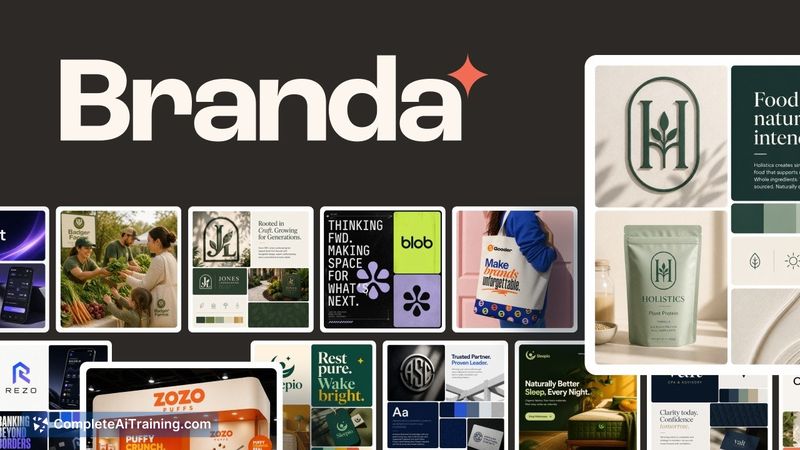
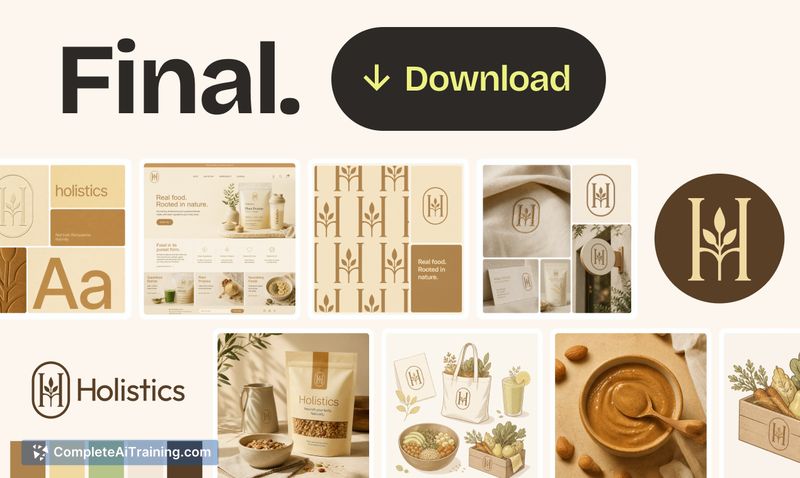
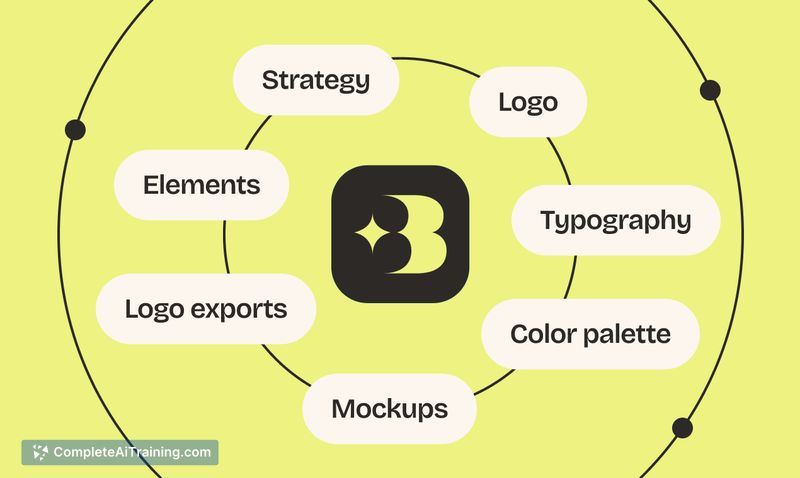
Branda combines strategic prompts with visual generation to produce cohesive brand directions quickly, offering both an automated "Lucky" flow and hands-on controls for creators who want to guide the output. The interface focuses on moving from concept to usable assets-vector exports, color values, and ready-to-download folders-so teams can take the results into production without extensive rework.
Key Features
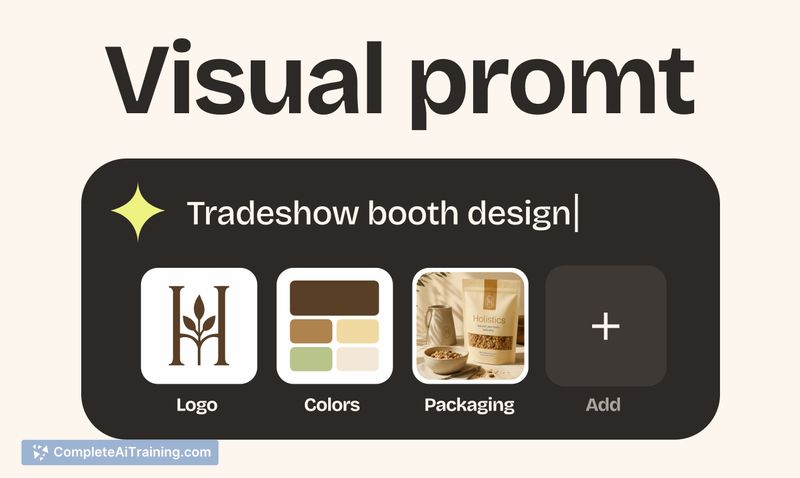
- Strategy-first setup: define archetype, personality, positioning, and audience with simple sliders and prompts to guide visual generations.
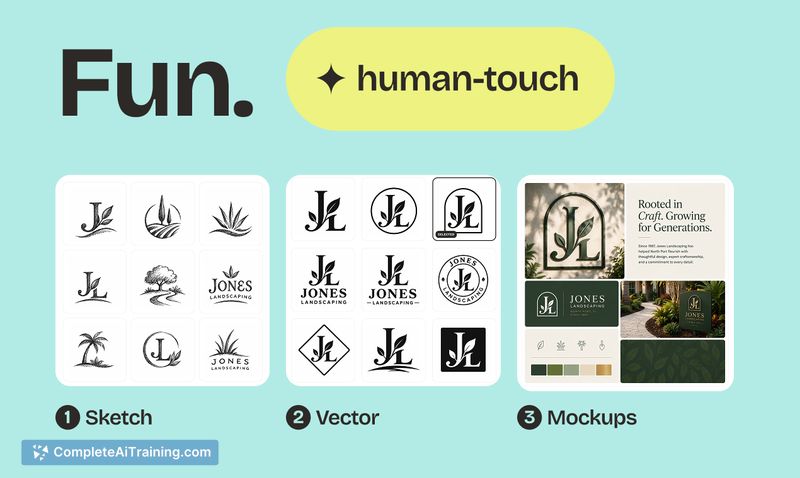
- Logo workflow from sketch to vector: generate multiple sketches, refine individual elements, and render higher-fidelity vector outputs.
- Automatic visual system extraction: generates variants (primary, stacked, symbol, dark/light) plus palette hexes and font pairings.
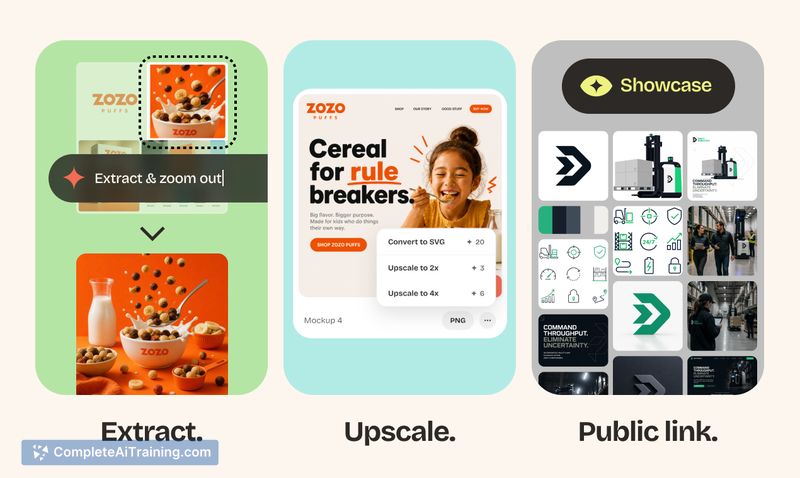
- Asset extraction and vectorization: pull logos and elements from mockups, convert simple shapes to clean SVGs, and upscale imagery.
- Project organization and exports: manage multiple brands in one dashboard and export SVGs, high-res PNGs, favicons, and zipped brand kits that open in Figma.
Pricing and Value
Branda uses a credit-based model with 200 free credits at signup and transparent costs displayed before actions. There are subscription plans or one-off credit packs available for heavier use, and failed or undelivered generations are refunded. For small teams or freelancers, the free credits and predictable pricing make it easy to test; teams running many iterations should budget for additional credits.
Pros
- Fast end-to-end branding: from strategy prompts to downloadable assets in a single flow.
- Good balance of automation and manual control, with modes for both quick AI-led results and guided exploration.
- Practical export options (SVG, PNG, zipped brand kits) that integrate with common design workflows like Figma.
- Ability to import and "lock" existing assets so new generations respect your core identity.
- Transparent credit system and starter credits make experimentation low-friction.
Cons
- Early-stage feature set is geared toward exploration and basic guidelines rather than a comprehensive design system for evolving brands.
- Credits can accumulate cost if you run many high-cost automated flows, so heavy users may need to monitor usage.
- Some refinements and governance tools (detailed version control, advanced rulebooks) are limited in the current release.
Branda is a strong option for founders, small marketing teams, and freelance designers who want to produce a cohesive brand quickly without hiring external studios. It also suits designers who need to iterate many directions fast, while established brands looking for deep, long-term system governance may want to treat this as a rapid prototyping and expansion tool rather than their single source of truth.
Jobs Branda suits
We checked Branda against 500+ jobs; these get the most out of it.
Alternatives to Branda
Other tools that do the same main job. Our AI compared Branda with similar tools and kept the ones you could use instead.