AI tool
Browse.sh
Browse.sh: an open catalog of SKILL.md browser automation recipes that teach AI agents to complete website tasks. Find reusable skills and install them via the browse CLI.

About Browse.sh
Browse.sh is an open catalog of browser automation skills that AI agents can install and reuse. It provides SKILL.md recipes and a command-line installer to let agents execute known web workflows instead of re-discovering interfaces from scratch.
Review

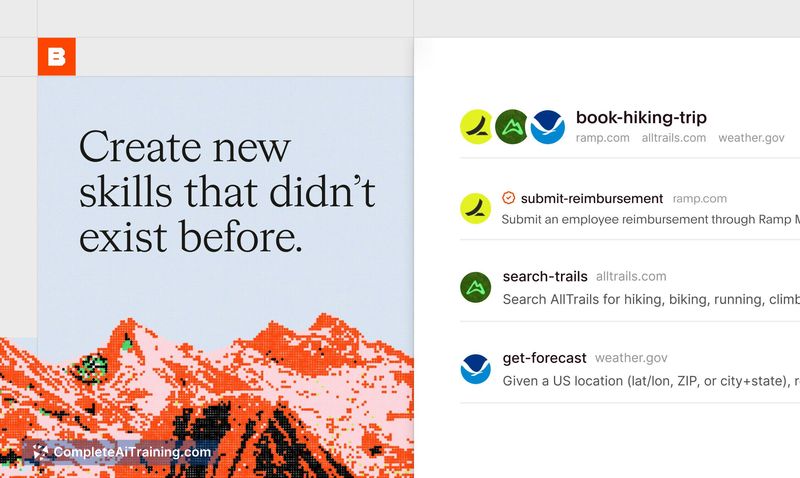
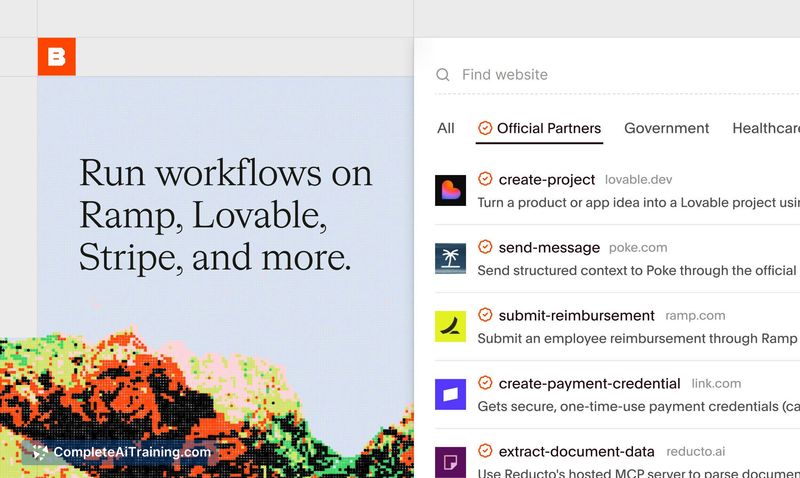
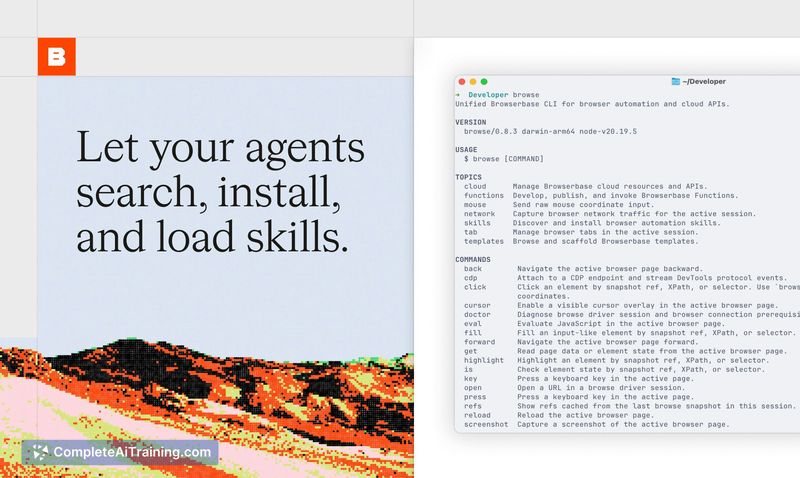
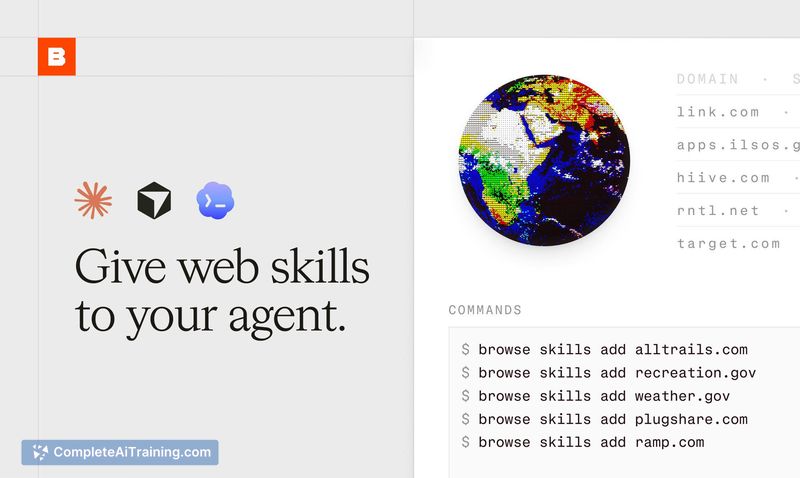
Browse.sh addresses a common inefficiency in browser-based agents: repeated re-exploration of the same website flows. By packaging successful runs as reusable skills, it can speed up execution, reduce token usage, and make multi-site automations simpler to assemble.
Key Features
- Open catalog of reusable SKILL.md recipes that describe how to accomplish tasks on specific websites.
- CLI-based installation so agents can fetch and run skills quickly.
- Execution in real browsers with analysis of traces, DOM changes, network activity and screenshots to produce dependable workflows.
- Ability to generate a new skill when one does not yet exist, allowing rapid coverage expansion.
- Community-driven additions with review and periodic revalidation to help keep skills current.
Pricing and Value
Browse.sh is free and open source, making it accessible for experimentation and integration in early projects. The value comes from saving developer time, lowering token and runtime costs for agent-driven web tasks, and offering quick prototyping for multi-site workflows. Teams should factor in ongoing maintenance effort for automations that target frequently changing sites.
Pros
- Speeds up agent workflows by reusing proven web interaction recipes.
- Reduces redundant exploration and can lower API/LLM costs for repeated tasks.
- Easy to try thanks to a CLI installer and an open catalog of skills.
- Runs in real browsers and collects logs/snapshots that help with debugging and verification.
- Open-source model encourages contribution and transparency.
Cons
- Skills can become brittle when websites change, requiring updates or revalidation.
- Community-submitted skills can vary in quality; some review effort is needed to ensure reliability.
- Not ideal for automations that require absolute determinism or strict compliance guarantees without extra safeguards.
In my view, Browse.sh is best suited for developers and teams building or experimenting with AI agents that need practical, reusable web automations-especially for multi-step, cross-site tasks and rapid prototyping. Organizations with strict determinism or heavy regulatory constraints should treat skills as a starting point and add testing and safeguards before production use.
Jobs Browse.sh suits
We checked Browse.sh against 500+ jobs; these get the most out of it.
Alternatives to Browse.sh
Other tools that do the same main job. Our AI compared Browse.sh with similar tools and kept the ones you could use instead.