
AI tool
Cakie
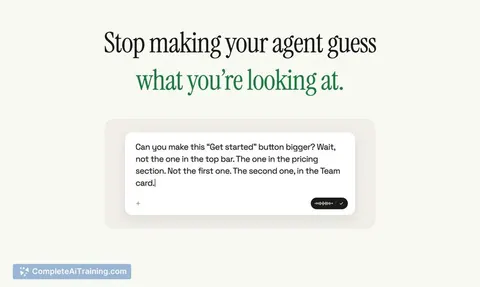
Cakie lets you record your screen and voice to explain tasks to AI coding agents. It automatically selects the relevant frames from your recording to pair with your transcript. This tool is for developers and product builders who describe visual c...
About Cakie
Cakie is a macOS tool that turns screen recordings into structured prompts for AI coding agents. A user records their screen while talking through a task-pointing, drawing, or clicking-and Cakie extracts the relevant frames paired with the transcript. The output is a single prompt ready to paste into Claude Code, Codex, or Cursor.
Review
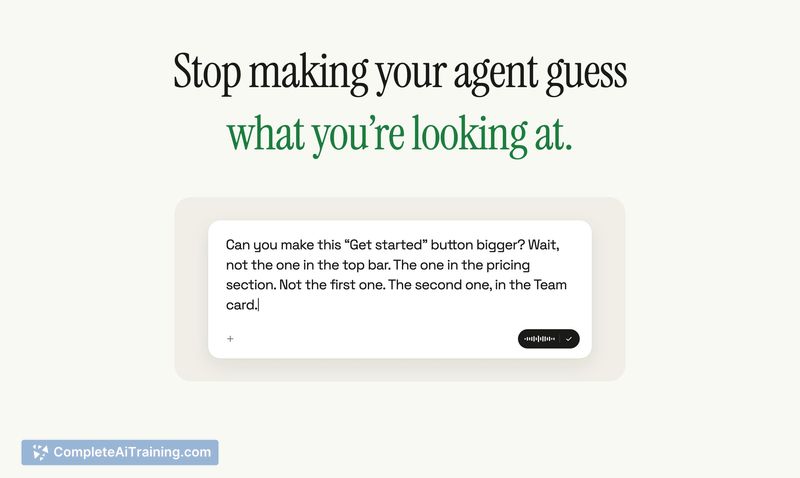
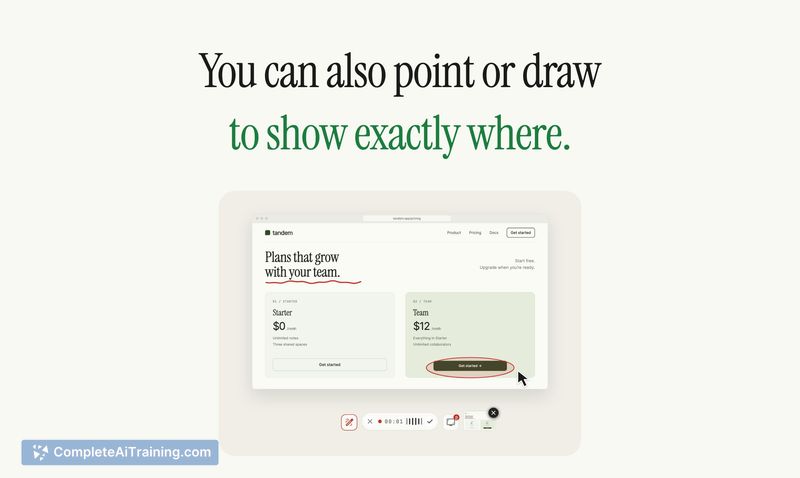
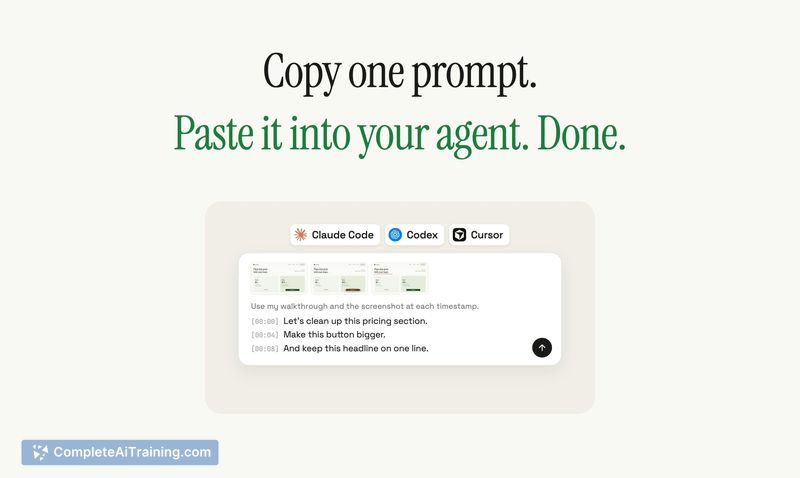


Cakie addresses a specific friction point in AI-assisted development: translating visual UI context and spatial instructions into text-only prompts. Instead of describing a button's location in words, you show it on screen while speaking. The tool processes the recording to match spoken references with the corresponding frames, then assembles a prompt that combines the transcript with those screenshots.
Key Features
- Screen recording that captures voice narration alongside on-screen pointing and drawing actions
- Frame selection algorithm that uses spoken words to identify which frames matter, discarding the rest of the video
- Combined transcript-and-screenshot prompt output formatted for direct use with Claude Code, Codex, or Cursor
- Manual review step where users can remove unwanted screenshots before copying the final prompt
- Free access during the current beta period on macOS
Pricing and Value
Cakie is free while in beta. The maker has not announced pricing for the post-beta release. There is no information yet on whether a free tier will remain, what paid plans might cost, or what features would differentiate them.
Pros
- Reduces the need to describe screen layouts and UI elements in text when prompting AI agents
- Pointing and drawing during recording gives precise spatial reference that text descriptions often lack
- Frame selection logic cuts down a full video to just the relevant screenshots, so the agent receives focused visual context
- Output works across multiple AI coding tools without requiring format conversion
- Manual screenshot removal gives users control over what the agent sees before sending the prompt
Cons
- macOS-only at this stage; Windows and Linux users cannot use the tool
- The frame selection algorithm may miss or include incorrect frames depending on how clearly the user speaks and points
- Not well suited for developers who already have a fast text-based workflow for describing UI changes and don't find screen recording faster
Cakie fits developers and product builders who frequently describe visual interfaces to AI coding agents and find text descriptions cumbersome. It makes more sense for tasks involving layout adjustments, UI polish, or click-path explanations than for purely backend or logic-oriented prompts. Teams that already use Loom-style async communication may find the interaction model familiar, though the tool's utility depends on how often screen context actually clarifies the prompt for the agent.



