AI tool
Canva AI 2.0
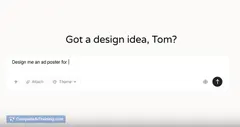
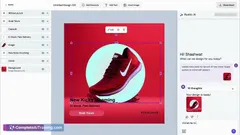
Canva AI 2.0 adds a conversational creative assistant that generates layered, editable designs from a prompt, remembers brand style, connects to tools, and moves teams from idea to publish in one place.
About Canva AI 2.0
Canva AI 2.0 is an AI-driven creative assistant built into the Canva design workspace. It generates layered, editable designs from prompts, remembers brand styles, and links to external tools so teams can move from initial idea to final publish in one place.
Review
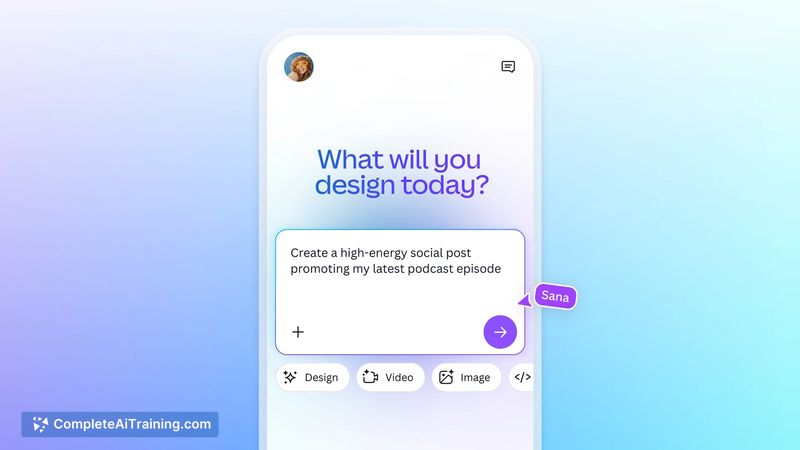
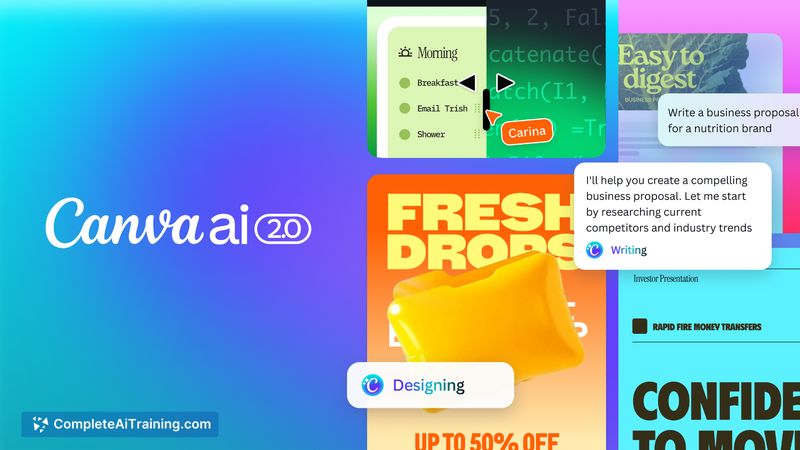
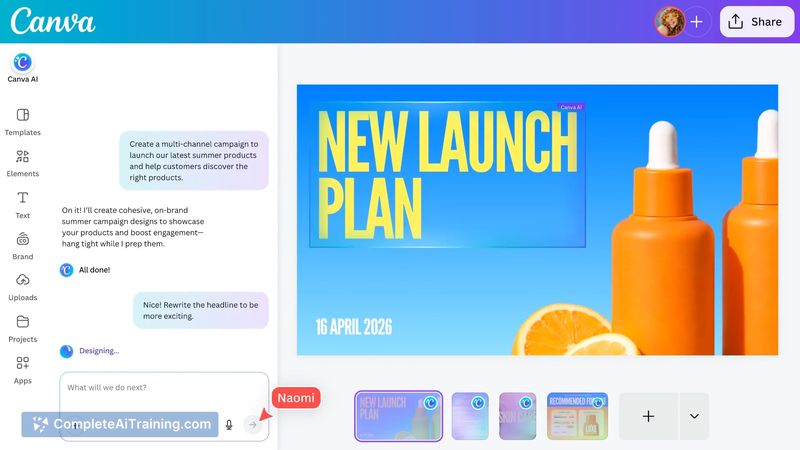
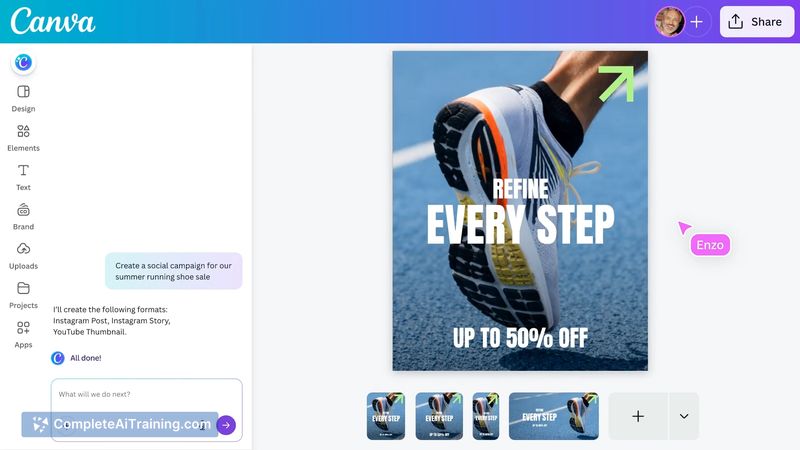
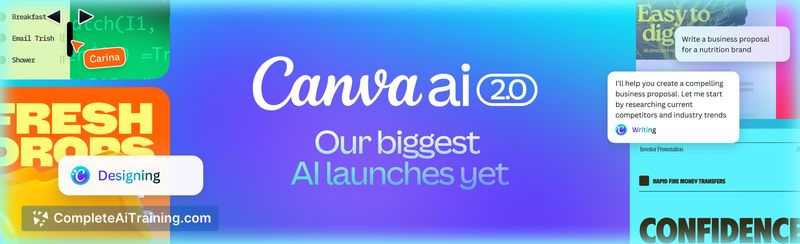
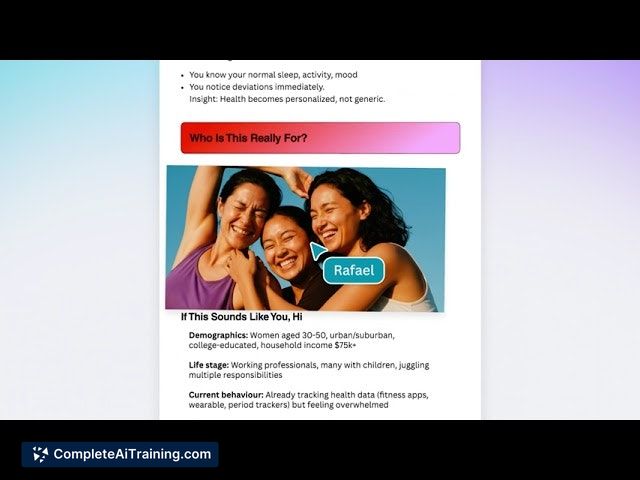
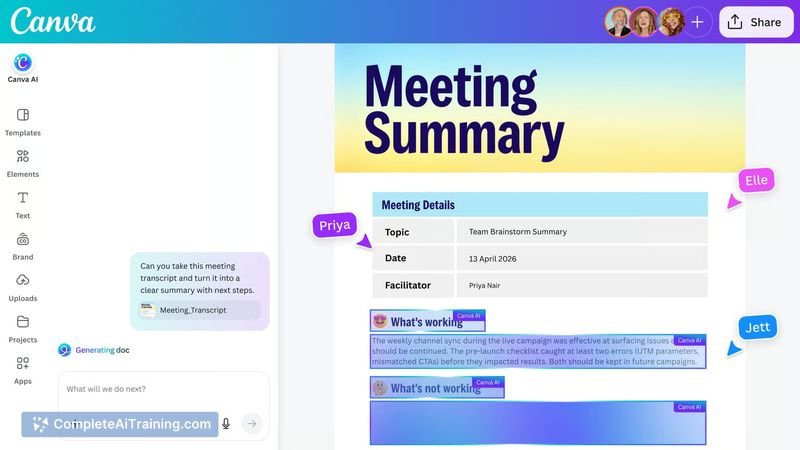
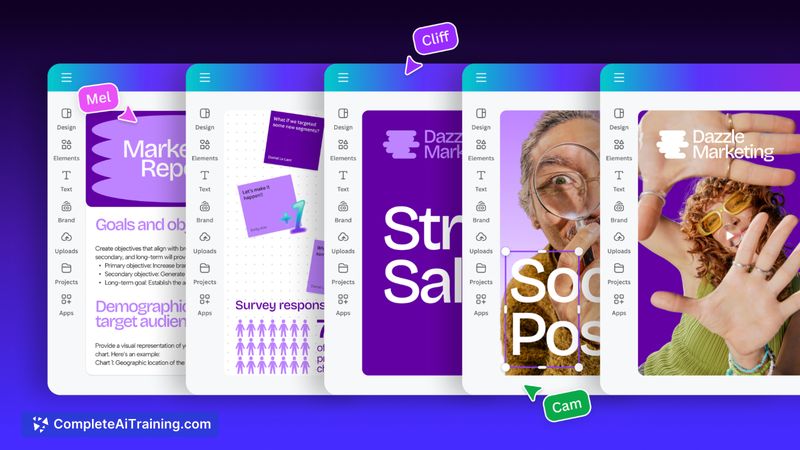
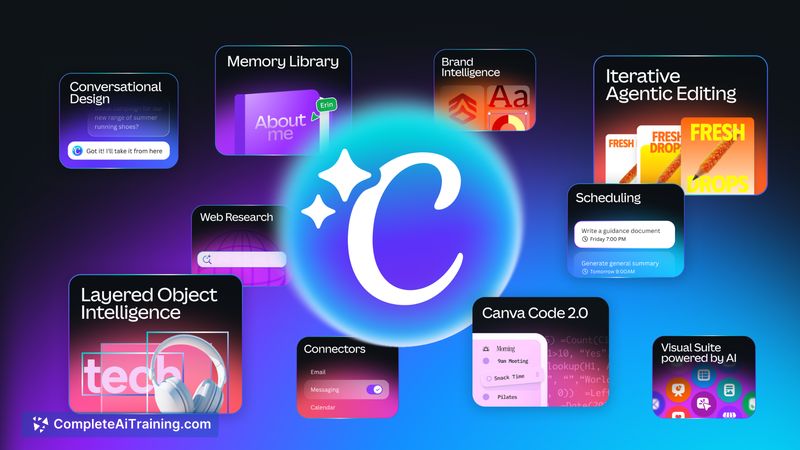
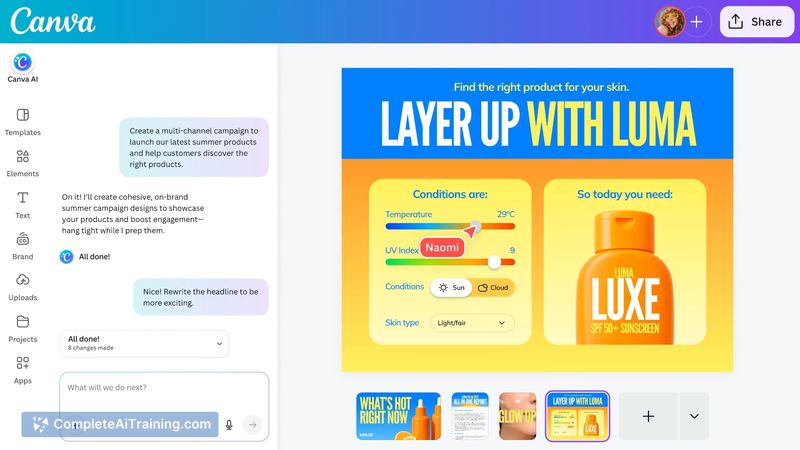
Canva AI 2.0 extends the familiar drag-and-drop editor with conversational design features and persistent memory, aiming to support iterative work rather than one-off generation. The update adds connectors, brand-aware generation, and editing outputs that remain fully editable, but real-world output quality and workflow impact vary depending on project complexity and user expectations.
Key Features
- Conversational design interface for refining ideas via prompts and follow-up edits.
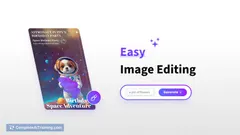
- Layered, editable outputs so generated designs can be tweaked by hand after creation.
- Brand memory and brand kit integration to keep assets consistent with saved styles.
- Connectors and workspace integrations (scheduling, sheets, web research) to pull context from other tools.
- Collaboration and publishing tools that keep teams working in a single workspace.
Pricing and Value
There is a free tier with AI features available, while higher-value elements and advanced capabilities are gated behind paid plans or premium assets. For non-designers and teams that need fast, presentable visuals, the product typically offers strong time savings and workflow consolidation. Users who require fine-grained export control or desktop-class, pixel-level editing may find the free and mid-tier offerings less flexible, and should weigh whether paid plans justify access to premium templates and assets.
Pros
- Very approachable interface that shortens the learning curve for non-designers.
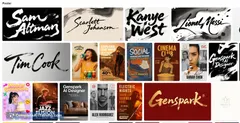
- Large template and asset library speeds common tasks like social posts, decks, and flyers.
- Generated outputs remain editable, which reduces rework compared with one-shot generators.
- Collaboration features and connectors help keep teams aligned and reduce handoffs.
- High user satisfaction overall (strong review score and wide adoption reported).
Cons
- AI outputs can be inconsistent and sometimes require substantial manual adjustment.
- Several useful elements and templates are paywalled behind premium plans.
- Advanced export options, asset organization, and performance on very large projects can feel limited.
Overall, Canva AI 2.0 is best suited for teams and individual creators who need fast, collaborative design workflows and editable AI-assisted starting points for social, marketing, and presentation assets. If you need full control for complex, print-ready, or highly technical design work, expect to combine generated material with manual editing or use more specialized tools for final output control.
Jobs Canva AI 2.0 suits
We checked Canva AI 2.0 against 500+ jobs; these get the most out of it.
Alternatives to Canva AI 2.0
Other tools that do the same main job. Our AI compared Canva AI 2.0 with similar tools and kept the ones you could use instead.