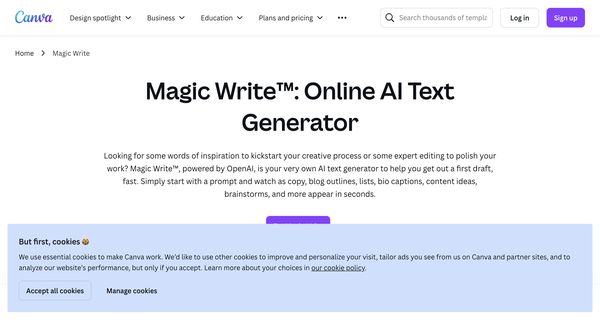
About: Canva Magic Write
Magic Write from Canva is an innovative AI-driven text generation tool designed to streamline content creation for users of all skill levels. This versatile platform enables the rapid production of both short-form and long-form text, including outlines, lists, catchy headlines, and more. With its built-in paraphrasing feature, users can effortlessly rephrase existing content to enhance clarity or adapt messaging, while the summary generator allows for quick condensation of lengthy texts into essential points.
Magic Write also prioritizes user safety with advanced controls, ensuring that content generated adheres to community standards. Its cross-device compatibility means users can access the tool from any platform, making it ideal for professionals and creatives on the go. Whether you’re crafting marketing copy, writing articles, or brainstorming ideas, Magic Write's ability to generate diverse content types quickly makes it an invaluable resource. Its unique combination of features and ease of use positions it as a leading choice for anyone looking to enhance their writing efficiency and creativity.
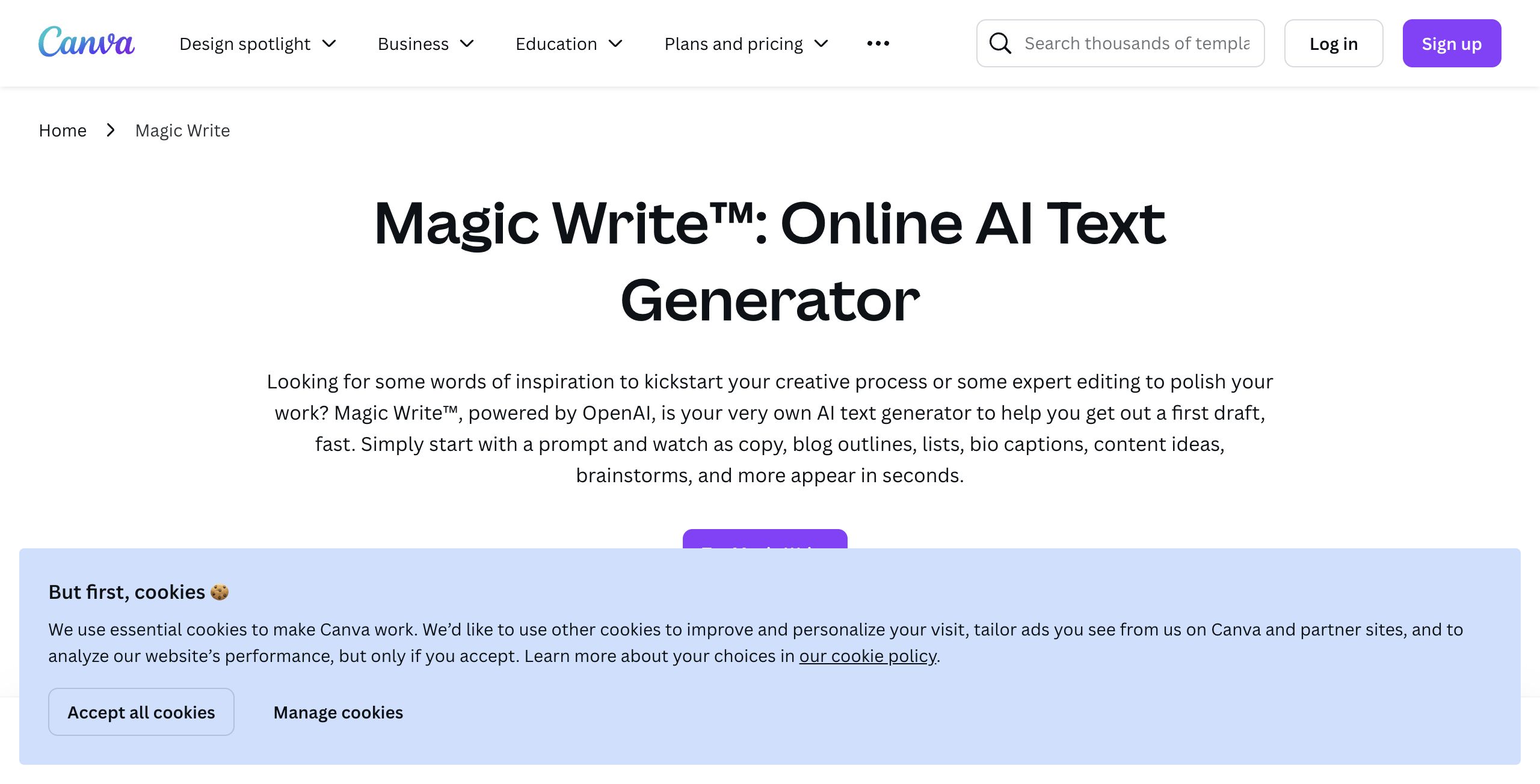
Review: Canva Magic Write
Introduction
Magic Write from Canva is an AI-powered text generation tool designed to help users quickly produce a variety of written content. Integrated within Canva’s suite of creative tools, Magic Write is aimed at marketers, small business owners, and anyone who needs to overcome writer’s block or generate content on the fly. Its relevance comes from the growing need for fast, creative ideation and high-quality drafts in both personal and professional contexts, making it a timely addition to the array of digital content creation tools.
Key Features
Magic Write offers a robust set of functionalities to streamline the content creation process. Its key features include:
- Quick Draft Generation: Produce first drafts, outlines, lists, headlines, and more by simply starting with a prompt.
- Versatile Content Creation: Create both short-form and long-form text, including social media captions, blogs, product descriptions, and marketing plans.
- Personalization and Tone Matching: Generate text that reflects your unique tone of voice or brand personality by uploading a sample of your writing.
- Built-in Editing Tools: Benefit from a paraphrasing tool, summary generator, and simple commands for follow-up prompts, ensuring that your text is refined and on-point.
- Seamless Integration: Work within Canva Docs and enjoy a single platform experience that combines design and content creation along with real-time collaboration.
- Safety and Ethical Use: Rely on multi-layered safety features that aim to generate content ethically and responsibly.
Pros and Cons
- Pros:
- Fast and efficient content generation, ideal for breaking through writer’s block.
- Integrated within Canva, allowing seamless transition from text creation to design.
- Personalization options help align generated content with your unique voice or brand tone.
- Versatile output formats spanning short-form and long-form content.
- Multi-device support offers flexibility whether you are at your desktop or on the go.
- Cons:
- Being integrated within Canva means it may not serve as a standalone tool for those who prefer dedicated writing software.
- The process of refining outputs might still require manual editing for precision and context.
- Advanced users might find the tool’s control options limited compared to specialized content editors.
Final Verdict
Magic Write is a powerful addition for anyone looking to speed up their content creation process. Its integration with Canva makes it especially useful for marketers, small business owners, and creative professionals who work within a design-focused workflow. If you need quick drafts, inspiration, and personalized content that fits seamlessly into your designs, Magic Write is a worthy choice. However, users requiring a more standalone, in-depth writing tool might seek additional or alternative solutions. Overall, Magic Write delivers a balanced mix of speed, versatility, and ease-of-use that can help transform your creative workflow.
Open 'Canva Magic Write' Website
Your membership also unlocks: