AI tool
Carousels Generator
Carousels Generator auto-writes carousel copy and designs slides. Paste your website to import your Brand Kit (colors, fonts, logo) and cut creation time from 30-45 minutes to a few minutes.
About Carousels Generator
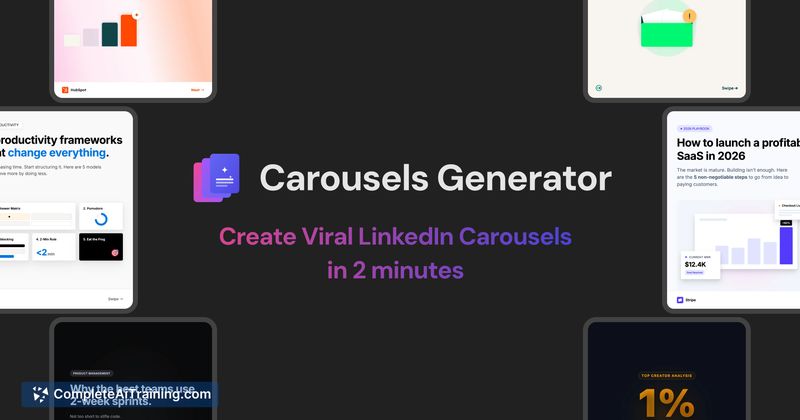
Carousels Generator creates complete LinkedIn carousels - both the written content and slide design - from a single prompt. You can paste a website URL to import a Brand Kit (colors, fonts, logo), refine slides via an AI chat, then export as PDF/PNG or publish directly to LinkedIn. The product is free to start.
Review
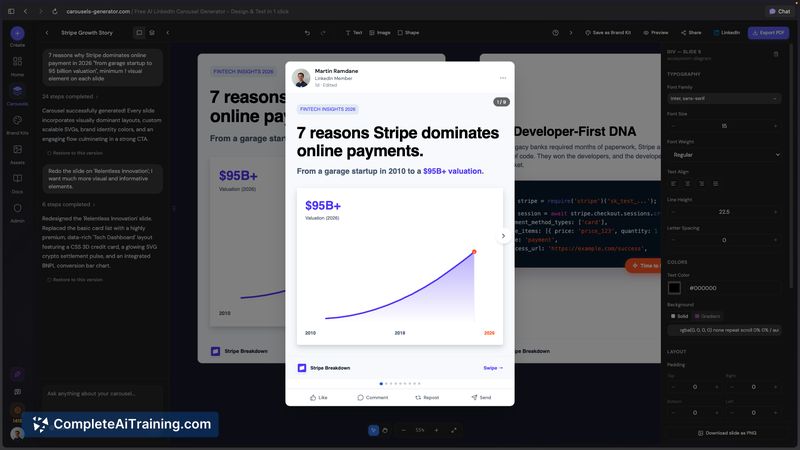
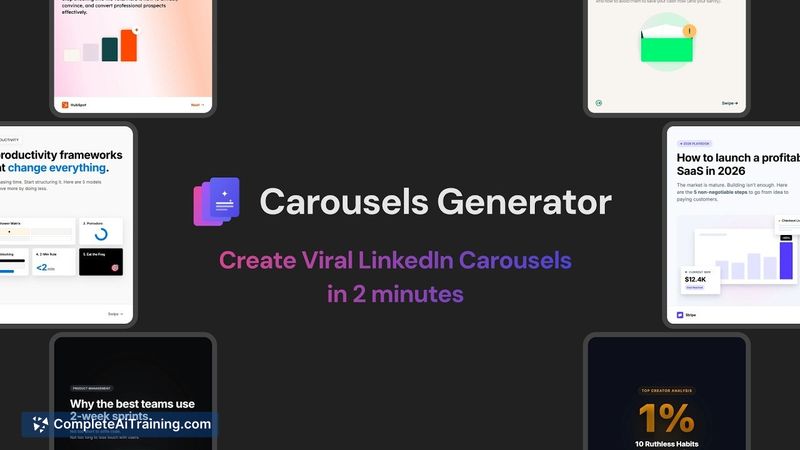
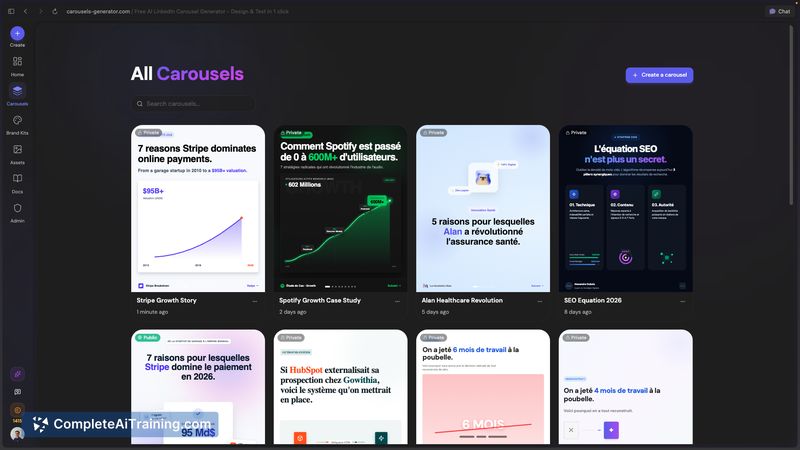
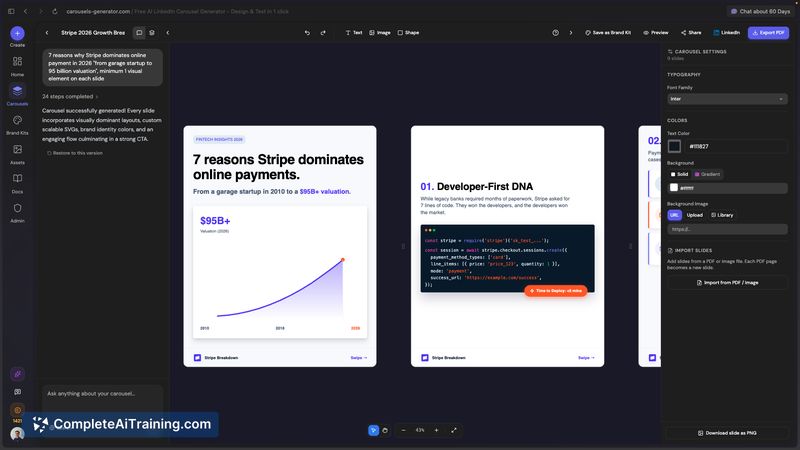
Carousels Generator addresses the repetitive tasks of writing, formatting, and styling carousels by combining AI copywriting with automated slide layout. For creators who publish frequently on LinkedIn, it offers a much faster starting point than building each post manually.
Key Features
- AI-generated slide copy and layout from a single prompt, with the option to specify slide count.
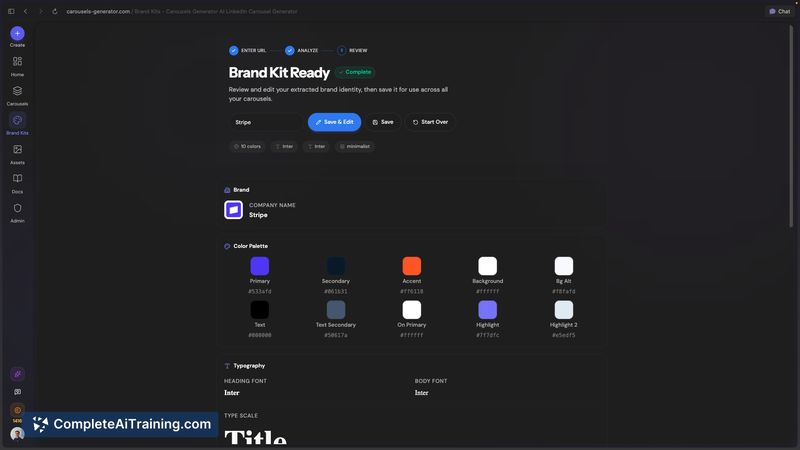
- Brand Kit auto-import via website URL to extract colors, fonts, and logo for consistent styling.
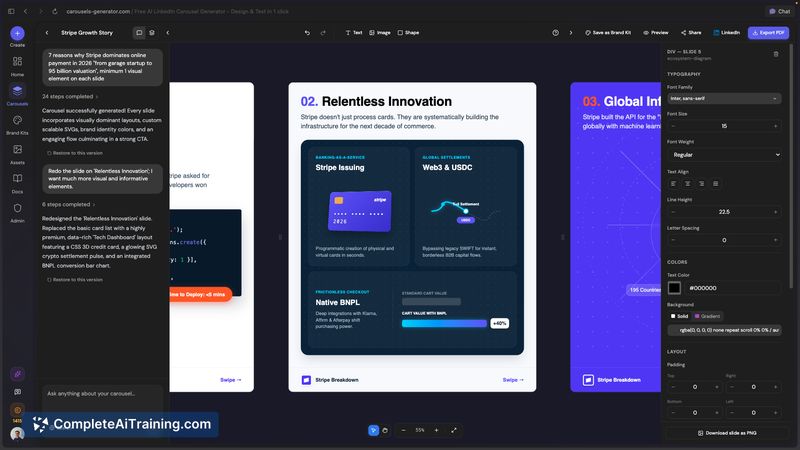
- Interactive AI chat to edit text, adjust slide order, add or remove slides, and refine visuals.
- Export as PDF or PNG and publish directly to LinkedIn through a connected account.
- Quick iteration workflow intended to get publishable results with minimal design skills.
Pricing and Value
The tool is advertised as free to start, with paid plans likely available for higher usage or additional features; early launch discounts have been offered. Its primary value is time saved: combining content creation and design reduces the hands-on work needed to produce branded carousels, making it a strong option for frequent posters and small marketing teams.
Pros
- Speeds up carousel production by handling both copy and visual layout in one place.
- Brand Kit import helps keep visuals aligned with existing brand assets.
- AI chat editor enables fast, non-destructive edits without mastering a design app.
- Flexible publishing options (direct publish to LinkedIn or export files for manual posting).
- Accessible for users without graphic design experience.
Cons
- Initial generations can be generic or require multiple iterations to fit a specific voice.
- Brand extraction depends on the URL provided; the wrong page can produce inaccurate assets.
- Heavily relying on generated structures risks similar-looking layouts unless customized further.
Ideal users are solo marketers, small teams, and creators who need to publish LinkedIn carousels quickly while maintaining basic brand consistency. If you value speed and iterative editing over fully bespoke design work, this tool is a practical addition to your workflow; larger brands or projects needing extensive custom visuals may still require additional design polish after generation.
Jobs Carousels Generator suits
We checked Carousels Generator against 500+ jobs; these get the most out of it.
Alternatives to Carousels Generator
Other tools that do the same main job. Our AI compared Carousels Generator with similar tools and kept the ones you could use instead.