
Learning path
Learning AI as a Marketing Coordinator
This learning path helps marketing coordinators use AI to plan campaigns, manage calendars, coordinate vendors, and report results. It combines setup, job skills, prompt lessons, and short video courses picked for marketing work.

Your path
Everything in the Marketing Coordinator AI kit, in the order that makes sense. Members tick off each step and see their progress.
Set up your AI
We guide you through each click.
Let skills do your everyday tasks
Connect your apps and pick your AI apps
Hand whole tasks to AI agents
Build your own tools
Keep growing
Everything for marketing coordinators
All the courses, certifications, AI tools, MCP servers and apps for marketing coordinators, most relevant first. Open any list to see more.
Take the prompt courses
A short framework course to learn how to ask, then 8 lessons with ready-to-use prompts for marketing coordinators.
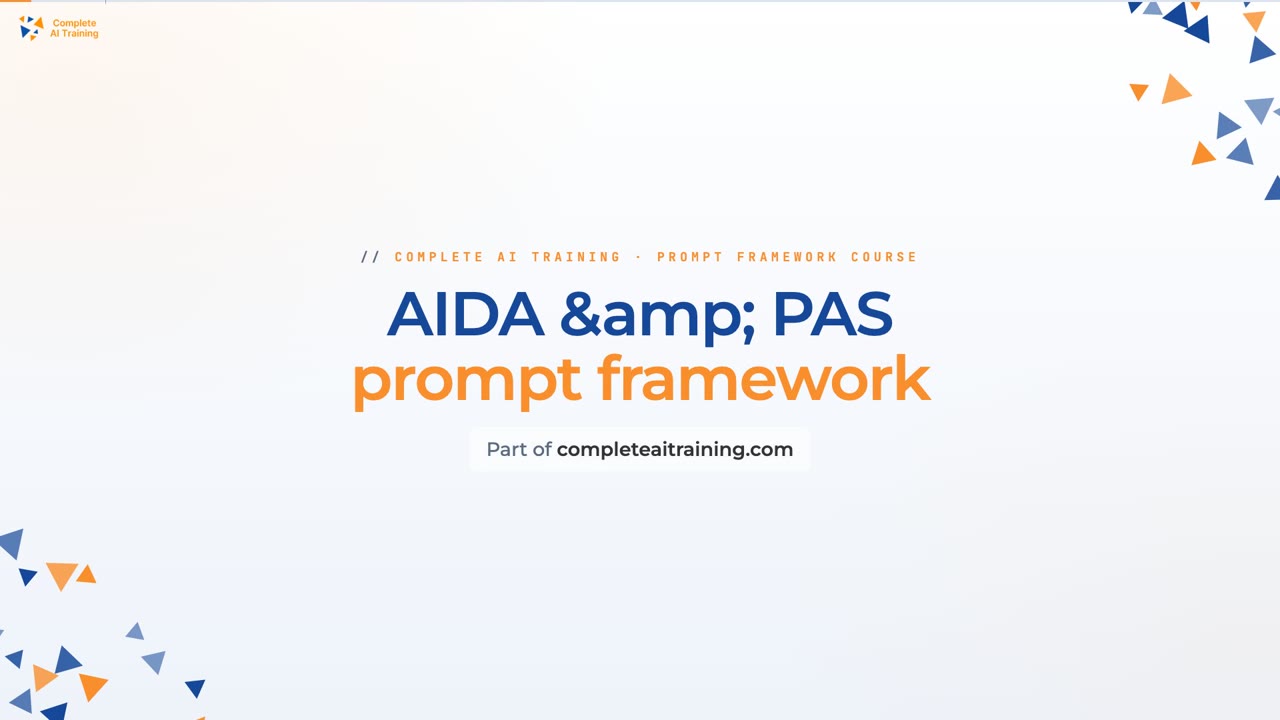
Start with this framework: how to talk to AI
Marketing professional, this framework helps you write ads by structuring AIDA and PAS prompts, like turning a product description into an email.
Then your prompt course for marketing coordinatorsWatch the video courses or add them to your Favorites for later
169 video courses our AI picked for marketing coordinators, most useful first. Save the ones you want to watch later with the heart.
Favorites are saved to your account: sign in or get your AI kit first.
Show all 169 video courses
Get certified, or add certifications to your Favorites
Every course ends in an exam and a certificate you can add to LinkedIn. Save the certifications you are aiming for with the heart.
Favorites are saved to your account: sign in or get your AI kit first.
More certifications for marketing coordinatorsShow all 24 certifications
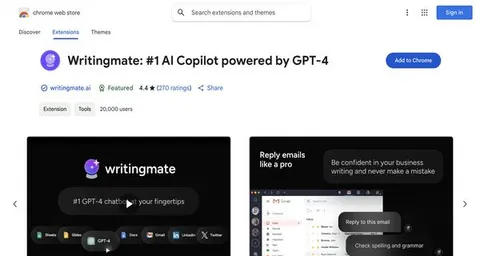
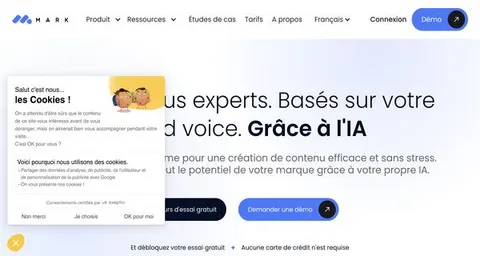
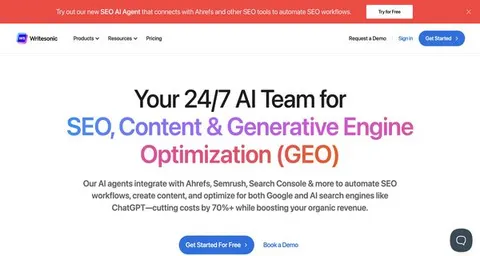
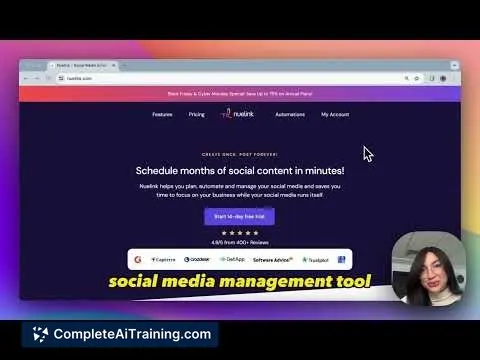
Try the AI tools for marketing coordinators
24 AI tools our AI matched to the work of marketing coordinators, best fit first. Each review shows what it does, its alternatives and the jobs it suits.
Favorites are saved to your account: sign in or get your AI kit first.
Show all 24 AI tools
Connect your AI to the apps marketing coordinators use
MCP servers let ChatGPT, Claude or Copilot look things up and get work done in other apps, like your email, calendar or bookkeeping software. These 12 fit the work of marketing coordinators best, well-known apps first.

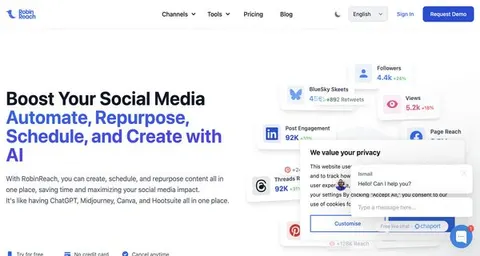
PostMCP social posting server
by postmcpLets your AI draft, check, schedule and publish posts to LinkedIn, X, Facebook, Instagram, Threads, Bluesky and YouTube Shorts.
Social media Official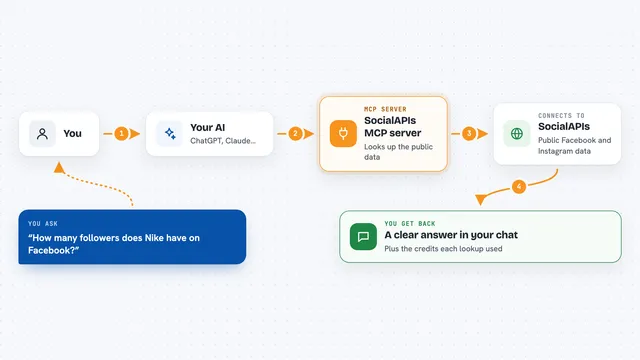
SocialAPIs MCP server
by SocialAPIsHubLets your AI look up public Facebook and Instagram data, like pages, posts, comments and ads.
Social media Official
Mailchimp MCP server
by damientilmanLets your AI look up and manage your Mailchimp campaigns, audiences and reports for you.

Facebook Page MCP server
by HagaiHenLet your AI write, schedule and moderate Facebook Page posts, and pull engagement numbers for you.
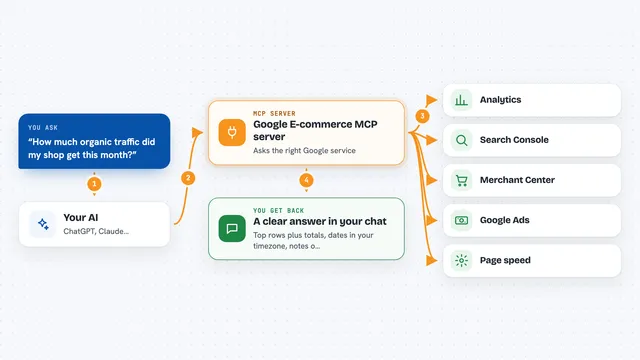
Google E-commerce MCP server
by MoonEyesAsk your AI about your shop's traffic, search, product feed, tags, speed and ads, and get answers from your own accounts.

Meta Ads MCP server
by mikusnuzLet your AI check, create and adjust your Facebook and Instagram ads for you.
Show all 12 MCP servers

Google Trends MCP server
by dariomoryAsk your AI about Google Trends: what people search for, where, and what is rising right now.

X (Twitter) MCP server
by Xquik-devLet your AI search X posts, look up profiles, and post or reply for you.
Social mediaNo install
TwitterAPIs MCP server
by TwitterAPIsLets your AI search X posts, read profiles and followers, and post or send messages for you.
Social mediaNo install
Upload-Post MCP server
by Upload-PostLet your AI publish, schedule, and check social media posts across TikTok, Instagram, YouTube, LinkedIn, and more.
Social media Official
Publora MCP server
by publoraLet your AI schedule and publish social media posts to X, LinkedIn, Instagram, TikTok and more.
Social media Official
LinkedIn MCP server
by abhineet34Let your AI write, publish, edit and delete LinkedIn posts, and look up profile and company details for you.
Build your own AI apps for marketing coordinators
Apps you build yourself with your own AI, no coding needed and no monthly fee. Our AI picked the 12 that fit the work of marketing coordinators.
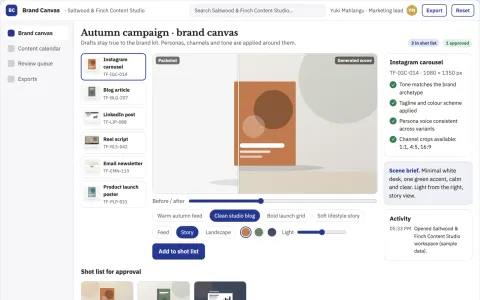
Brand-aligned content production and publishing workbench
Reduce content production cycles while keeping every post on brand.
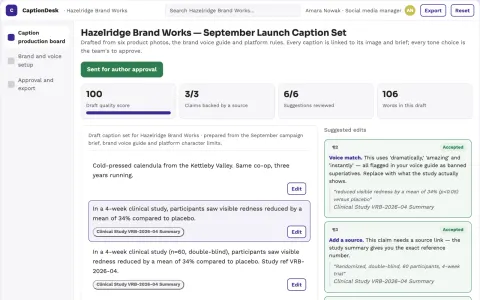
Brand-owned social caption production workspace
Produce platform-ready captions in one owned workspace while keeping brand voice and approval in the team's hands.
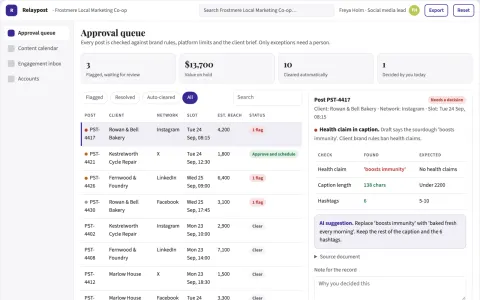
Multi-platform social publishing coordination portal
Run multi-account publishing, review and engagement from one owned portal.
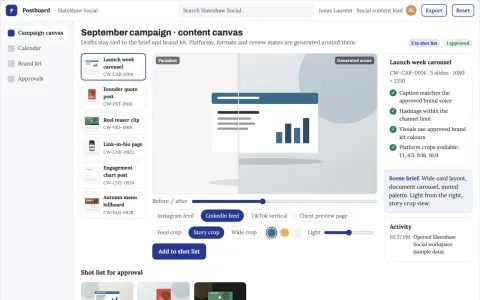
Social content planning and production workbench
Reduce tool switching and review cycles while keeping one approved brand voice.
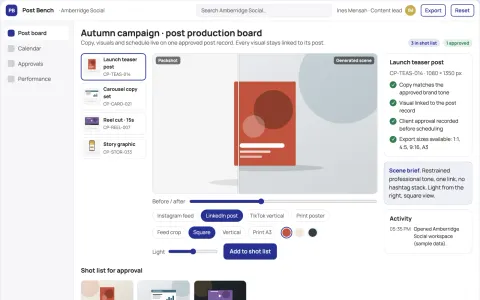
Social post production and scheduling workbench
Reduce tool subscriptions and manual re-entry while keeping one approved post record.
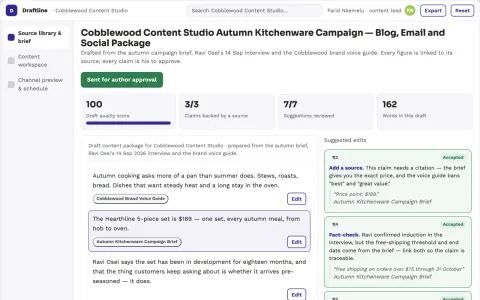
Source-based marketing content production workspace
Reduce tool switching and rework while keeping one approved brand voice and one source record.
Show all 12 apps
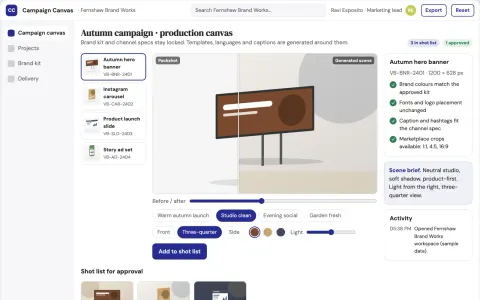
Brand-consistent campaign visual production workbench
Reduce production handoffs while keeping every visual on brand.
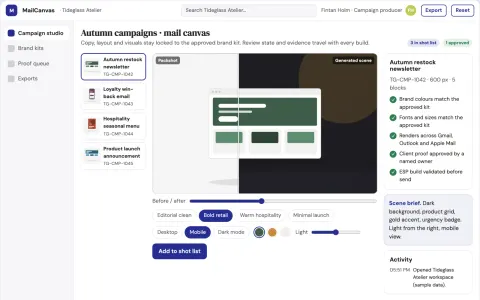
Brand-locked email design and send workbench
Reduce campaign production time while keeping every email on-brand.
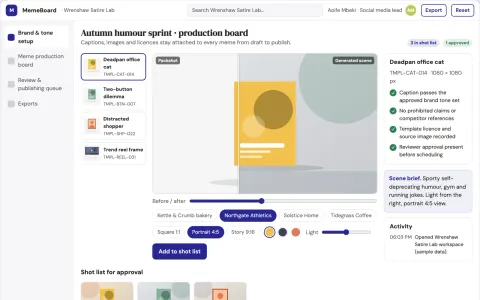
Brand-safe humorous meme production workbench
Reduce tool subscriptions and review cycles while keeping every published meme on-brand and rights-cleared.
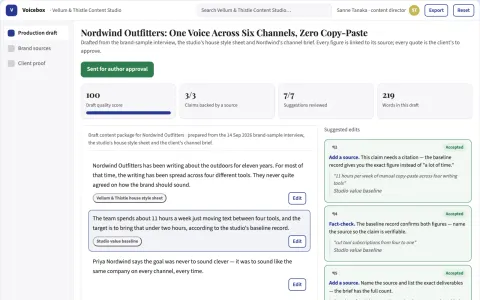
Brand-voice content production workspace
Reduce tool subscriptions and manual copy-paste while keeping one approved brand voice across every channel.
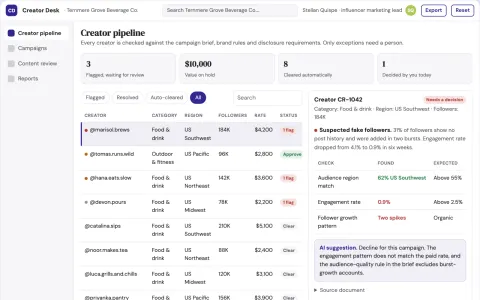
Influencer campaign coordination and creator outreach portal
Run creator sourcing, outreach, content review and campaign reporting in one owned portal.
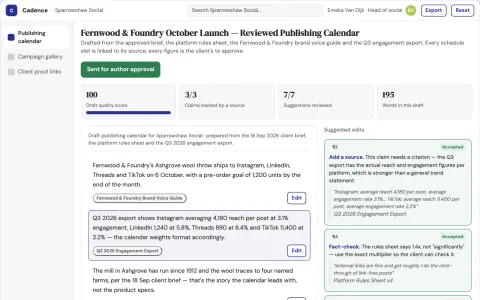
Multi-platform social publishing and audience insight workbench
Reduce tool sprawl while keeping one owned publishing and reporting workflow.


































































































































About this learning path
6 topicsPractical AI Skills for Marketing Coordinators
Marketing coordinators keep many moving pieces in view. Campaign dates, vendor replies, social posts, budgets, and reports all need steady attention. AI can help you draft, organize, and check this work, but it still needs your judgment.
This path is built for your job, not for engineers. You will set up an AI assistant, learn prompts that match common coordinator tasks, take this prompt course, and watch short video courses chosen for marketing work. You can move at your own pace.
Why AI Matters Now
Marketing teams are asked to do more with the same hours. AI can take the first pass on drafts, lists, and summaries so you spend less time on blank pages and repetitive typing.
You still decide what is right for the brand, the budget, and the people involved. The goal is to make your coordination faster and cleaner, not to replace your care.
What This Path Includes
You start with setup questions and simple steps to connect your AI tool. Then you build skills for the job inside your AI, work through this prompt course, and watch video courses picked for marketing coordinators.
The video courses also show their certifications, so you can see what you may earn as you finish. Everything is meant to fit around a normal workday.
How It Saves You Time
You will practice turning briefs into timelines, turning notes into vendor emails, and turning metrics into report drafts. These are the small tasks that often eat a morning.
When AI handles the first draft, you can spend more time checking details, talking with people, and keeping projects moving.
How It Protects Your Career
AI does not remove the need for a marketing coordinator who can plan, prioritize, and catch mistakes. It changes which tasks take the most time.
When you can use AI well, you become the person who keeps campaigns moving and brings better options to the team. That is a skill employers value.
How to Start
Begin with the setup questions, then take the prompt course one lesson at a time. Pick one real task from this week, such as a campaign timeline or a vendor email, and try a prompt with a small detail from your work.
Keep what works, note what does not, and bring your questions to the video courses. Small practice sessions add up.
Frequently asked questions
Do I need technical skills to start?
No. The path starts with setup questions and plain steps. If you can write an email and use a calendar, you can follow along.Will AI write everything for me?
AI can make a first draft, list, or summary, but you still need to check facts, tone, budgets, and vendor details. Your judgment is the part that makes the work safe and useful.How much time does the path take?
You can work through it in short sessions around your job. The prompt course lessons are brief, and the video courses can be watched when you have a quiet block.Does this help with vendor and event work?
Yes. The lessons include vendor emails, quote comparisons, event checklists, run-of-show, and attendee messages. You can use AI to organize details and draft communication, then review it yourself.