AI tool
CC-BEEPER
CC-BEEPER: a floating retro pager for Claude Code that surfaces agent status, permission prompts and results, with voice dictation, spoken recaps, hotkeys and auto-accept modes. Runs locally in Swift-no accounts, telemetry, or API keys.
About CC-BEEPER
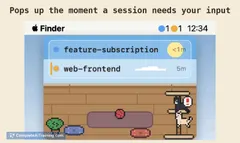
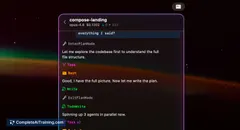
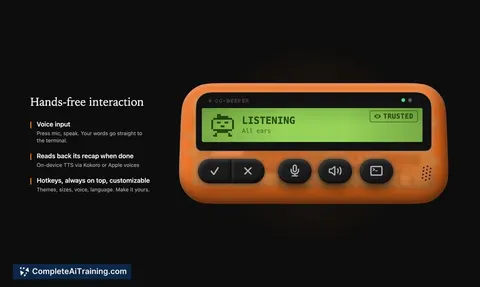
CC-BEEPER is a floating macOS pager built to surface real-time status for Claude Code sessions so you stop staring at the terminal. It presents an LCD-style pixel art display with controls for permissions, auto-accept behavior, and voice interactions. The app runs entirely locally, is open source, and requires no accounts or external services.
Review
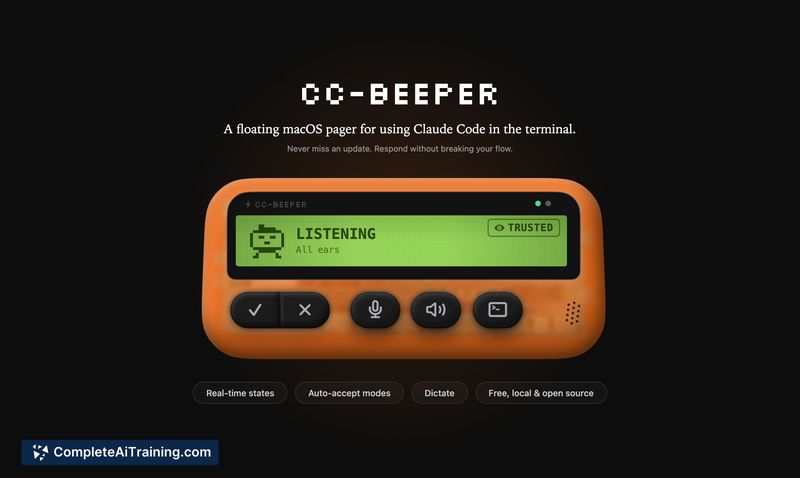
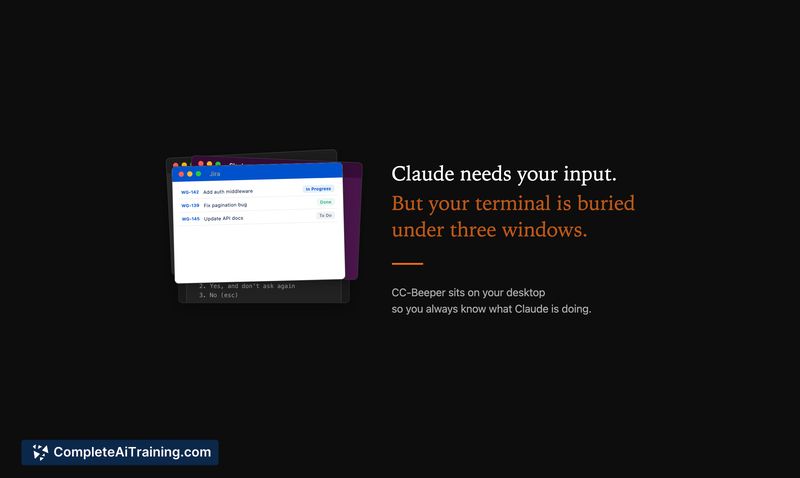
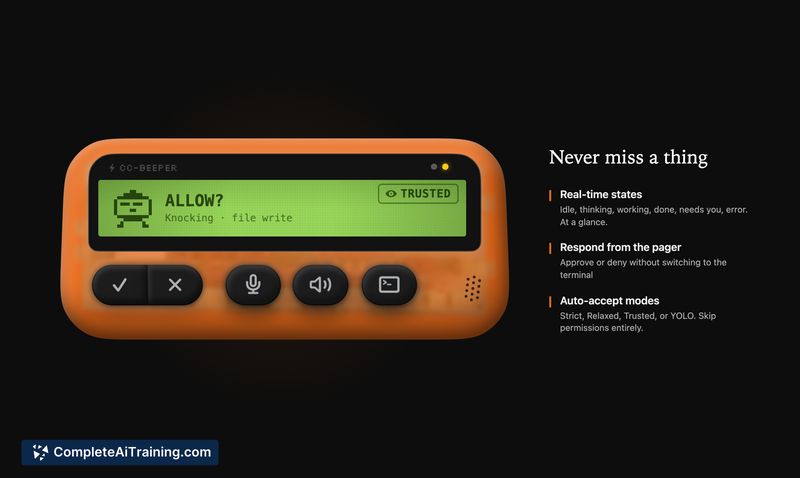
CC-BEEPER is a focused utility that reduces friction when working with Claude Code by summarizing state changes and permission requests in a compact widget. Its design leans into a retro pager aesthetic while offering practical features like hotkeys, spoken recaps, and multiple auto-accept modes. The implementation favors local operation and minimal setup, which keeps the tool lightweight and easy to try.
Key Features
- Floating macOS pager with an LCD pixel-art display showing real-time Claude Code status.
- Four auto-accept modes (Strict, Relaxed, Trusted, YOLO) to control how permission requests are handled.
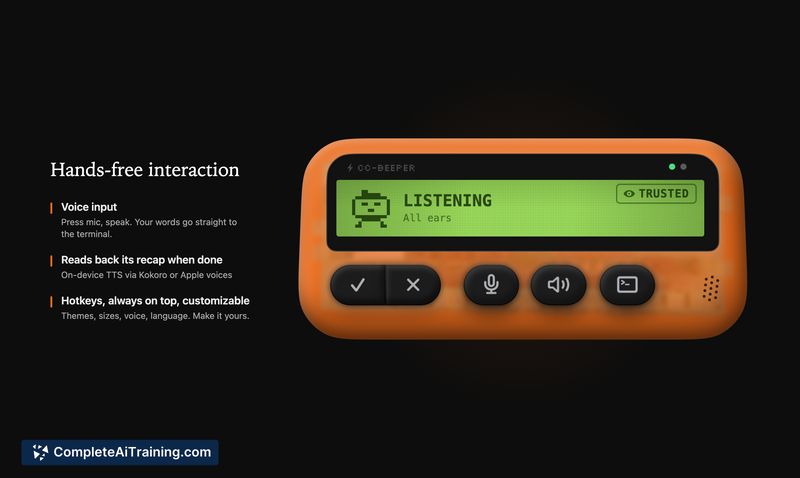
- Voice input and spoken recaps for hands-free interaction and quick summaries of results.
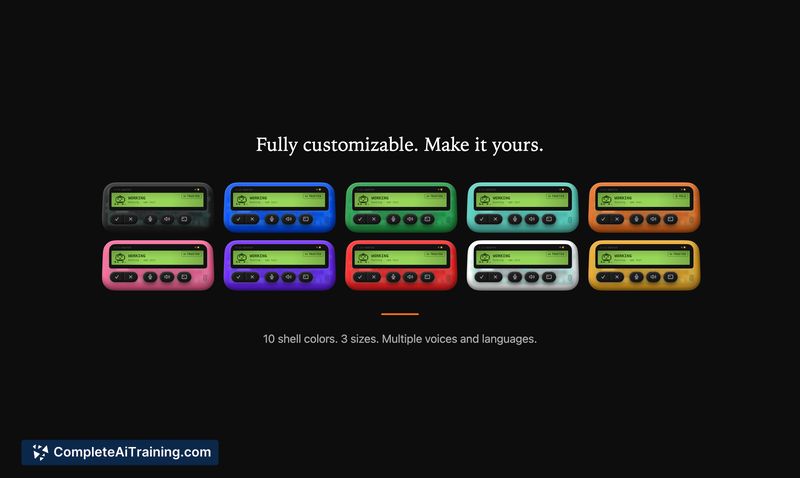
- Customisable themes, sizes and voice settings, plus hotkeys and an always-on-top option.
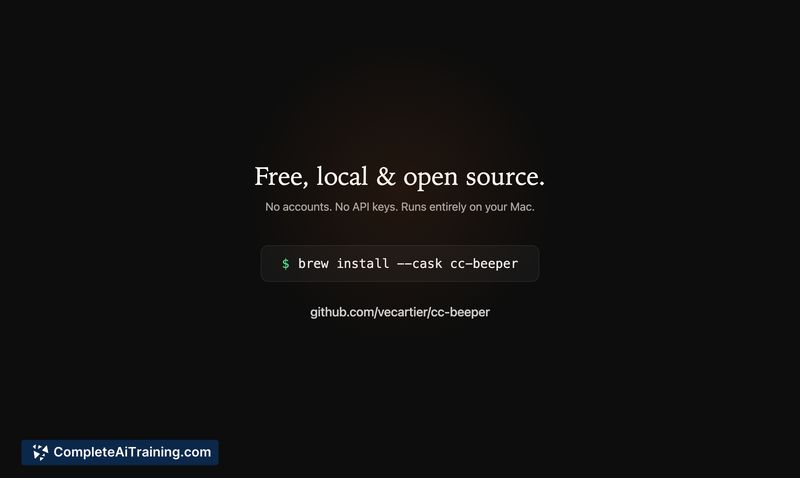
- 100% local, zero dependencies, open source distribution (no accounts, telemetry, or API keys required).
Pricing and Value
CC-BEEPER is free and open source. Given its zero-dependency approach and simple install path (for example via a cask), it offers strong value for people who run Claude Code frequently and want to avoid constant terminal checks. The local-only model also appeals to users who prefer to keep workflows on their machine without external accounts or telemetry.
Pros
- Clear, compact UI that makes it easy to see when action is required without switching to a terminal.
- Flexible auto-accept modes let you tailor behavior to development stage (quick scaffolding vs. cautious updates).
- Voice features and spoken recaps add convenience for hands-free use and faster iteration.
- Runs locally with no external services or telemetry, and the source is available for inspection or contribution.
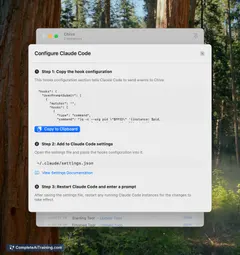
- Lightweight installation and no API keys make onboarding quick.
Cons
- Sleep/wake and some edge-case reliability are noted as weaker areas; timeouts can occur and require recovery.
- Handling multiple concurrent sessions uses a priority/queue approach that can feel imperfect for complex workflows.
- Permissions presentation is intentionally compact, which may leave less-technical users uncertain about some accept/deny choices.
CC-BEEPER is best suited for developers and designers who use Claude Code often and want a low-friction way to monitor progress and accept permissions without constantly checking a terminal. It's especially handy for iterative, low-risk projects and rapid prototyping; teams that require production-grade guarantees should treat it as a helpful convenience rather than a safety-critical control plane.
Jobs CC-BEEPER suits
We checked CC-BEEPER against 500+ jobs; these get the most out of it.
Alternatives to CC-BEEPER
Other tools that do the same main job. Our AI compared CC-BEEPER with similar tools and kept the ones you could use instead.