About: ChatTab
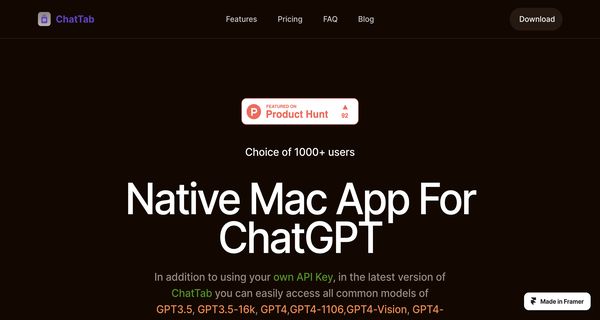
ChatTab is a powerful native application designed specifically for Mac users, enabling seamless interactions with ChatGPT across various domains. This innovative tool provides an intuitive user interface that enhances the conversational experience, allowing users to engage with experts and gather insights effortlessly. Key features include a sophisticated Markdown support for text formatting, customizable shortcut keys for efficient navigation, and iCloud synchronization to ensure your conversations and preferences are accessible across devices.
With built-in prompts and multi-language support, ChatTab caters to a diverse global audience, making it easier for users to engage in meaningful dialogues regardless of their linguistic background. The application prioritizes user privacy with secure data handling, and it supports API key integration for advanced functionalities. ChatTab is free to download and use without requiring any payment details, making it an accessible option for anyone looking to leverage AI-driven conversations. Whether for research, learning, or casual inquiries, ChatTab offers a unique and valuable platform for enriching user interactions.
Review: ChatTab
Introduction
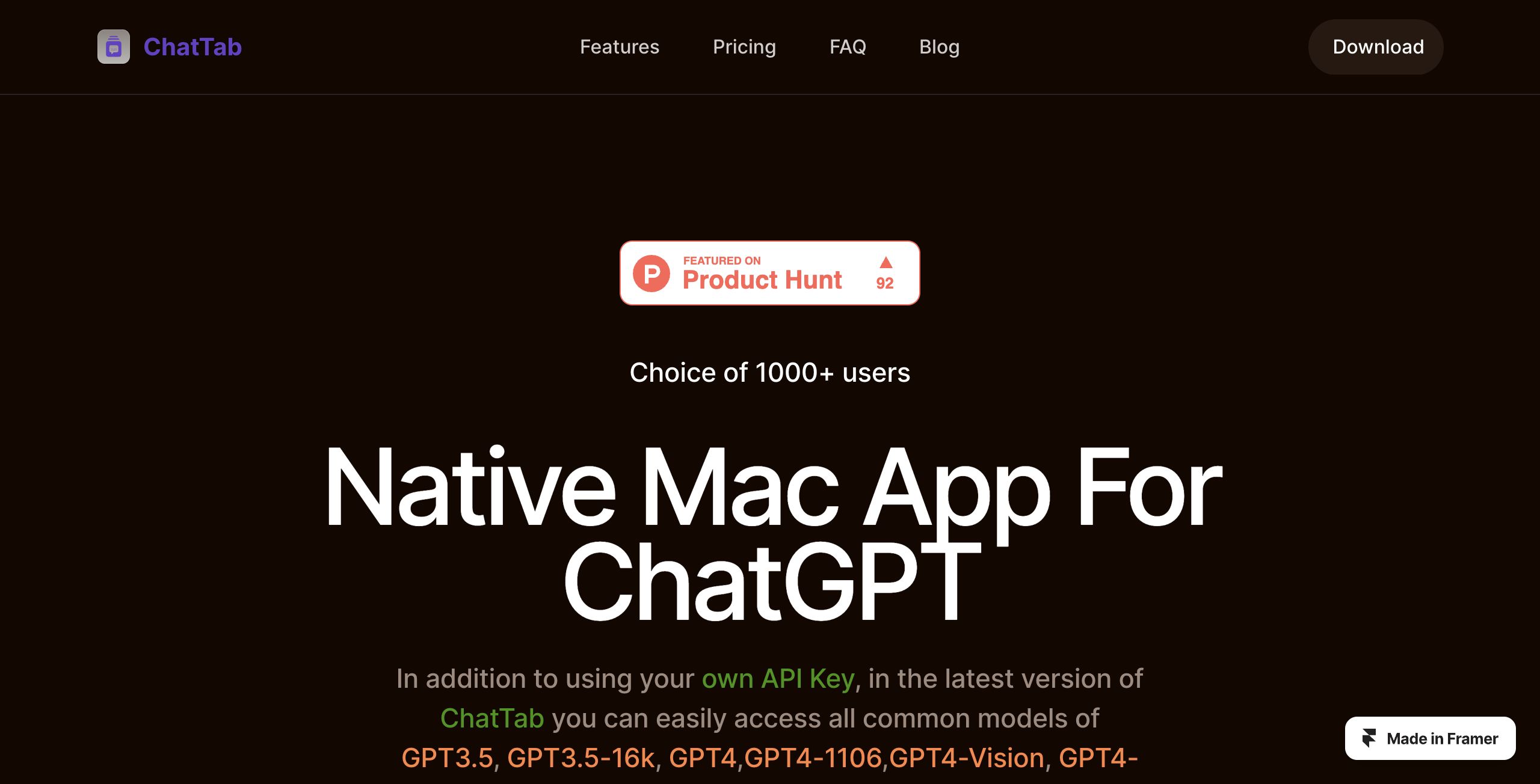
ChatTab is a native Mac application designed to give users seamless and powerful access to ChatGPT directly from their macOS devices. Tailored for professionals, tech enthusiasts, and everyday users, this software allows for instant conversations with advanced AI models without the need for a web-based interface. Its relevance stems from the growing demand for efficient, secure, and locally optimized AI tools that deliver a native experience, particularly on Mac platforms.
Key Features
- Native Mac Experience: Optimized for macOS, ChatTab runs with a smaller memory footprint and faster startup speed, ensuring a smooth and responsive user experience.
- Multiple Model Support: Besides allowing users to access ChatGPT, the app supports various models such as GPT3.5, GPT4 (and its variants including GPT4-Vision and GPT4-32k), and even Claude2, offering flexibility based on user needs.
- Unique UI and Markdown Support: The distinctive user interface paired with a smooth Markdown experience makes it both visually appealing and easy to use when formatting text, code, lists, and more.
- Efficient Navigation with Shortcut Keys: Built-in shortcut keys provide quick access to dialogues and functions, enhancing productivity.
- Comprehensive Data Management: Features like iCloud sync for prompts and local storage of conversation records ensure that user data is managed securely and conveniently.
- Security and Privacy: The app places strong emphasis on security by storing API keys in Apple’s keychain and not transmitting sensitive data, ensuring user privacy is maintained.
- Global and Multi-Language Support: With multiple language support, ChatTab caters to a global audience, making the advanced capabilities of ChatGPT accessible to a wider range of users.
- Advanced Functionalities: Additional features, such as GPT4-Vision for image-based queries and an assistant API for handling various file formats, set ChatTab apart from other similar tools.
Pricing and Value
ChatTab offers a competitive pricing structure designed to cater to different usage needs:
- Starter (Free): This plan is ideal for trial users, offering access to a single tab with 10,000 tokens for models like GPT3.5 and GPT4 variants without requiring a credit card.
- Pro Plan: Priced at $19.99 (one-time payment), the Pro plan unlocks additional features such as multiple tabs, custom prompts, and iCloud sync on a single macOS device.
- Max Plan: At $39.99 (one-time payment), this option provides all Pro features along with support for up to three macOS devices, catering to users with broader requirements.
- Pay-As-You-Go Options: For those needing flexible usage, there are also pay-as-you-go plans available, offering varied token allowances based on usage needs.
The pricing tiers are well-structured, providing good value whether you’re an occasional user or require more extensive integration. The availability of both free and premium models ensures that users can choose the plan best suited to their workflow and budget.
Pros and Cons
- Pros:
- Native, high-performance experience optimized for macOS.
- Diverse range of AI models and advanced functionalities.
- Intuitive and attractive UI with excellent Markdown support.
- Robust security measures with API key management and local data storage.
- Flexible pricing options, accommodating both casual and power users.
- Cons:
- The free plan is limited to a single tab and a smaller token allocation, which may restrict heavy users.
- Currently available only on Mac, limiting accessibility for users of other operating systems.
- Advanced features and integrations might present a learning curve for newcomers.
Final Verdict
ChatTab is a compelling option for Mac users who want a dedicated, efficient, and secure interface for interacting with ChatGPT and other advanced AI models. Its native design ensures responsiveness and lower resource consumption, making it particularly attractive for users who value speed and performance. The range of pricing options—from a free starter plan to one-time purchase models—offers flexibility that accommodates both casual and professional needs.
While the platform’s Mac-exclusive support might limit its reach, those within the Apple ecosystem will find it a robust tool that enhances AI-driven productivity. Overall, ChatTab is highly recommended for macOS users seeking a powerful, secure, and user-friendly AI chat solution.
Open 'ChatTab' Website
Your membership also unlocks: