AI tool
ChecklistFox
ChecklistFox generates a simple checklist based on your description of a life event or task, then lets you download it as a PDF. It's for anyone who wants a clean, no-article checklist for moments like trips, baby showers, or visa applications.
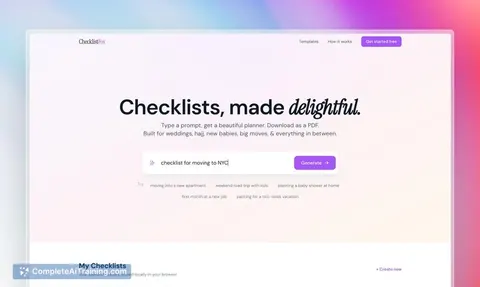
About ChecklistFox
ChecklistFox is an AI checklist maker that turns a text prompt into a downloadable PDF planner with a selectable visual theme. A user types what they are planning, picks a theme, and receives a checklist. It was built for life events - weddings, Hajj, new babies, big moves - and runs without an account or payment.
Review
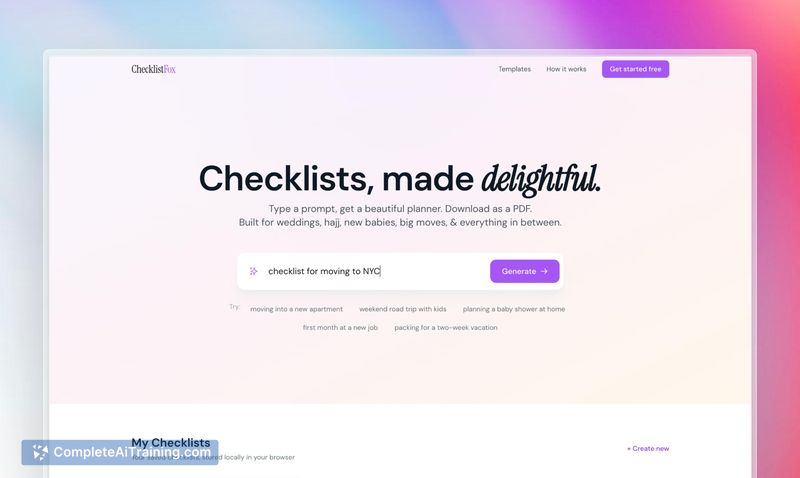
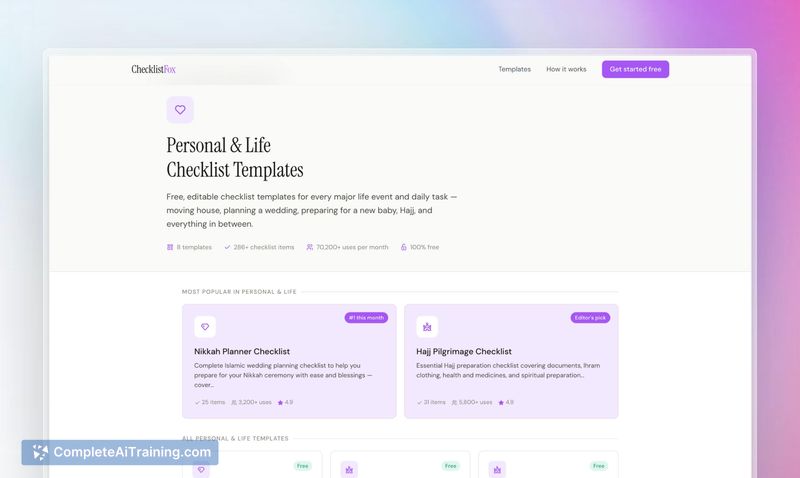
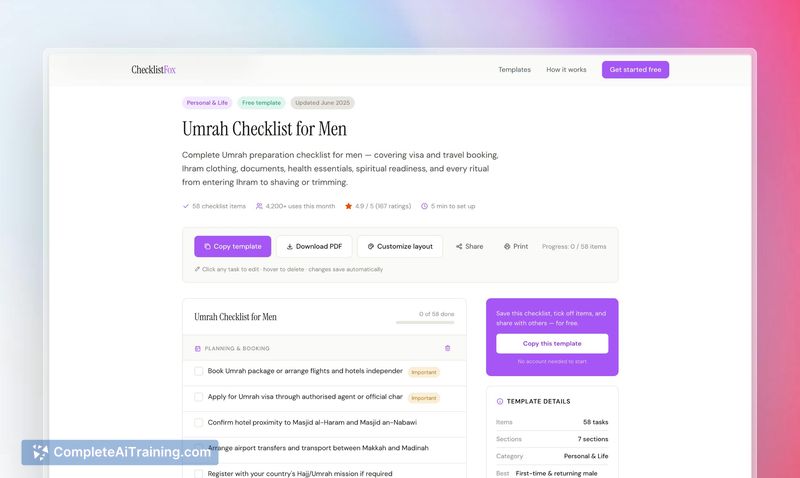
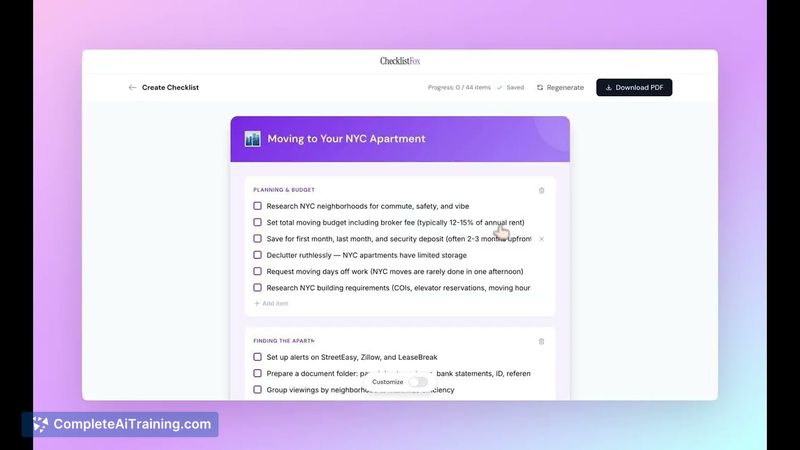
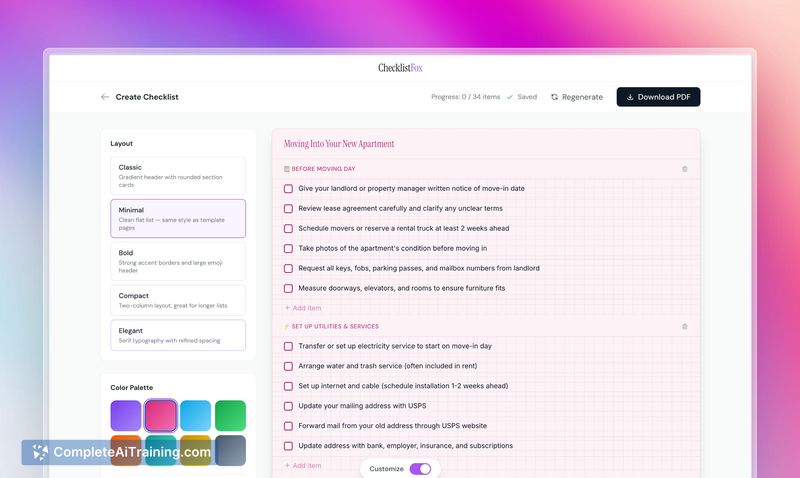
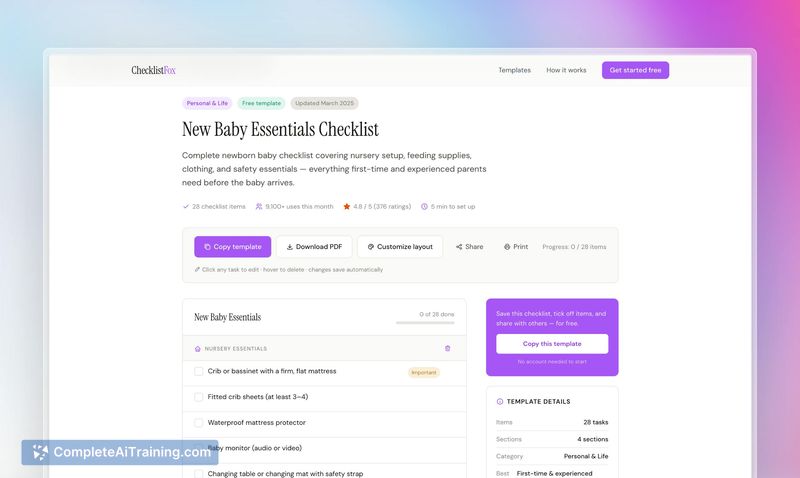
ChecklistFox reduces the friction of creating a tailored checklist for one-off personal events. Instead of combing through generic articles or starting from a blank document, a user can describe the situation and get a context-aware set of items in seconds. The output appears in a themed PDF ready to print or save.
Key Features
- Prompt-based generation: every checklist is created fresh from the prompt, not drawn from a fixed template library.
- Theme selection: multiple visual themes are available to style the PDF before download.
- No sign-up: the tool is accessible immediately; no account creation or login is required.
- Editable and auto-saving: after generation, you can modify items, reorder steps, and regenerate the PDF at any time. Changes are saved automatically on the page.
- Privacy handling: prompts are not stored on ChecklistFox's servers. They pass through the LLM provider and are not visible to other users. Downloaded PDFs are optionally saved.
Collaborative checklist editing is a publicly mentioned roadmap item and is not available at launch.
Pricing and Value
ChecklistFox is free to use. There is no subscription, credit system, or payment gateway. The launch page and maker comments do not outline any future pricing model; at the time of writing, the tool remains entirely free.
Pros
- Instant generation: typing a few words produces a full checklist without setup.
- Context-aware responses: adding detail like "with a toddler" meaningfully changes the generated list.
- No registration barrier: users can start immediately and keep their email address private.
- Editable output: you are not locked into the first version; you can tweak items and download again.
Cons
- PDF-only export: no other formats (CSV, plain text) or integrations with task apps are available.
- No saved checklist library: beyond manually keeping downloaded PDFs, there is no built-in way to revisit or organize past checklists.
- Not suited for team-based planning or complex project management: the tool lacks collaboration, task assignment, and reminders, and it is aimed at individual use.
A person preparing a visa application, organizing a baby shower, or packing for a weekend trip will likely find ChecklistFox a fast, straightforward helper. Those who need ongoing task tracking, multi-user coordination, or integrations with other productivity tools may need a more specialized system.
Jobs ChecklistFox suits
We checked ChecklistFox against 500+ jobs; these get the most out of it.
Alternatives to ChecklistFox
Other tools that do the same main job. Our AI compared ChecklistFox with similar tools and kept the ones you could use instead.