AI tool
Chopstick
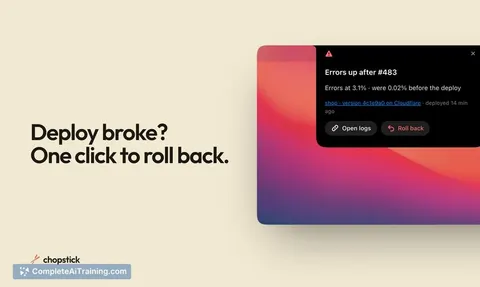
Chopstick lets Mac users add custom widgets to the notch area. It includes an editor with coding agent support and can automatically generate widgets from your activity. Widgets run scripts and appear based on triggers you set.
About Chopstick
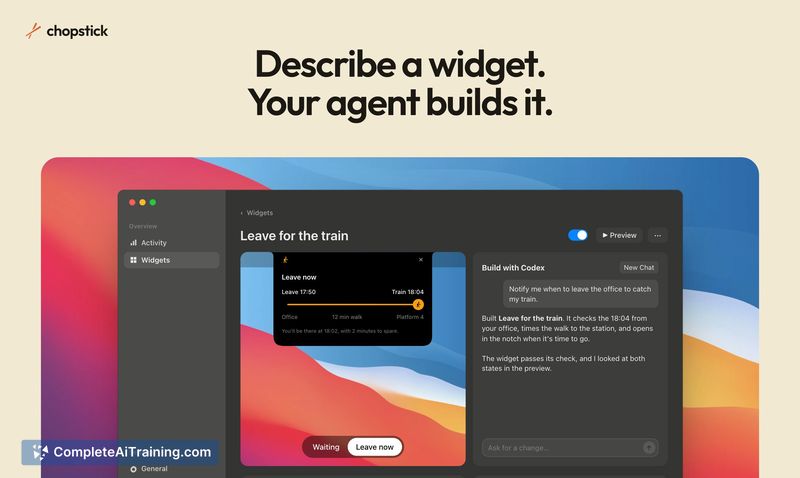
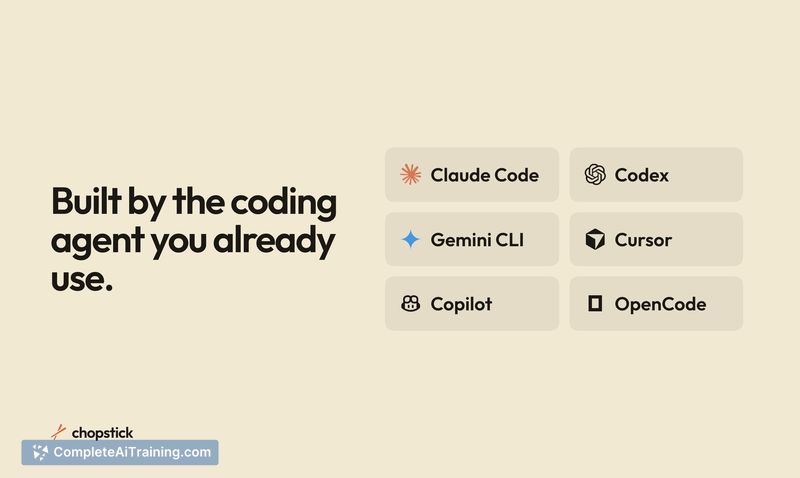
Chopstick is a Mac application that observes repeated actions and builds notch widgets from them. It uses an existing coding agent to generate widgets automatically, while keeping your activity log stored locally on the device. The tool also includes a widget editor for manual adjustments and custom builds.
Review
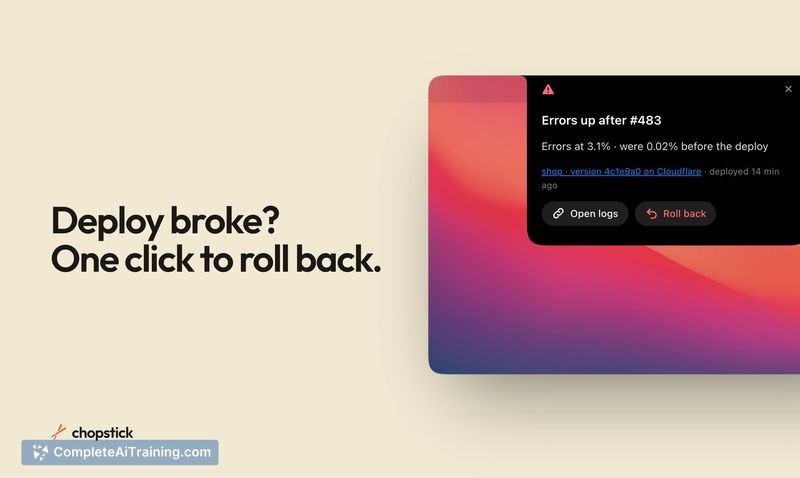
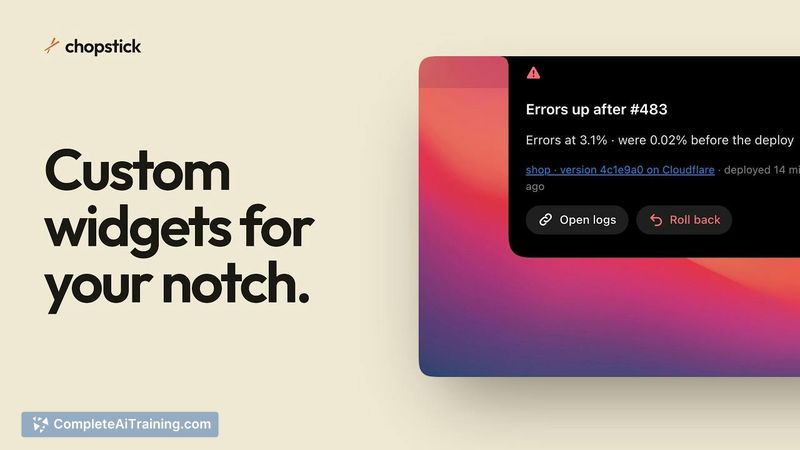
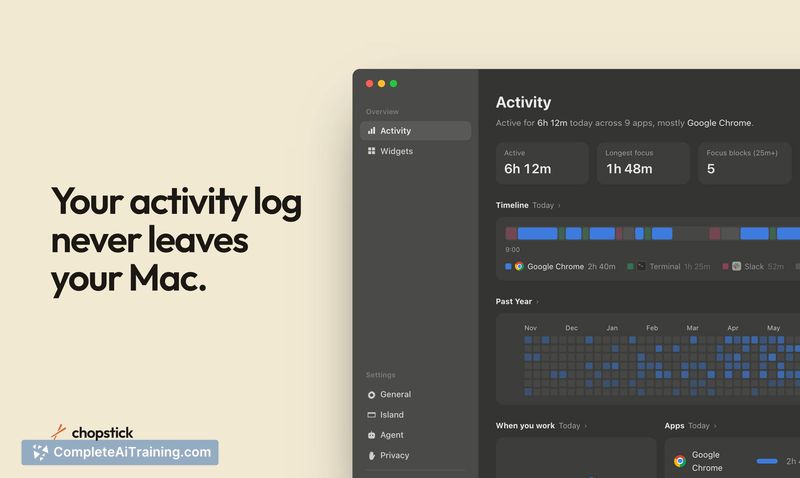
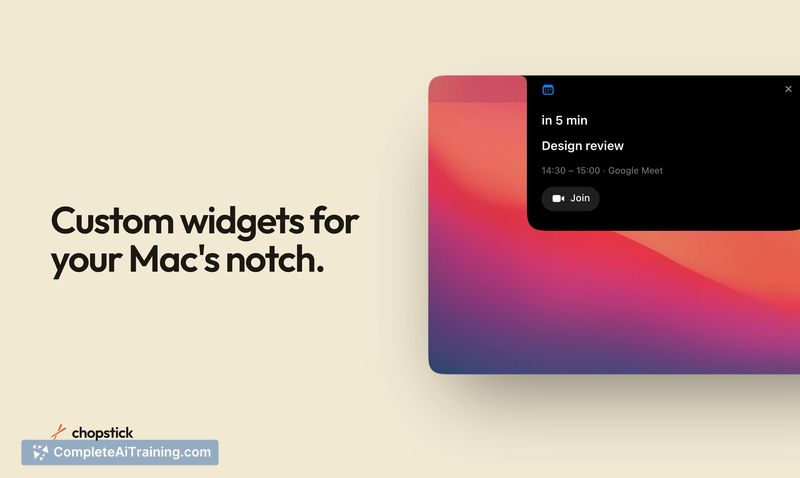
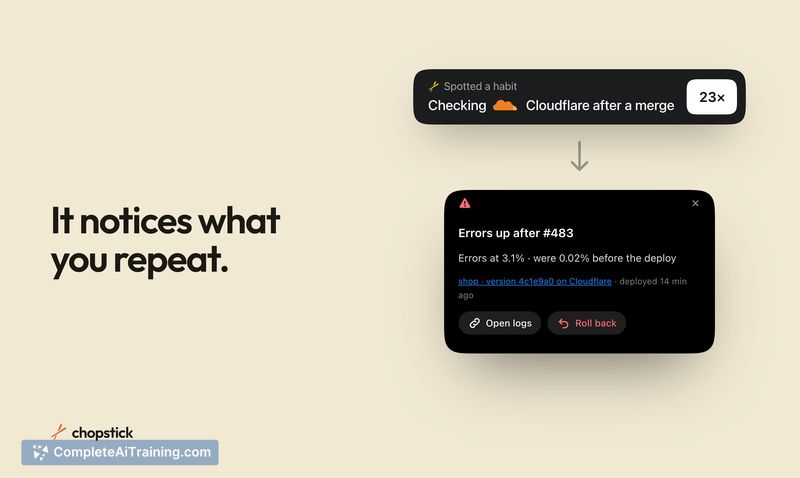
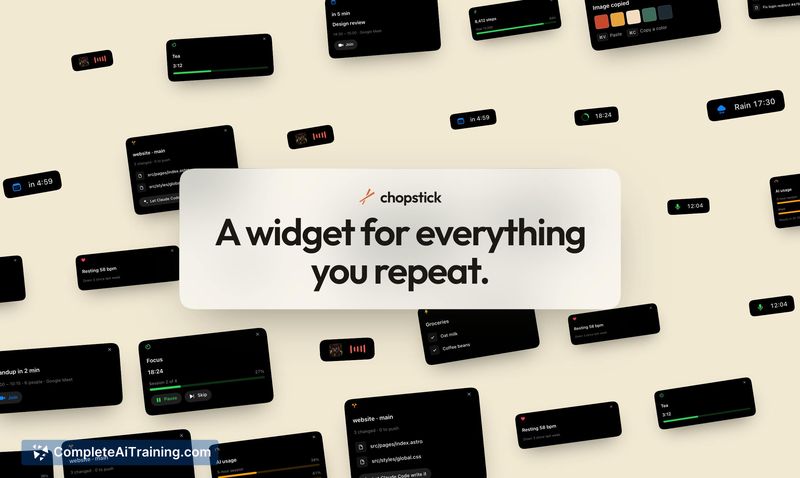
Chopstick enters the Mac productivity space with a specific focus on the notch area of recent MacBook models. Rather than offering a fixed set of pre-made widgets, it watches what you do and proposes widgets based on patterns it detects. The activity data stays on your machine, and you can review the scripts before accepting any suggestions.
Key Features
- Activity logging that tracks app usage and repeated actions locally on your Mac
- Automatic widget suggestions generated from patterns found across multiple days of use
- A widget editor connected to your coding agent for building custom widgets or modifying suggested ones
- Conditional widget display that triggers based on specific scripts or workflow states
- Privacy controls for excluding specific apps and websites from logging, plus detection of common patterns like secrets
Pricing and Value
Chopstick launched with a $7 discount from its regular price, though the standard pricing after the launch period is not yet defined. The tool is listed under "Free Options," suggesting a free tier or trial exists, but the exact pricing model hasn't been publicly clarified. Interested users should check the website for current pricing details.
Pros
- Activity logs remain local, with app and website exclusion controls available
- Widget scripts are visible for review before enabling any suggestion
- Users can dismiss incorrect suggestions and provide comments to steer future proposals
- Widgets can update their state as you move through sequential, multi-step workflows
- The editor allows full customization of auto-suggested widgets or building entirely new ones from scratch
Cons
- The tool only works on Macs with a notch, which excludes a large portion of Mac users
- Reliance on a coding agent means users without one set up won't get the full widget-building functionality
- Chopstick is not well suited for people who prefer pre-configured automation tools and don't want to review or edit scripts
Chopstick fits users who already have a coding agent configured and want widgets that adapt to their actual behavior rather than static shortcuts. It's worth a look for MacBook owners comfortable inspecting scripts and iterating on automated suggestions. Those on older Mac hardware or who prefer turnkey automation without script review will find it less applicable.