
About claude-devtools
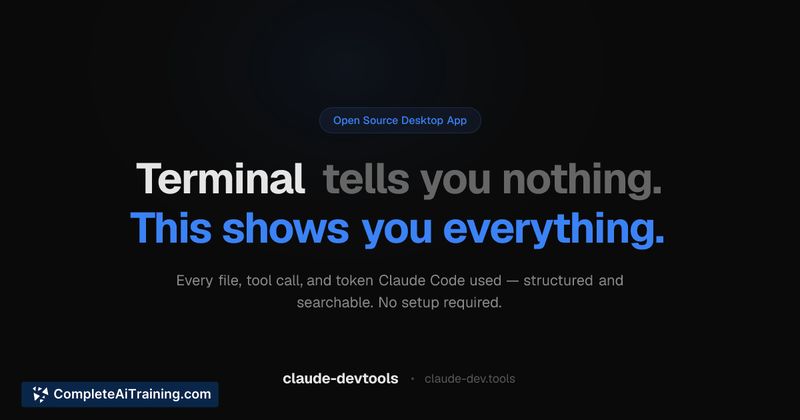
claude-devtools is an open-source developer tool that reconstructs Claude Code session logs into a searchable visual timeline. It reads the raw session files on your machine and presents file reads, inline diffs for edits, tool calls and results, token consumption, and subagent execution trees.
Review
claude-devtools targets developers who want clarity about what Claude Code actually did during a session. Rather than wrapping or modifying the CLI, it parses existing session logs and surfaces per-turn context, compaction visualization, and detailed traces so you can inspect past runs in a compact, structured way.
Key Features
- Reconstructs full execution traces from local session logs (no change to Claude Code behavior).
- Per-turn context attribution and token consumption breakdowns, including compaction visualization.
- Inline diffs for file edits and syntax-highlighted file reads to see exact changes.
- Subagent execution trees and tool call chains showing inputs and results.
- Runs locally on macOS, Linux, Windows, and Docker; open source with no external network calls.
Pricing and Value
claude-devtools is free and open source. Because it runs entirely locally and reads existing logs, there are no usage fees or network dependencies. For developers working with Claude Code who need auditability, reproducibility, or detailed post-hoc investigation of sessions, the tool provides high value with a zero-cost entry point.
Pros
- Restores visibility into what the CLI often hides-file paths, diffs, and raw tool interactions.
- Local-first approach preserves privacy and avoids sending logs to external services.
- Detailed token and context visualizations help identify what contributes to context usage.
- Works with every session already on disk, so it can analyze past runs immediately.
- Open source, which allows inspection, extension, and community contributions.
Cons
- Focuses on post-mortem analysis rather than providing a full live dashboard for in-progress sessions.
- Requires access to local session logs and some familiarity with the CLI environment to get started.
- Does not modify or control Claude Code sessions-it is observational only, so it cannot fix issues automatically.
Ideal users are developers and teams who rely on Claude Code for file system operations, tool orchestration, or automated edits and who need transparency for debugging, compliance, or optimization. If you want a local, inspectable view of past sessions and detailed token/context accounting, claude-devtools is a strong, no-cost option to add to your toolkit.
Open 'claude-devtools' Website
Your membership also unlocks:



















