
AI tool
CLI Manager
CLI Manager runs Claude Code, Codex, and Gemini CLI in one sidebar and lets external AI tools control terminal sessions via a local API. It is for developers who want to script or orchestrate AI agents while watching them work in real time.
About CLI Manager
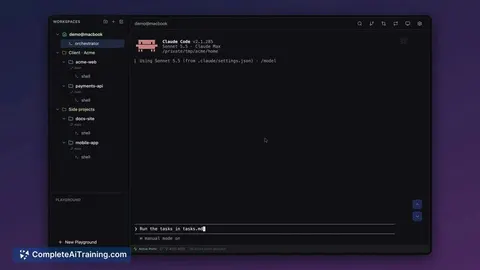
CLI Manager is an open-source (MIT) macOS application that runs multiple AI CLI agents - Claude Code, Codex CLI, and Gemini CLI - side by side in a single sidebar. Users can organize projects and git worktrees, rename sessions, and jump to an editor in one click. The tool also includes an AI Control API (REST + MCP, local only, off by default) that lets one AI agent open and drive sessions in terminals the user can watch, with a Disconnect AI function to take back control at any time.
Review
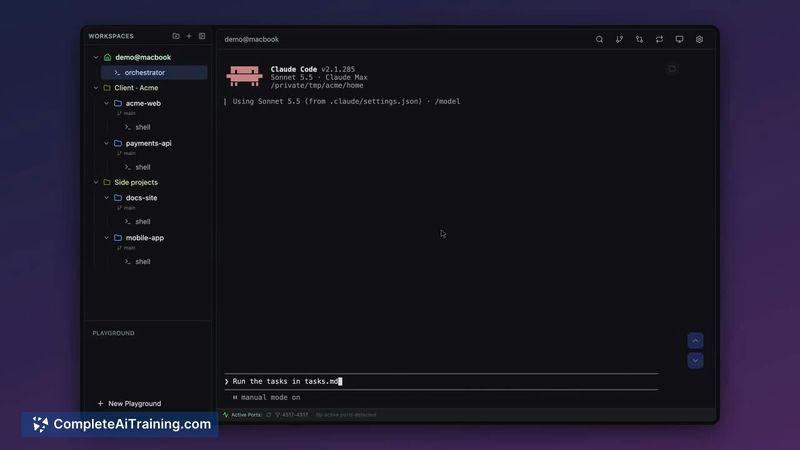
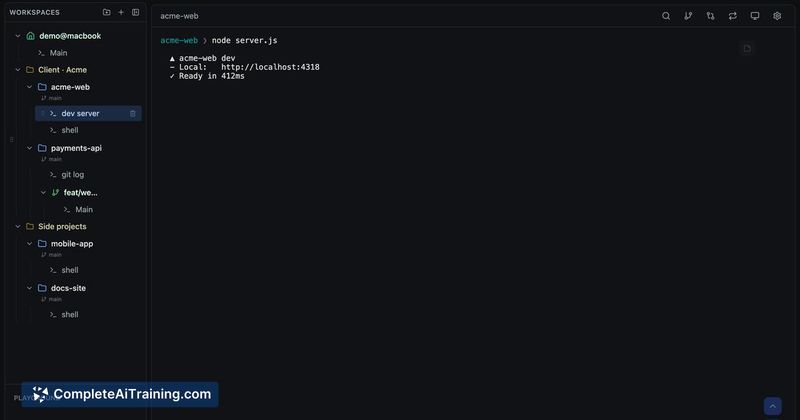
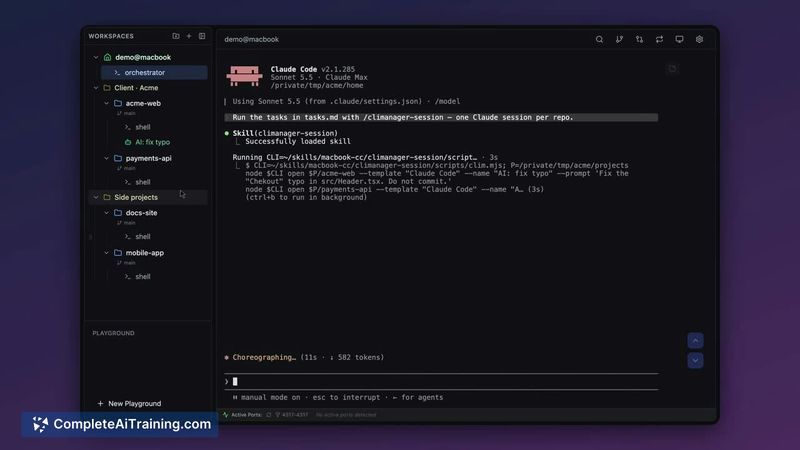
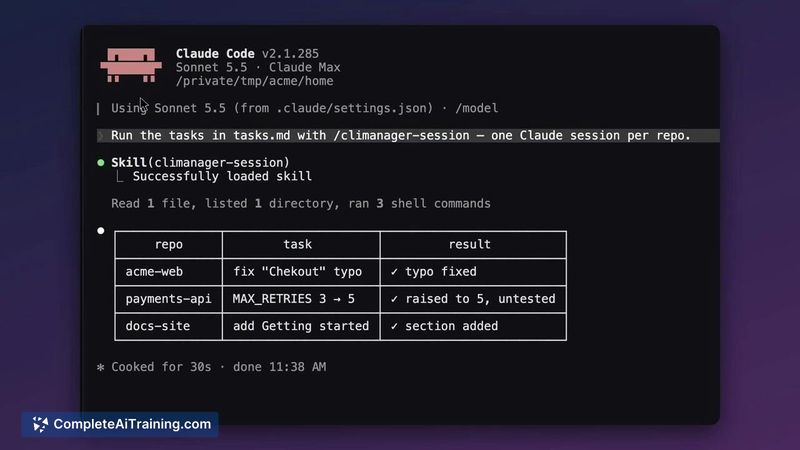
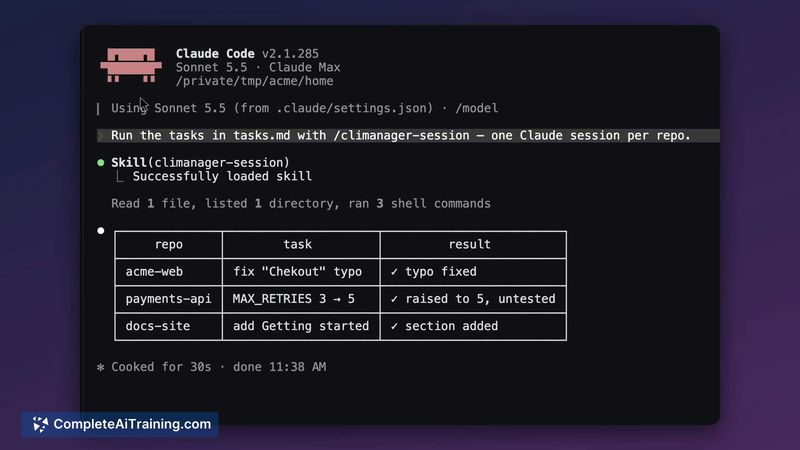
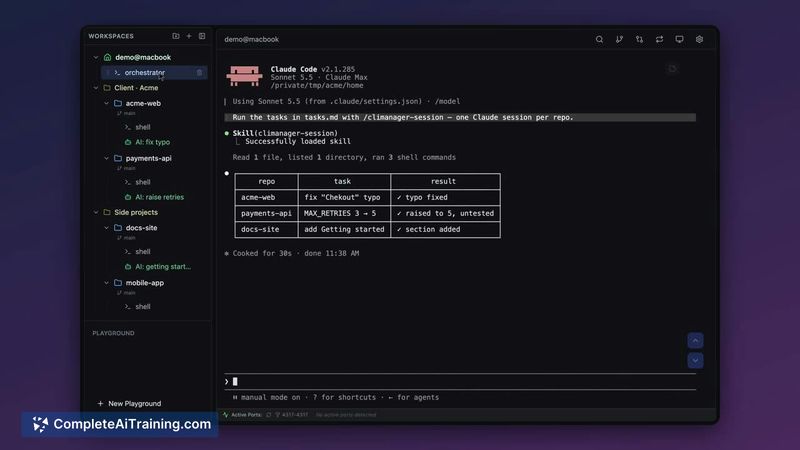
CLI Manager consolidates several command-line AI coding agents into one window, which reduces the friction of switching between terminal tabs. The recent addition of the AI Control API shifts the tool from a passive session organizer to something that can actively coordinate work across agents. It's free and MIT-licensed, with the current limitation of macOS-only support.
Key Features
- Runs Claude Code, Codex CLI, and Gemini CLI in a single sidebar with session renaming and project organization
- AI Control API (REST + MCP, 127.0.0.1 only) allows one agent to open sessions, send prompts, wait, and read terminal output
- Visual indicators show when an AI is driving a session - the session turns green and the orchestrator gets a crown icon
- Disconnect AI button immediately returns terminal control to the user
- Cmd+Click on file paths (with line numbers), URLs, and localhost links opens them directly in the configured editor or browser
Pricing and Value
CLI Manager is free and distributed under the MIT open-source license. There is no paid tier, subscription, or usage-based pricing mentioned in the available information.
Pros
- Consolidates three major CLI coding agents into one interface, cutting down on window management
- MIT license means no vendor lock-in and full access to modify the source code
- AI Control API runs locally on 127.0.0.1 and ships turned off by default, so nothing phones home
- Disconnect AI gives a fast, manual override if an agent-driven session goes off track
- Cmd+Click file path navigation works with line numbers and localhost URLs, saving small but frequent copy-paste steps
Cons
- macOS only - Windows and Linux users cannot run the tool at this time
- The AI Control API is off by default, which is safe, but means first-time setup requires deliberate configuration steps
- Not well suited for users who work with a single CLI agent or prefer a minimal terminal setup without a GUI layer
CLI Manager fits developers who regularly juggle multiple CLI coding agents and want a visual dashboard to track them all. It's also worth a look for anyone experimenting with agent orchestration, since the local API lets one agent dispatch work to others while keeping human oversight a click away. Teams working across operating systems will need to wait for broader platform support.



