AI tool
ComfyUI
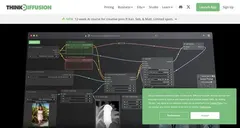
ComfyUI offers a modular, graph-based interface for designing stable diffusion pipelines, supporting SD1.x and SD2.x. Optimize workflows with selective re-execution, load various models, and easily save/load workflows as JSON or PNG files for seamless integration.
About: ComfyUI
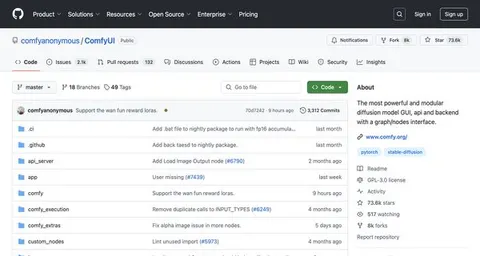
ComfyUI is an advanced graphical user interface designed specifically for stable diffusion, featuring a modular and visual graph/nodes framework. This innovative tool allows users to create, manipulate, and execute complex stable diffusion workflows through an intuitive flowchart-style interface. Supporting both SD1.x and SD2.x models, ComfyUI enhances productivity by enabling users to re-execute only the modified segments of their workflows, significantly reducing processing time.
The platform accommodates a variety of model formats, including checkpoints and safetensors, and integrates numerous upscaling algorithms such as ESRGAN, its variants, SwinIR, and Swin2SR. Users can conveniently save and load their workflows as JSON files, as well as generate and import workflows from PNG images, streamlining the process of sharing and collaborating on projects.
ComfyUI stands out for its flexibility and customization options, making it an invaluable tool for artists, researchers, and developers who seek to harness the full potential of stable diffusion technology in their creative or analytical endeavors.
Review: ComfyUI
Introduction
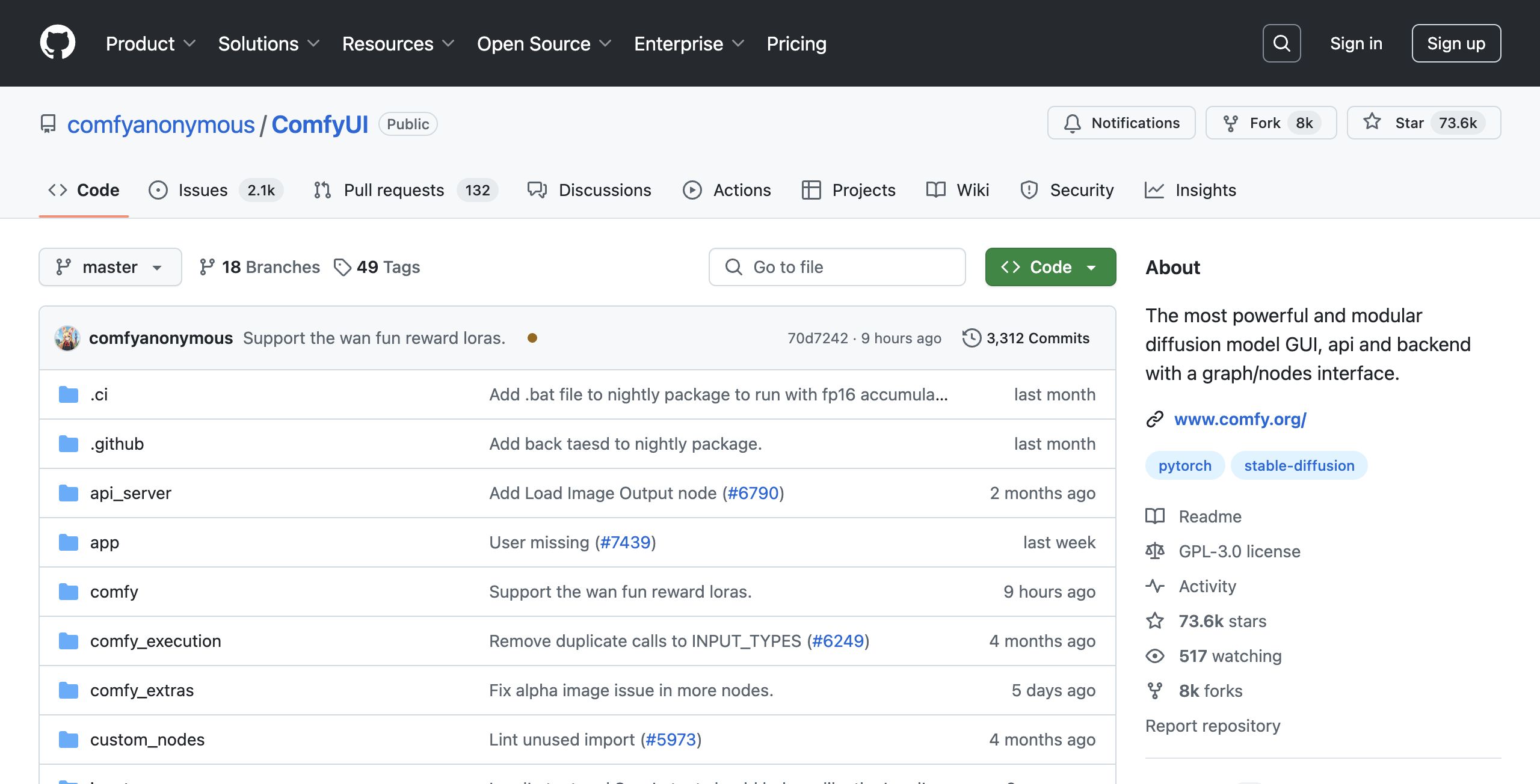
ComfyUI is a modular, optimized graphical user interface designed specifically for stable diffusion. This tool is built for artists, AI enthusiasts, and developers who want to create, experiment with, and fine-tune advanced diffusion pipelines using a highly flexible flowchart-based interface. Given the rapid pace of innovation in AI-based art and creative workflows, ComfyUI is being reviewed here to explore its potential in empowering users with a powerful yet adaptable platform for complex visual projects.
Key Features
ComfyUI stands out with several robust features that make it a versatile tool for stable diffusion workflows:
- Graph/Nodes Interface: Offers a flowchart-style design, enabling users to craft and execute complex diffusion pipelines without needing to write code.
- Modularity and Flexibility: Users can design custom workflows that re-execute only the modified parts, helping to optimize processing time and resource usage.
- Wide Model Support: Compatible with multiple stable diffusion models (SD1.x, SD2.x, SDXL, and more) along with support for various checkpoints, safetensors, and upscaling models like ESRGAN, SwinIR, and others.
- Cross-Platform Availability: Runs on Windows, Linux, and macOS, and offers both desktop and portable versions to accommodate different user preferences.
- Workflow Management: Enables saving and loading workflows in JSON format as well as generating and importing complete workflows through PNG files, combining flexibility with ease of use.
Pros and Cons
- Pros:
- Highly modular design with a flexible drag-and-drop graph interface.
- Efficient execution by re-running only parts of workflows that change.
- Broad compatibility with various diffusion models and supplemental tools.
- Cross-platform support ensuring accessibility on Windows, Linux, and macOS.
- Open source nature, which allows community-driven contributions and rapid iteration.
- Cons:
- The advanced modular interface may present a steep learning curve for beginners.
- Installation and configuration can be complex, potentially discouraging users less familiar with technical setups.
- While highly customizable, the depth of options might overwhelm users looking for a simpler plug-and-play solution.
Final Verdict
Overall, ComfyUI is an excellent choice for advanced users and professionals in the digital art and AI fields who require a flexible and powerful tool for creating customized stable diffusion workflows. Its robust feature set and high degree of control make it highly appealing for those willing to invest time into mastering its interface. However, newcomers or users seeking a more straightforward experience might find the initial complexity challenging. If you are comfortable with technical setups and value extensive customization, ComfyUI could be a game-changing addition to your creative toolkit.
Jobs ComfyUI suits
We checked ComfyUI against 500+ jobs; these get the most out of it.
Alternatives to ComfyUI
Other tools that do the same main job. Our AI compared ComfyUI with similar tools and kept the ones you could use instead.