AI tool
Cosyra
Cosyra lets you run terminal coding agents and code from your phone-patch, build, audit, and manage projects with GitHub, localhost preview, session switching, and built-in isolation. Free 7-day / 10-hour trial.
About Cosyra
Cosyra is a mobile cloud terminal that lets developers run AI coding agents from a phone. It supports tools like Claude Code, Codex CLI, and Gemini CLI so you can supervise agent workflows, switch sessions, and preview localhost without a laptop.
Review
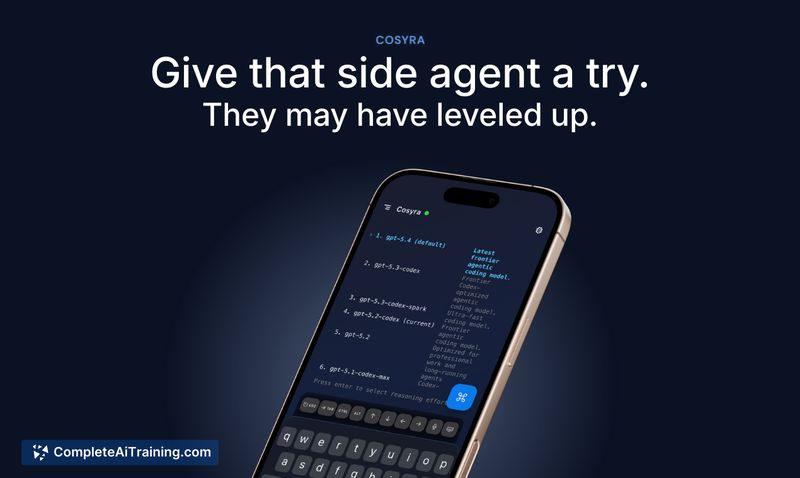
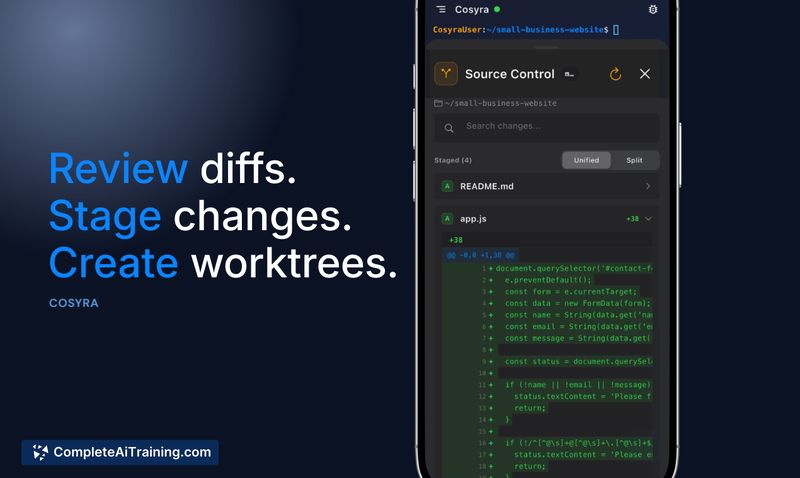
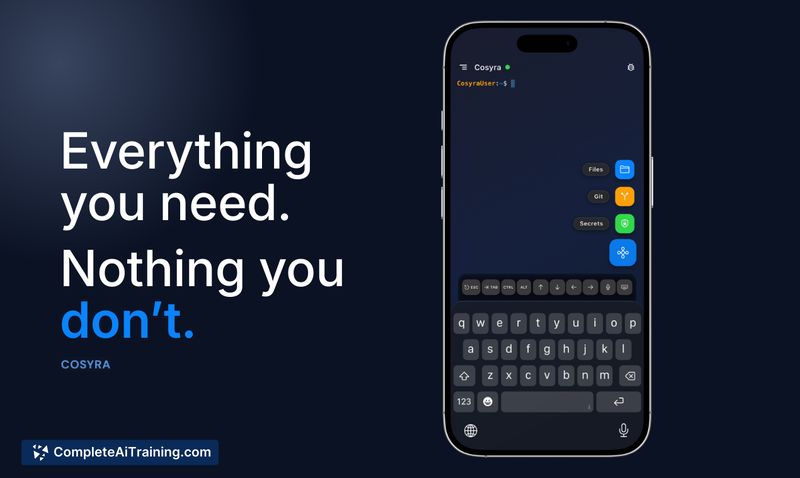
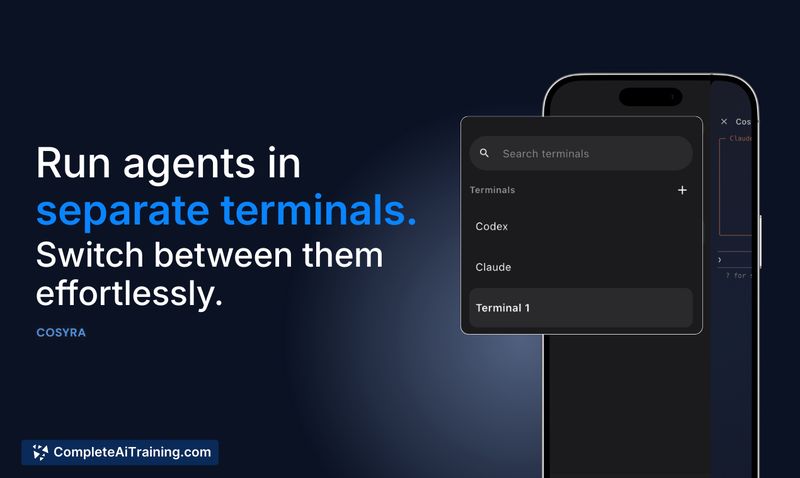
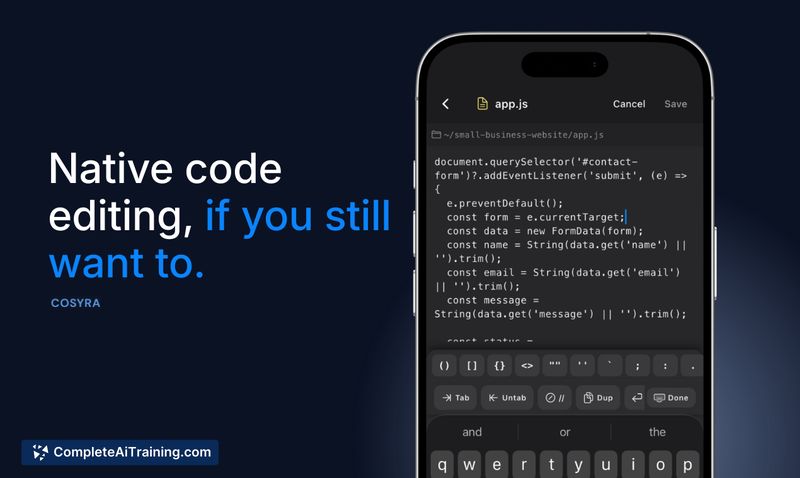
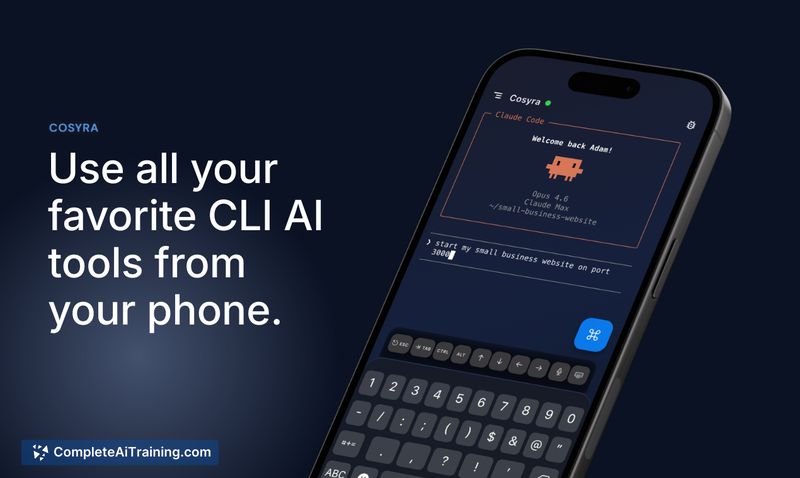

Cosyra targets developers who want to start, monitor, and steer terminal-based AI agents while away from their desks. The product centers on persistent cloud containers, voice input, and a mobile-tailored UI that focuses on supervision rather than manual coding on a small screen.
Key Features
- Run terminal AI agents on mobile: supports Claude Code, Codex CLI, Gemini CLI and similar CLI agents.
- Persistent cloud Ubuntu containers with session hibernation and fast resume so agents keep running when you disconnect.
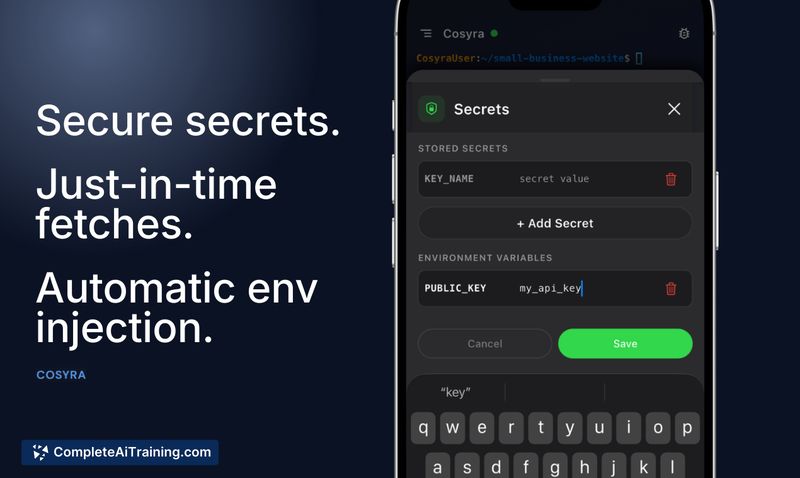
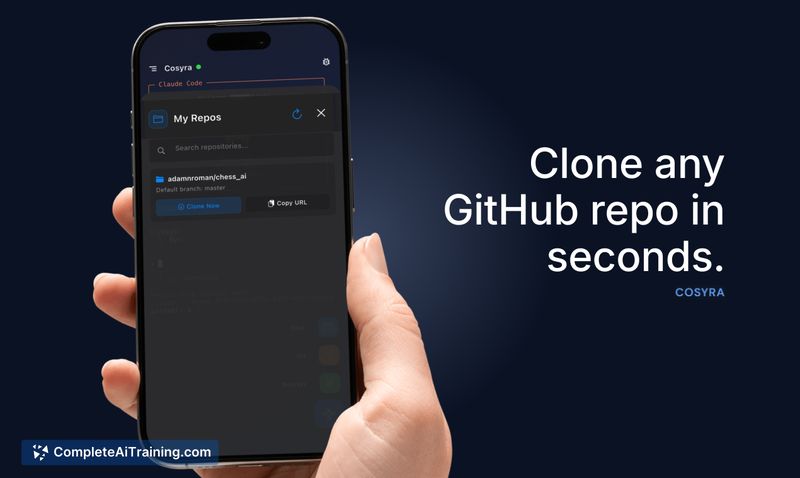
- GitHub integration, localhost preview in a webview, and optional just-in-time secret injection for development workflows.
- Mobile conveniences: voice input for prompts, push notifications when an agent awaits input, and multiple concurrent terminal sessions.
- Security controls including encryption at rest and in transit, network isolation, and container sandboxing.
Pricing and Value
Cosyra offers a free trial (7 days or 10 hours of usage, whichever comes first) and promotional pricing for early adopters, with an initial first-month discount advertised. The model appears to be freemium: basic access for short or casual use and paid plans to unlock longer runtimes, Pro session features, and higher usage limits. For developers who already use terminal agents, Cosyra provides value by keeping agent workflows accessible from a phone and avoiding the need to keep a home machine running.
Pros
- Enables true mobile supervision of AI coding agents so you can start and check on runs while away from a laptop.
- Persistent cloud containers preserve terminal state, command history, running processes, and open files across sessions.
- Security-focused design with encryption, isolation, and sandboxing for code and credentials.
- Convenient mobile features like voice prompts, notifications, multiple sessions, and localhost preview.
- Quick setup for existing agent workflows and GitHub-connected projects.
Cons
- Typing or writing large amounts of code on a phone is still impractical; the product is optimized for agent supervision rather than manual authoring.
- Collaboration features such as shared live sessions are limited at launch and are planned for future releases.
- Some cross-device handoff behaviors were indicated as planned improvements, so desktop-to-phone or phone-to-desktop continuity may not be seamless for all workflows yet.
Cosyra is best suited for developers who use terminal-based AI agents and need to start, monitor, or steer runs while away from their desk-on-call engineers, people who want to kick off long-running tasks, or anyone who needs quick supervision from mobile. It is less appropriate as a replacement for full desktop coding, but it fills a clear niche for managing agent workflows on the go.
Jobs Cosyra suits
We checked Cosyra against 500+ jobs; these get the most out of it.