AI tool
Craft Agents
Craft Agents lets anyone create and run AI agents through a visual interface that does not require coding. It supports multiple AI providers and local models, making it accessible to non-developers and everyday users.
About Craft Agents
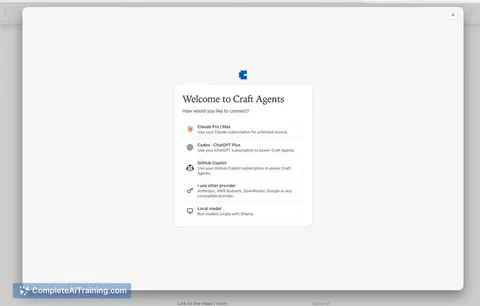
Craft Agents is an open-source desktop application that runs AI agents locally on your machine. It connects to multiple AI providers - Claude, GPT, Gemini, or local models - and lets agents work across your real tools via MCP, APIs, and local files. The tool renders code diffs, data tables, diagrams, and live previews inline, and includes a system for saving results as persistent Pages, teaching reusable Skills, and scheduling Automations.
Review
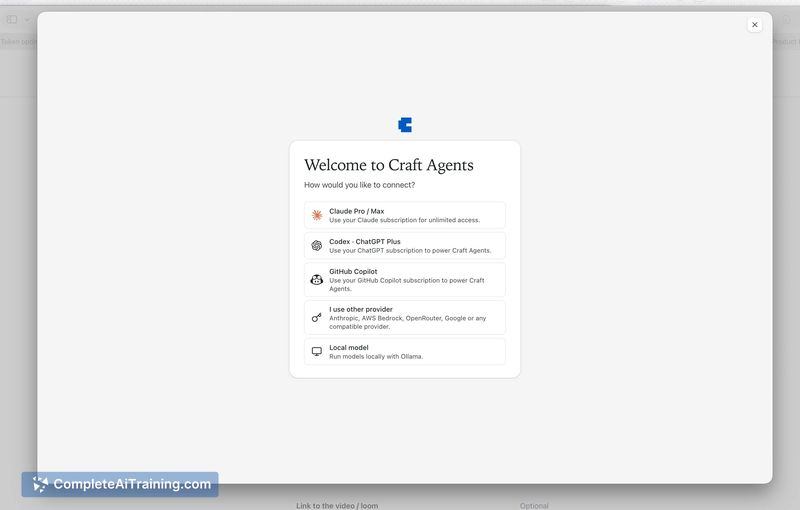
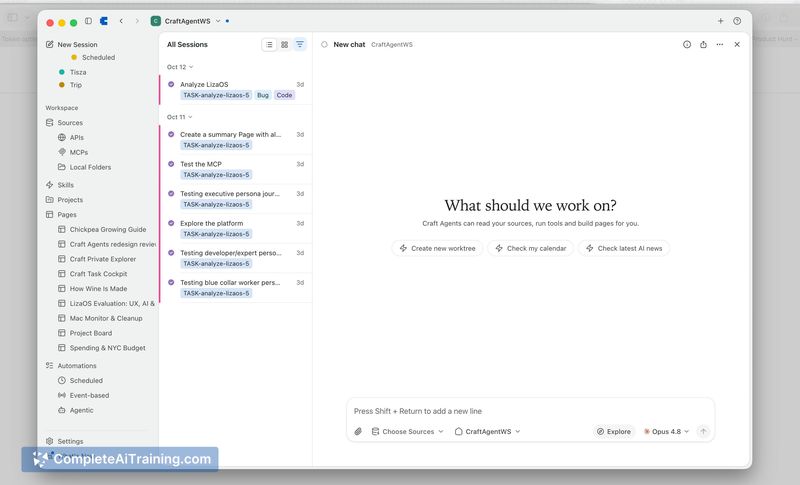
Craft Agents enters a space where most agent tools target developers first. This one aims for a broader audience, with a UI its maker says his 63-year-old mother uses. The local-first architecture means data and API keys don't leave your machine, which addresses a concrete privacy concern for many users.
Key Features
- Runs entirely locally - your data and keys stay on your machine, with no external transmission.
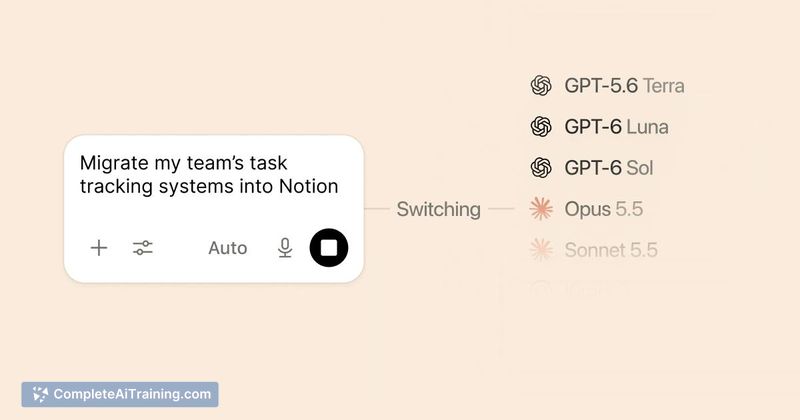
- Supports any AI provider: Claude, GPT, Gemini, or local models, switchable within the same interface.
- Agents connect to real tools through MCP, APIs, and local files, with inline rendering for code diffs, data tables, diagrams, and live previews.
- Converts agent outputs into persistent Pages you can keep and reference later.
- Lets you teach reusable Skills to agents and schedule Automations to run on a recurring basis.
Pricing and Value
Craft Agents is free and fully open source. The reference content does not mention any paid tiers, subscriptions, or usage limits. Whether a pricing model will appear later is not yet defined. Users bring their own API keys for cloud-based AI providers, so any costs from those services are separate and depend on individual usage.
Pros
- Local execution keeps sensitive data off third-party servers.
- Multi-provider support avoids lock-in to a single AI vendor.
- Inline rendering shows code diffs, tables, and diagrams directly in the workspace without switching tools.
- Skill sharing works via remote servers, so teammates can reuse agent capabilities someone else built.
- Open-source codebase allows inspection and modification of how the tool operates.
Cons
- Remote access currently requires manual setup - a native iOS app or simple mobile connection isn't available, and the solo developer notes the maintenance burden of building one.
- Skill sharing lacks a dedicated mechanism beyond connecting to another person's remote server, which adds friction for team workflows.
- Not well suited for teams that need centralized cloud-hosted agent orchestration with built-in user management and permissions - the local-first, single-machine design doesn't target that use case.
Craft Agents fits individual users who want AI agents working across their actual tools without sending data to external services. It's also relevant for people who switch between AI providers and prefer a consistent desktop interface. Teams looking for cloud-native, multi-user agent infrastructure with minimal setup overhead won't find that here - at least not in the current release.