
AI tool
Portal
Portal provides a shareable cloud computer that lets others access a signed-in account with no signup or installation required. It is for teams and professionals who want to control what is off limits, enable multi-player or asynchronous use, and ...
About Portal
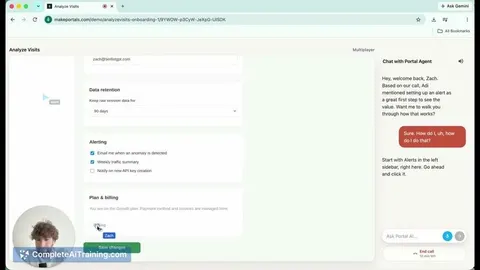
Portal is a cloud computing platform that generates shareable links to pre-configured cloud computers. A user sets up a signed-in account in a chosen state, and anyone with the link can access that environment directly - no signup or installation required. The tool includes a no-code builder for restricting specific buttons or API calls, supports multi-player and asynchronous sessions, and can deploy an optional AI that views the screen to run customer conversations.
Review
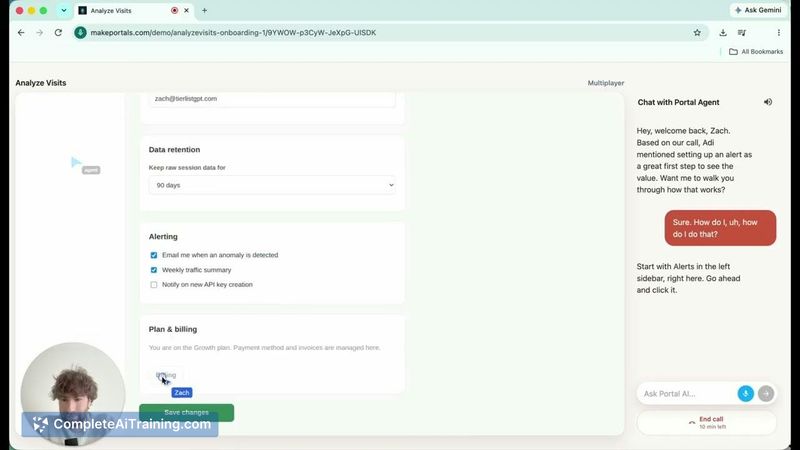
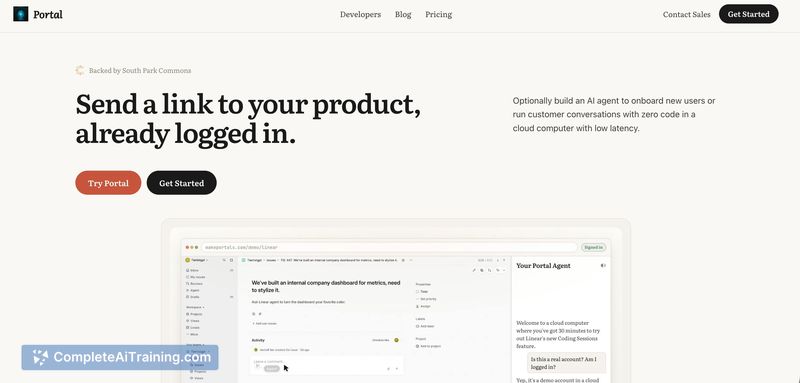
Portal addresses a specific friction point in software distribution: the gap between a marketing page and the actual product experience. Instead of relying on screen recordings, clickthrough demos, or trial signups, it puts a live, stateful instance of the product behind a link. The tool comes from a former Microsoft AI PM who built it after observing that users often won't install software for trials due to security concerns.
Key Features
- Shareable cloud computer links. Generate a URL that opens a fully configured, signed-in instance of any web-based product. Recipients enter instantly with no accounts or downloads.
- No-code restriction builder. Block specific UI buttons or API calls to create a sandboxed experience. This lets you define what parts of the product a visitor can and cannot touch.
- Multi-player and async modes. Multiple people can interact with the same instance simultaneously, or a single user can explore it on their own time. The link works like a shared document.
- Screen-aware AI agent. An optional AI can see the screen and conduct full customer conversations. It answers questions and guides users through the product without a human present.
- Reset hook for demo accounts. Set up a demo environment once and use the reset hook to wipe any changes made by prospects. The database cleans itself, so the same account stays pristine for the next visitor.
Pricing and Value
The reference content states users can make a Portal for free, but no detailed pricing tiers, per-seat costs, or usage limits are defined. The self-serve builder is now available, though the long-term pricing model remains unspecified. For teams that currently run live demo calls, user research sessions, or trial onboarding, Portal condenses several steps - account provisioning, environment cleanup, and guided walkthroughs - into a single link-based workflow.
Pros
- Eliminates install and signup friction for product trials and demos.
- No-code controls let non-technical team members build restricted sandboxes.
- Supports both real-time collaboration and self-guided exploration.
- Reset hook preserves a clean demo state without manual database intervention.
- AI agent can handle intake conversations and product walkthroughs autonomously.
Cons
- Relies entirely on cloud computer infrastructure; performance depends on the user's internet connection and the target product's responsiveness in a remote browser.
- The optional AI's screen-reading capability raises questions about how it handles sensitive data displayed inside the cloud instance - data handling specifics are not detailed in the available material.
- Not well suited for teams selling products that require local hardware access, native desktop installations, or offline functionality, since everything runs through a remote browser tab.
Portal fits teams that need to get prospects, research participants, or new users into a live product environment without the overhead of account creation. It's a practical match for sales engineers sending proofs of concept, user researchers reducing onboarding friction, and support teams scaling trial experiences beyond 1:1 calls. Organizations selling products that depend on local compute or native software won't find the same utility here.
Jobs Portal suits
We checked Portal against 500+ jobs; these get the most out of it.



