AI tool
CubbyPad
CubbyPad restores a grid-based app launcher to macOS with search, AI-powered folder organization, and time-of-day app suggestions. It is for Mac users who miss Launchpad and want faster access to their applications.
About CubbyPad
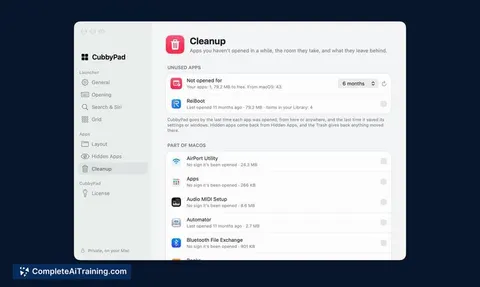
CubbyPad is a macOS app launcher that recreates the full-screen app grid Apple removed in macOS 26. It restores Launchpad-style access through the F4 key, hot corners, and trackpad pinch gestures, and adds a search bar with built-in calculator, System Settings shortcuts, and Shortcuts execution. The tool is a one-time purchase covering two Macs and supports 20 languages.
Review
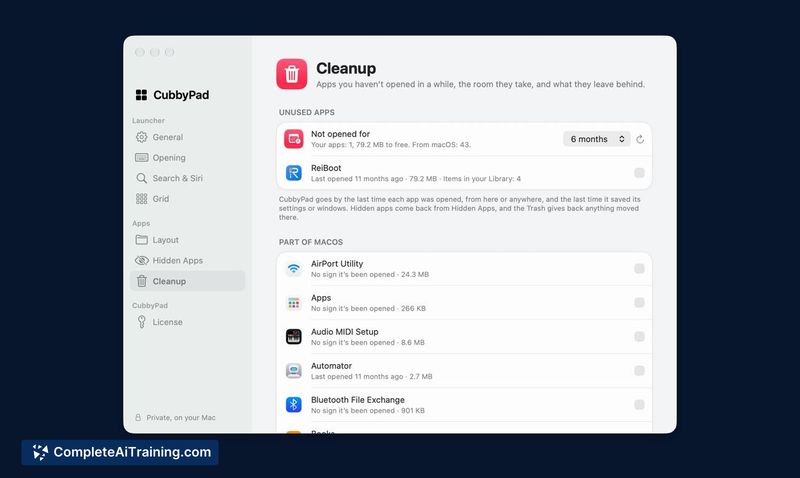

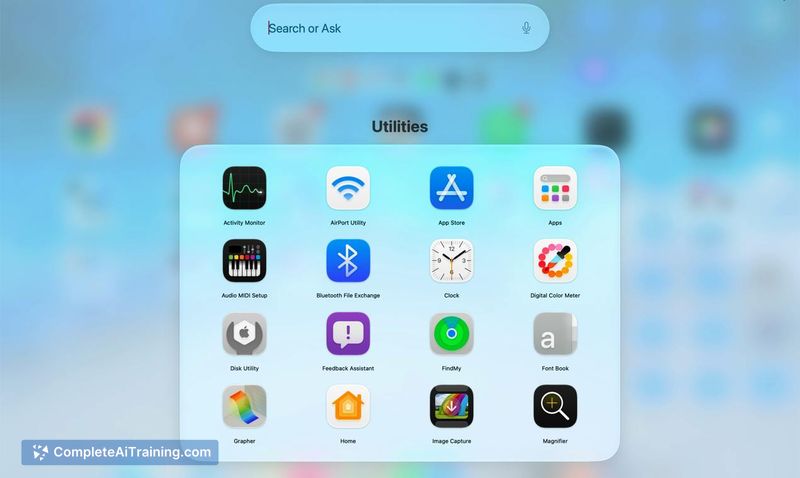
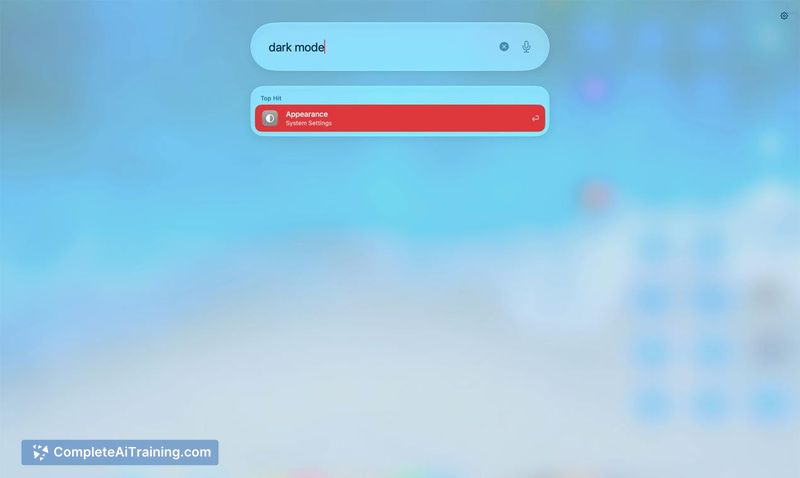
CubbyPad responds directly to a specific OS change: the removal of Launchpad in macOS 26. Instead of leaving apps in a single scrolling list, it rebuilds the familiar grid and layers on functions that the original never had. The tool is a solo developer project, launched this week, with pricing that scales for early buyers.
Key Features
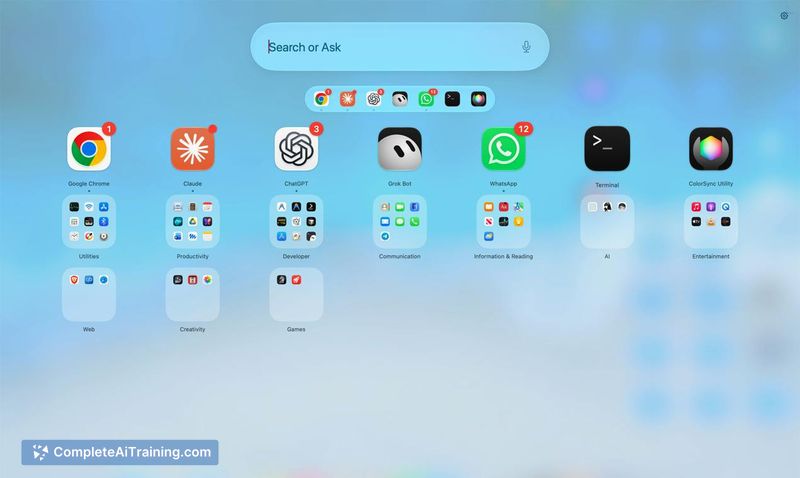
- Full-screen app grid with pages and folders that users arrange manually
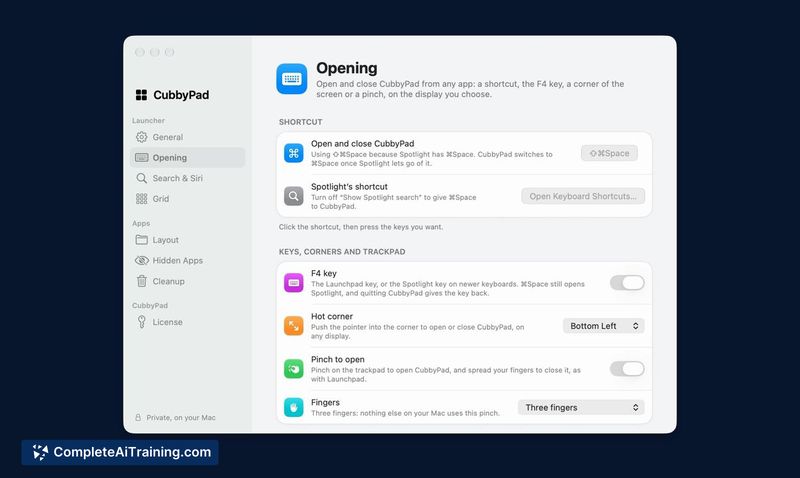
- Multiple launch methods: F4 key, three-finger pinch, hot corner, or ⇧⌘Space shortcut
- Search bar that finds apps by abbreviation, calculates math like "24*18", opens specific System Settings pages by name, and runs Shortcuts
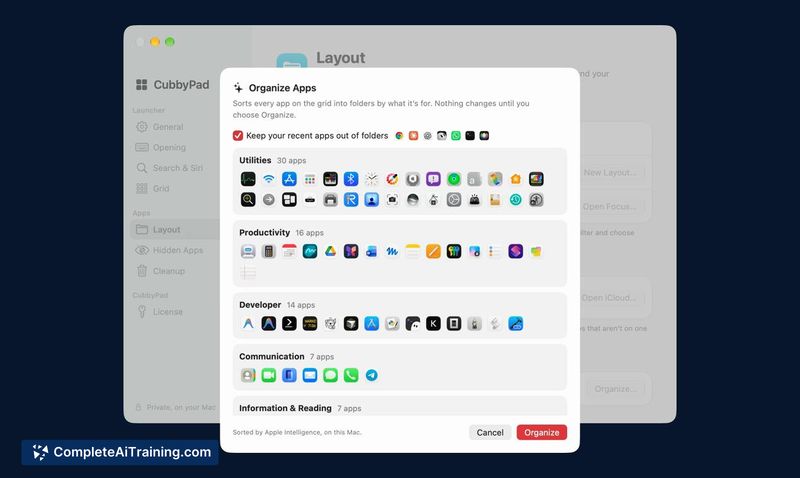
- AI Organize uses Apple Intelligence to sort apps into folders on-device, with a preview step and an Undo command
- Time-of-day strip showing apps typically opened at the current hour, plus Work/Personal layouts that switch with Focus modes
Pricing and Value
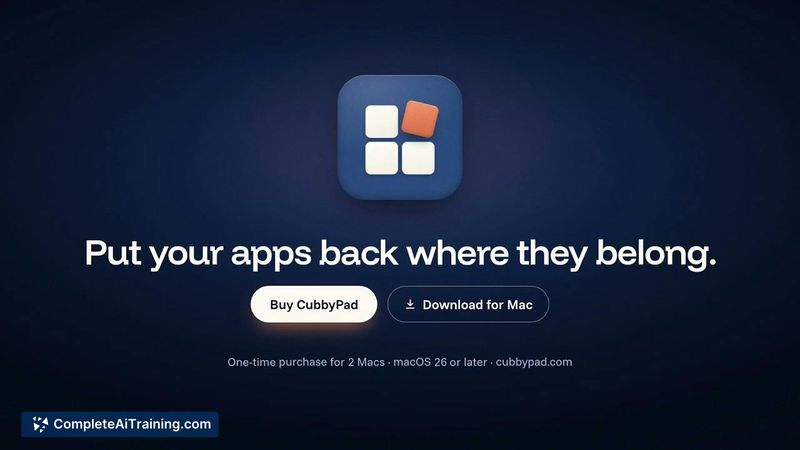
CubbyPad is a paid, one-time purchase covering two Macs. The first 50 buyers pay $5.99. After that tier sells out, the price moves to $9.99, then to $15.99 at the final tier. There is no subscription. The developer has not specified whether these tiers reset or how long each pricing window lasts.
Pros
- Imports an existing Launchpad layout, preserving folder structures and icon positions users already set up
- Search bar handles multiple tasks-app launching, arithmetic, settings navigation, and Shortcuts-in a single text field
- AI Organize shows a preview before applying changes and includes an Undo function to revert the sort
- Restores muscle-memory triggers like the trackpad pinch and F4 that were removed in macOS 26
- Work and Personal layouts align with Focus modes, letting app grids change based on context
Cons
- AI Organize requires Apple Intelligence, so it won't sort apps on Macs that don't support that feature
- The time-of-day strip's learning mechanism is not detailed in the current documentation; it's unclear whether it adapts on-device or relies on a fixed dataset
- Not well suited for users who prefer keyboard-only launchers like Spotlight or Alfred-this is built around a visual grid and gesture-based opening
CubbyPad fits someone who relied on Launchpad's spatial layout and misses the gesture-driven grid after updating to macOS 26. The search bar and Focus-aware layouts stretch it beyond a straight replacement, though the Apple Intelligence dependency limits folder sorting to newer hardware. For users who want their app icons arranged in pages they can see and swipe through, it fills a gap Apple just created.