AI tool
Mo
Mo is a desktop assistant that lives on your Mac screen and handles tasks like managing files, email, calendar, and settings through typed or spoken requests. It presents results as glanceable cards, asks permission before making changes, and lets...

About Mo
Mo is a character-based AI assistant that lives on a Mac's screen and performs 232 tasks across files, PDFs, photos, email, calendar, and system settings. It accepts typed or spoken input, returns results as designed cards rather than text blocks, and requires user confirmation before making changes - with a single Undo function to reverse any action it takes. The tool runs locally using on-device models or connects to a user's own API key, and sells for a one-time price of $19.99.
Review
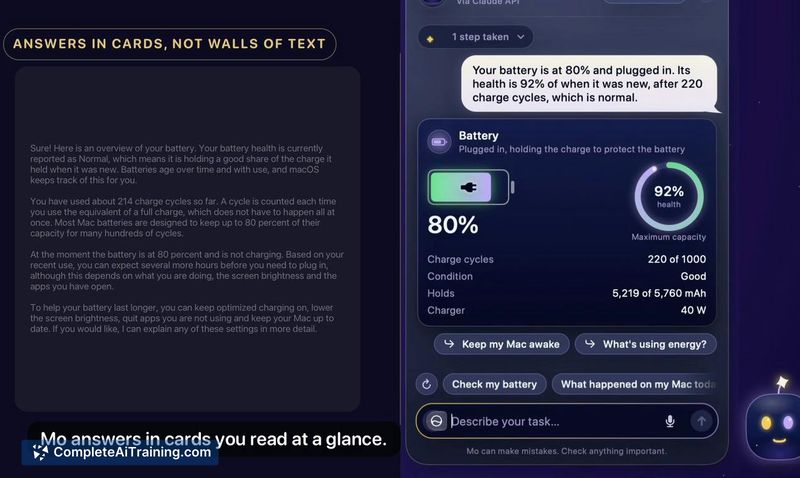



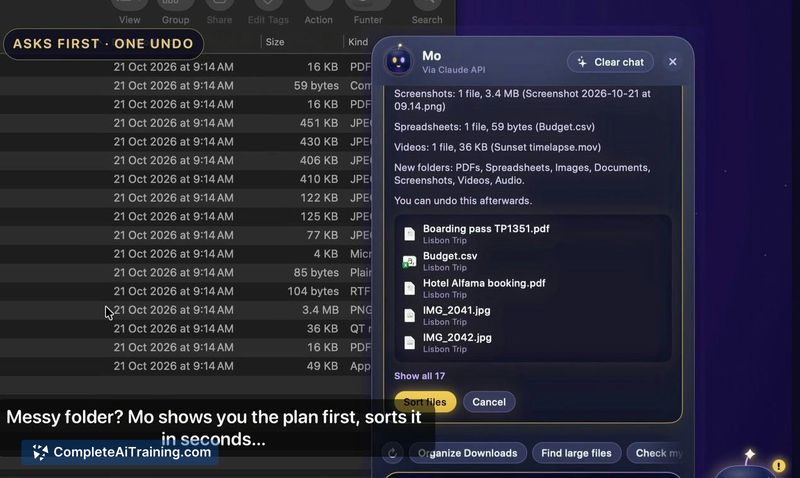

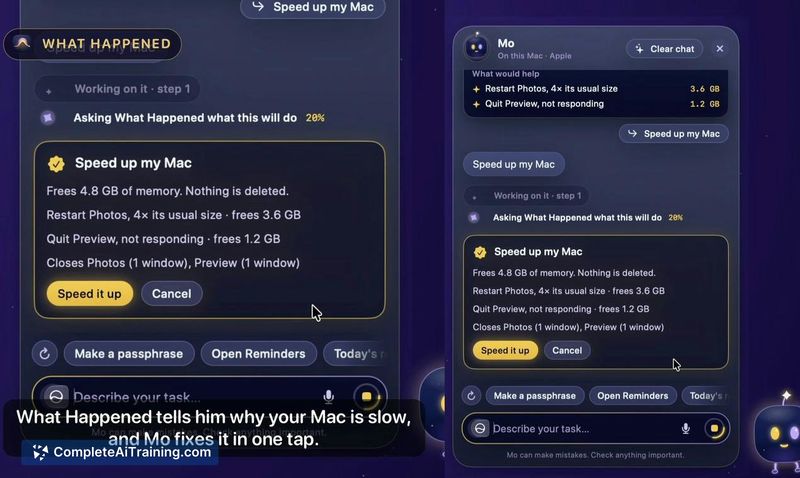

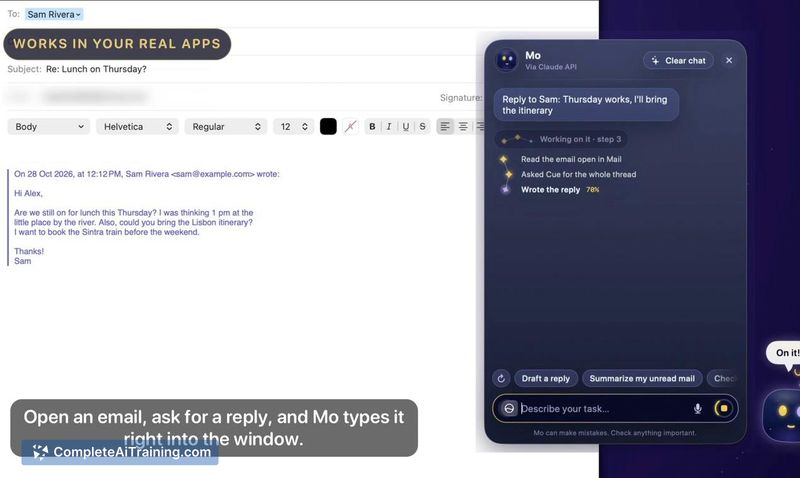
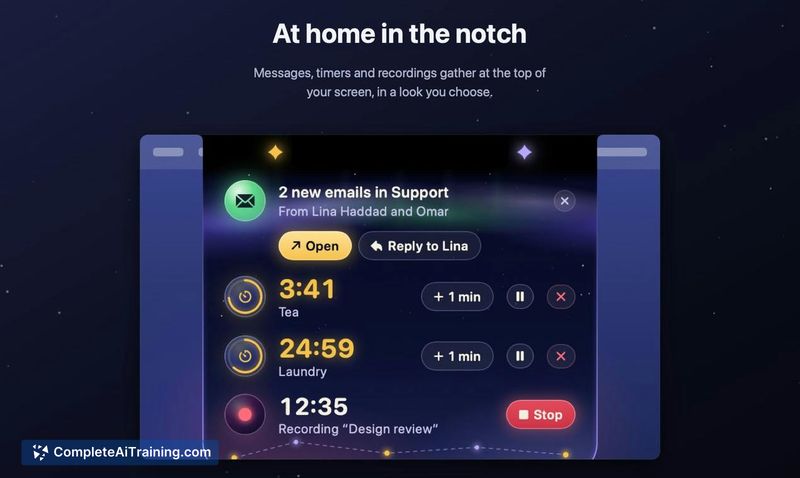
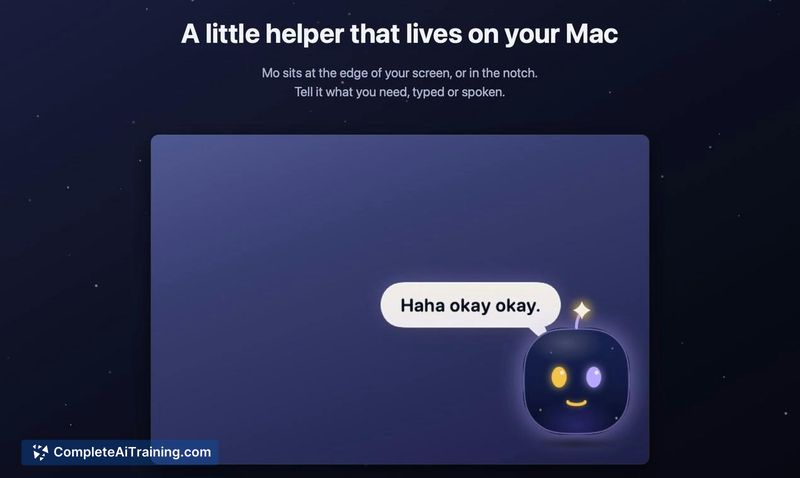
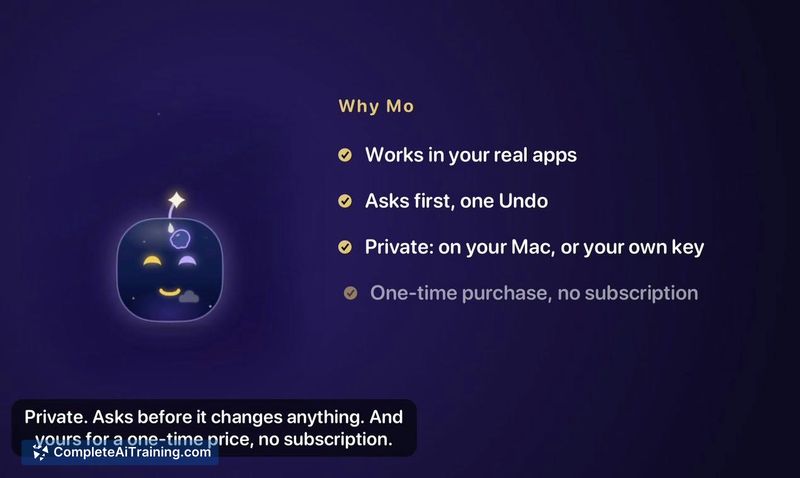
Mo approaches Mac automation by embedding a persistent, interactive character directly into the desktop environment rather than operating as a standard chat window or menu bar utility. The assistant handles a wide range of concrete file and system actions without requiring additional apps, and the card-based response format replaces long text explanations with glanceable results. Whether the 232-task scope covers a typical user's daily needs depends heavily on which apps and workflows they use.
Key Features
- 232 built-in tasks that work without other apps, covering files, PDFs, photos, video, email, calendar, Mac settings, and web actions.
- Multi-step chained commands - a single sentence like "convert these to JPG, zip them and email them to Sara" gets planned into sequential steps with a confirmation gate before execution.
- Cards instead of text responses, each showing the relevant result and a next-action button.
- Routines that trigger on schedules (every Friday at 5), on events (new mail arrives, file lands in a folder), or at first daily unlock.
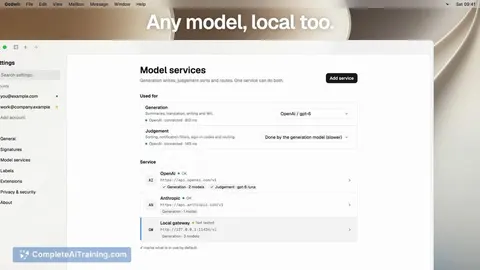
- Local privacy - uses Apple's on-device models or local models through Ollama or LM Studio, with an option to supply a personal API key for stronger answers.
Pricing and Value
Mo costs $19.99 as a one-time purchase with no subscription. A single license covers up to three Macs, and a 7-day free trial is available. During the launch period, a 25% discount code (MOLAUNCH) applies until 4 November. There is no recurring fee, cloud requirement, or usage-based pricing.
Pros
- One-time payment model eliminates ongoing costs and covers up to three Macs.
- Asks for confirmation before making changes and groups every action into a single undoable history list.
- Runs on-device by default, keeping data local without sending it to external servers.
- Chained commands handle multi-step workflows that would normally require several manual actions.
- Card-based output makes results scannable rather than requiring users to parse paragraphs of text.
Cons
- The 232-task set is fixed - users who need actions outside that list won't find a way to extend or customize the capability.
- Screen memory, which lets Mo recall previously viewed content, is off by default and requires explicit opt-in, limiting out-of-the-box contextual awareness.
- Mo is not well suited for users who prefer standard app interfaces over a persistent animated character on their desktop.
Mo fits users who want a local-first Mac assistant that performs concrete file and system actions with a confirmation step before execution. The chained command system and routine scheduling address workflows where multiple manual steps currently slow things down. Teams relying on shared cloud workspaces or users who need extensible automation beyond a fixed task library may find the scope limiting.