AI tool
Devin for Terminal
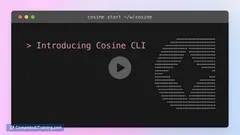
Devin for Terminal: local CLI coding agent with deep Devin Cloud integration-set up in 2 minutes to automate workflows, run context-aware code generation, and streamline development.
About Devin for Terminal
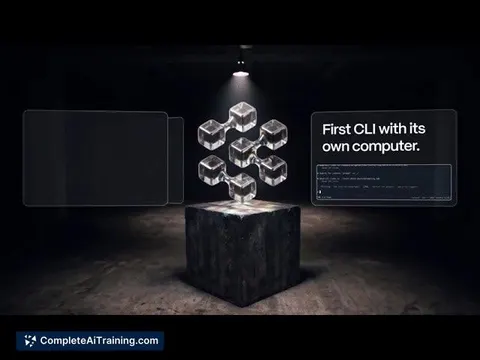
Devin for Terminal is a local command-line coding agent that connects deeply with a cloud companion to continue work outside of a single machine. It places AI-assisted engineering workflows directly in the CLI so developers can use familiar tools without switching contexts.
Review
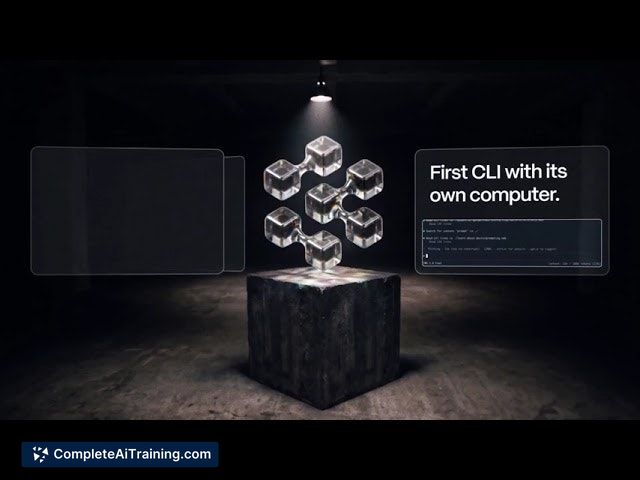
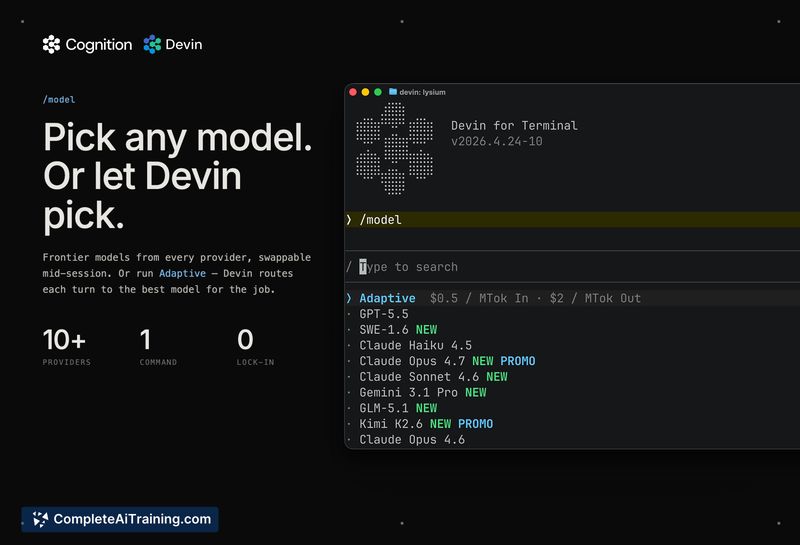
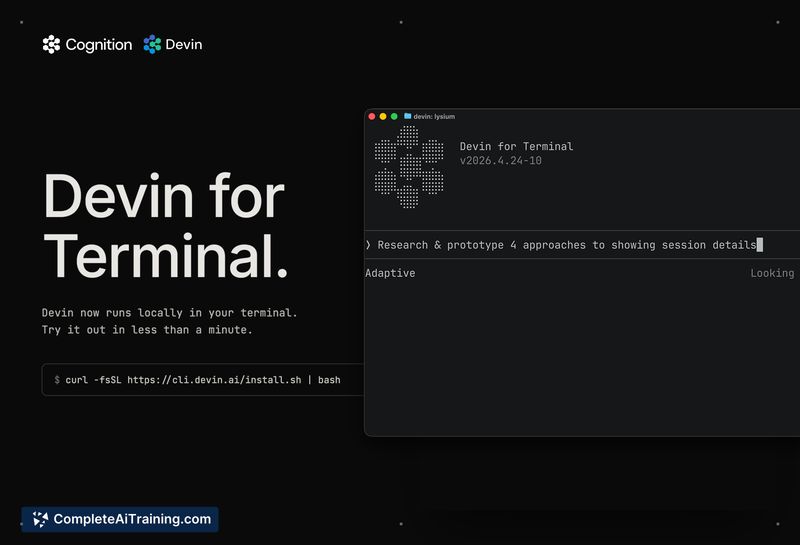
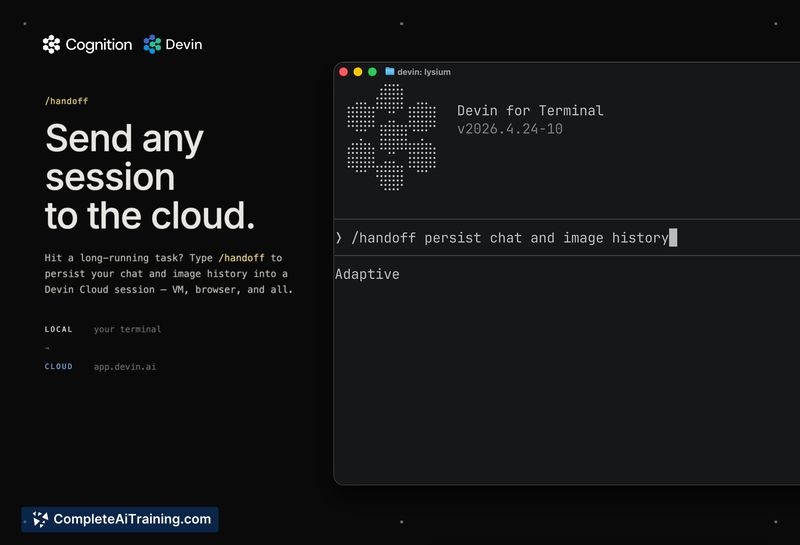
This tool brings an AI coding assistant into the terminal, offering both local execution and the option to hand off longer tasks to a cloud agent that keeps running after a laptop is closed. Below I cover the main features, pricing, strengths, and limitations to help you decide if it fits your workflow.
Key Features
- Local CLI agent that executes code and interacts with your project files directly from the terminal.
- Cloud session handoff so tasks can continue running after the local machine is shut or disconnected.
- Fast onboarding with a short setup time advertised (get up and running in about two minutes).
- Proven capabilities on practical engineering benchmarks and real-world tasks, including performance on SWE-Bench and completion of freelance jobs.
Pricing and Value
At launch the product is offered for free, which makes it easy to try without financial commitment. The main value comes from embedding an AI engineer into existing terminal workflows, speeding up small fixes, prototyping, and repetitive developer tasks; teams should weigh the operational complexity of cloud handoffs versus the time savings.
Pros
- Runs in the terminal so it fits alongside existing CLI tools and scripts.
- Cloud handoff keeps longer-running tasks alive when your laptop is closed, reducing interruption risk.
- Useful for quick bug fixes, small feature work, and prototype iterations that would otherwise consume engineering time.
- Backed by evidence of strong performance on coding benchmarks and practical assignments.
Cons
- Initial machine configuration can feel slow or manual; common commands may require extra confirmation during setup.
- Keeping local and cloud environments in sync can be tricky; mismatches may cause "it worked locally" surprises when work resumes in the cloud.
- Exposes most value through the CLI, which may not suit users who prefer graphical interfaces or integrated development environments.
Devin for Terminal is best suited for developers who live in the command line and want an AI assistant that stays with their workflow and can persist work off-device. It's a good fit for engineers handling frequent small tasks, teams running quick prototypes, and anyone who needs background continuation of coding sessions; users seeking a GUI-first experience or zero-configuration setup may want to evaluate trade-offs before adopting.
Jobs Devin for Terminal suits
We checked Devin for Terminal against 500+ jobs; these get the most out of it.
Alternatives to Devin for Terminal
Other tools that do the same main job. Our AI compared Devin for Terminal with similar tools and kept the ones you could use instead.