AI tool
devpit
Devpit shows the cost of every agent call and tracks total spend on your codebase, with breakdowns by project or day. It is for developers who want to see where their money goes when using AI coding agents.
About devpit
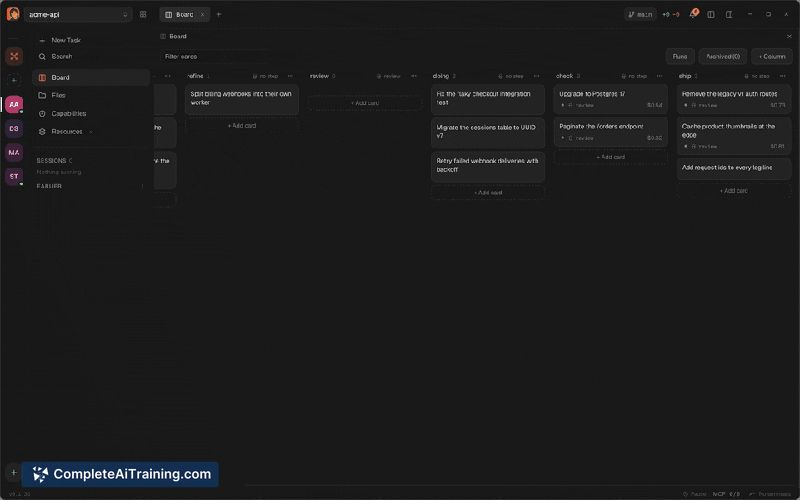
devpit is a native desktop application that acts as a control room for Claude Code agents. It consolidates multiple agent sessions into a single interface with a terminal view, a task board where moving a card triggers work, and per-call cost tracking. The tool is local-first and open source, launched as a free product.
Review
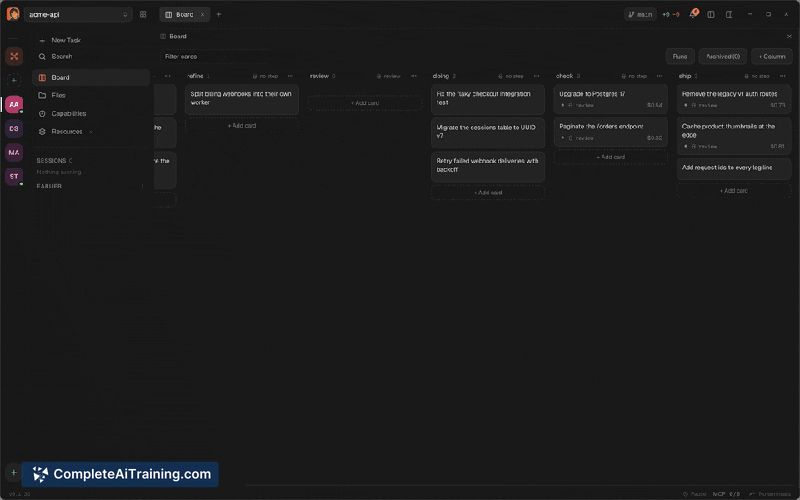
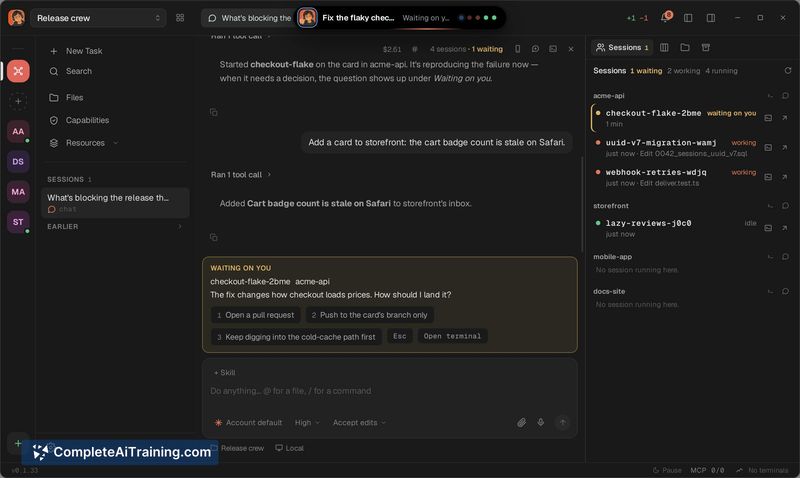
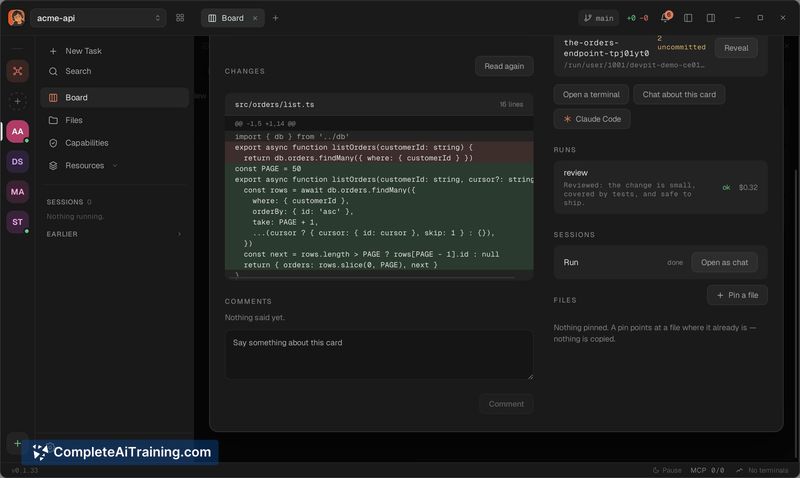
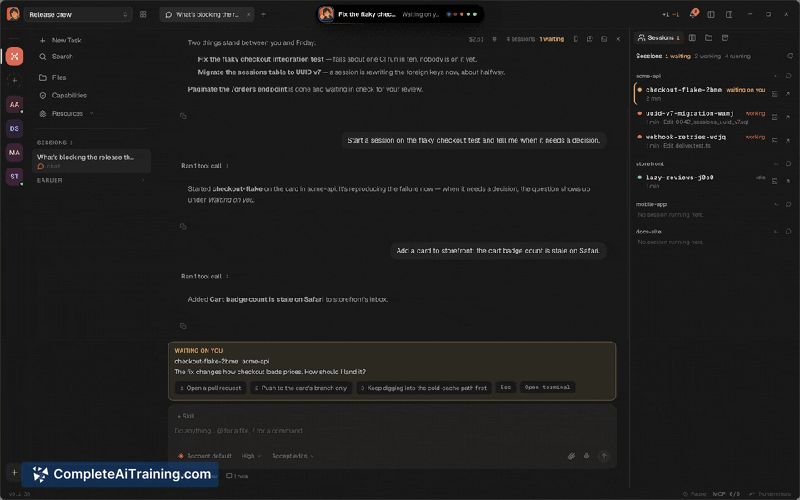
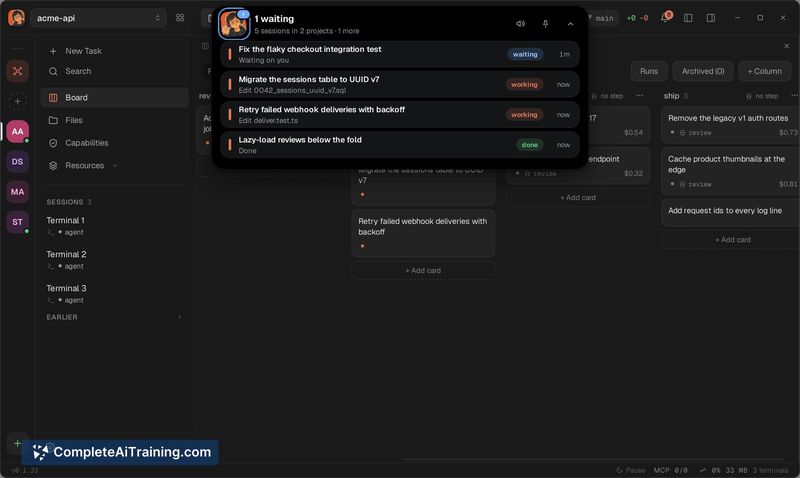
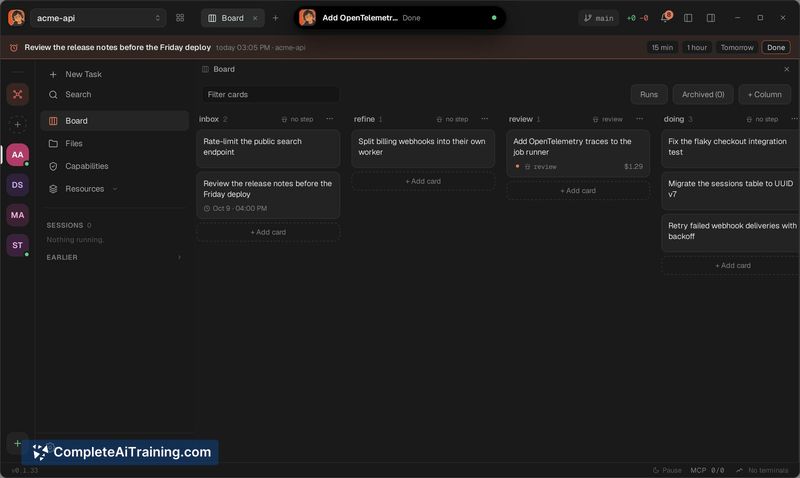
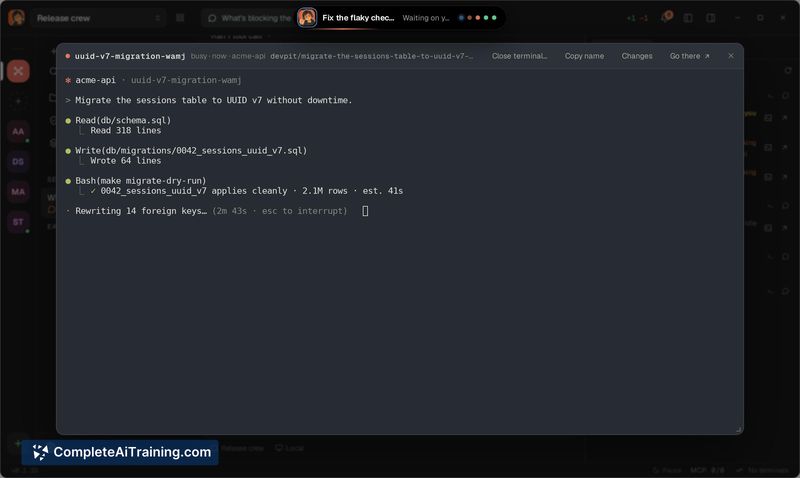
Running several Claude Code agents at once can quickly become disorienting - terminals multiply, costs blur together, and it's hard to know which session is doing what. devpit tackles that fragmentation by pulling agent sessions, task management, and usage tracking into one desktop app. It's built for developers who spawn agents frequently and want visibility without juggling five terminal windows.
Key Features
- A kanban-style board where dragging a card to a new column executes the corresponding work through a Claude Code agent
- Per-call cost display that logs what each agent invocation costs, with breakdowns by day, model, project, and session in the Usage menu
- An orchestrator that views all projects at once and assigns tasks at the start of an agent session, aiming to keep token usage within plan limits
- A terminal pane designed for monitoring agent output rather than typing commands into multiple scattered windows
- Local-first architecture with the source code published as open source
Pricing and Value
devpit itself is free. Users still pay for Claude Code API usage through their own Anthropic accounts - the tool tracks those costs but doesn't add a layer of its own pricing. No paid tiers or subscription plans are mentioned in the current materials.
Pros
- Surfaces cost data per agent call, with filtering by time period, model, and project so you can trace where spending goes
- Consolidates multiple agent sessions into one window, reducing the terminal sprawl that comes with running several Claude Code instances
- Board-to-agent workflow lets you manage tasks visually and trigger agent runs by moving cards between columns
- Open source codebase means you can inspect how the orchestrator and cost tracking work or modify them locally
- Orchestrator can set task boundaries upfront, which may prevent agents from exceeding token budgets on a given job
Cons
- Cost figures update per call rather than live mid-turn, so if an agent goes off-script and burns tokens rapidly, you won't see the spike until the call completes
- No predictive cost estimates before a run - users who want to gauge expense ahead of time based on past similar tasks won't find that here
- Teams that don't use Claude Code as their primary agent runtime won't get much out of devpit, since it's built specifically around that tool's session model and API billing
devpit fits developers who run multiple Claude Code sessions daily and want a single place to see what's running, what it's doing, and what it's costing - without building that dashboard themselves. It's less suited for those who only spin up an agent occasionally, or who need real-time cost alerts mid-turn rather than after each call settles. The open source license and local-first design mean you can adopt it without adding a new service dependency to your workflow.
Jobs devpit suits
We checked devpit against 500+ jobs; these get the most out of it.