About: DGM
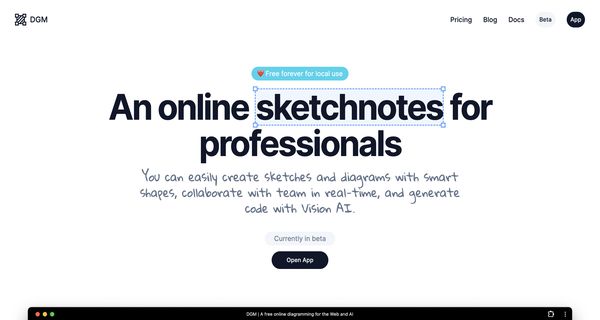
DGM is an advanced online diagramming tool that facilitates the creation and sharing of a diverse range of professional diagrams tailored for various applications, including web development and artificial intelligence projects. Its intuitive interface enables users to design diagrams like UML, ERD, flowcharts, and UI wireframes effortlessly, leveraging smart shapes and comprehensive libraries of design elements. A standout feature of DGM is its innovative AI assistant, powered by OpenAI's GPT-4 Vision, which can translate diagrams into executable code, enhancing productivity and streamlining the development process. DGM supports free local use, cloud storage for easy access, image export options, and the ability to present designs in hand-drawn styles. This tool is particularly beneficial for developers, project managers, and designers seeking to visualize complex concepts and workflows. Its potential for real-time collaboration makes it an invaluable resource for teams looking to enhance their communication and efficiency in diagram creation and sharing.
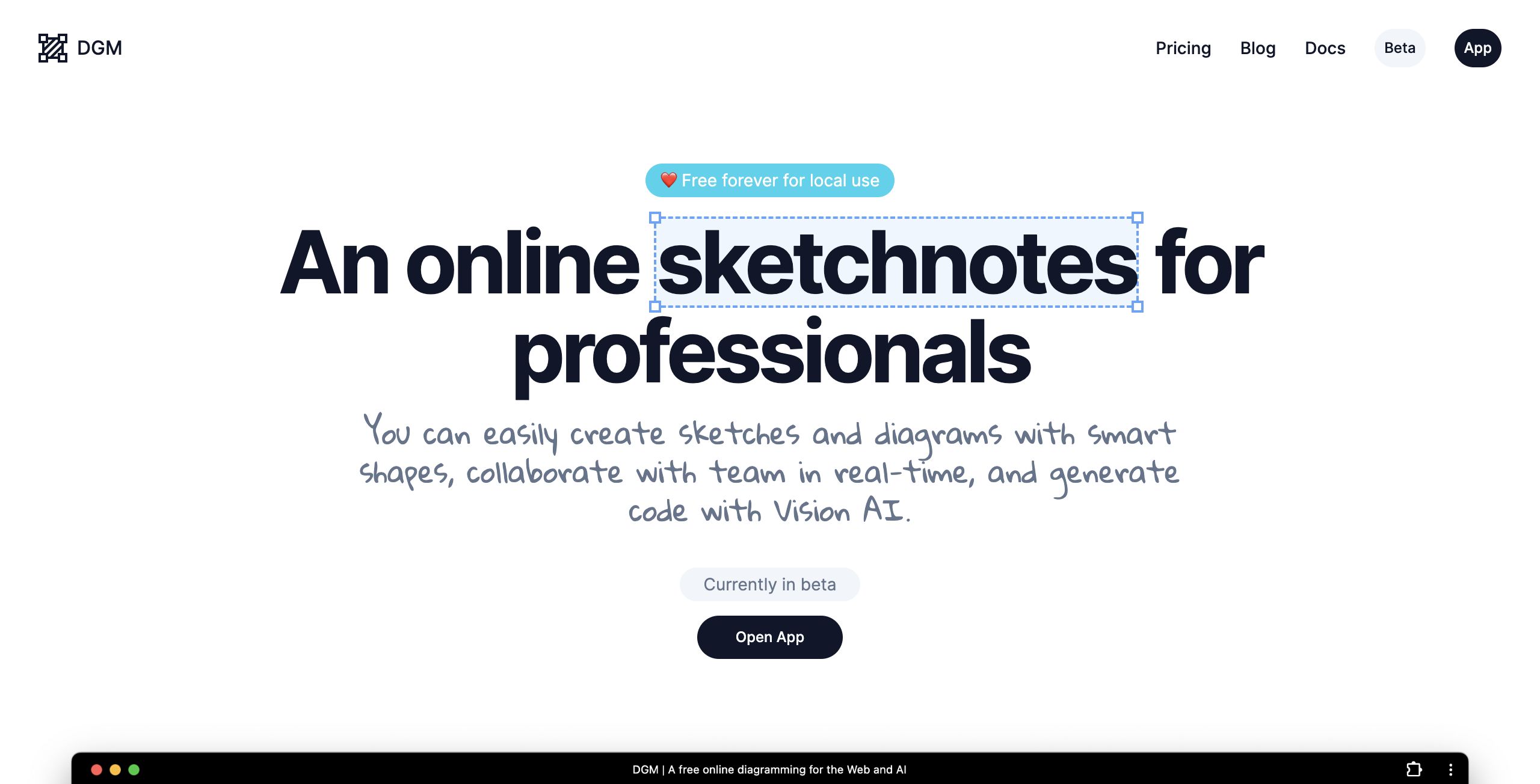
Review: DGM
Introduction
DGM is an online diagramming and code generation tool crafted for professionals who need to create, share, and visualize a wide range of diagrams. Designed primarily for developers, project managers, and designers, DGM provides a user-friendly interface that combines diagram creation with an experimental AI assistant capable of generating code using OpenAI's GPT-4 Vision. Given its blend of diagramming functionalities with innovative code generation capabilities, DGM is particularly relevant in today’s environment where efficient visual communication and rapid prototyping are highly valued.
Key Features
DGM offers a robust set of functionalities that set it apart in the diagramming tool landscape:
- Comprehensive Diagram Options: Create professional diagrams including UML, ERD, flowcharts, and UI wireframes using pre-built libraries.
- Experimental AI Assistant: Leverages OpenAI's GPT-4 Vision to generate code based on diagram inputs, streamlining the transition from visual design to practical implementation.
- Smart Shapes: Utilize shapes with constraints, properties, and scripts to build precise and dynamic diagrams.
- Flexible Usage Options: Work locally with a “free forever” option or take advantage of cloud storage, image export (PNG and SVG), and web publication features.
- Additional Enhancements: Enjoy hand-drawn styles, shape libraries that can be shared with the community, experimental real-time collaboration, a 7-day history restore, and theme-adaptive colors for both light and dark modes.
Pricing and Value
DGM is free forever for local use, making it an attractive option for individuals and teams who primarily manage diagrams locally. For those who need cloud storage or real-time collaboration, the pricing structure could vary in the future as additional functionalities are refined, but the free local usage ensures that users can access a wide range of features without an upfront cost. This pricing model presents excellent value, especially when compared to other diagramming tools that may charge for basic functionalities.
Pros and Cons
- Pros:
- User-friendly interface and well-crafted libraries for various diagram types.
- Innovative experimental AI assistant that bridges diagramming and code generation.
- Free forever for local use, offering a cost-effective solution for many professionals.
- Comprehensive feature set including smart shapes, hand-drawn styles, and theme-adaptive colors.
- Additional features like image export, cloud storage, and web publication add flexibility.
- Cons:
- Some features, such as real-time collaboration and the AI assistant, are experimental and currently in beta.
- Reliance on local use in the free version might require transitioning to cloud-based workflows for team scenarios.
- Early-stage features may not yet match the robustness of more established tools.
Final Verdict
DGM is an excellent tool for professionals who need a dynamic and versatile platform for both diagramming and code generation. Developers, designers, and project managers will appreciate its comprehensive feature set and the innovative incorporation of AI to streamline workflows. However, those who require mature, production-grade real-time collaboration or prefer fully established AI solutions might find the current experimental features less suitable for their needs. Overall, DGM shows great promise and offers substantial value, particularly for users looking to combine visual design with automated code generation in a cost-effective manner.
Open 'DGM' Website
Your membership also unlocks: