AI tool
Display 1.0
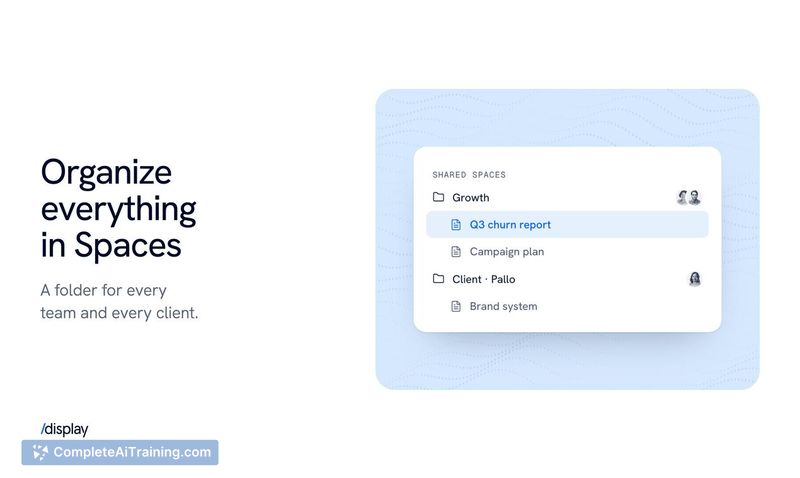
Display 1.0 lets teams create and collaborate on docs, prototypes and apps, and store the files their agents make. It is built for teams that organise knowledge work in Spaces and Folders and want a shared internal knowledge base.
About Display 1.0
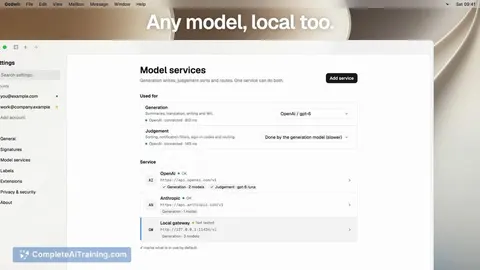
Display 1.0 is a workspace where teams create and collaborate on docs, prototypes, and apps with AI agents. Any agent and any plan can be used, and the files agents produce are stored in Spaces and Folders that can be turned into an internal Knowledge Base. It launched this week as the second launch from Display, following an earlier tool for publishing agent-generated HTML behind company auth.
Review
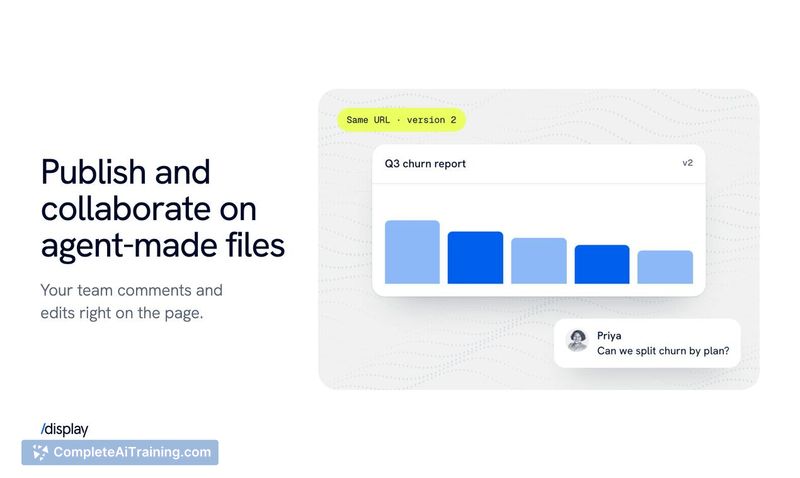
Display 1.0 lands in a crowded space, but it takes a specific angle: the workspace is built around agent output rather than bolted onto a document editor. The core loop is simple. An agent writes an HTML or Markdown doc, humans edit and comment, and the result is filed into a Space with access controls. Whether that loop holds up depends on how much of your team's knowledge already lives in agent-generated files.
Key Features
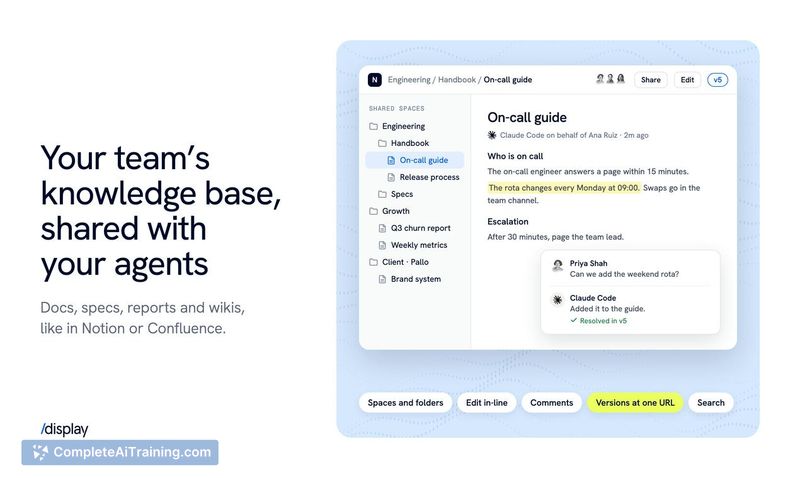
- Docs, prototypes, and apps created and edited by any agent, with humans able to edit the same files
- Files made by agents stored and retrieved from one place, with Spaces and Folders for organising knowledge work
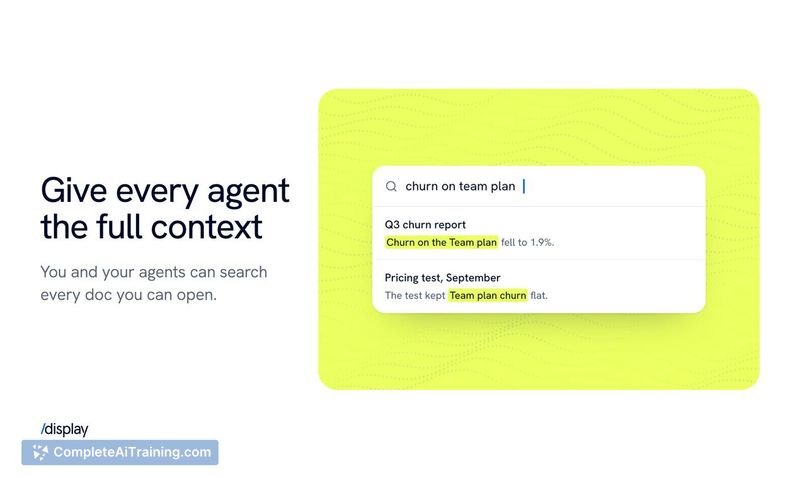
- An internal Knowledge Base assembled from everything the team and its agents create
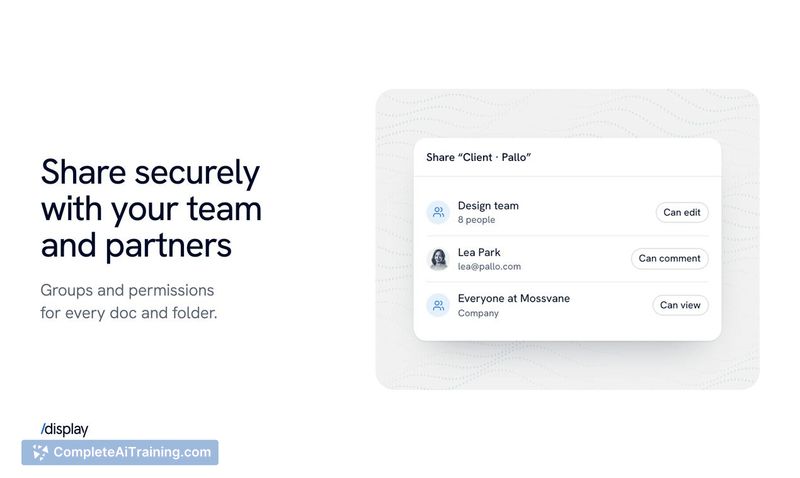
- Access controls per Space, plus invites to individual folders or documents for clients and partners, similar to Google Drive
- Version control on all paid plans, keeping every version of a doc or app available for restore
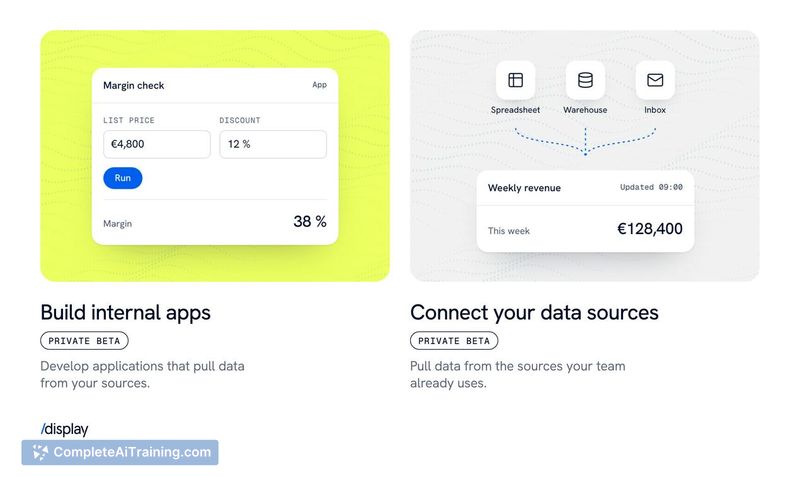
Two items are in progress rather than available: internal apps and data connectors are in private beta and will open to everyone shortly, per the makers. Verification markers, which would show when and by whom a doc was reviewed and marked relevant, are only under consideration. The makers describe the current approach to stale or duplicate knowledge as giving agents clear guidance on what counts as the source of truth.
Pricing and Value
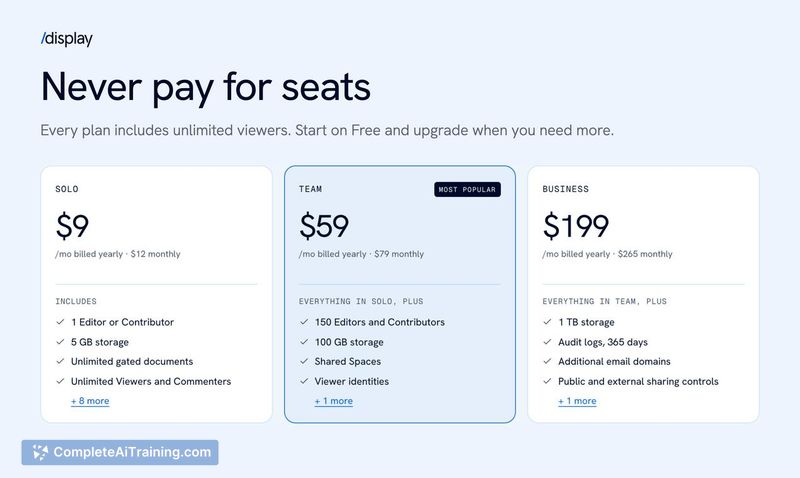
Display is sold as full access for the whole team at a flat price, with no per-agent or per-plan charges. A launch promotion takes 50% off for 3 months, and the listing includes a Free Options tag, though the page doesn't spell out what the free tier covers. An Enterprise package exists for custom storage and SAML. Version control is included on every paid plan. Beyond those points, no price figures appear on the page, so the actual cost per seat is not yet defined in the public material.
Pros
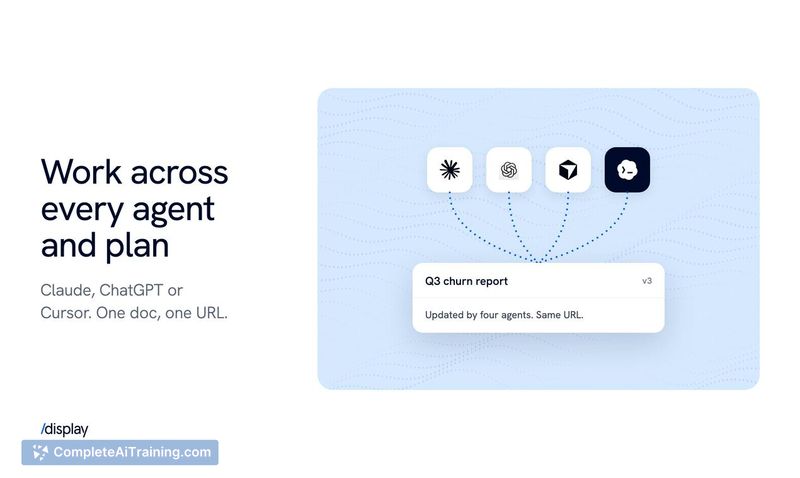
- Collaboration works across different agent plans and providers; a Claude Max user and a Codex user can edit the same doc, which single-vendor team plans don't allow
- Access controls operate at Space, folder, and document level, so clients and partners can be invited to specific items
- Version history is included on all paid plans and previous versions can be restored at any time
- Dedicated API keys can be scoped for CLI or MCP use, which lets the workspace run in the background of other tools
Cons
- Internal apps and data connectors are in private beta, so the fuller workspace the makers describe isn't generally available yet
- Keeping the Knowledge Base free of outdated or duplicate documents relies on agent guidance for now; verification markers are only being considered
- Not well suited to teams that only work inside one vendor's plan structure and don't need cross-plan sharing, since that's the problem the tool mainly solves
The clearest fit is a team whose agents produce HTML docs and prototypes that need review, comment, and sharing beyond a single vendor's team plan. Agencies and product teams that iterate on design prototypes or hand artifacts to clients also have a direct use. Teams that want a finished knowledge system with verification built in should watch the private beta items before committing.