AI tool
Agnos
Agnos cleans confusing boilerplate text from company documents on your local Windows PC so AI models retrieve only meaningful content. It is for developers building chatbots, RAG pipelines, or custom GPTs who need to process sensitive files withou...
About Agnos
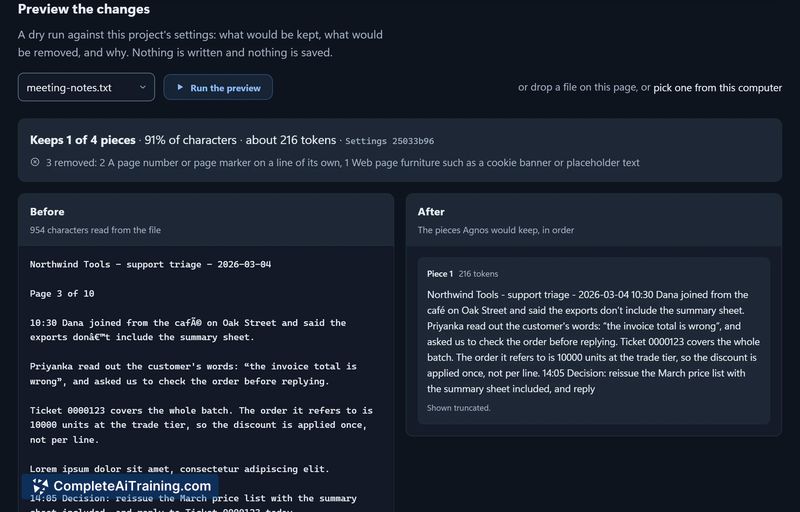
Agnos is a Windows desktop application that cleans PDFs, Word, Excel, PowerPoint, and web page files before they enter an AI chatbot, RAG knowledge base, or training dataset. It strips out repeated headers and footers, page numbers, cookie banners, boilerplate text, and duplicate passages while preserving tables, code, and numerical data. The tool runs entirely on the user's PC, with no file uploads, and names the rule behind every removal so users can review, keep specific pieces, or disable rules.
Review
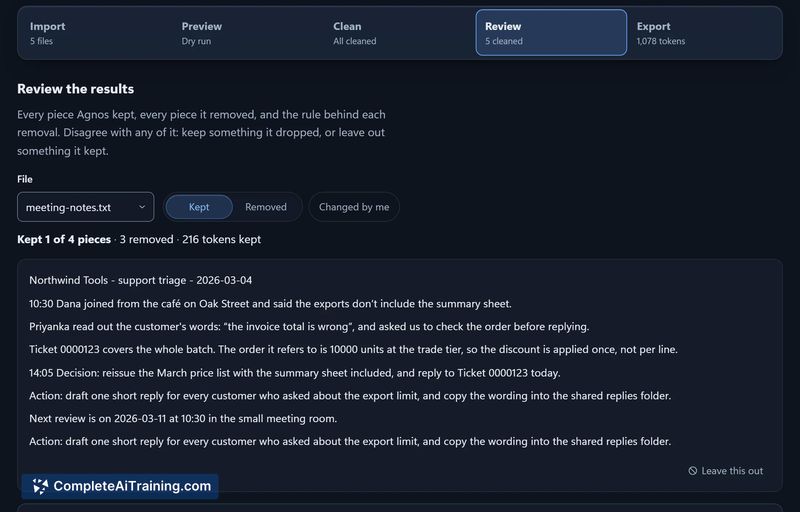
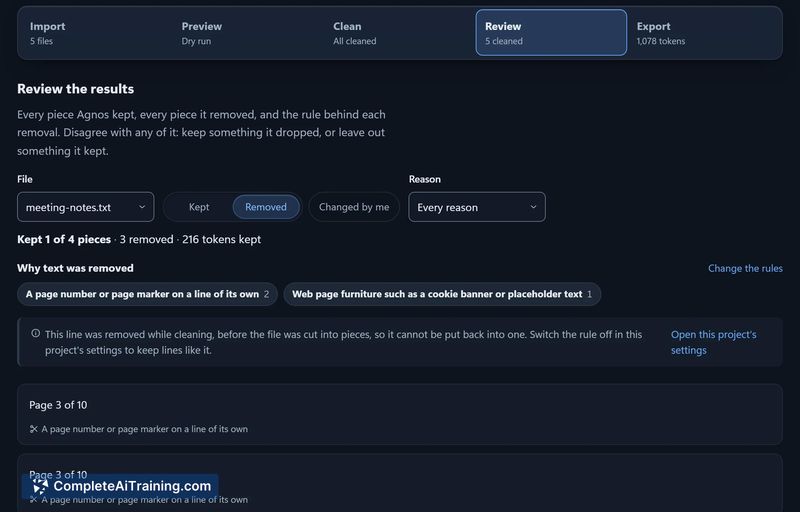
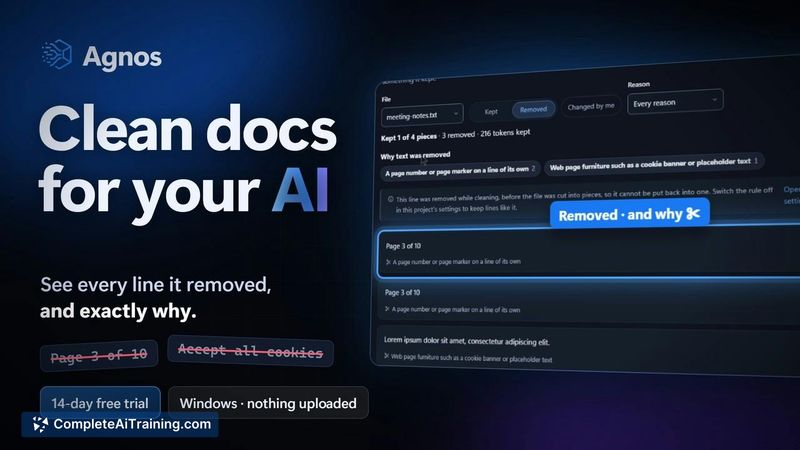
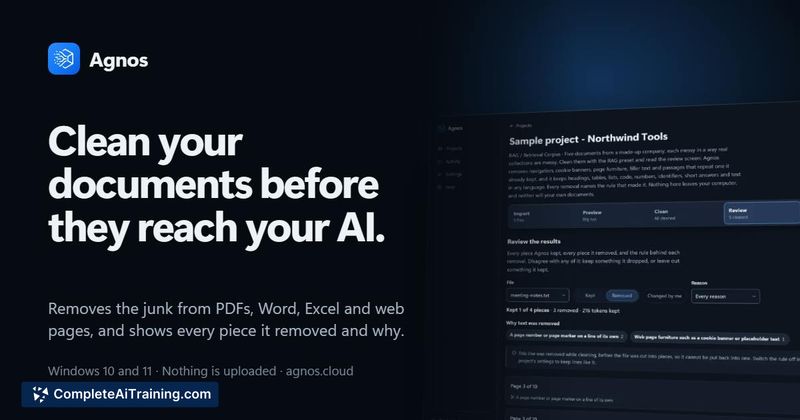
Agnos tackles a narrow but persistent problem in AI document processing: structural noise that gets chunked and retrieved alongside real content. The tool's approach centers on transparency - it won't silently delete text, which matters when you're preparing documents for client-facing chatbots or regulated environments. It's a Windows-only, offline-first utility with a one-time purchase model and no account requirements.
Key Features
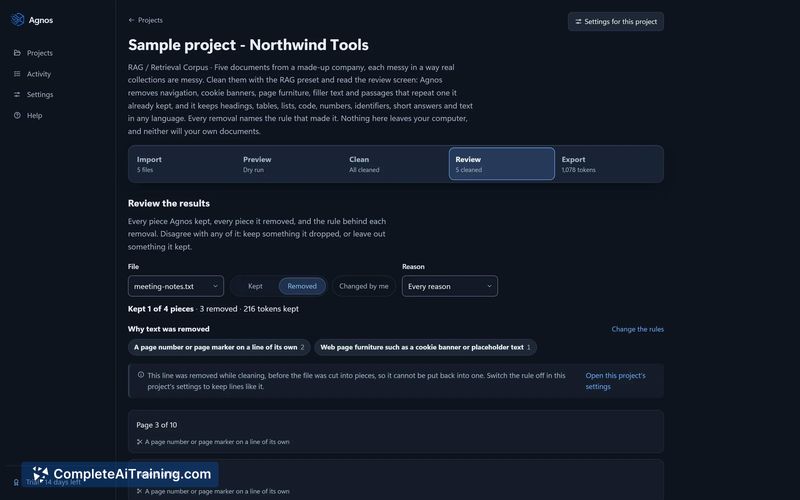
- Rule-named removals with manual override. Every deleted line gets tagged with the rule that triggered it. Users can click to keep a specific piece where the rule allows, or switch the rule off entirely for the project.
- Page furniture detection. Agnos scans the first and last couple of lines on each page and flags short, repeating lines that appear on three or more pages. This catches headers, footers, and page numbers without touching section headings in the body text.
- Multi-format ingestion. The tool accepts PDFs, Word documents, Excel spreadsheets, PowerPoint files, and saved web pages. It keeps tables, code blocks, and numeric data intact during cleaning.
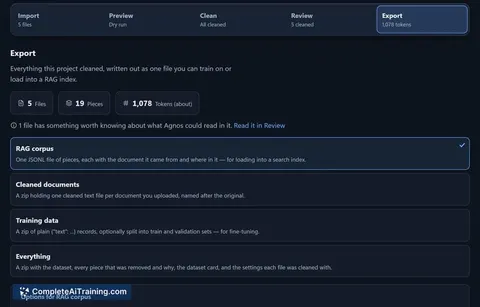
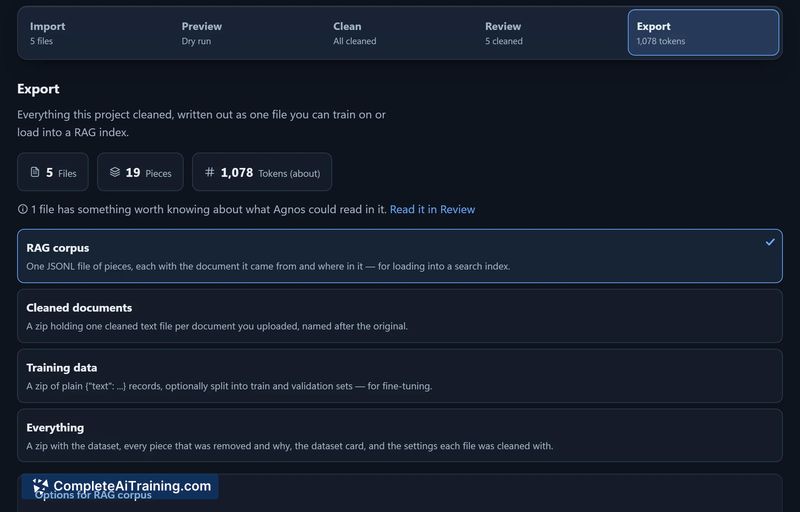
- Flexible export formats. Cleaned output can be exported as JSONL chunks ready for a vector store, as cleaned plain text, or as training data.
- Fully local execution. All processing happens on the user's Windows PC. Agnos functions with the network disconnected, which suits organizations that cannot send client files to cloud services.
Pricing and Value
Agnos offers a 14-day free trial with full functionality, no credit card, and no account creation. After the trial, the license costs $99 as a one-time payment for an individual. A $399 one-time license covers up to five people at a single company. There is no subscription tier. The maker has stated these prices clearly and has not indicated plans for alternative pricing models.
Pros
- No file uploads - all cleaning runs locally, and the tool works with the network off.
- Every removal is attributed to a named rule, and users can override decisions or disable rules per project.
- Handles five common document formats and preserves tables, code, and numbers during cleanup.
- One-time purchase with a functional free trial; no recurring fees or account sign-up.
- Exports directly to JSONL chunks, cleaned text, or training data for downstream AI workflows.
Cons
- Windows 10 and 11 only - macOS and Linux users cannot run the tool.
- No OCR capability. Scanned pages are skipped and named rather than processed, which limits use on image-based PDFs.
- Agnos is not well suited for teams that need cloud-based collaboration or browser-based access, since it's a single-machine desktop application.
Agnos fits well for developers and consultants building RAG pipelines or custom GPTs from real company documents, especially when client files can't touch another cloud service. It also makes sense for anyone who needs to audit exactly what was removed before training or retrieval - the rule attribution and per-piece keep option give a clear paper trail. Teams on macOS or those working heavily with scanned documents will need to look elsewhere, but for Windows users with text-based files and privacy constraints, the tool addresses a specific cleanup gap without recurring costs.