AI tool
EasyCut
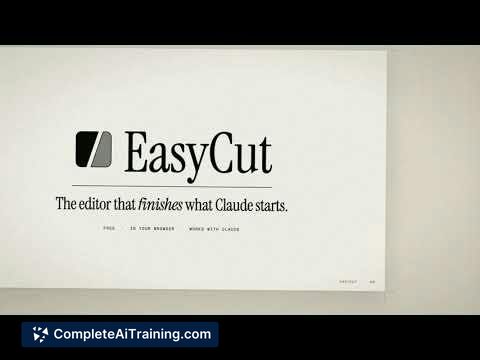
EasyCut is a browser-based video editor that keeps AI-generated scenes, titles, and audio separate on a timeline. It is for creators who want to adjust specific parts of a motion video without regenerating the entire project.
About EasyCut
EasyCut is a browser-based video editor that converts motion videos generated by Claude into a multi-track timeline. Each element-titles, scenes, images, and audio-sits on its own separate track. The tool lets users select a single part of a video and ask Claude to modify only that part, without regenerating the entire project.
Review
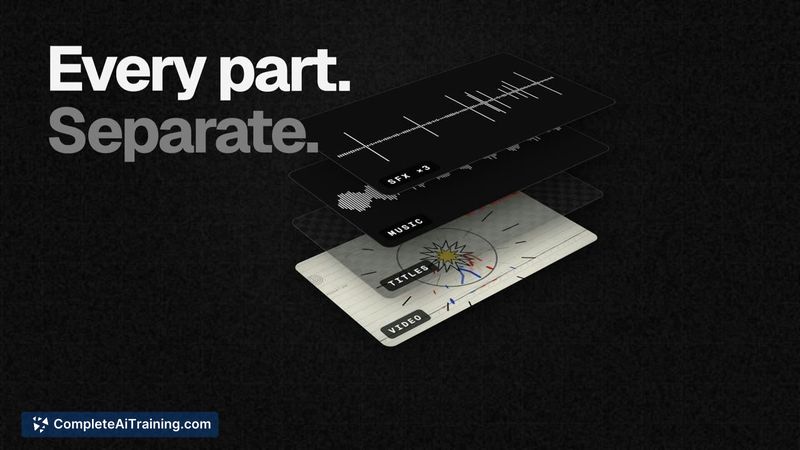
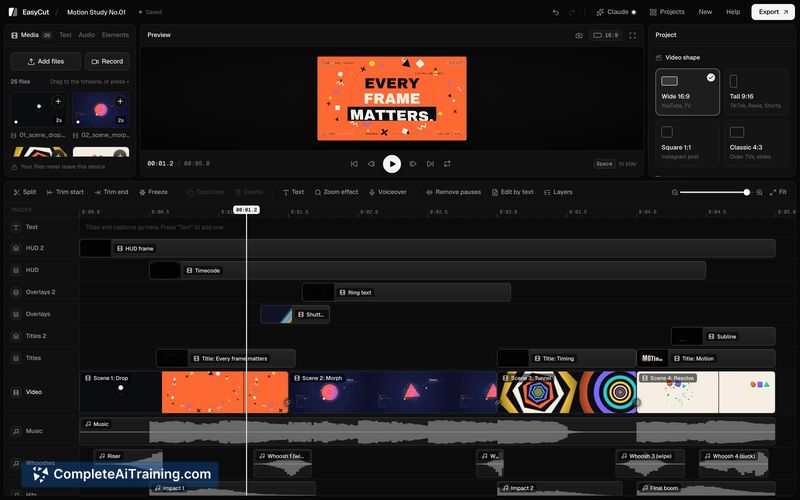
EasyCut addresses a specific friction point in AI-assisted video creation: the pain of regenerating a full video just to fix one title or adjust a single scene. Rather than treating the AI output as a finished, flattened file, it breaks everything into editable tracks. The result is a workflow where Claude handles the bulk of the generation and the user handles the remaining 10-20% through targeted edits.
Key Features
- Multi-track timeline that separates titles, scenes, images, and audio into individually selectable layers.
- Selective AI editing-click one element on the timeline, describe the change, and Claude re-renders only that part.
- Brand kit support for applying consistent branding elements across a project.
- Music fitting and smooth slow-motion controls that sync audio to the edited sequence.
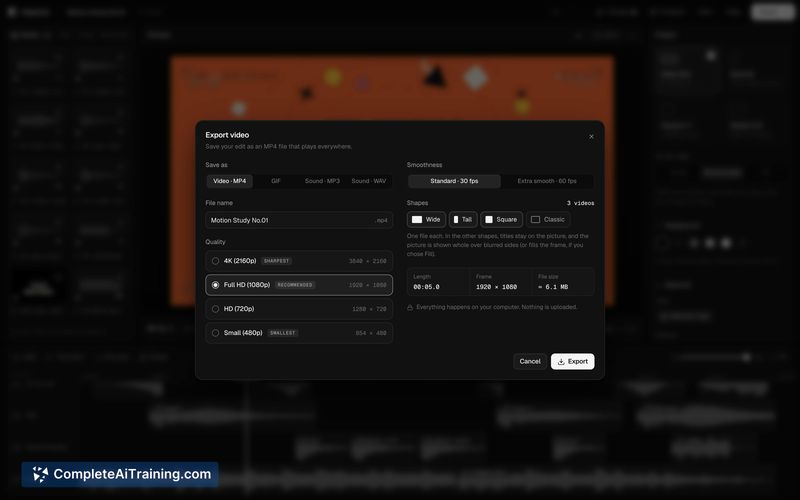
- Multi-format export with aspect ratio resizing for different platforms.
Pricing and Value
EasyCut is currently free to use. The tool runs in the browser and keeps video files on the user's local device rather than uploading them to a server. Pricing for any future paid tiers or plans has not been defined at this stage.
Pros
- Solves the rebuild-everything problem by isolating edits to the selected element only.
- Runs entirely in the browser with no file uploads required, which keeps project data local.
- Timeline-based layout gives direct control over timing without relying on text prompts alone.
- Works with Claude's instruction-following to make precise, context-aware adjustments.
- Includes practical finishing tools like brand kits and slow-motion instead of focusing solely on generation.
Cons
- Depends entirely on Claude for AI processing-users without access to Claude won't benefit from the core editing loop.
- As a newly launched tool, the feature set is still narrow compared to established non-linear editors.
- Not well suited for projects that need advanced compositing, color grading, or multi-camera editing workflows.
EasyCut fits best for people who already use Claude to generate motion videos and get stuck on the final polishing steps. It's a focused utility rather than a general-purpose editor, and that narrow scope means it won't replace a full video production suite. For the specific job of tweaking AI-generated scenes without starting over, the timeline-plus-selective-edit approach is a practical match.