
AI tool
Farol
Farol is a terminal for developers running multiple Claude Code or Codex sessions. It shows each agent's state in the sidebar and system menu bar so you can see when one needs input.
About Farol
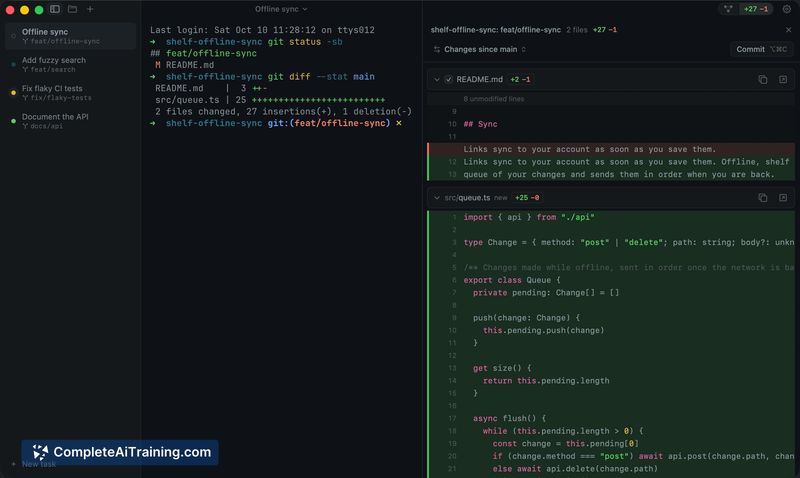
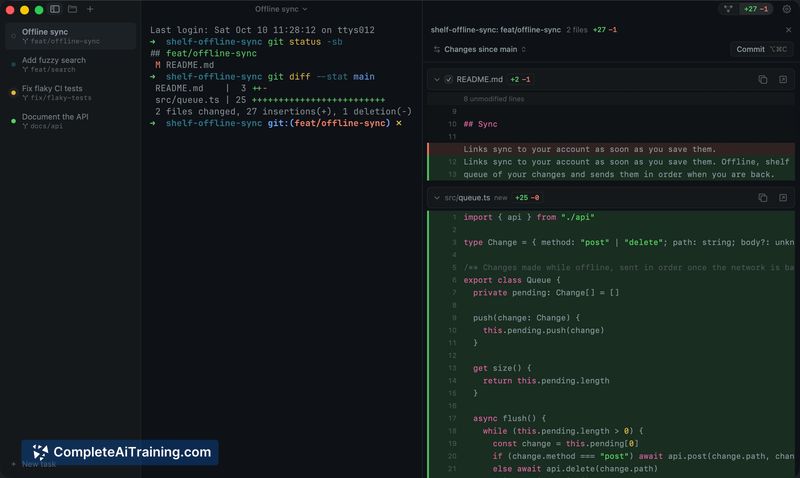
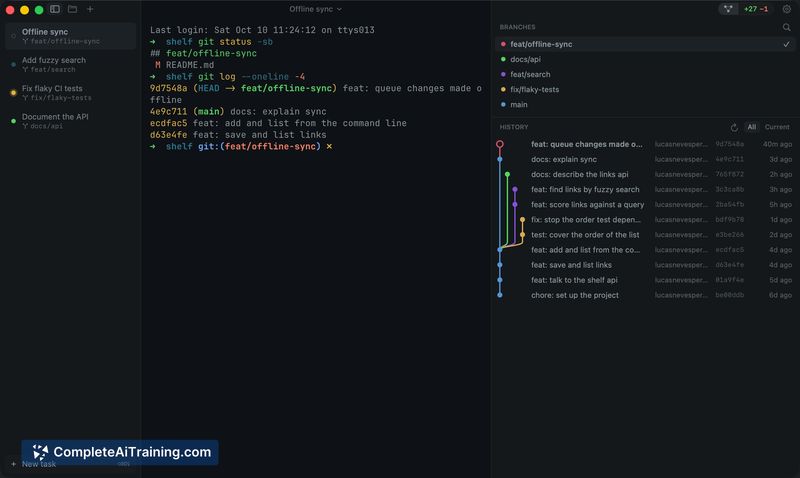
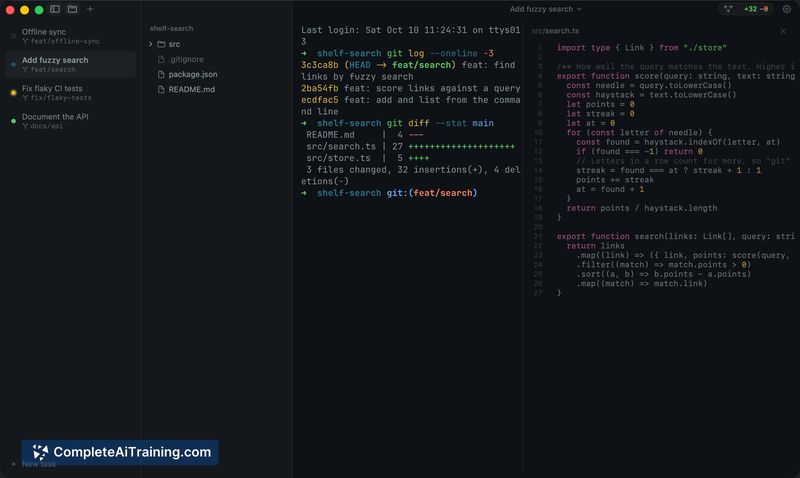
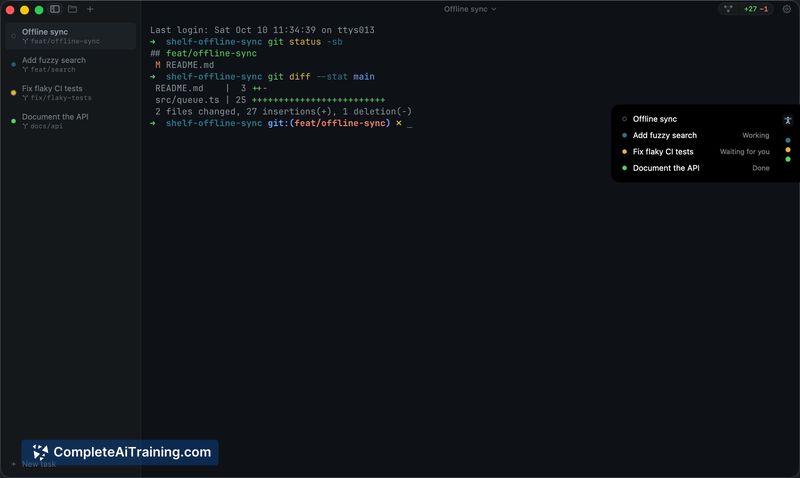
Farol is a macOS terminal application designed to run Claude Code and Codex coding agents concurrently. A sidebar and menu bar indicator show which agent is working, which is waiting for user input, and which has finished. Each task operates in its own git worktree, and the terminal is built on libghostty, reading existing Ghostty configurations.
Review
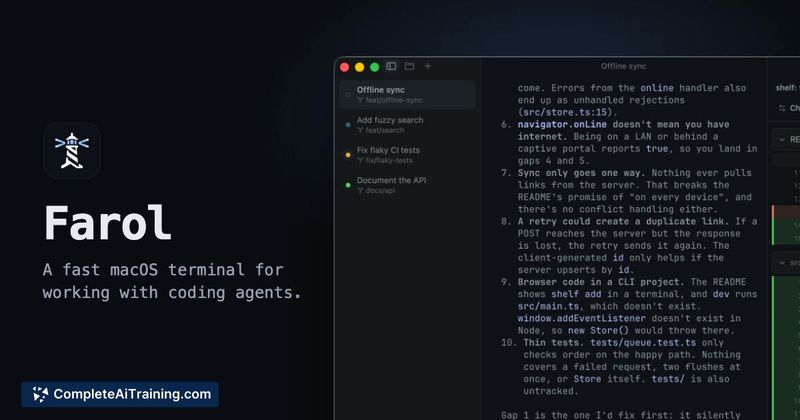
Farol tackles a specific friction point for developers who run multiple AI coding agents at the same time: losing track of which terminal session needs attention. It doesn't wrap or modify the underlying agents-Claude Code and Codex run natively and report their state through their own hooks. The tool is new, MIT-licensed, and currently limited to Apple Silicon Macs running macOS 14 or later.
Key Features
- A sidebar displays each session's status as a colored dot-working, waiting for you, or done-with the same state visible from the menu bar or notch area.
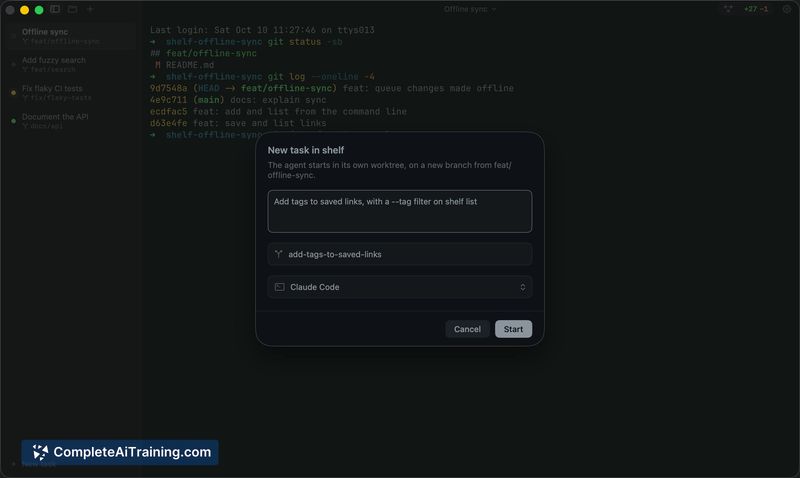
- Tasks can start from a plain prompt, a GitHub issue, or a Jira ticket. Farol creates a git worktree on a new branch and feeds the task as the agent's first prompt.
- A review panel collects all changes from a session into a single diff. From there, you can commit, push, and open a pull request without leaving the window.
- A three-column merge conflict resolver appears when a rebase or merge stops, showing the conflicting versions side by side.
- The terminal engine is libghostty, so rendering behavior and configuration mirror what you already have set in Ghostty.
Pricing and Value
Farol is free and MIT-licensed. It requires no account and includes no telemetry. There are no paid tiers, subscriptions, or usage limits.
Pros
- Session state is visible from any application via the menu bar, so you don't have to switch back to the terminal to check if an agent is stuck.
- Git worktree isolation means each task gets its own working directory and branch, reducing the chance of file conflicts between parallel agents.
- The review panel condenses a session's entire diff into one view, which simplifies comparing changes across multiple tasks.
- Reads your existing Ghostty configuration, so terminal behavior feels familiar without extra setup.
- No account, no telemetry, and MIT-licensed-the code is open and inspectable.
Cons
- Farol does not flag when two active tasks touch overlapping files or shared API contracts; that detection is still a manual process of reading both diffs.
- The application is early-stage and the maker notes rough edges are expected when used as a daily terminal.
- Teams working on Windows or Linux, or on Intel-based Macs, cannot use Farol in its current form.
Farol fits a narrow but real workflow: a solo developer or small team member who routinely spawns several Claude Code or Codex sessions and wants a single pane to track their state. It doesn't coordinate agents or predict merge conflicts across worktrees, though a file-overlap warning is on the roadmap. For those outside the Apple Silicon and macOS 14+ ecosystem, or for teams needing cross-platform agent orchestration, it's not a match right now.



