AI tool
Figma for Agents
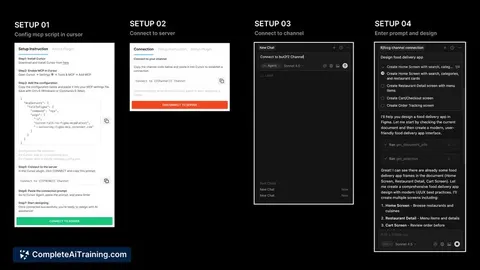
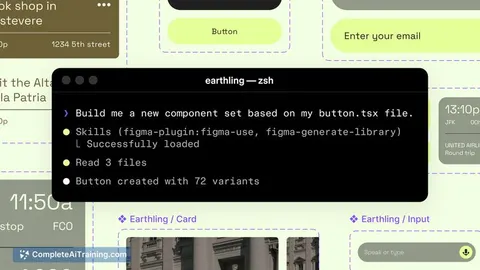
Figma for Agents lets AI agents edit real Figma files using your components, variables and auto layout, guided by Skills markdown so outputs match your design system and sync design tokens with code.
About Figma for Agents
Figma for Agents is a recently launched integration that lets AI agents create and edit designs directly inside Figma while reading a project's actual components, variables, and auto layout. It gives agents contextual access to a team's design system so generated UI work follows existing brand and technical conventions.
Review
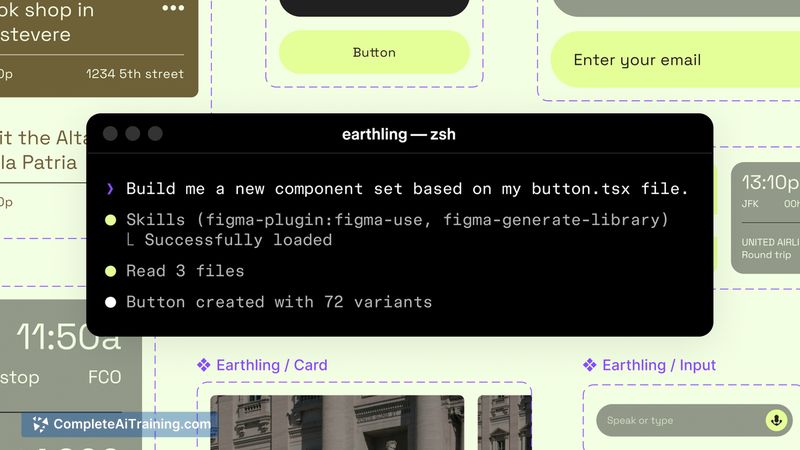
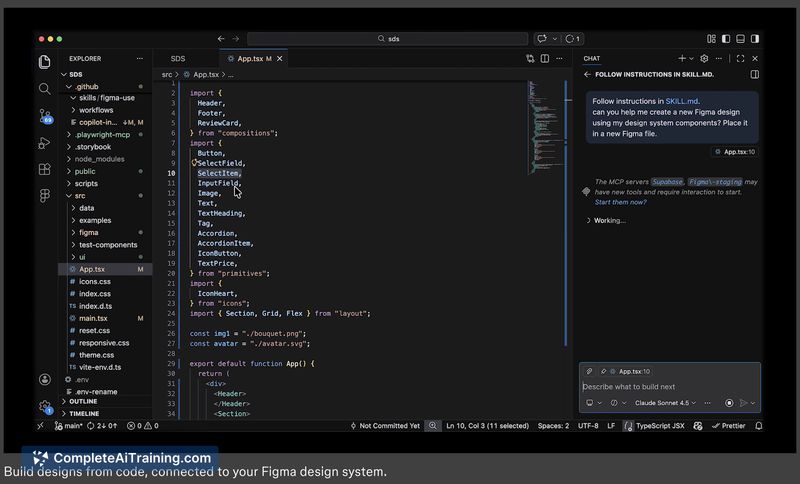
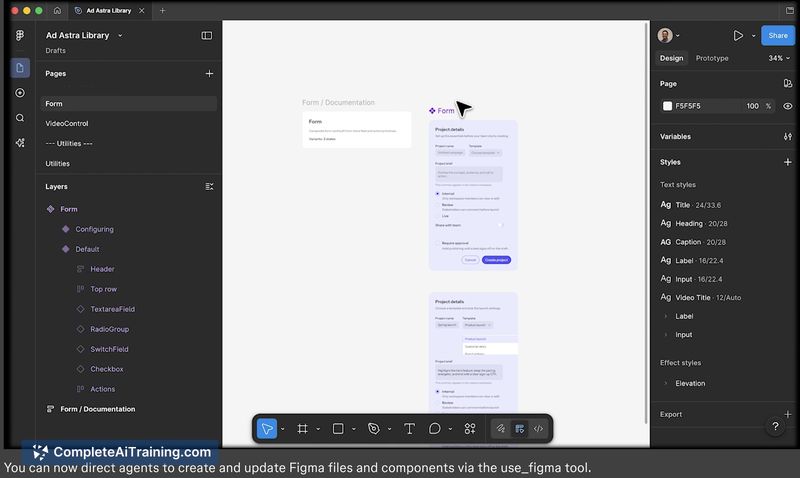
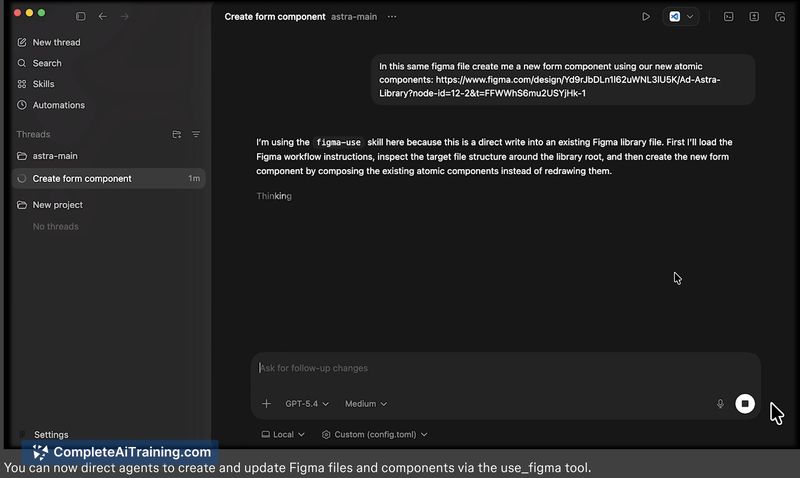
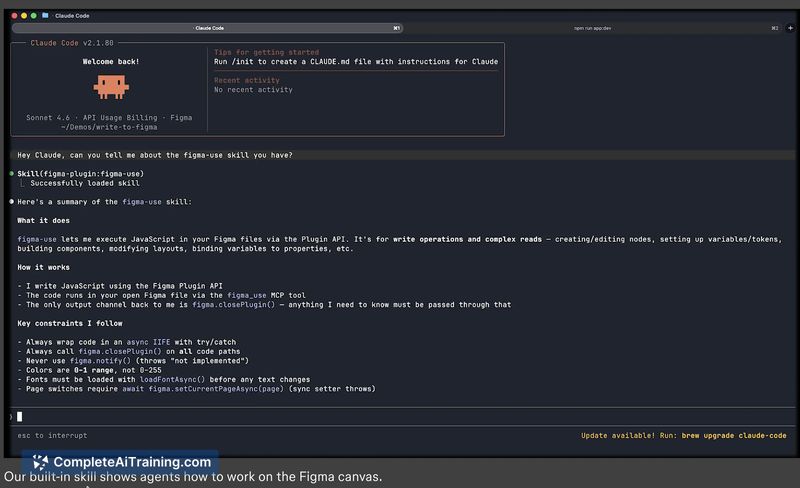
This tool addresses a common problem where AI-generated designs look generic or off-brand because agents lack visibility into a project's design system. By combining in-Figma access with "Skills"-markdown files that encode team conventions-agents can operate on real components and reduce the need for manual rework.
Key Features
- Agent access to Figma components, variables, and auto layout so edits happen against real design assets.
- "Skills": markdown-driven rules that teach agents a team's component and spacing conventions before they touch the canvas.
- Design token sync and drift detection (ability to read variable definitions from Figma selections).
- Mapping between Figma node IDs and codebase components to help link designs to actual implementation artifacts.
- Automated accessibility output such as screen reader/ARIA specs and support for running parallel workflows across multiple agents.
Pricing and Value
At launch, the product lists free options but full pricing tiers and enterprise details are not broadly published yet. The core value proposition is time saved by producing on-brand designs that integrate with code, reducing downstream handoff friction and surfacing token drift and accessibility issues earlier in the process.
Pros
- Helps ensure AI-generated designs conform to existing design systems and tokens.
- Reduces wasted work by enabling agents to edit real Figma components rather than inventing new ones.
- Includes token syncing and drift detection to keep design and code aligned over time.
- Pushes accessibility artifacts upstream by generating screen reader specs from real components.
- Supports multi-agent workflows, useful for teams that split responsibilities between design and implementation agents.
Cons
- Early release status means documentation, polish, and third-party integrations may be incomplete.
- Initial setup requires mapping between design and code and some engineering effort to connect systems reliably.
- Outcome quality depends on the agent stack and mappings; errors in component mapping or token interpretation can still occur.
Figma for Agents is best suited for product and design-engineering teams that already use Figma as a single source of truth and want to integrate LLM-driven agents into their design-to-code pipeline. Small teams without an established design system or projects that require very tight manual control over every UI decision may find the setup overhead less attractive for now.
Jobs Figma for Agents suits
We checked Figma for Agents against 500+ jobs; these get the most out of it.
Alternatives to Figma for Agents
Other tools that do the same main job. Our AI compared Figma for Agents with similar tools and kept the ones you could use instead.