About FluentDB
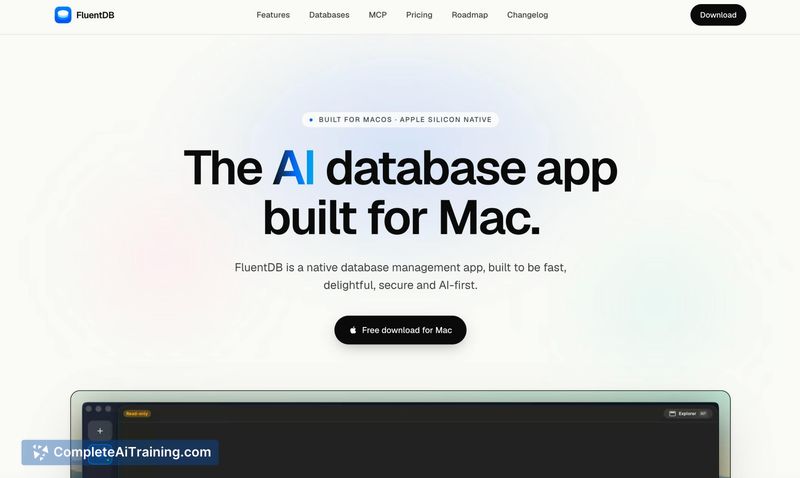
FluentDB is a native macOS database client that integrates AI assistants for query generation. It connects to PostgreSQL, MySQL, SQLite, and SQL Server, with the maker stating that more database types are planned. The app runs AI processing through your own API keys (Anthropic, OpenAI), Claude Code/Codex subscriptions, or local models via Ollama.
Review
FluentDB enters the database tool space with a clear emphasis on privacy and a lightweight interface. Written in Swift, it avoids the overhead of Electron-based clients. The AI features come with default guardrails that require user approval before any generated SQL executes-and, for write operations, a second confirmation prompt appears.
Key Features
- Support for PostgreSQL, MySQL, SQLite, and SQL Server connections.
- AI integration via Anthropic, OpenAI, Claude Code/Codex, or locally hosted Ollama models.
- Default privacy controls: AI sees only database schemas, not row data, and every AI-written query must be approved by the user.
- Read-only connection mode that blocks write queries entirely at the connection level.
- One-click server-side query cancellation for long-running or accidental operations.
Pricing and Value
Pricing details remain sparse. The product's listing shows a "Free Options" tag and mentions a 30% discount on licenses during the launch period. Specific tiers, seat limits, or long-term costs have not been published yet.
Pros
- Runs as a native Swift app, which translates to lower memory use and faster startup than typical browser-based tools.
- Local model support through Ollama keeps all data processing on-device for sensitive environments.
- Tiered permissions let you toggle auto-run and read access separately, so you can extend AI context only when needed.
- Read-only connection setting prevents accidental data modification from the start.
- Write queries get an extra confirmation step, reducing the chance of hurried acceptance.
Cons
- The app is macOS-only, leaving Windows and Linux users without a compatible version. A cross-platform port is mentioned as a possibility, not a current project.
- No built-in safety checks beyond raw query display-such as estimated row count or missing WHERE clause detection-before you approve a potentially destructive statement (these are on the roadmap).
- Out of the box, the AI cannot reference actual data values unless you grant read permissions, which limits contextual assistance when schema names alone are ambiguous.
FluentDB fits developers and database administrators on macOS who want an AI-assisted client they can run against local or remote databases without sharing sensitive data. The early-stage status means some features are still incoming, but the existing guardrails and local-model path address real privacy concerns for teams that review every query carefully.
Open 'FluentDB' Website
Your membership also unlocks: