AI tool
Flunkey
Flunkey is a time and cost-saving AI tool currently in beta. It is designed for individuals and teams seeking to reduce manual effort in their workflows, helping them complete tasks more efficiently.
About Flunkey
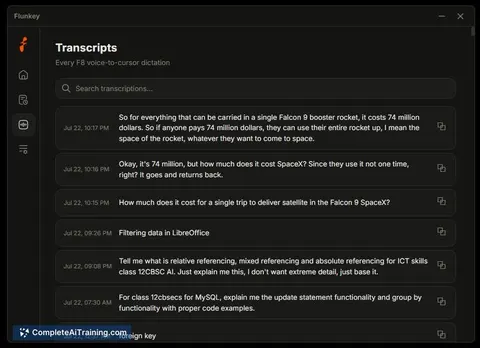
Flunkey is a voice-first productivity tool for Windows, currently in beta, that converts spoken thoughts into text, actions, and remembered context. It positions itself as a general-purpose dictation and AI assistant, similar in function to Wispr Flow but with an added AI question-answering feature. The tool is free and was launched this week, built on Groq's LPU inference engine for fast model responses.
Review
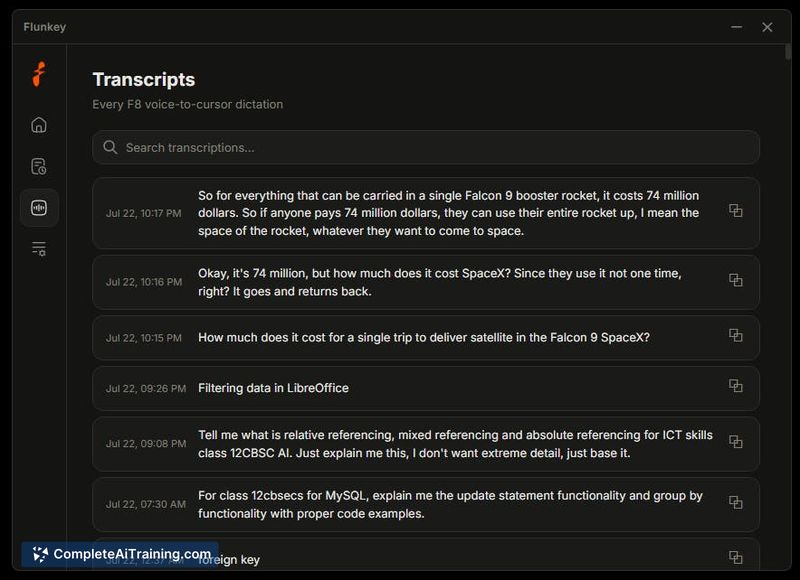
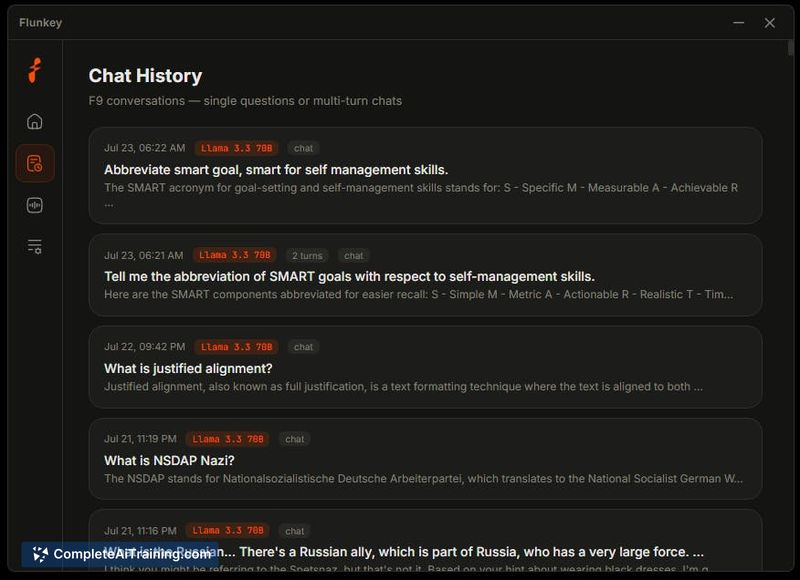
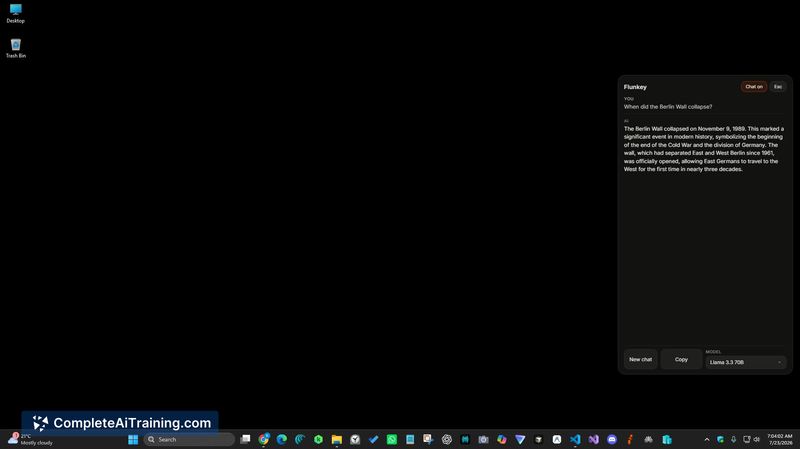

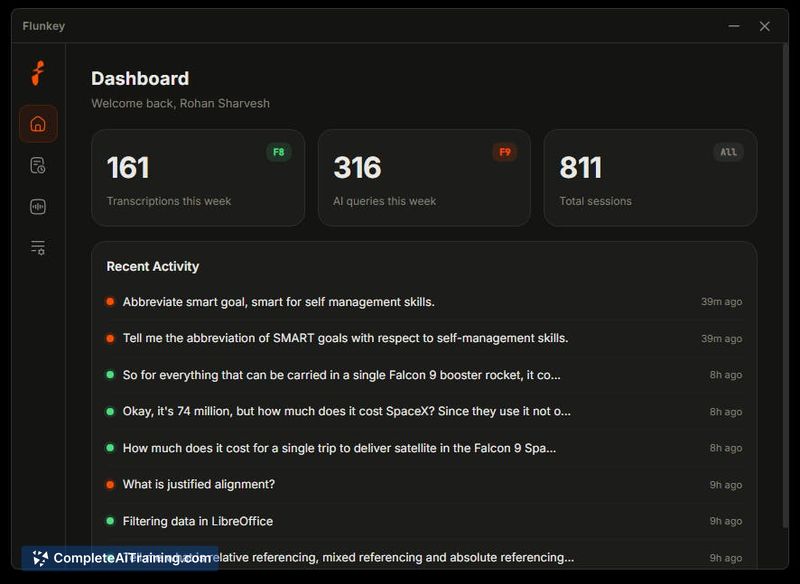
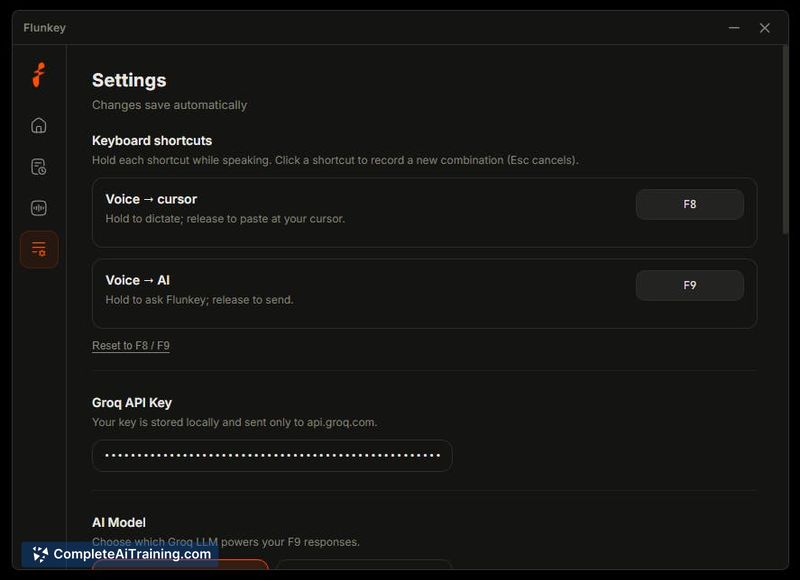

Flunkey enters a crowded field of dictation tools, but its AI layer separates it from simple speech-to-text applications. The beta version is fresh out of the gate, so expectations should be tempered for early-stage software. This review covers what the maker has shipped so far, not what might come later.
Key Features
- Voice-to-text dictation that works across Windows applications
- AI question-answering built into the dictation flow, letting you ask follow-ups verbally
- Context memory that retains information from your sessions for later reference
- Action triggers that turn spoken commands into useful tasks, not just text
- Built on Groq's LPU inference engine, chosen for fast response times and a generous free tier
Pricing and Value
Flunkey is currently free. The maker notes the beta version is designed to save both time and money, though no specific pricing tiers or future paid plans are listed. The choice of Groq over OpenRouter came down to token allowances and speed, which directly affects what users get at no cost. For a beta product, the free access is the only confirmed pricing fact.
Pros
- Combines dictation with an AI assistant, so you can ask questions without switching tools
- Runs locally on Windows, keeping your workflow inside one operating system
- Context memory means you don't have to repeat background information in every prompt
- Open source, which allows inspection and community contributions
- Fast inference from Groq's LPU hardware, reducing wait time between speaking and response
Cons
- Windows-only at present, so macOS or Linux users cannot access the tool
- Beta status carries risk of bugs, missing features, and breaking changes
- Not well suited for users who prefer typed input over voice commands, as the entire interaction model assumes you'll speak
Flunkey's ideal users are students, researchers, and professionals who type long documents or juggle large amounts of contextual information. The voice-first approach with memory works best for those who think aloud and want a transcript of their reasoning. If you work primarily on Windows and want a free dictation tool with an AI assistant attached, the beta is worth a test run; just expect rough edges while it matures.
Jobs Flunkey suits
We checked Flunkey against 500+ jobs; these get the most out of it.
Alternatives to Flunkey
Other tools that do the same main job. Our AI compared Flunkey with similar tools and kept the ones you could use instead.