AI tool
Foley
Foley is a voice-based to-do list for people who lose tasks they say out loud. You speak a task with natural time phrases like "next Tuesday morning," and it files it, asks for clarification when unsure, and moves items when plans change. It is fo...
About Foley
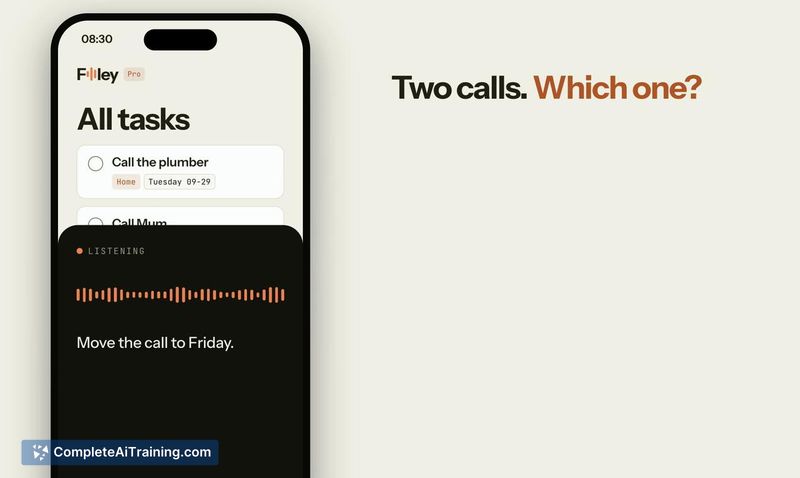
Foley is a voice-input to-do list that creates tasks with project assignments, dates, and reminders from spoken instructions. It interprets natural time expressions like "next Tuesday morning" and asks clarifying questions when the input is ambiguous instead of making assumptions. The tool is available on iPhone, Android, Mac, Windows, web, and Apple Watch.
Review
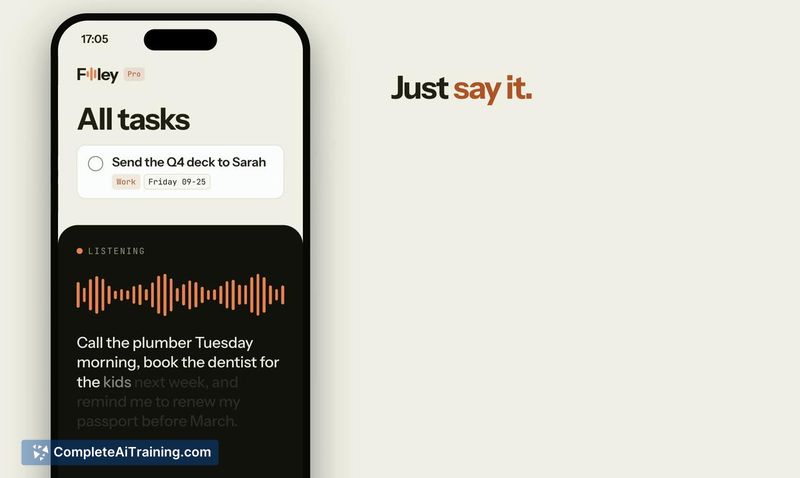
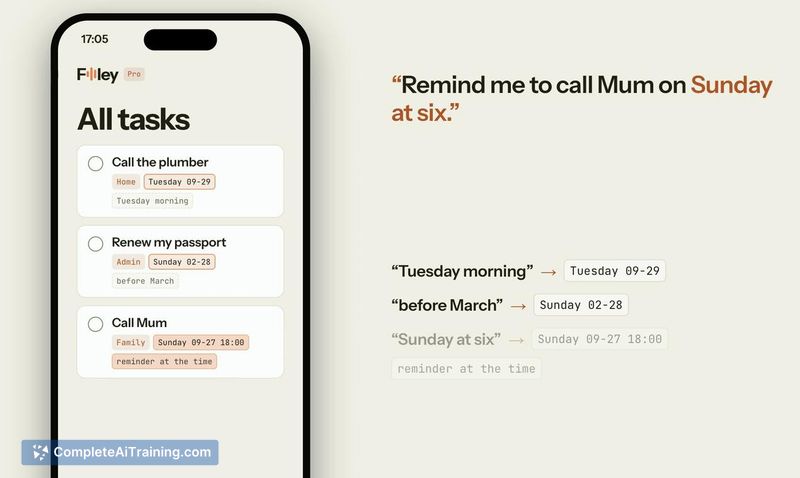
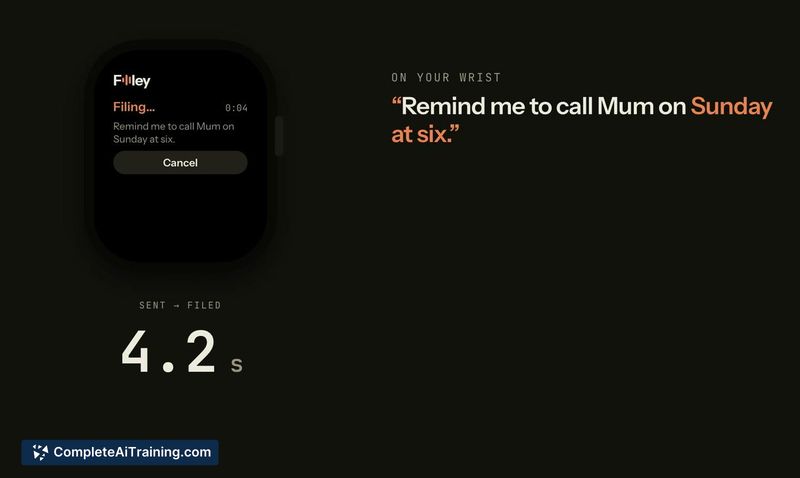
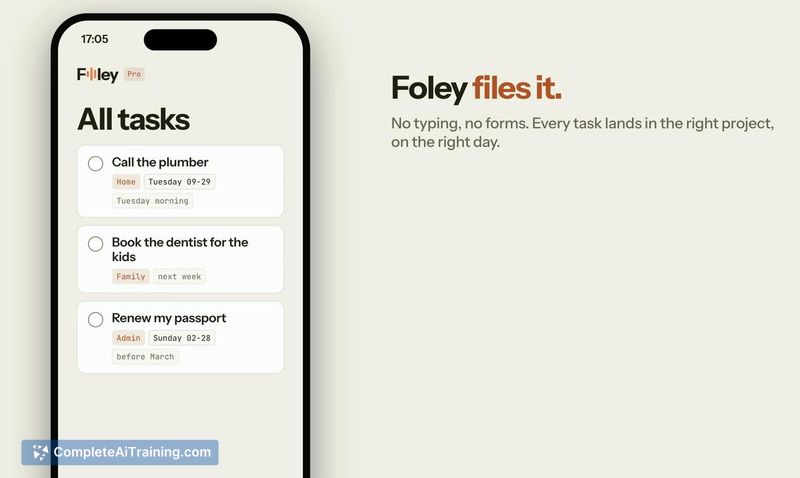
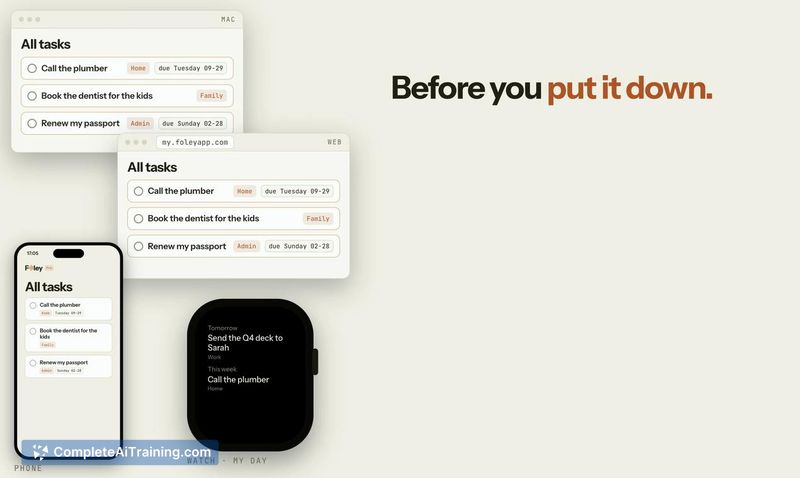
Foley addresses a specific friction point: the gap between thinking of a task and getting it into a system. Speaking a task tends to be faster than typing, and Foley's approach to filing that task with contextual metadata-project, date, reminder-reduces manual sorting after capture. The cross-device availability, including Apple Watch, extends this capture capability to moments when pulling out a phone isn't practical.
Key Features
- Voice-to-task creation that parses natural time language and assigns projects, dates, and reminders automatically.
- Clarification prompts when the AI isn't sure about a request, rather than silently misfiling the task.
- Plan reassignment by voice-tell Foley a task moved and it updates the entry accordingly.
- Day-planning queries that answer from the user's existing task list, suggesting what to work on or in what order.
- Apple Watch capture for quick voice input without needing a phone.
Pricing and Value
The desktop app is free, requires no account, and operates with the user's own OpenRouter API key. Foley Pro costs $8 per month on the web, with the first month discounted to $4 at checkout. Pro handles the AI processing on Foley's side and syncs across all devices. Shared projects are mentioned as part of the current feature set, used by the maker and his wife for appointments and school-related tasks.
Pros
- Accepts spoken time expressions the way people naturally phrase them, reducing reformatting work.
- Asks for clarification on ambiguous input instead of guessing and creating miscategorized tasks.
- Free desktop tier with no account requirement gives users a low-commitment way to test the core functionality.
- Works across six platforms (iPhone, Android, Mac, Windows, web, Apple Watch), covering most common devices.
- Shared projects allow collaborative task management within a household or small team.
Cons
- No integration with external project management tools like ClickUp, which limits its fit within existing workflows.
- The email address listed for support (hello@foleyapp.com) was reported as bouncing, which raises a question about support reliability.
- Not well suited for users who need deep project management features-dependencies, Gantt charts, resource allocation-or who already rely on a structured PM tool and want voice capture to feed into it.
Foley fits a specific niche: people who lose spoken ideas before they can write them down and want those ideas filed into a task list with minimal manual effort. It's most practical for personal task management and light shared coordination, not for teams running complex project workflows. The free desktop tier makes it easy to try with an OpenRouter key, and the Pro plan removes the setup step for users who prefer a ready-to-use sync service.