
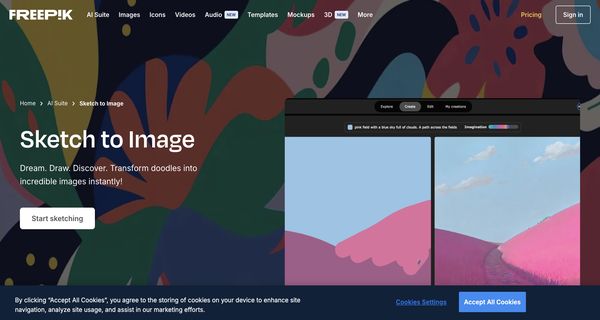
About: Freepik
Freepik is an innovative AI art generation tool designed to transform sketches and textual descriptions into stunning artwork. This platform integrates a vast library of over 247 million assets, including high-quality images, vectors, videos, and icons, making it an essential resource for designers and content creators. Its advanced AI features facilitate seamless image generation, video creation, and character customization, empowering users to bring their creative visions to life.
Key functionalities include intuitive online image editing tools that offer capabilities such as retouching, resolution enhancement, and AI-driven image expansion, all without the need for external software. The platform has garnered a community of over 64 million creatives and has enabled the production of more than 1 billion AI-generated images. This blend of traditional stock media with pioneering AI design solutions positions Freepik as a unique and valuable resource, catering to diverse applications from professional projects to personal artistic endeavors, ultimately simplifying the creative process while inspiring innovation.
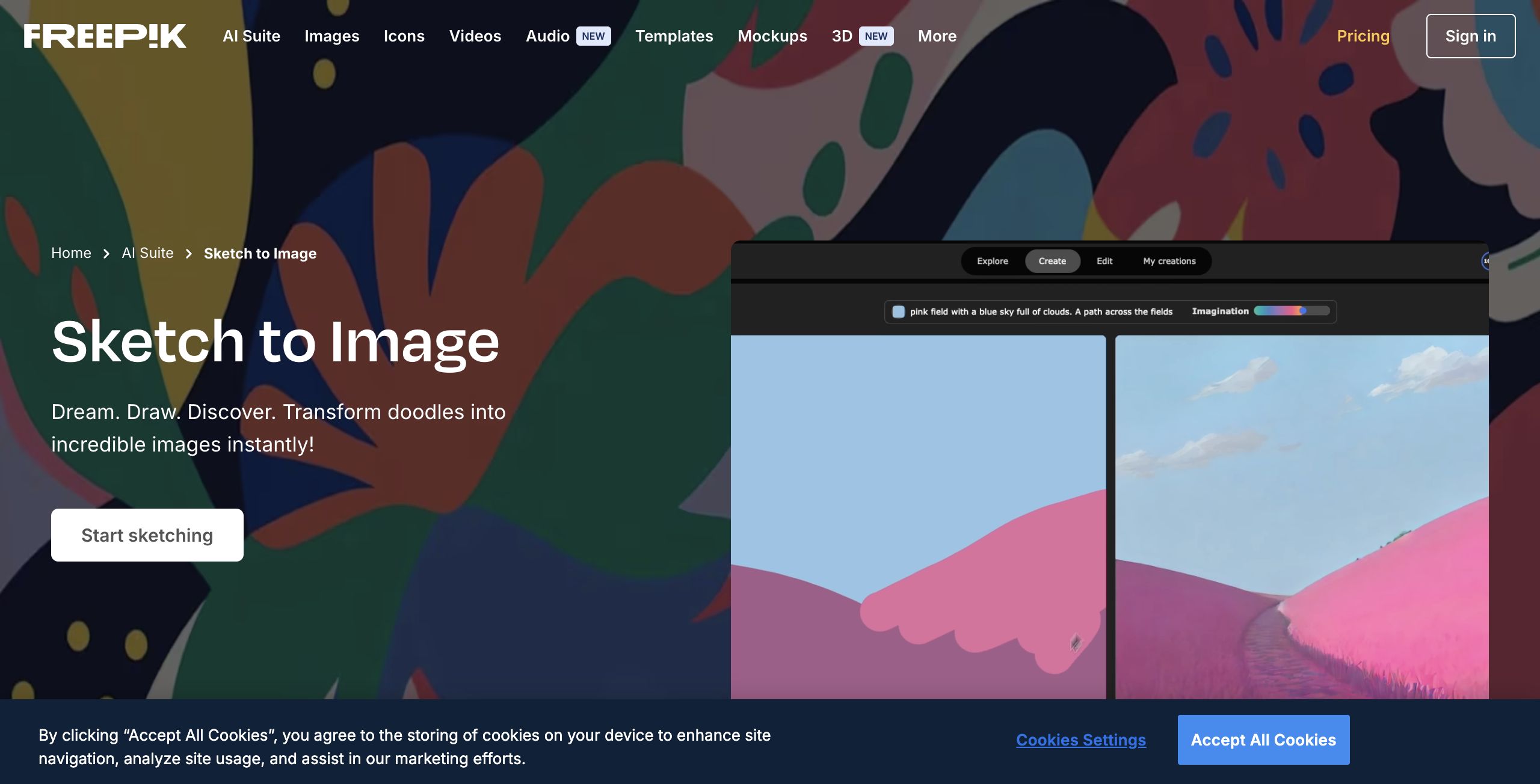
Review: Freepik
Introduction
Freepik Sketch to Image is an innovative AI art generation tool that transforms simple sketches and written prompts into striking visuals. Part of the Freepik AI Suite, this tool is designed for creators of all skill levels—from complete beginners who enjoy doodling to experienced designers seeking inspiration and productivity boosts. Given Freepik’s reputation as a comprehensive creative platform with over 247 million assets, Sketch to Image represents a timely fusion of traditional art-making with cutting-edge artificial intelligence, making it a relevant addition in today’s design landscape.
Key Features
- Instant Transformation: Convert basic sketches or doodles into detailed, polished images in real time, making the creative process both fun and efficient.
- Interactive Design Tools: Users can enhance their creations by adding icons, shapes, and even color enhancements with just a few clicks, allowing even those with no drawing experience to produce compelling artwork.
- Imagination Slider: This unique feature enables users to control the level of detail and creativity the AI applies, offering a flexible spectrum from minimal detail to highly imaginative outputs.
- Versatile Sharing Options: The tool not only produces a final image but also provides options to share the creative process. Users can download videos recording their drawing journey—perfect for showcasing the evolution of an artwork.
- User-Friendly Interface: With screen-sharing options and live webcam functionality, the application is accessible for creators of all ages, ensuring that the path from sketch to finished image is both interactive and engaging.
Pros and Cons
- Pros:
- Intuitive and interactive, making art creation accessible even for users without formal drawing skills.
- Real-time visual transformation helps spark creativity and inspiration.
- An innovative imagination slider that grants creative control over the level of detail in generated images.
- Integrated sharing functionalities that allow users to easily promote their creative process and finished work.
- Cons:
- AI-generated outputs may vary in quality and may not always meet professional standards for intricate projects.
- The abundance of features could be overwhelming for users seeking a simple, straightforward tool.
Final Verdict
Freepik Sketch to Image is a compelling tool for anyone looking to experiment with digital art without the need for extensive drawing skills. It stands out by offering interactive features and a creative process that is as important as the final image. Ideal for content creators, educators, and casual users who want to quickly convert brainstorming sketches into shareable visuals, this tool may not fully replace professional graphic design software for projects demanding meticulous detail and customization. Overall, if you’re seeking an easy-to-use AI-assisted creative tool that sparks inspiration and speeds up the design process, Freepik Sketch to Image is definitely worth a try.
Open 'Freepik' Website
Your membership also unlocks:

















