AI tool
Glaze by Raycast
Glaze by Raycast builds custom Mac apps from text descriptions for individuals and teams. Users refine these apps through conversation and can share them privately or publish them to a public store.
About Glaze by Raycast
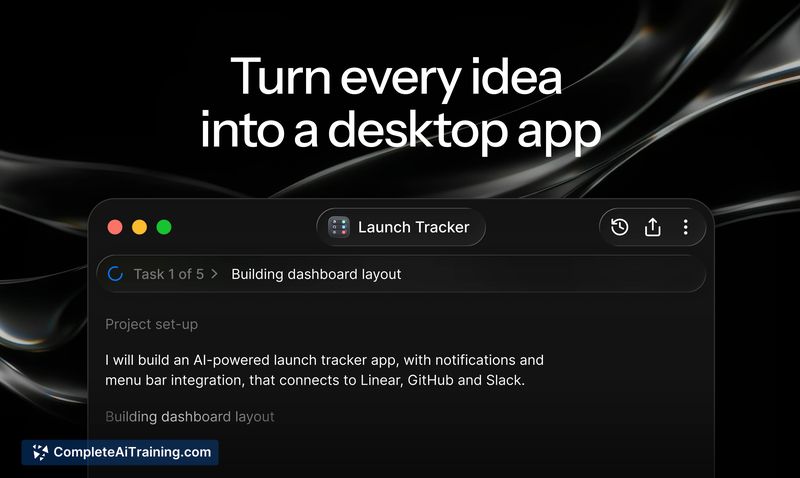
Glaze is a Mac application that turns plain-language descriptions into functional desktop apps. Built by the team behind Raycast, it generates native software that sits in the dock, runs offline, and can access local system resources. Users can then iterate on the output through further chat messages or a direct annotation tool.
Review
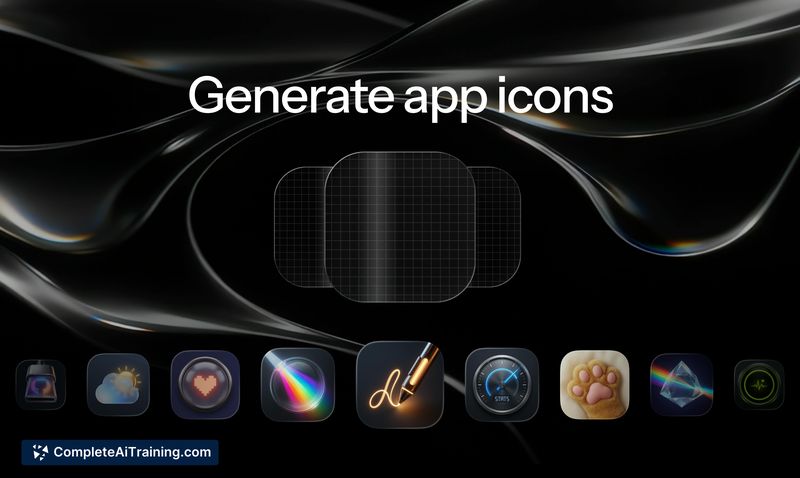
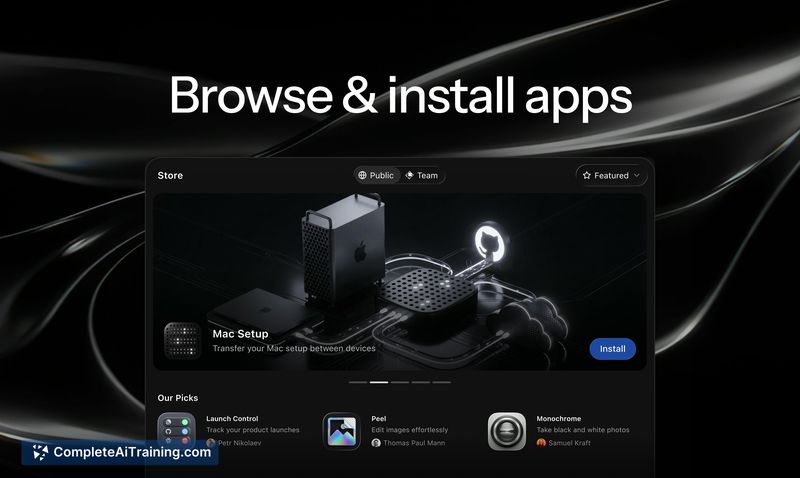
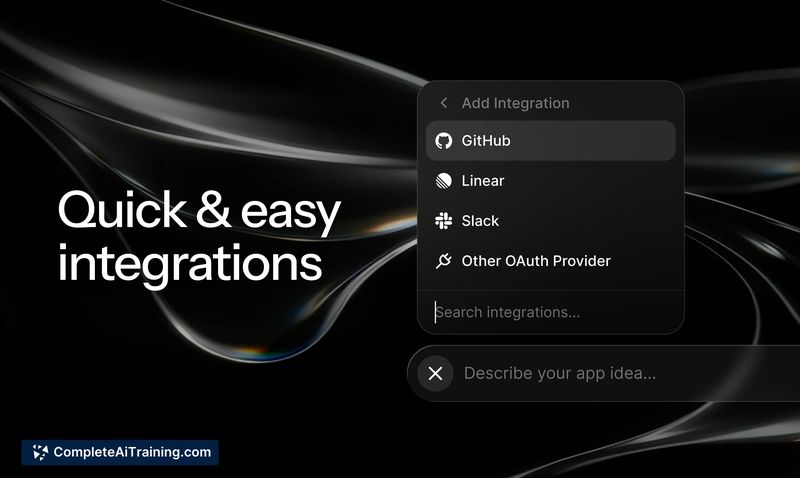
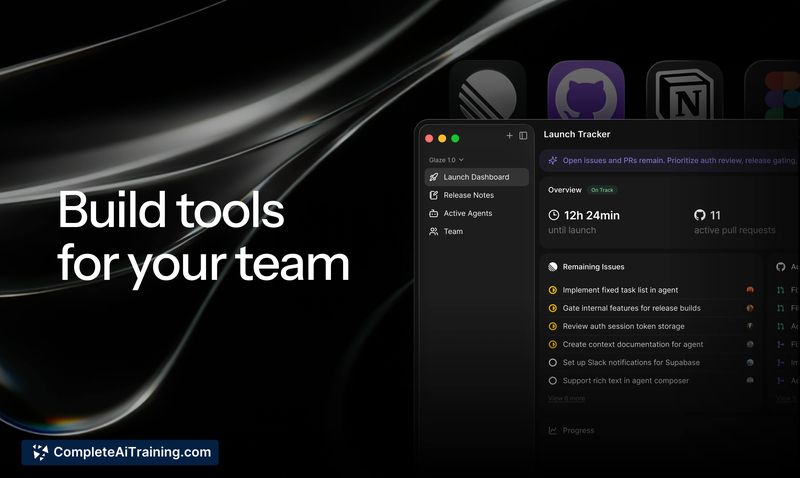
Glaze opened to all users this week, bringing a chat-based approach to building personal Mac apps without writing code. The tool produces real applications that launch from the dock and work without an internet connection. It's macOS-only at launch, with other platforms mentioned as future plans.
Key Features
- Chat-driven app generation - Describe an app idea in natural language and Glaze builds a working macOS application.
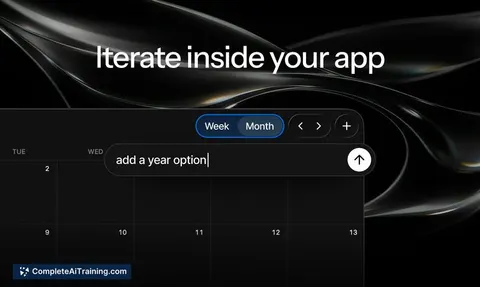
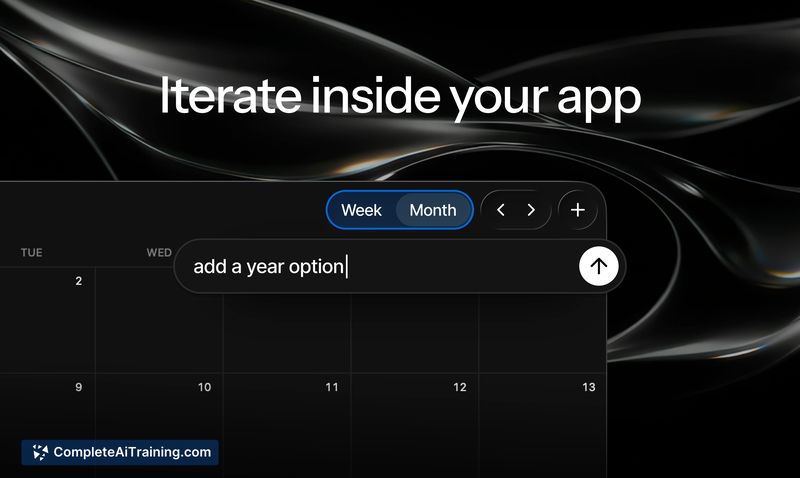
- Annotation tool - Select a button or element inside a generated app and describe a change; the tool applies the edit to that specific component.
- Offline operation and dock integration - Created apps run locally, launch instantly from the dock, and don't require a network connection.
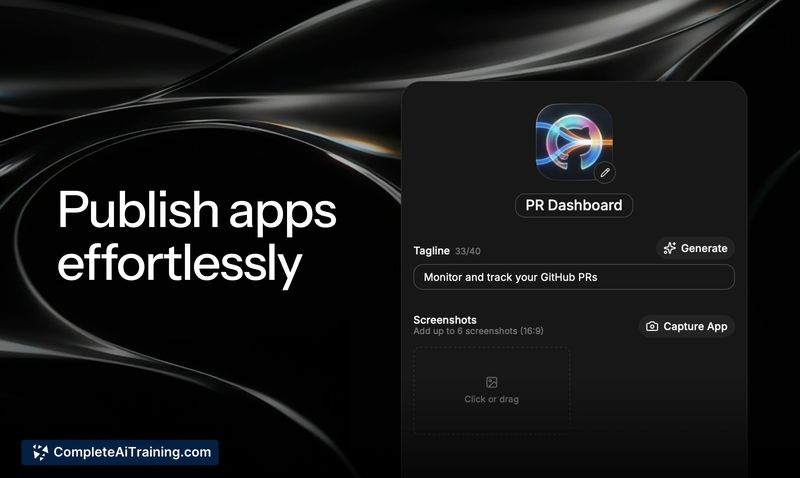
- Publishing and sharing - Publish apps to a public store for anyone to use, or share privately with a team for internal workflows.
- External API and local data connectivity - Apps can connect to services like Linear, Notion, GitHub, local CLIs, and MCPs, and save data locally on the machine.
Pricing and Value
Glaze is free to start. A paid plan exists for users who want to go further, though specific pricing tiers or limits have not been detailed at this stage. The free starting point lets anyone experiment with app creation before committing.
Pros
- Iterating on an app is fast: send a follow-up message or use the annotation tool to adjust a single element without rebuilding the whole app.
- Generated apps are real Mac applications, not web wrappers-they live in the dock, work offline, and access system resources.
- The ability to share apps publicly or keep them private for a team makes it possible to distribute internal tools without a separate deployment process.
- Connecting to external APIs and local data means the apps can pull in live information or persist user data, not just display static content.
Cons
- Not well suited for users on Windows or Linux, as Glaze is macOS-only at launch.
- Apps are AI-generated, so achieving precise behavior for complex logic or niche UI patterns may require many iterations and still might not match a hand-coded solution.
- There is no direct access to the underlying code, which limits developers who want to fine-tune performance or debug beyond what the chat and annotation tools expose.
Glaze fits professionals and teams who need quick, single-purpose Mac utilities-internal dashboards, data viewers, or workflow helpers-without involving a development cycle. It's less suited for large-scale applications or environments where full code control is necessary. The annotation tool and sharing options make it practical for iterating on an idea and distributing the result within a team.
Alternatives to Glaze by Raycast
Other tools that do the same main job. Our AI compared Glaze by Raycast with similar tools and kept the ones you could use instead.