AI tool
Google Gemini Memory Import
Google Gemini Memory Import imports your preferences, relationships and full chat history (ZIP) into Gemini. Pulls Gmail, Photos and Search context so you can switch assistants without losing past chats or personalization.
About Google Gemini Memory Import
Google Gemini Memory Import is a tool that lets users bring memories, preferences, and full chat histories from other AI chat apps into Gemini. It aims to make switching assistants smoother by preserving context and personalization so users don't have to start from scratch.
Review
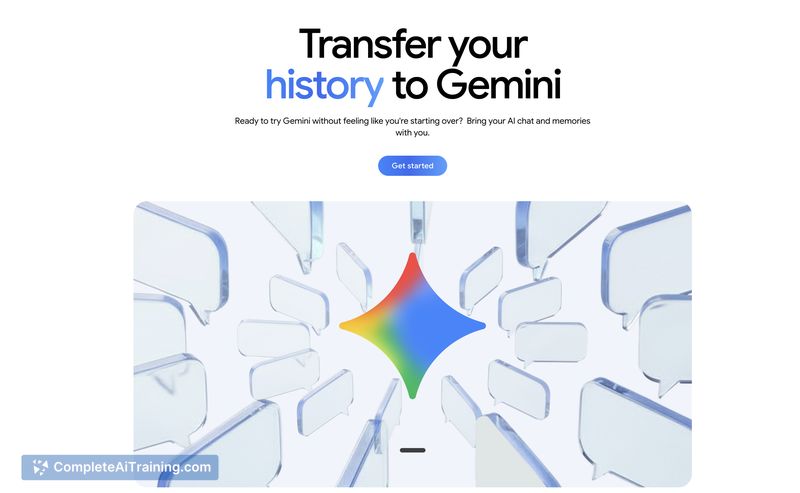

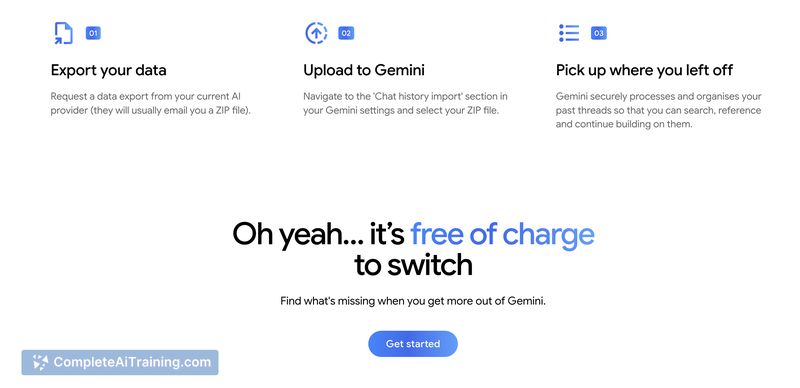
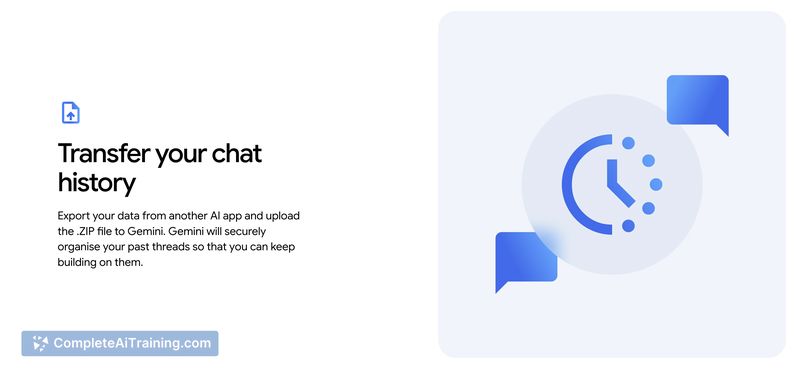
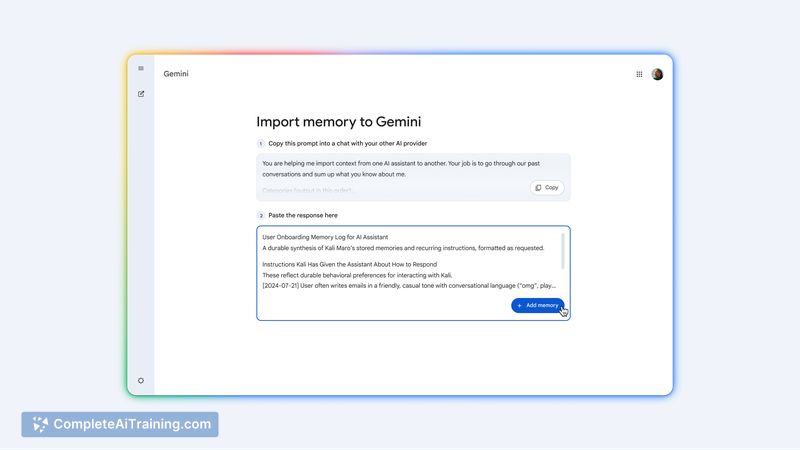
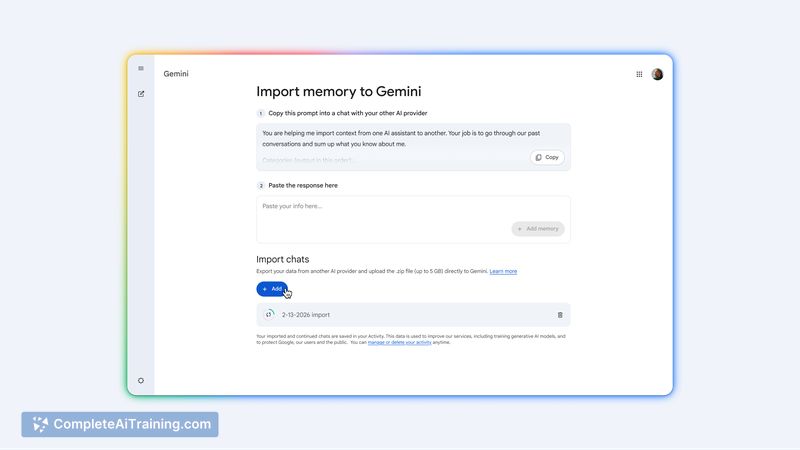
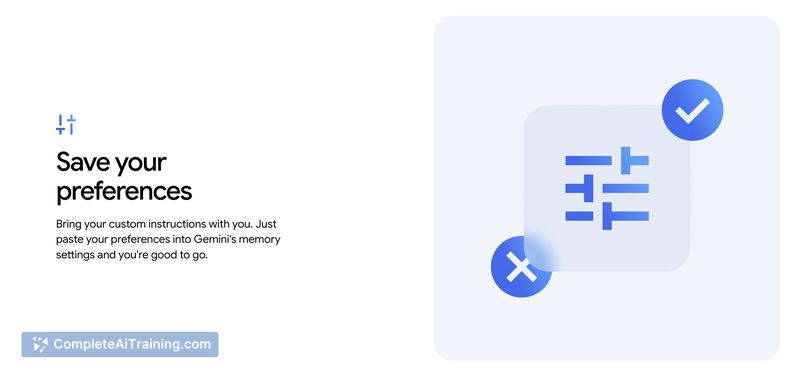
The tool provides a straightforward path for migrating past conversations and stored preferences into Gemini, reducing the friction of moving between AI services. It automates much of the onboarding work and offers immediate continuity for ongoing workflows and personal assistant behavior.
Key Features
- Import memories including preferences, relationships, and contextual notes.
- Upload full chat history (ZIP upload support) to retain past conversations.
- Search and continue earlier conversations from within the app.
- Automated onboarding that consolidates imported data into a single memory store.
Pricing and Value
The launch is listed as free, which makes the feature accessible for users who want to try migrating their data before committing to any paid services. The value proposition is strong for anyone who has invested time in another assistant and wants to keep personalization and historical context without manual re-entry.
Pros
- Makes switching assistants fast and less disruptive by preserving context.
- Supports full chat history import so past conversations remain searchable.
- Saves time compared with manual recreation of preferences and notes.
- Free at launch, lowering the barrier for users to test it out.
Cons
- Import formats and compatibility can vary; some platforms may require manual export steps.
- Transferring personal data raises privacy and security considerations that users should review before importing.
- Imported content quality depends on how another app structures memories and conversations, so some cleanup may be needed.
Overall, this tool is best for users who are switching AI assistants and want to preserve continuity, as well as for those with substantial chat histories or saved preferences they want to keep. It is particularly useful for individuals and small teams who value an uninterrupted experience when moving to a new assistant, provided they consider export compatibility and data-handling practices first.
Jobs Google Gemini Memory Import suits
Useful in almost any job.