About: GPT For Sheets
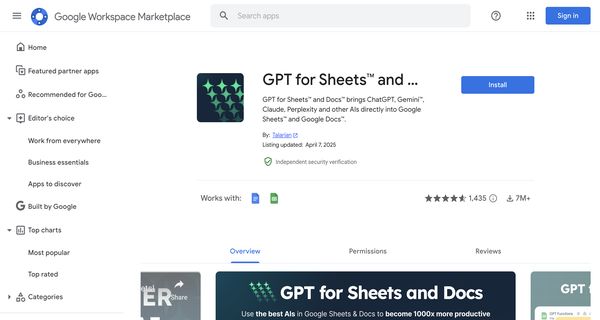
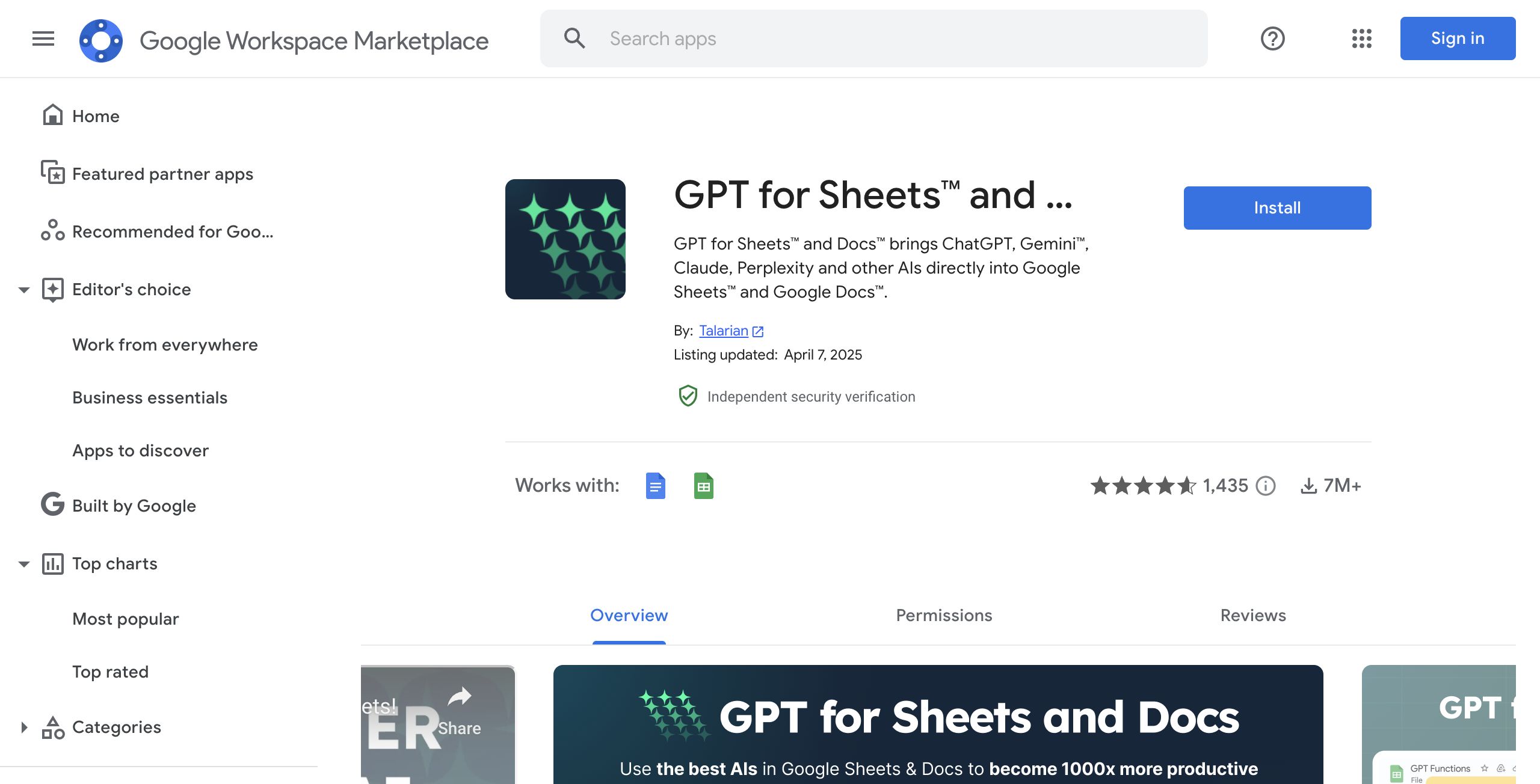
The GPT Sheets Add-on seamlessly integrates OpenAI's advanced GPT-3 technology into Google Sheets, enabling users to harness powerful language processing capabilities directly within their spreadsheets. This tool introduces two intuitive custom functions: =GPT and =GPT_LIST, designed to simplify a variety of tasks. Users can generate creative blog post ideas, craft coherent paragraphs, streamline lists, categorize reviews, summarize lengthy texts, and formulate responses to comments with ease.
The add-on is particularly valuable for content creators, marketers, and data analysts who seek to enhance productivity and creativity in their workflows. Its user-friendly interface allows for straightforward implementation without the need for extensive programming knowledge. Additionally, while the tool is free to use, it operates based on OpenAI's API cost, making it accessible for individuals and teams alike. By bridging the gap between AI and spreadsheet functionality, the GPT Sheets Add-on empowers users to unlock new levels of efficiency and innovation in their tasks.
Review: GPT For Sheets
Introduction
GPT Sheets Add-on is a powerful tool designed to integrate OpenAI's GPT-3 capabilities directly into Google Sheets. Tailored for digital marketers, content creators, data analysts, and everyday spreadsheet users, the add-on simplifies the process of generating blogpost ideas, writing content, cleaning up lists, classifying reviews, summarizing information, and even experimenting with hyperparameters. Given the growing demand for AI-powered productivity tools, this review explores how the GPT Sheets Add-on can transform the way you work within Google Sheets.
Key Features
The add-on boasts a series of core functionalities that make it stand out from competitors:
- Direct Integration with Google Sheets: Access GPT-3's capabilities without leaving your familiar spreadsheet environment.
- Custom Formulas: Utilize simple custom functions such as
=GPTand=GPT_LISTto perform a range of tasks, from generating content and blogpost ideas to cleaning and classifying data. - Versatility in Use-Cases: Whether you need to craft compelling paragraphs, draft responses to comments, or even experiment with hyperparameters, the add-on is flexible enough to support multiple content creation and data processing needs.
- Ease of Implementation: The straightforward integration means that even users without a deep technical background can quickly harness the power of GPT-3 directly from within their spreadsheets.
Pricing and Value
The GPT Sheets Add-on is free to use, making it an accessible option for users looking to integrate advanced AI capabilities without an upfront software cost. The only expense incurred is based on OpenAI's API usage fees. This consumption-based pricing model ensures that users pay only for what they use, offering a cost-effective solution when compared to other platforms that require subscription fees or higher fixed costs.
Pros and Cons
- Pros:
- Direct integration with Google Sheets for a seamless workflow.
- Simple custom functions that streamline diverse tasks such as content generation, translation, and data cleaning.
- Free to use, with costs incurred only through API usage, making it budget-friendly.
- Flexibility to support a wide range of use-cases for various industries.
- Cons:
- Reliance on OpenAI API may lead to varying costs depending on usage volume.
- Limited to Google Sheets, which may not suit users who operate across multiple platforms without similar integrations.
- New users might face a learning curve in using custom formulas effectively.
Final Verdict
The GPT Sheets Add-on is a highly recommended tool for professionals and teams who rely on Google Sheets for content creation and data management. Its seamless integration, cost-effective model, and versatile applications make it especially beneficial for digital marketers, content creators, and data analysts. However, if you are less familiar with spreadsheet functionalities or require cross-platform solutions, you might need to evaluate additional tools or invest time in learning the custom formula features. Overall, the GPT Sheets Add-on is an excellent option for anyone looking to boost productivity with AI-powered insights directly within Google Sheets.
Open 'GPT For Sheets' Website
Your membership also unlocks: