About: GPT2Markdown
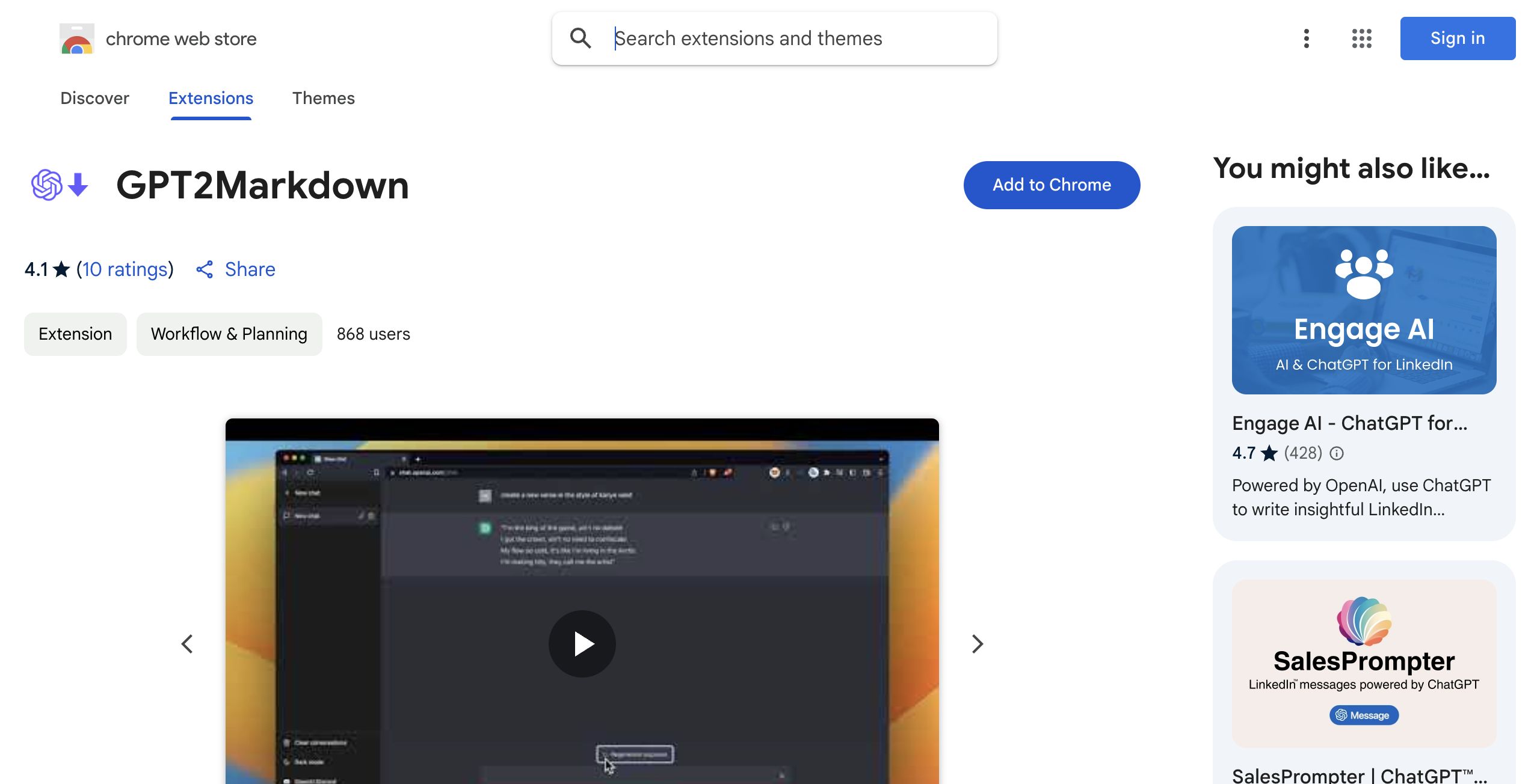
The GPT2Markdown extension is a powerful tool designed to streamline the process of exporting your conversations with ChatGPT effortlessly. With just a single click, users can save their dialogues in a clean and organized Markdown format, making it easy to manage and share. One of the standout features of this extension is its ability to utilize ChatGPT's auto-labeling function, which automatically names files for enhanced organization and accessibility.
This tool is particularly useful for professionals, students, and researchers who wish to archive their interactions for reference or documentation purposes. Whether you want to store conversations in digital tools like Notion or on external storage devices, the GPT2Markdown extension caters to a variety of workflows. Its open-source nature allows users to examine the source code on GitHub, ensuring transparency and fostering community collaboration. Notably, the extension requests only essential permissions, prioritizing user privacy by not collecting personal data. This combination of functionality, usability, and respect for privacy makes the GPT2Markdown extension a valuable resource for anyone looking to enhance their experience with ChatGPT.
Review: GPT2Markdown
Introduction
GPT2Markdown is an innovative Chrome extension designed to export your ChatGPT conversations with a single click into Markdown format. Developed for users who actively engage with ChatGPT and need a seamless way to archive or integrate their conversations into digital tools like Notion or simply store them on external drives, this tool addresses the common hassle of manually copying and formatting dialogue. Given the growing reliance on ChatGPT for brainstorming, note-taking, and project management, GPT2Markdown is being reviewed as a practical solution to streamline digital workflows.
Key Features
The GPT2Markdown extension offers several core functionalities that make it stand out:
- One-Click Export: Quickly convert and export entire ChatGPT conversations into Markdown format, saving users valuable time.
- Auto-Labelling: Utilizes ChatGPT's auto-labelling capabilities to automatically name exported files, ensuring easy organization.
- Open-Source: With publicly available source code on GitHub, the extension promotes transparency and community contributions, while asking only for bare minimum permissions.
- Ease of Use: The simplicity of the one-click export process makes it accessible to both casual users and advanced professionals looking to integrate conversation data seamlessly into their workflows.
Pros and Cons
- Pros:
- Streamlines the process of exporting ChatGPT conversations.
- Auto-labelling reduces manual file management and improves organization.
- Open-source nature promotes transparency and community trust.
- Minimal permissions required, bolstering user privacy.
- Cons:
- Occasional need to reload the page to activate the export button, which might disrupt the workflow.
- Limited to exporting in Markdown format only, which might not suit all users’ preferred file formats.
Final Verdict
Overall, GPT2Markdown is a handy tool for anyone who frequently interacts with ChatGPT and requires efficient methods to archive and manage conversation data. Its one-click export, combined with auto-labelling and open-source transparency, offers excellent value for users who prioritize organization and ease of use. However, professionals who require additional file format options or a more seamless integration without occasional page reloads may find some limitations. In summary, GPT2Markdown is highly recommended for users looking for a straightforward solution to export and store ChatGPT conversations with minimal hassle.
Open 'GPT2Markdown' Website
Your membership also unlocks: