About Harbor
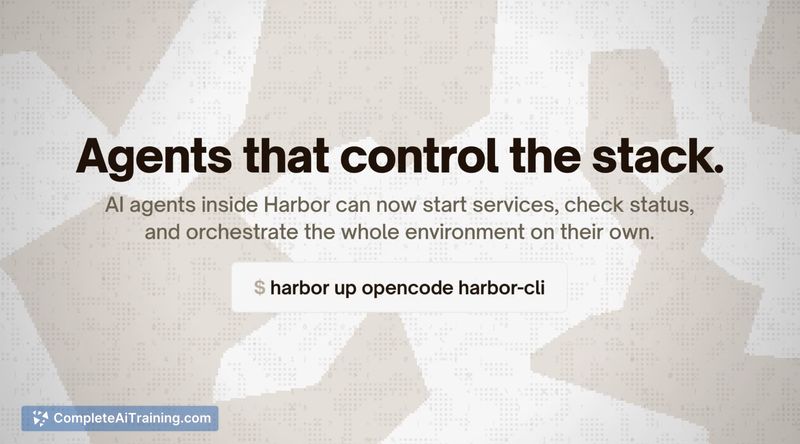
Harbor is a CLI and companion desktop app that spins up complete local LLM stacks with a single command. It wires together model backends, chat frontends, web search, voice, image generation, fine-tuning, and agent tools so they work together out of the box, and it runs everything locally with an MIT license and no telemetry.
Review
Harbor focuses on removing the repetitive setup work required to run local AI services and makes it straightforward to get a functional stack running quickly. The tool provides a sizable catalog of services and features commands that automate service orchestration, model management, and launching agentic workflows against your local models.
Key Features
- One-command orchestration to launch a complete local stack, with automatic wiring between services.
- Large catalog of frontends, model backends, and auxiliary services that can be added by name.
- Model management and configuration profiles to handle downloaded models and runtime options.
- Launch feature for running coding agents against your local stack and exposing web search where needed.
- OpenAI-compatible API endpoint so tools that expect that interface can point at local models.
Pricing and Value
Harbor is free and open source under the MIT license, with no telemetry collection. Its primary value lies in time savings: it removes the need to manually write and debug orchestration files and to wire services together. For users who run local models, that can be a significant productivity gain; the trade-off is that you must provide and maintain the local compute resources to host those services.
Pros
- Saves substantial setup time by automating orchestration and wiring of services.
- Extensive catalog lets you mix and match frontends, backends, and satellites without manual plumbing.
- Runs entirely on your machine with an OpenAI-compatible API, supporting privacy-sensitive workflows.
- Open source and no telemetry, which is attractive for self-hosting and research use.
- Includes both a CLI and a desktop app for easier management on supported platforms.
Cons
- Requires sufficient local hardware and familiarity with running models to get the most out of it.
- Official support is focused on Linux and macOS desktop/CLI; other platforms may need additional workarounds.
- Highly customized or niche setups can still require manual tweaking beyond what the automation covers.
Overall, Harbor is well suited for developers, researchers, and hobbyists who run local models and want an integrated, privacy-preserving stack without repeatedly redoing orchestration. It is less appropriate for users without the necessary hardware or those who prefer fully managed cloud services. If you regularly build or test local LLM workflows, Harbor can substantially reduce friction and setup time.
Open 'Harbor' Website
Your membership also unlocks: