
AI tool
Harness Manager
Harness Manager is a Mac app for developers to track, update, and troubleshoot their installed AI coding tools from a single interface. It also helps users discover new coding harnesses and follow ecosystem news and releases.
About Harness Manager
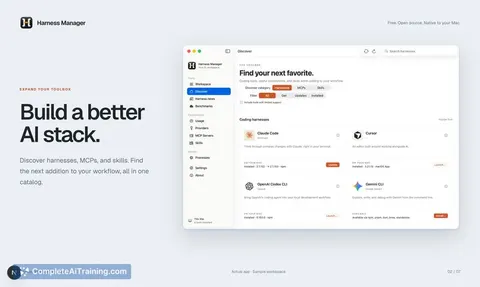
Harness Manager is a native macOS application that acts as a control center for AI coding stacks. It detects already-installed AI coding harnesses such as Claude Code, Codex, OpenCode, and Pi, then displays their versions and file paths. The app also manages MCP servers and AI skills, and can diagnose broken installations or configuration issues.
Review
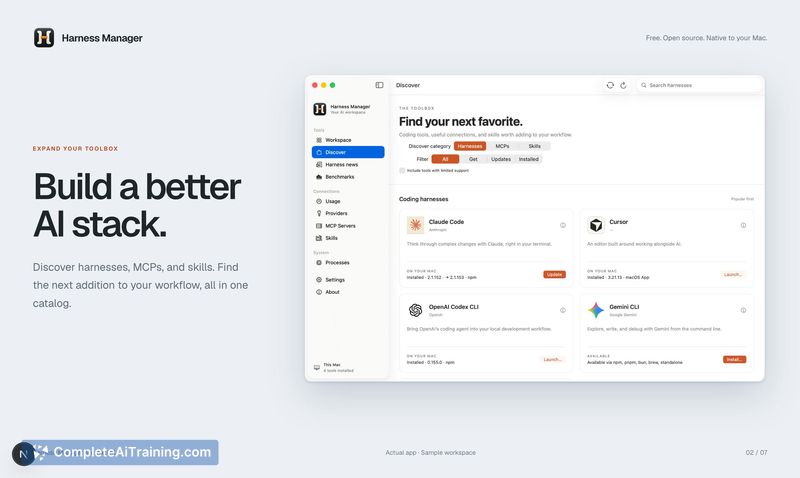
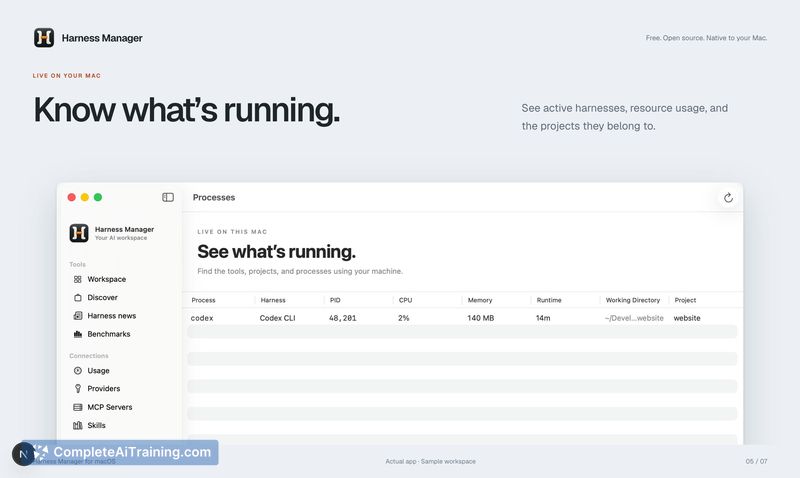
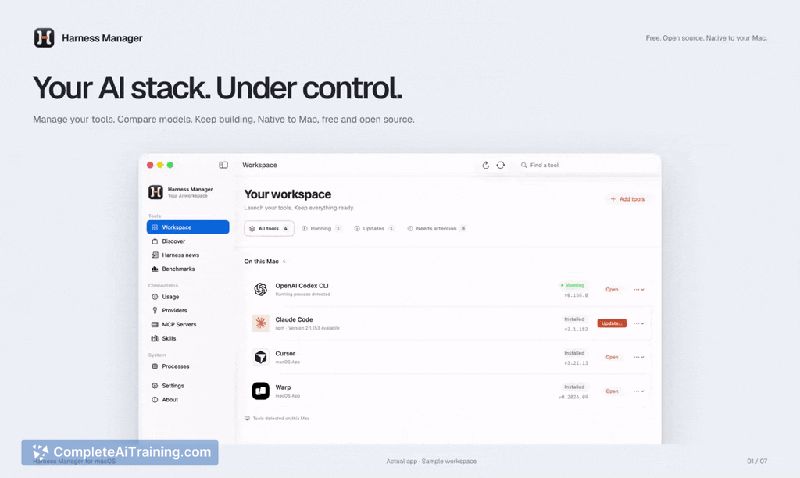
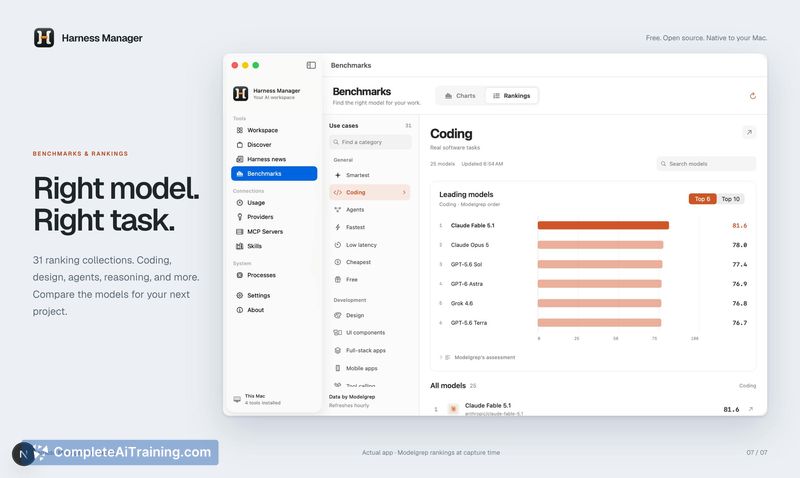
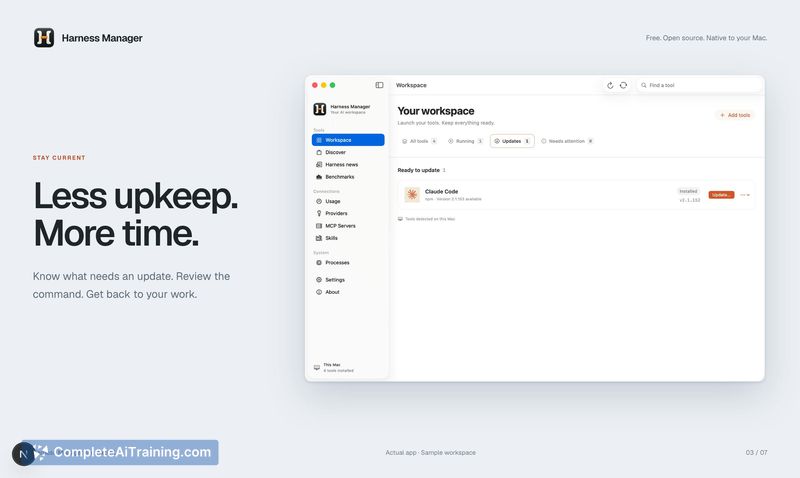
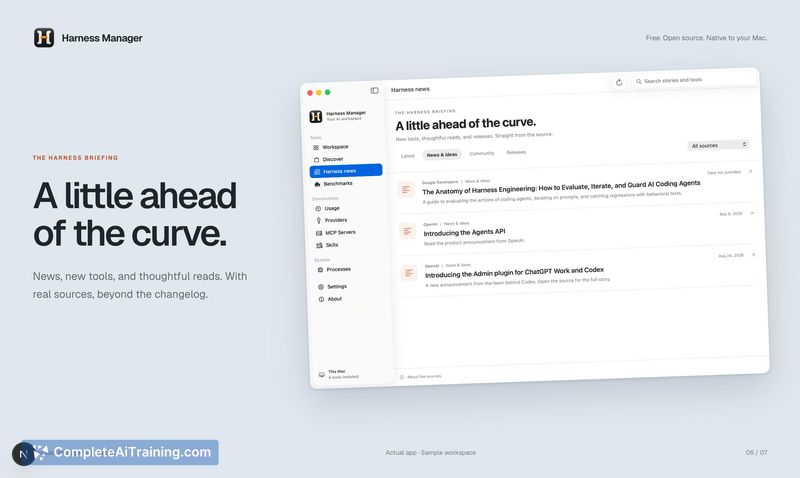
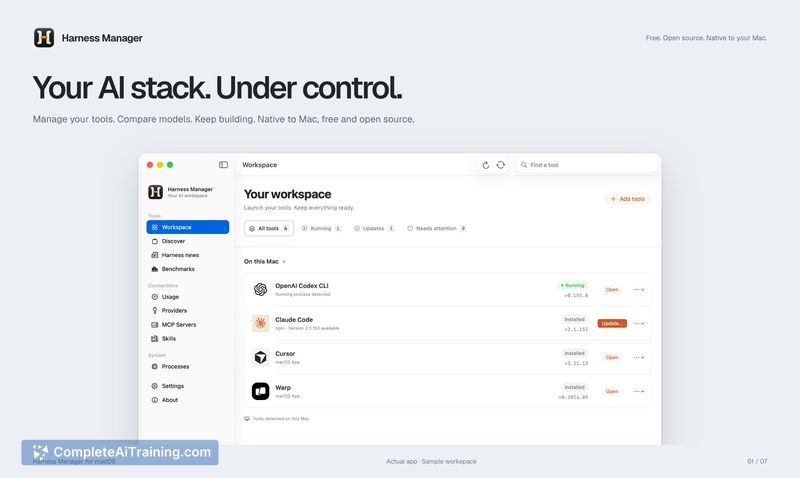
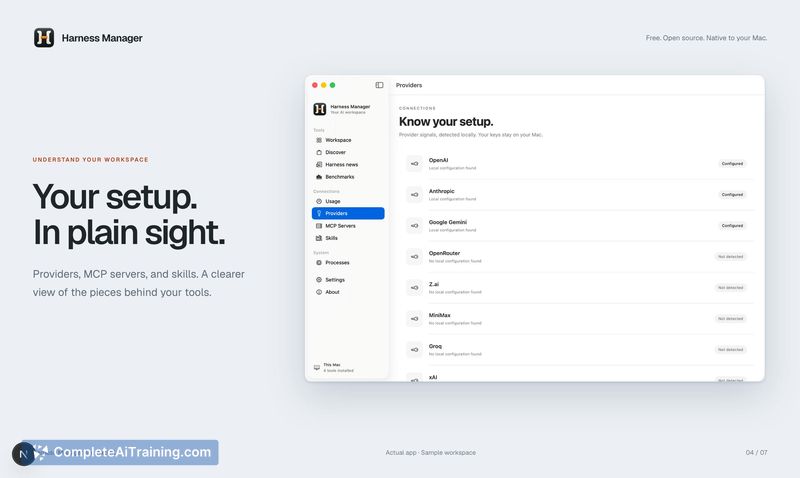
Harness Manager consolidates the scattered pieces of an AI coding setup into a single interface on Mac. Instead of tracking versions and paths manually across multiple terminal commands, users see their full stack in one window. The tool focuses on discovery, installation, updates, and diagnostics - all within a native macOS app built with Xcode and SwiftUI.
Key Features
- Automatic detection of installed AI coding harnesses, MCP servers, and skills, with version numbers and file paths shown directly.
- Diagnostic checks that flag broken installations and configuration conflicts without requiring manual log inspection.
- Discovery and installation of new harnesses as they become available, pulled from an evolving catalog the maker maintains.
- A news section that tracks releases and activity across the AI coding tool ecosystem.
- Native macOS integration using Keychain access, app detection, and process monitoring through SwiftUI and Xcode.
Pricing and Value
The tool launched as a free product. The maker has not published a pricing page or announced plans for paid tiers, so long-term pricing is not yet defined. Right now, all features - detection, installation, updates, diagnostics, and news - are available without charge.
Pros
- Reduces the time spent locating which AI coding tools are installed and where they reside on disk.
- Surfaces version mismatches and broken configs that often go unnoticed until a tool fails at runtime.
- Keeps a running catalog of new harnesses and ecosystem news, so users don't need to track releases across multiple GitHub repos.
- Lightweight native app that follows macOS conventions and starts quickly.
Cons
- The discovery and news features may be redundant for users who already follow individual tool repositories and prefer direct installs.
- As an early launch, the catalog of supported harnesses and MCP servers is still growing; some less common tools won't appear yet.
- It's not suited for developers who work primarily outside the Apple ecosystem, since the app is macOS-only with no announced plans for other platforms.
Harness Manager fits developers who run multiple AI coding tools on macOS and want a single place to check versions, paths, and breakages. It's less useful for those on Linux or Windows, or for anyone who already has a tight manual workflow and doesn't need automated detection. The diagnostic capability alone could justify the install for teams where AI tool configs regularly drift and cause hard-to-trace failures.
Jobs Harness Manager suits
We checked Harness Manager against 500+ jobs; these get the most out of it.



