
About: Illustroke
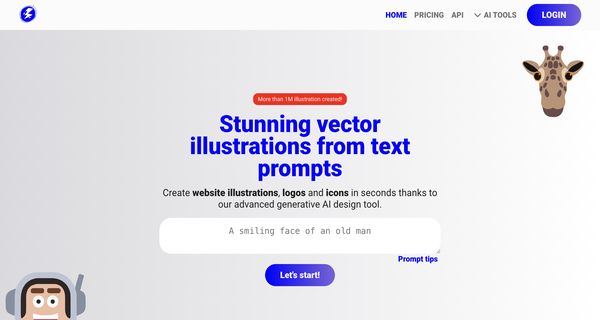
Illustroke is an innovative AI-powered tool designed to transform textual descriptions into captivating vector illustrations. Developed by Digitalbore OU and Fabio Carbone, this tool harnesses advanced algorithms to interpret user-defined prompts, producing high-quality, scalable vector graphics that can be utilized in various creative projects.
Key features include an intuitive interface that allows users to easily input descriptive text, options for customizing styles and colors, and the capability to generate illustrations that maintain clarity and detail at any size. Illustroke is ideal for graphic designers, marketers, educators, and content creators looking to enhance their visual storytelling without needing extensive artistic skills.
What sets Illustroke apart is its ability to understand nuances in language, producing illustrations that closely align with user intent. This unique functionality not only streamlines the design process but also opens up new avenues for creativity, making it an invaluable asset for anyone seeking to bring their ideas to life with professional-quality vector art.
Review: Illustroke
Introduction
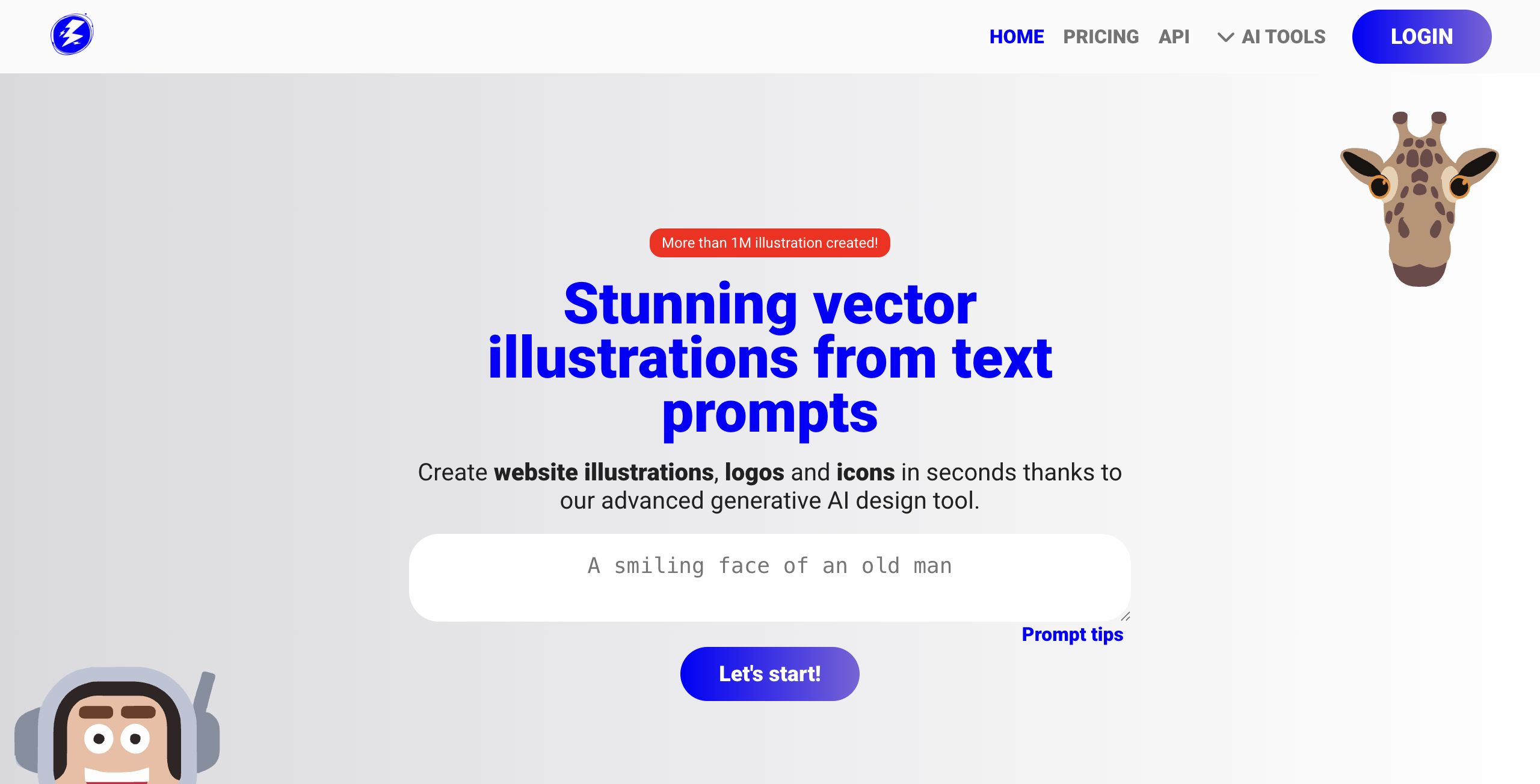
Illustroke is an innovative AI tool designed to generate stunning vector illustrations from simple text prompts. Created by Digitalbore OU and Fabio Carbone, this software caters to graphic designers, web developers, and creative professionals looking for a fast and efficient way to produce high-quality illustrations, logos, icons, and other design elements. Its focus on vector (SVG) output sets it apart in the crowded AI image generator market, making it particularly relevant for projects requiring scalability and easy customization.
Key Features
Illustroke offers a range of standout functionalities that highlight its creative potential and technical advantages:
- Text to Vector Conversion: Transform text prompts into beautiful vector illustrations quickly, ensuring that creative ideas come to life with minimal effort.
- Multiple Style Options: With over 40 available styles ranging from flat to isometric, users can select a format that best suits their design vision.
- High Scalability and Customization: Generated images are provided in SVG format, which means designs can be scaled without any loss of quality. Additionally, users can download a pixelated (PNG) version if needed.
- Intuitive Editing Tools: A built-in editor allows for further customization by adjusting colors, shapes, and even applying animations. Cloud saving options enable easy access and re-editing of projects.
- Integration within a Suite of AI Tools: Illustroke is part of a larger suite of design solutions, making it a versatile addition to a creative professional’s toolkit.
Pros and Cons
- Pros:
- Fast generation of vector illustrations directly from text prompts.
- High-quality scalable vector (SVG) output perfect for various applications.
- Over 40 distinct styles provide creative flexibility.
- Easy customization and editing capabilities with a user-friendly interface.
- Cloud-based saving and project management.
- Cons:
- Limited information on advanced customization settings beyond basic editing.
- The automated generation process might not satisfy users looking for manual fine-tuning on intricate designs.
Final Verdict
Illustroke is a compelling tool for professionals who need to quickly generate and modify vector illustrations. It is especially beneficial for graphic designers, web developers, and creative teams requiring scalable, easily editable images for branding, websites, and marketing materials. While its streamlined, text-driven approach may not offer the depth preferred by users seeking extensive manual control, the speed, range of styles, and high-quality outputs make it a strong choice for many design scenarios.
Recommendation: If you work in digital design or require versatile vector illustrations without a steep learning curve, Illustroke is worth exploring. However, professionals needing granular design modifications might consider complementing it with more sophisticated editing software.
Open 'Illustroke' Website
Your membership also unlocks:

















