About Juggler
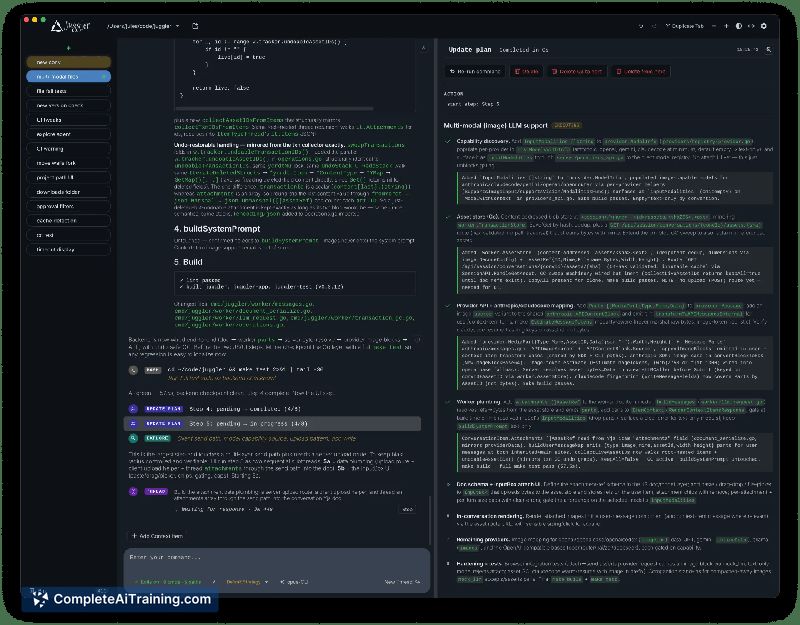
Juggler is a desktop workbench for AI coding agents that arranges tool calls, approvals, thread structure, and raw context into Finder-style columns. It runs as a single Go binary without Node or Electron dependencies, and every tool the model can call is a JavaScript plugin. The application is free and open-source under Apache-2.0 for the extension SDK and AGPLv3 for the app itself.
Review
Juggler takes a visual, tree-based approach to AI coding sessions where most tools stick to linear terminal interfaces. Instead of scrolling through a flat log, you navigate branching conversation threads and inspect the full context JSON directly in the document. The tool connects to LLM subscriptions you already have - Claude Code, Codex, Copilot, Gemini, and others - rather than selling its own API access.
Key Features
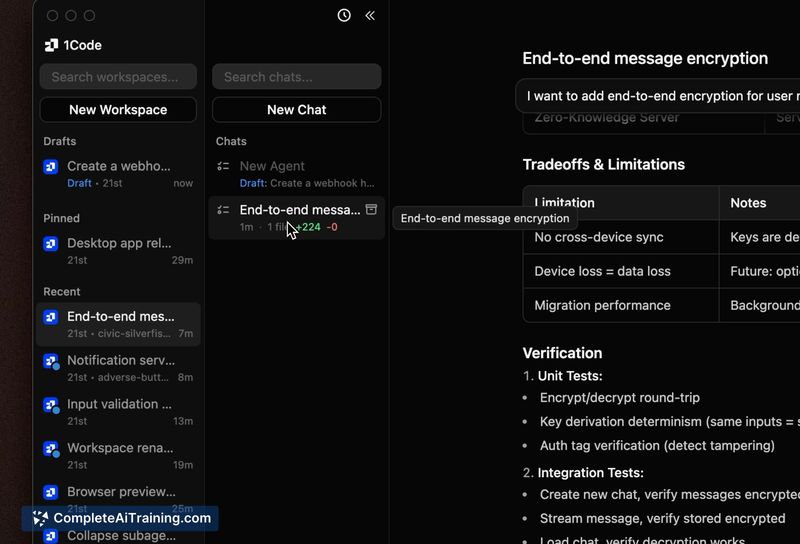
- Finder-style column layout - Tool calls, approvals, thread structure, item properties, and raw context JSON appear in adjacent columns. All of it is editable within the document.
- Branching conversation threads - Any point in a session can fork into a sub-thread, recursively. You can drill down, backtrack, duplicate, undo, and re-open branches without losing earlier context.
- Persistent sessions in a database - Sessions survive quits, crashes, and reconnects. If the agent was paused mid-run waiting for approval, it remains in that state after a relaunch, even from a different device.
- Multi-client, headless operation - One session supports multiple live client views simultaneously. Run Juggler headless on a build machine and attach from a desktop app on a laptop and a browser on a phone at the same time.
- Pluggable JavaScript tools - Every tool the model calls (read, write, bash, and others) is a JS extension you can inspect, fork, or replace. Loop strategies, slash commands, and file viewers use the same plugin system. The command
juggler ext initscaffolds a working extension.
Pricing and Value
Juggler is free and open-source. There is no signup, no paid tier, and no bundled LLM API costs - you supply your own API keys or connect subscriptions you already hold. The project is a one-person side project, not a commercial product, so pricing is not a factor in adoption.
Pros
- Branching thread model lets you isolate experiments and backtrack without polluting the main conversation.
- Direct access to raw context JSON and editable properties gives visibility that terminal-based agents typically hide.
- Runs as a single Go binary with no Node or Electron dependency, which keeps the footprint small.
- Sessions persist in a database, so a crash or deliberate quit doesn't lose the conversation state.
- Extension system uses standard JavaScript, and scaffolding a new plugin takes a single command.
Cons
- Plugin documentation is thin - a user review noted that writing a custom JS plugin currently requires reading example plugins in the repository rather than following a guide.
- The column-based interface has a learning curve for developers accustomed to terminal-only agent workflows.
- Juggler is not well suited for users who want a fully autonomous agent that runs unattended without visual oversight; the design emphasizes hands-on control and mid-run redirection.
Juggler fits developers who want to see and steer what their coding agent is doing at each step, especially when debugging where a generation went wrong. The branching model and persistent sessions make it practical for long-running tasks split across multiple machines. Teams that prefer a fire-and-forget agent or need polished plugin authoring docs may find the current experience rough.
Open 'Juggler' Website
Your membership also unlocks: